AI Lookbook Generator
An AI lookbook is a collection shown as editorial pages, with photos made by AI: your products worn by models, in the poses and places you choose. Generate the photos, then build and share the lookbook, in one tool. Free to start.Start free
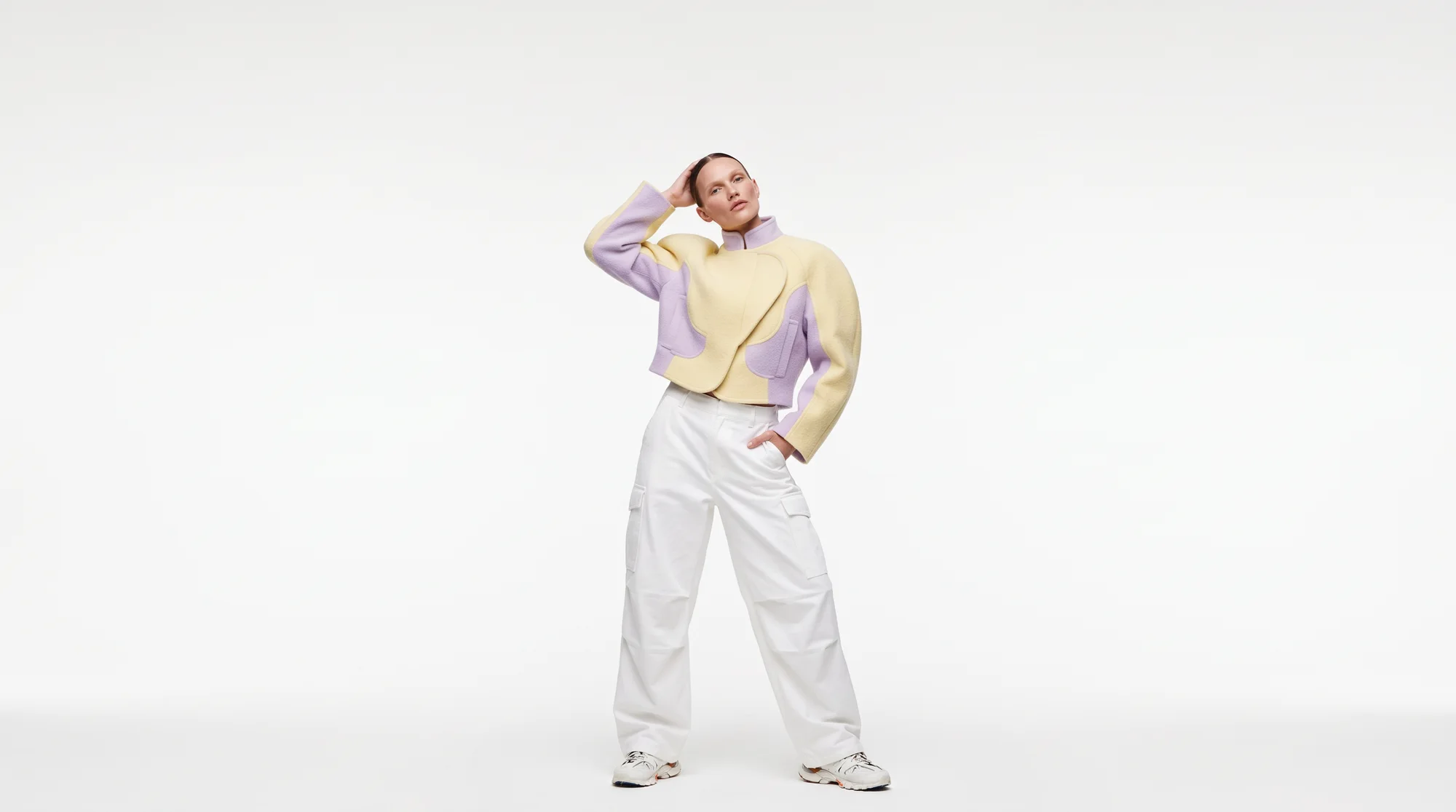
From product photos to a lookbook online
Most AI lookbook tools stop at the photos, or start from photos you already have. The New Black does the whole path in one place: the pictures of the collection, then the pages they are shown on.
- Step 1
Generate the photos
Start from a photo of each product. Product to Model puts it on an AI model; describe the pose, the framing and the place, and make as many looks as the collection needs — a new scene, a close-up, an editorial video.
Create AI models for clothes - Step 2
Build the lookbook
Start a New lookbook and Select from Studio your looks: the first is the cover, the others follow in the order chosen, laid out for you up to the credits. Reorder the pages, change a layout, set the paper, the type and the format.
Editorial lookbook shots - Step 3
Share it online
Put it online and the lookbook gets its own address, following your edits. Send the link to a buyer, add it to your Shopify store, your bio or an email — and take it offline whenever you like.
Start free
Lookbook photos made with AI
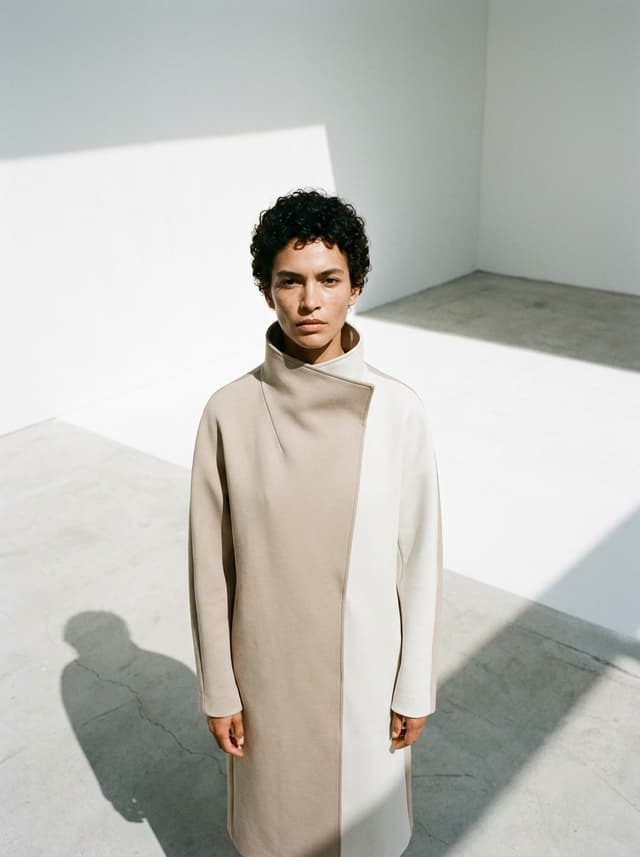
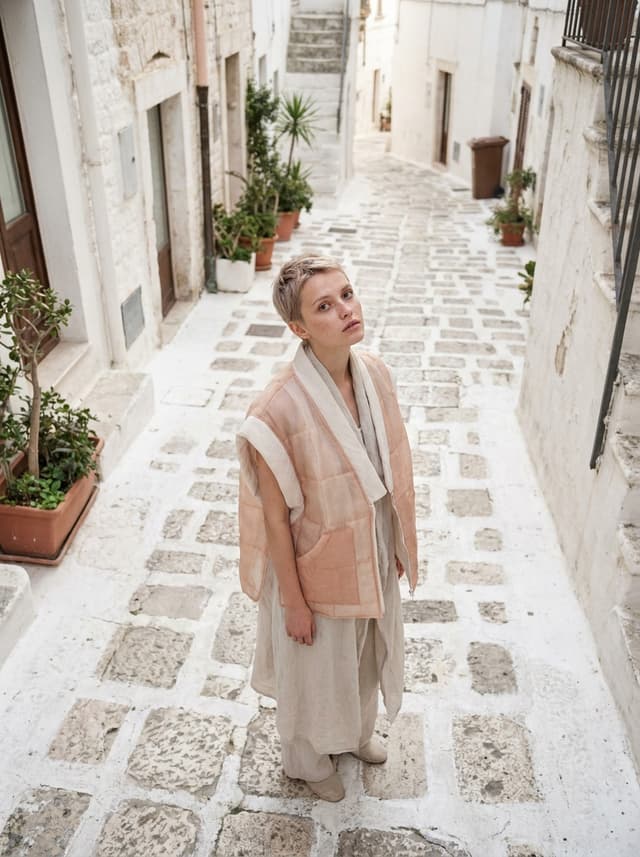
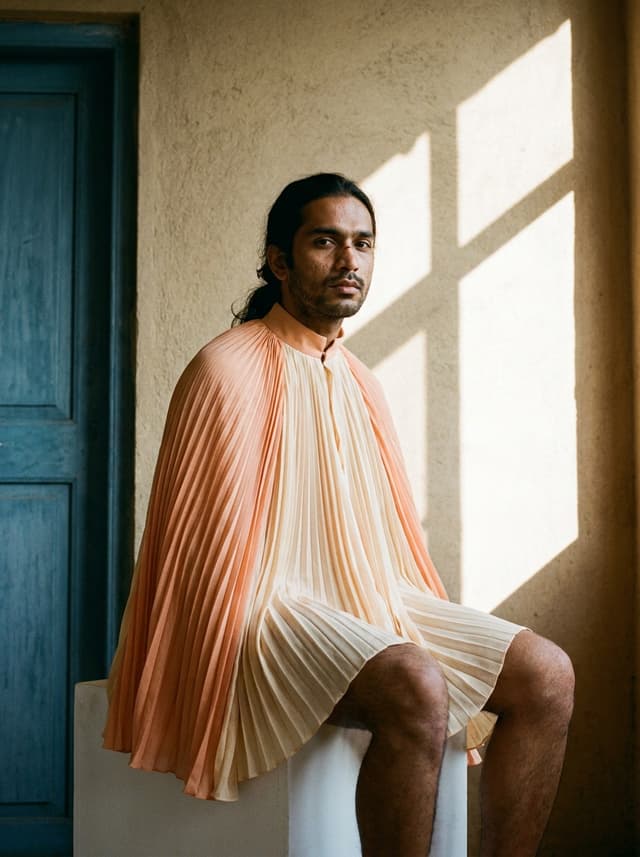
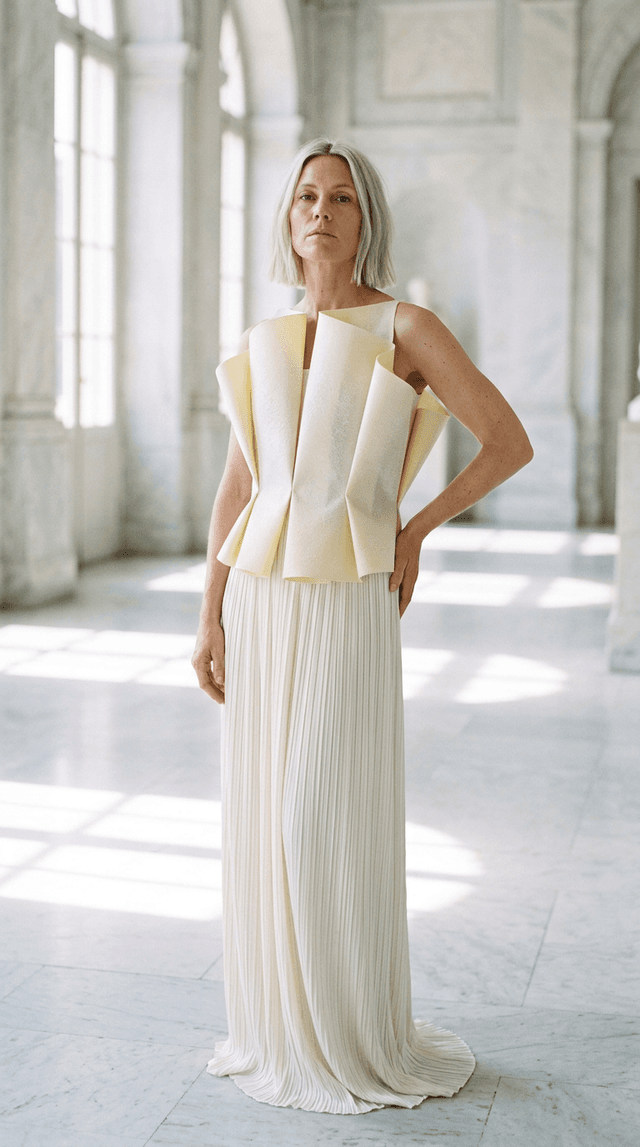
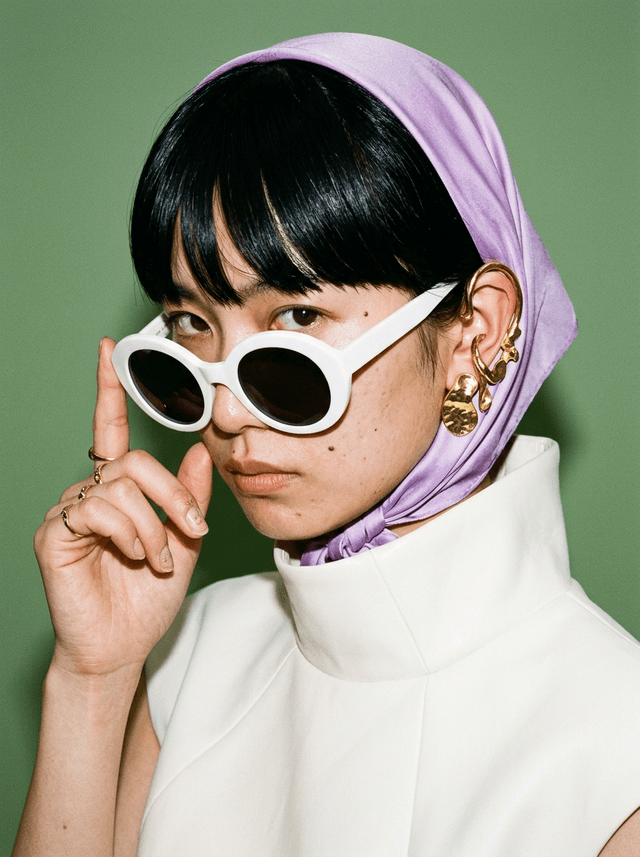
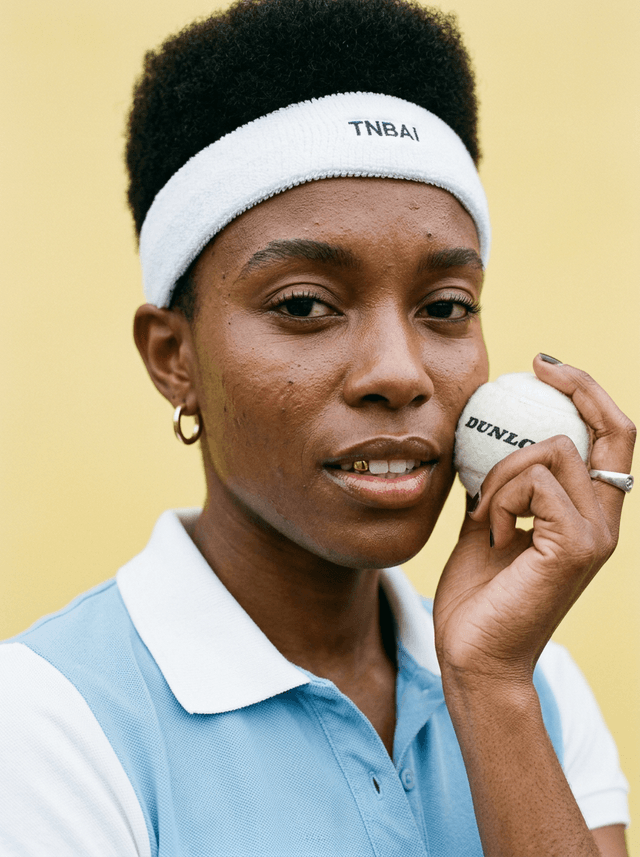
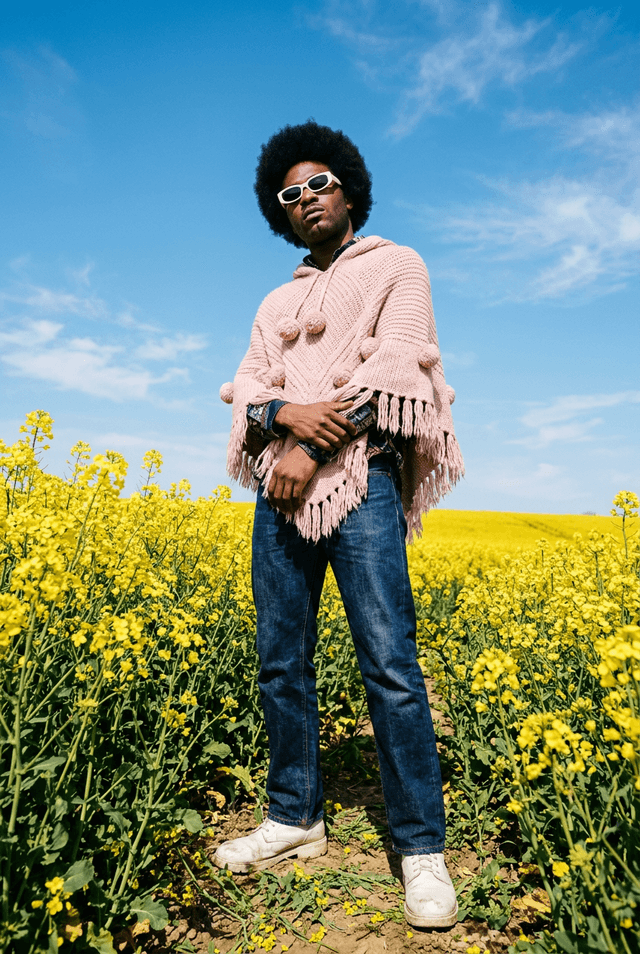
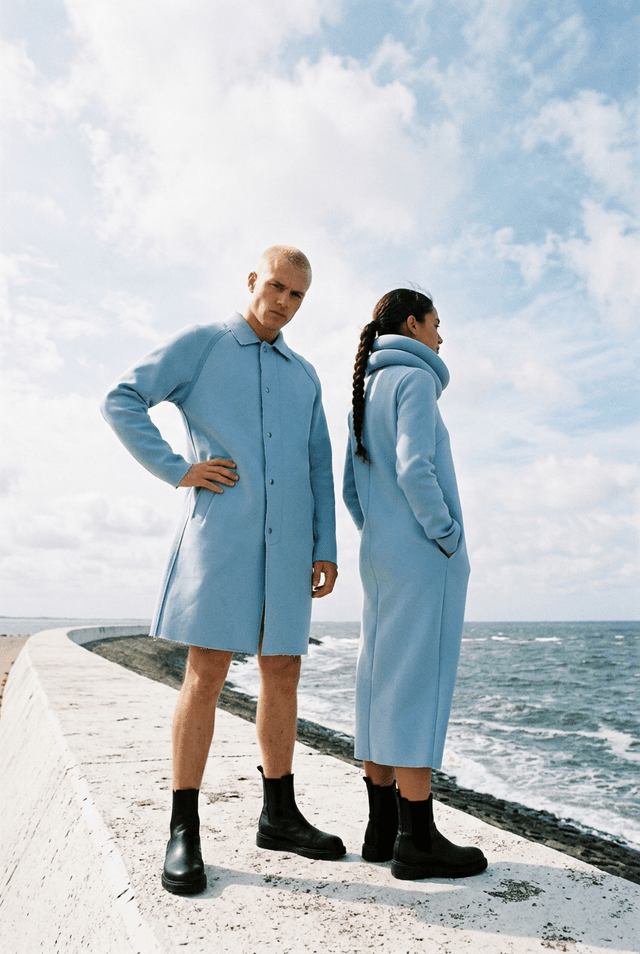
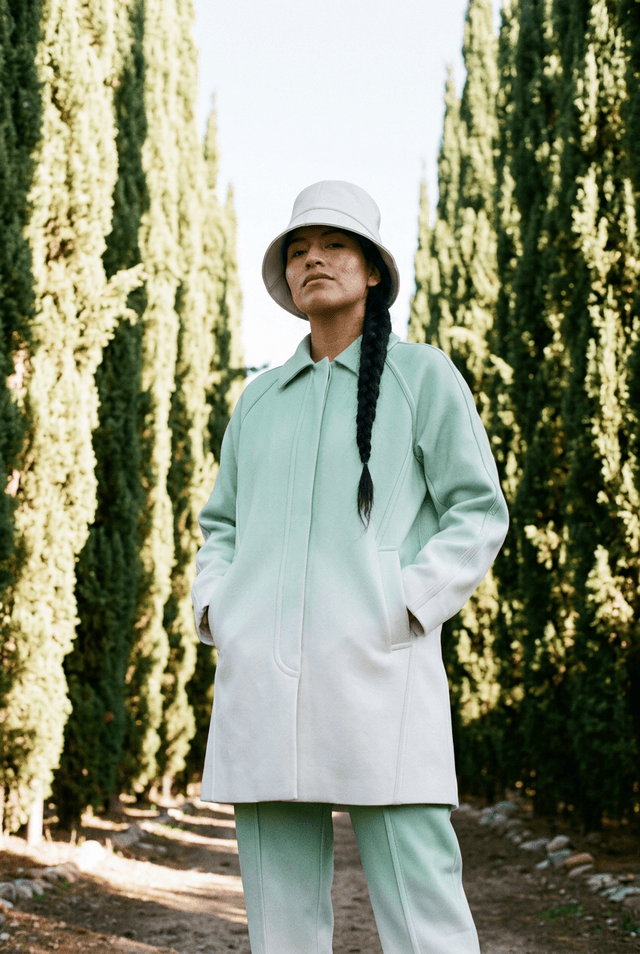
Every picture below was generated in the Studio: models, poses, framings and places described in a sentence, the clothes kept as they are. The kind of looks a lookbook is built from.
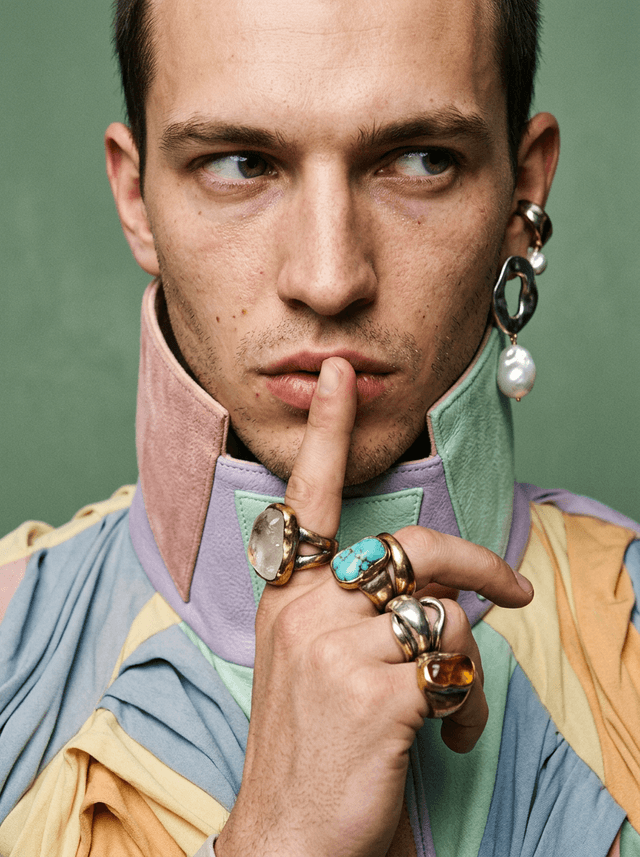
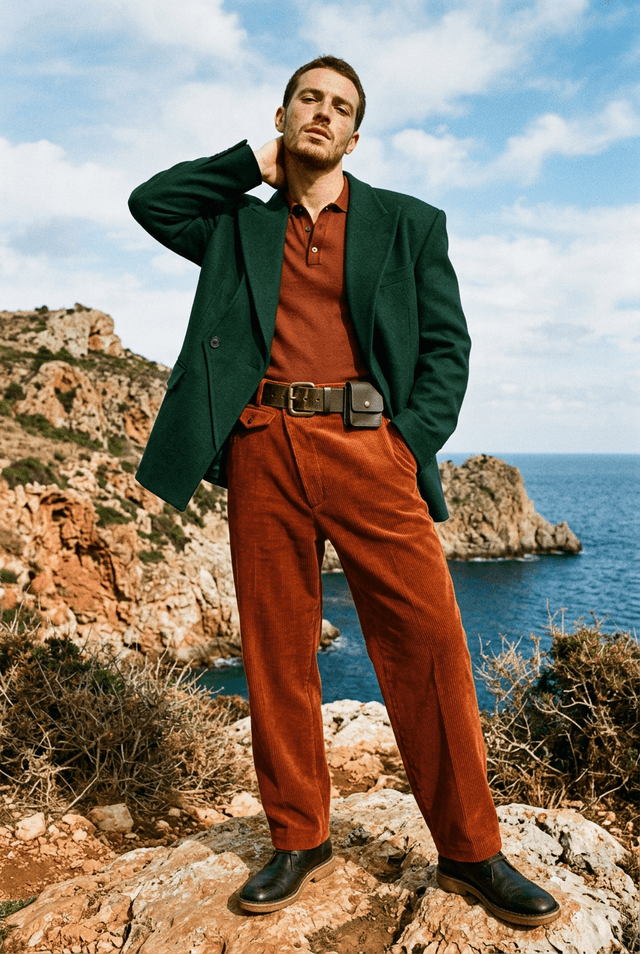
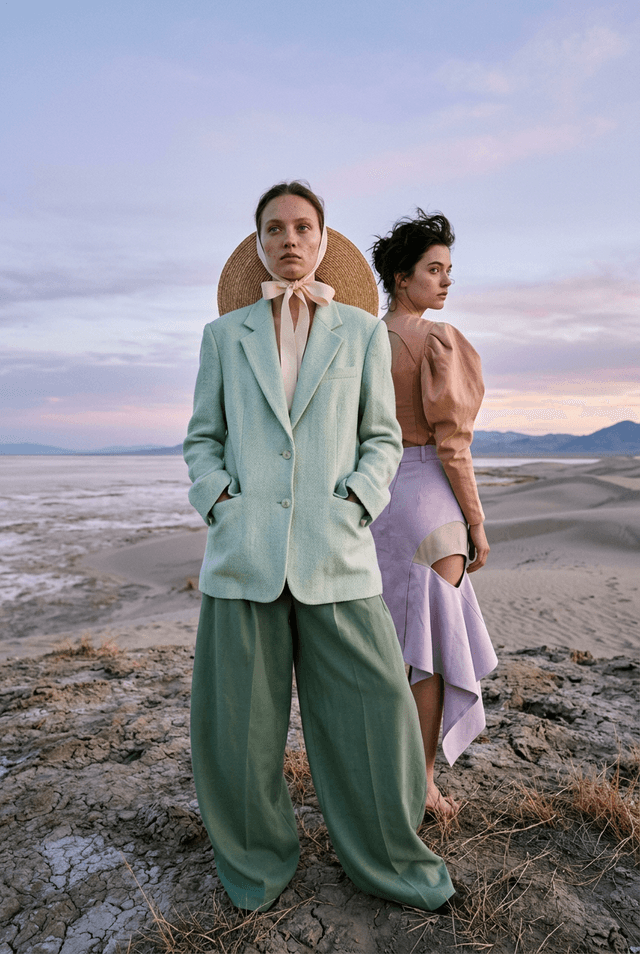
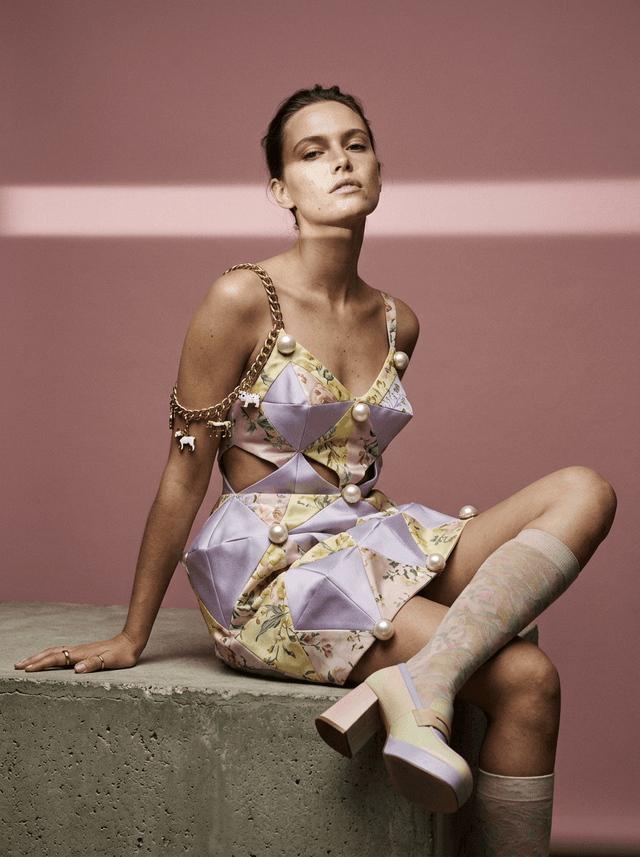
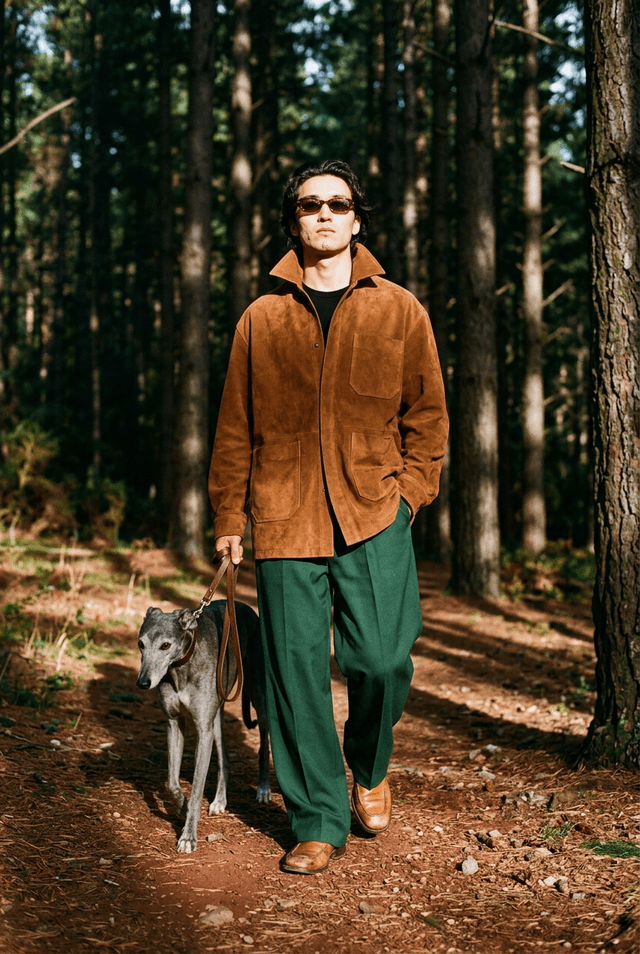
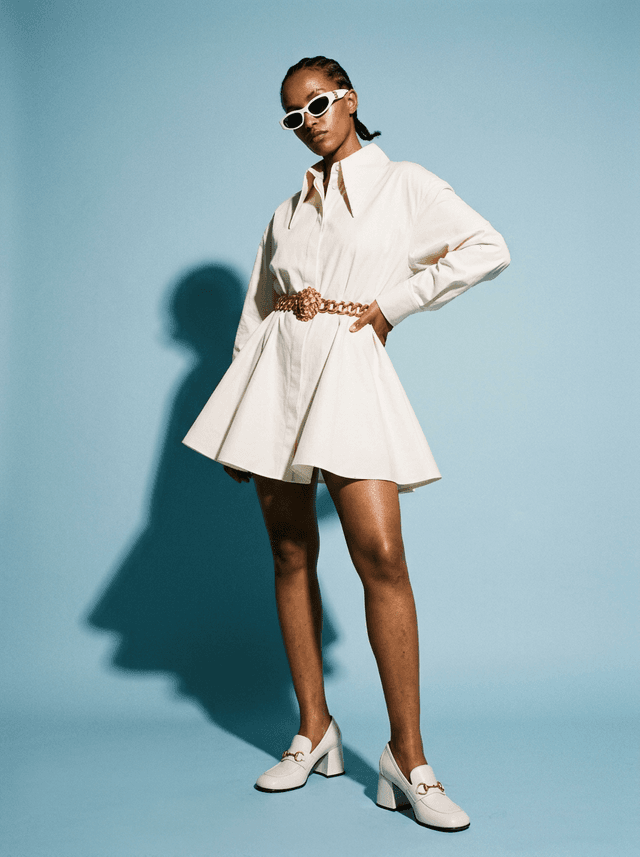
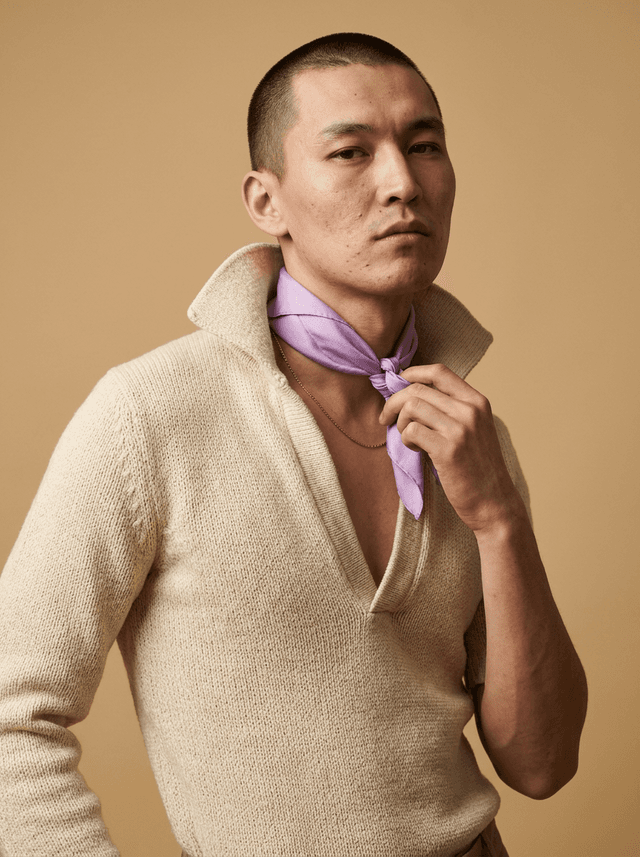
Pages, not posts
A collection deserves better than a grid of files. The AI Lookbook turns the creations you already have into editorial pages — full-bleed looks, paired spreads, captions where they belong — arranged in the order you want a buyer, a factory or a follower to read them. Composed in minutes, from the same library your whole team already works in.
Editorial by construction
Every page is a canvas: place a look full-bleed, pair two, add a caption. The spreads read like a magazine because they are built like one.
From your own creations
Designs, models, try-ons, campaign images — everything in your studio library can take a page. Nothing is re-uploaded, nothing is re-made.
Made to be shown
One document to hand a buyer or a factory, page images sized for your channels — the lookbook leaves the atelier ready to travel.
The page layouts
| Layout | What it holds |
|---|---|
| Cover | One picture, the lookbook's name and a line above it |
| Opening | A title and a few lines of intent |
| Full page | One look, edge to edge |
| Framed | One look in white space, pieces below |
| Diptych | Two pictures side by side — two views, or a look and its detail |
| Triptych | Front, back and detail of one look |
| Double page | One picture across both pages — the book's strong moment |
| Credits | Photography, styling, contacts |
A classic lookbook and an AI lookbook
| Classic lookbook | AI lookbook | |
|---|---|---|
| The photos | A shoot: models, studio or location, a photographer | Generated from your product photos, on the models and in the places you choose |
| A missing look | Another shoot day | One more generation |
| The pages | Laid out in design software | Laid out for you from your looks, in the same tool |
| Sharing | A PDF sent by email | A link online that follows your edits |
Free with every account — two lookbooks online, unlimited with a plan.
Learn
AI fashion models and editorials
How brands produce editorial visuals with AI models instead of a photoshoot, consistent across e-commerce and campaigns.
ReadAI runway model generator
The whole runway scene from a text description: the walk, the catwalk light, the audience, a design shown as if it had walked a show.
Read