Turn Sketch into Design with AI
Sketch to image AI takes the drawing you already have and returns a realistic picture of it. Upload a hand drawn concept or a flat sketch, and the feature turns it into a finished image: a quick preview of an idea, a drawing rendered as a real garment, or a polished visual for a portfolio. The New Black AI reads the lines you drew and dresses them in the material, color and light you asked for, which is how any sketch becomes an image you can actually show.
- 1Upload your sketch
- 2Describe the image you want out of it
- 3Keep going from the same drawing
This demo was recorded in our previous interface — an updated video of the new studio is on its way.
How it works
Upload your sketch
Bring in the drawing as it is. For the best results, the lines should be black on white so they stand out clearly and the AI can read the shape without guessing.
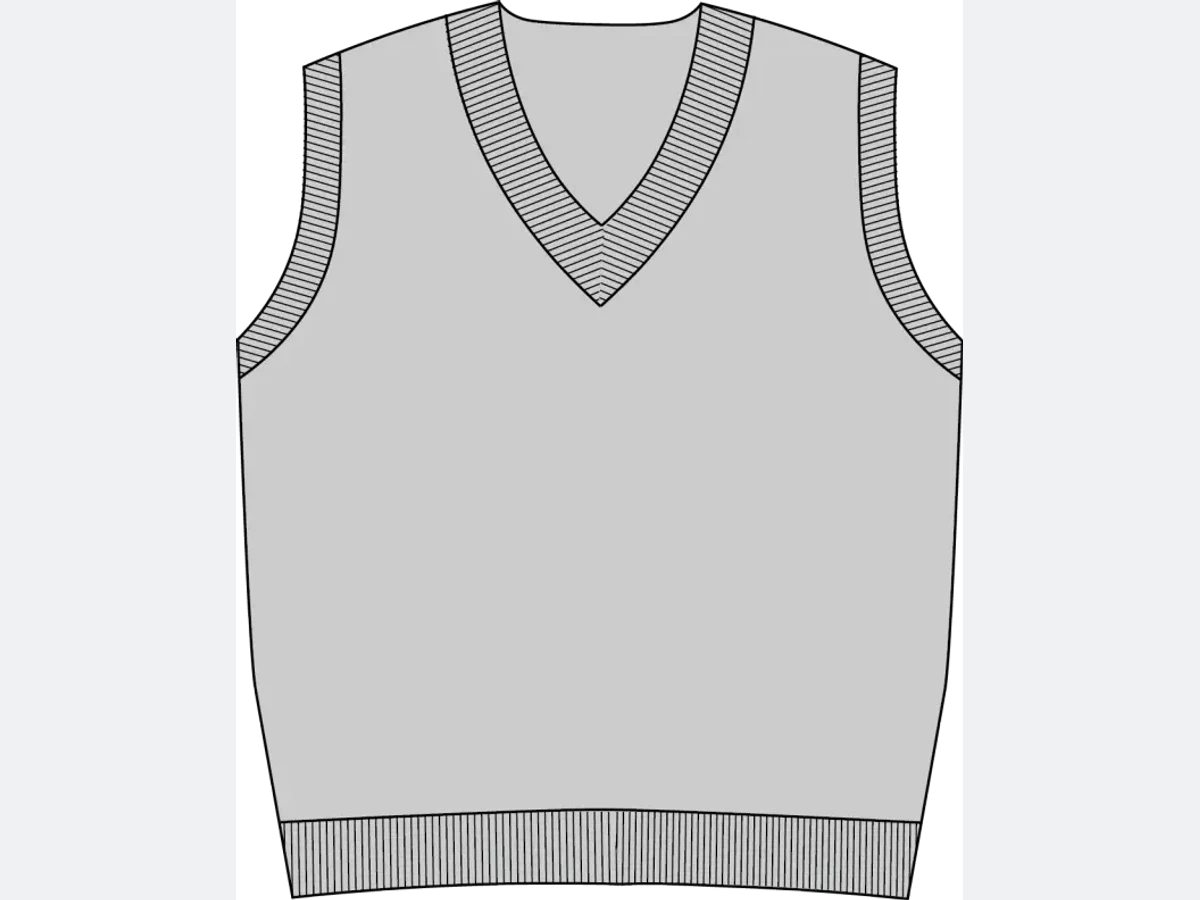
Describe the image you want out of it
Write down the final design: colors, style, type of garment, the details that matter. Anything that helps the AI understand how the piece is meant to be made is worth putting in the description.
Keep going from the same drawing
One sketch is enough for many designs. Change the description and run it again, and the same lines come back in another fabric, another color, another treatment. The limit is what you can describe.
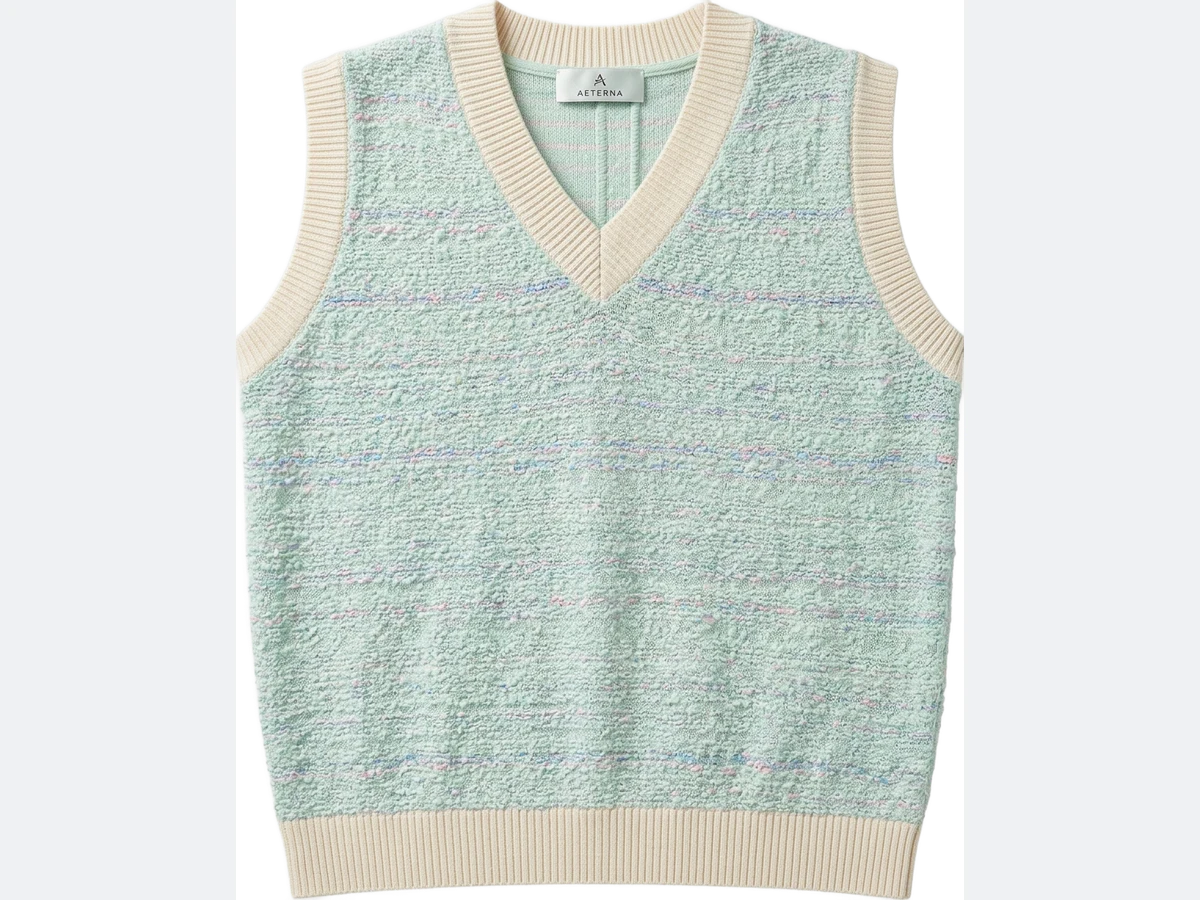
Turn your first sketch into a design
Open the studio, upload a drawing, and describe what it should become. From there you can put the result on an AI generated model, or look through the rest of the features catalog.
Frequently asked questions
What kind of sketch works best?+
Black lines on white. When the lines stand out clearly the AI can read the shape without guessing, whether the drawing is a hand drawn concept or a flat sketch.
What should I put in the description?+
The final design as you see it: colors, style, type of garment, and the details that matter. Anything that helps the AI understand how the piece is meant to be made is worth writing down.
Can one sketch produce several designs?+
Yes. Change the description and run the same drawing again, and the lines come back in another fabric, another color, another treatment. The limit is what you can describe.
What can I do with the finished image?+
It lands in your studio grid, organised in projects, and stays reusable: put it on an AI generated model, run a virtual try on, or upscale it to HD for a portfolio. The studio runs in the browser with nothing to install, and signup comes with free credits.
Can I use the designs commercially?+
Yes, commercial use is allowed on paid plans, so a sketch that renders well can go from drawing to portfolio to production visual.
Try it yourself
Everything on this page was made in the studio. Your first designs are minutes away.
Open the studio