AI Agents for Fashion Brands
An AI agent on The New Black AI is an assistant you hire inside your own account. It works with the same studio, the same credits and the same connected platforms as you: it generates visuals, drafts and reviews tech packs, reads the files you give it, and publishes to your Shopify store and your social accounts, on request or on a schedule. Agents are open to the Business and Enterprise plans; Enterprise includes one agent, and every other agent is $30 a month.
- 1Hire an agent
- 2Give it a role
- 3Chat, give tasks, schedule them
- 4Connect your platforms and decide what it publishes alone
- 5Check the work

What you can ask an AI agent: examples, not a menu
An agent is not a chat window that answers questions, and it is not limited to a fixed list of tasks. It has hands: every function of the product is a tool it can call on your behalf, it reads the web and the files you give it, and it can be asked for anything those hands can reach. The examples below are a starting point. Agents are powerful and creative, and the best uses are the ones you invent for your own brand.
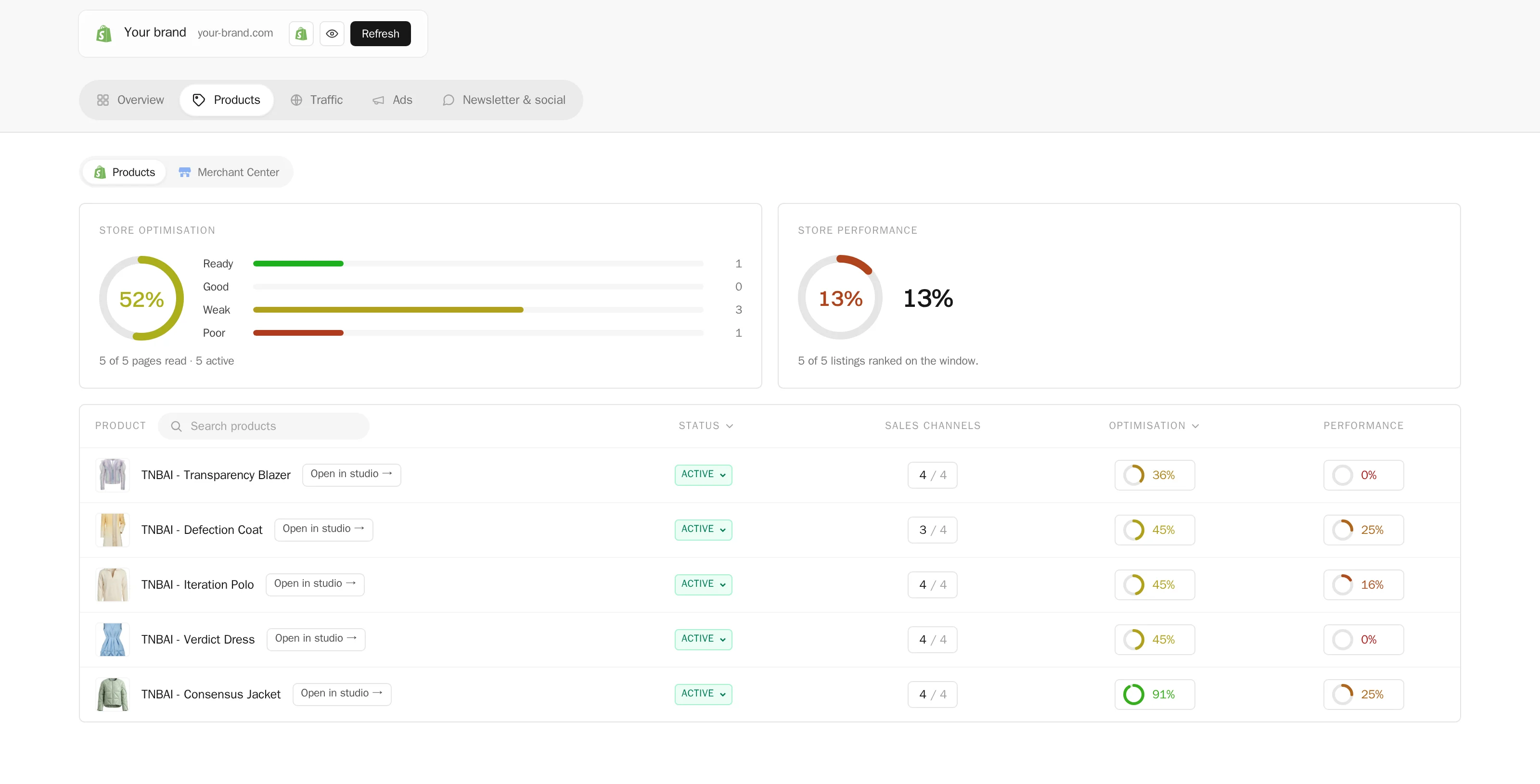
- Store visuals. "Check my Shopify products without a visual and make one for each, on the same model." It lists the store, generates one picture per product, and files each under its product for you to publish.
- A collection before the drop. "Create three variations of my last design, on a model, ready for Instagram." Variations, models, try-ons, flat lays, videos, with your Visual DNA so it stays on brand.
- Tech packs. "Here are the photos of the coat: draft the tech pack, run the review, export the PDF." Header, construction, sketch with callouts, size chart, then the factory's questions before the factory asks them.
- Documents into work. "Read the supplier's price list I dropped in Files and fill the bill of materials." PDF, Word, Excel, PowerPoint, text and images.
- Watching the web. "Crawl this competitor's new arrivals every Monday and tell me what changed, with links." Reading a page or a whole site is a task like any other.
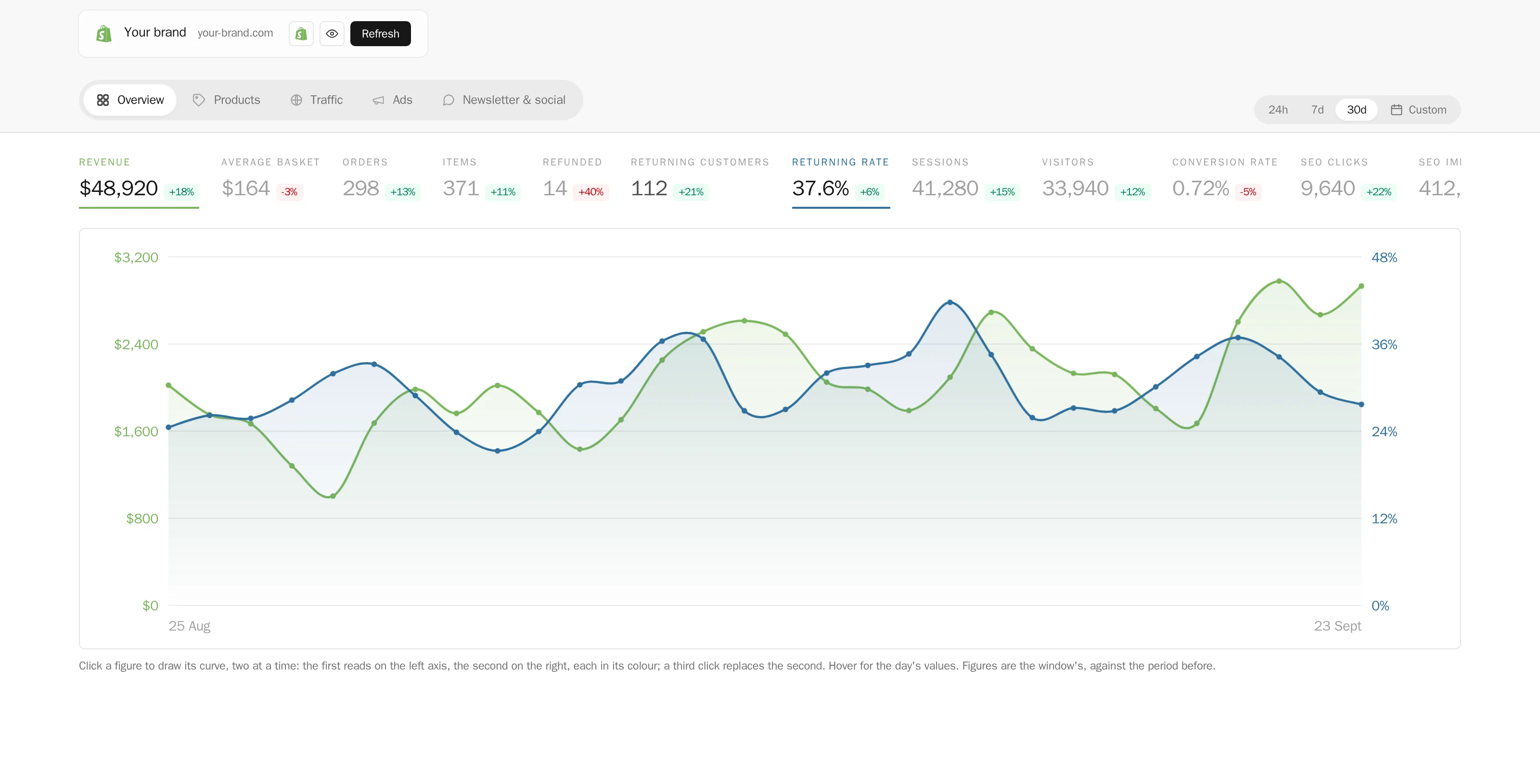
- Recurring reports. "Every Friday, list what was created in the studio this week, by whom, and what it cost." Intelligence on your own account, delivered without asking twice.
- Research and briefs. "Read these three trend articles and give me a one page brief with what applies to my next drop."
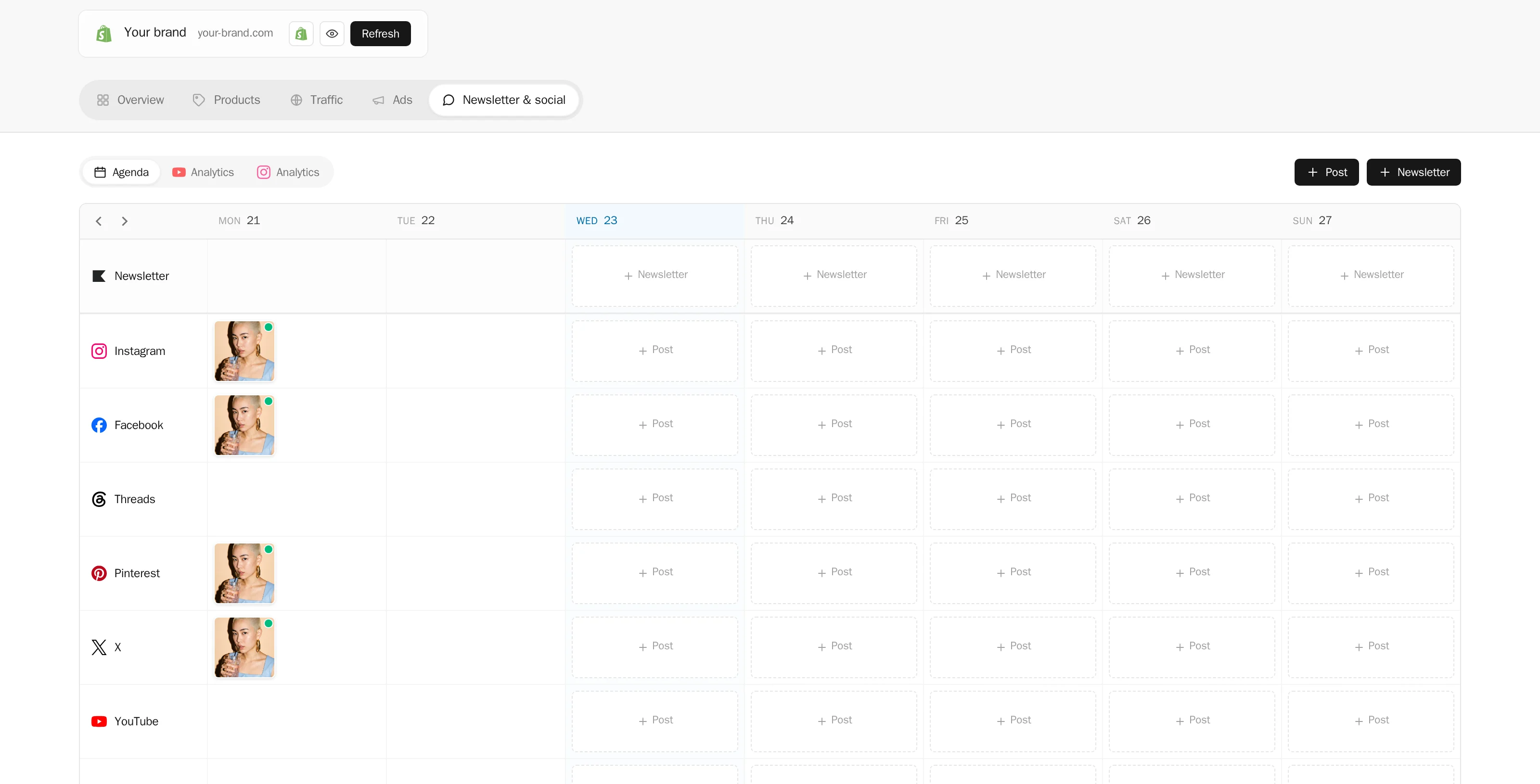
- Publishing. "Post my newest product photo on Instagram and Pinterest every Monday at nine." Through the connectors of your account, with your validation or without it, as you decide.
It learns as it works
In Role & Learning, the agent keeps short notes about your brand, your preferences, what it has already made and what went wrong: a colour you refused, a supplier's reference, the model you like for the lookbook. It reads them before the next task and updates them after. You read them too, and you can forget any of them. The second task is faster than the first, and the tenth knows your brand.
It works while you are away
This is the point. A task can be scheduled once, at a date, or made recurring: every Monday at nine, every first of the month. It runs whether you are in front of the screen or not, and the report waits for you in the conversation, with what was made and what it cost. Run your brand while you sleep is the short version; the long version is that you no longer need to be there for the work to happen.
How it works
Hire an agent
Open AI agents in your profile and click Hire new agent. Give it a name; that is all the hire window asks. On Enterprise the first agent is included in the plan. On Business, and for every extra agent, hiring starts a $30 a month subscription on the card of your plan, charged in full on the day of the hire and renewed each month until you fire it.
Give it a role
In Role & Learning, write a role title and a short description: Product photographer, Catalogue assistant, Social media manager. The role is shown everywhere the agent appears. Instructions for a job go in the chat, not in a settings page; what the agent should keep in mind over time, it writes down as notes you can read and edit.
Chat, give tasks, schedule them
The AI agents button in the menu opens the conversation. A request can be small or heavy, and it can be anything the studio, your files, the web and your platforms allow: "create three variations of my last design, on a model, ready for Instagram", "check my Shopify products without a visual and make one for each", "every Monday at 9, post my newest product photo on Instagram and Pinterest". Below a threshold you set, Ask me first above, 10 credits by default, the agent just does the work; above it, it answers with a short plan and the estimated cost, and waits for your go. Stop a task at sets a ceiling for one request, 100 credits when the agent is hired; you can raise it, lower it, or leave it empty for no ceiling.
Connect your platforms and decide what it publishes alone
In Connectors, plug the Shopify store and the social accounts of your brand once; every agent of the account can use them. For each connector, each agent has an Ask before posting switch, on by default. Switched on, a Shopify visual waits under its product in your gallery until you publish it, and a social post waits in the To validate tab of your posts with its picture, caption, account and date, where you validate or cancel it in one click. Switched off, the agent publishes or schedules on its own. TikTok always asks, because TikTok wants your own choice on every post.
Check the work
Every creation an agent makes is signed with its name and picture. When it works on a tech pack, the document wears a badge and is read only for you until the task ends. The conversation shows what it did, what it spent, and a Stop the current task button. When the account runs out of credits, the agent stops and says so.
What it costs
- The plan. Business at $65 a month or $650 a year opens hiring. Enterprise at $195 a month or $1,950 a year opens hiring and includes one agent. Legacy plans, Starter and Pro cannot hire; the tab shows the plans instead.
- Each agent. $30 a month, on its own subscription, full price on the day of the hire, no proration, renewed monthly. Fire lives in Billing: the agent leaves at the end of its billing month, and a Keep button undoes it until the last day. If the plan that allows agents ends, the agents leave the same day; what they made stays in your account, and their notes are kept thirty days.
- The work. Generations cost their usual credits, the same as when you click them yourself. The agent's reasoning is billed in credits at cost, by the tenth of a credit, and shows in your credit history under its name. There is no other fee.
What to expect
An agent is powerful and creative, and the result of a task depends on what it is asked and on the material it is given. Start small: one specific task, at a small scale, checked, before anything is scaled up. Credits an agent spends are spent, like yours. The agent cannot do anything the product cannot do: it uses the same workflows, the same connectors and the same limits as your account. Today it does not read or send email; that connector is being designed.
Who can talk to it
The account leader hires and fires. Every member of the team can talk to the agents of the account and give them tasks. Several agents can be hired on one account, each with its own role and its own notes, all drawing on the same credit balance.
Frequently asked questions
Which plans can hire an AI agent?+
Business and Enterprise. Enterprise includes one agent in the plan; on Business every agent is $30 a month, and so is every extra agent on Enterprise. Starter, Pro and legacy plans cannot hire.
How much does an AI agent cost in total?+
The plan, plus $30 a month per agent beyond the included one, plus the credits the agent uses. Generations cost their normal credits; reasoning is billed in credits at cost, by the tenth of a credit. A short task with one image costs about one credit of generation and one to two credits of reasoning.
Can an agent spend all my credits?+
It stops when the account balance is at zero, and it can be stopped at any moment. Two settings bound it before that: Ask me first above, the price over which it asks before starting, and Stop a task at, a ceiling for a single request, set to 100 credits when it is hired.
Does the agent publish without asking?+
Not unless you decide so. Each connector has an Ask before posting switch per agent, on by default: Shopify visuals wait under their product, social posts wait in To validate. You switch it off connector by connector when you trust the agent with it. TikTok always asks.
Can I hire several agents?+
Yes, without limit. Each one has its own name, picture, role and notes; they share the credits of the account. The leader hires and fires, the whole team can work with them.
What happens when I fire an agent?+
It keeps working until the end of its billing month, then leaves. Until the last day, a Keep button in Billing cancels the departure. Its creations stay in your account like any other; its notes are kept thirty days.
Which AI does the agent run on?+
The agent works at one of two reasoning levels chosen in its settings: Standard, quick and economical, around 0.2 credit per exchange and more when it works on files or pictures, or Expert, for judgement calls on a whole collection or a difficult tech pack, about four times the price of Standard. The models behind each level are updated as they improve, without any change on your side.
Can my teammates use the agents?+
Yes. Every member of the team can chat with the agents and give them tasks. Only the account leader can hire, fire, and change an agent's settings.
Try it yourself
Everything on this page was made in the studio. Your first designs are minutes away.
Open the studio