How to Create AI Generated Model Videos
21 January 2026
AI generated model videos have become a working tool for fashion brands rather than an experiment. With AI models, a company can show clothing, jewelry, bags, and other accessories in motion without organizing a traditional video shoot. The result is high quality visual content produced faster and at lower cost, which suits brands that need quality, speed, and flexibility at the same time.
1. Understanding AI models for fashion videos
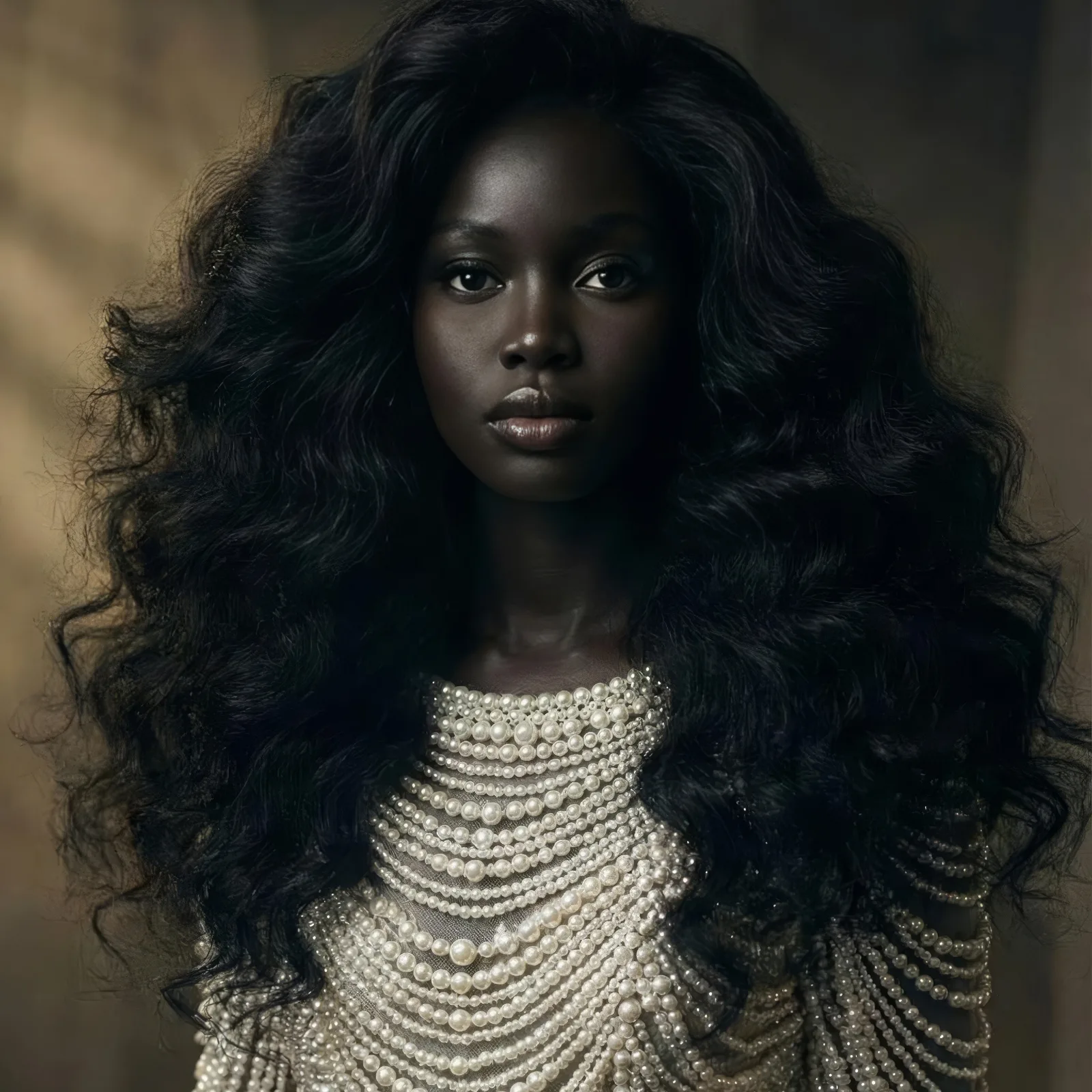
AI models for fashion are digital human characters built to wear and present products realistically in video. They can walk, turn, and pose so a garment reads naturally on screen. Brands use AI models for clothing, jewelry, and bags to demonstrate fit, movement, and details that a static image cannot carry.
2. Choosing the right AI model style
Before generating any video, pick models that match your brand identity and your audience. Body types, facial features, and styling options are all selectable, and the choice should follow the brand image rather than the trend of the week. Using the same AI fashion models across campaigns strengthens recognition and builds trust with customers, which is exactly what consistent AI models are for.
3. Preparing clothing and accessories for video
Good input decides good output. Whether you work with AI models for clothing, for jewelry, or for fashion accessories, clear visuals are what make the result realistic. Clean product images give the system accurate textures, colors, and proportions to carry into motion, and a blurry or cluttered source shows up in the finished video.
4. Creating natural motion and poses
AI generated model videos rely on predefined or customizable movements: walking, turning, a subtle gesture. Those motions let a customer see how a fabric flows, how a bag rests on the shoulder, or how a piece of jewelry catches light. That dynamic presentation improves product understanding and, with it, buyer confidence.
5. Using AI model videos in e-commerce
Fashion brands place AI model videos directly on product pages to lift engagement and conversion. Shoppers get to see how a garment fits and how an accessory looks from different angles, which makes online shopping more interactive and more informative than a gallery of stills. The AI fashion video generator turns an existing visual into that clip.
6. Scaling content creation with AI models
Once the setup exists, volume stops being a problem. New collections, color variations, and seasonal styles can all be presented with the same AI fashion models, which supports fast marketing campaigns and frequent catalog updates without a new production cycle each time.
7. How AI model videos change fashion businesses
AI models for clothing, jewelry, bags, and accessories change how a brand approaches visual production. They cut the reliance on physical shoots, shorten time to market, and hold quality steady across platforms. For brands focused on growth and efficiency, AI generated model videos are becoming part of the core digital strategy rather than an add on.
Make your first model video
Start with one product you already photograph well. Open the AI models studio to put it on a model, then animate the result and see how it reads in motion.