Images to Video AI: Create a Full Photoshoot from One Picture
26 December 2025
In fashion, the visual is the product until the parcel arrives. AI has removed the need to book a second shoot every time you want moving content: an AI video generator turns a static image into a short animation, so designers, brands, and creators can bring a single photo to life. Those videos work for commercial projects, client work, and ads, and every creation you make comes with full usage rights, which makes sharing and monetizing the result straightforward.
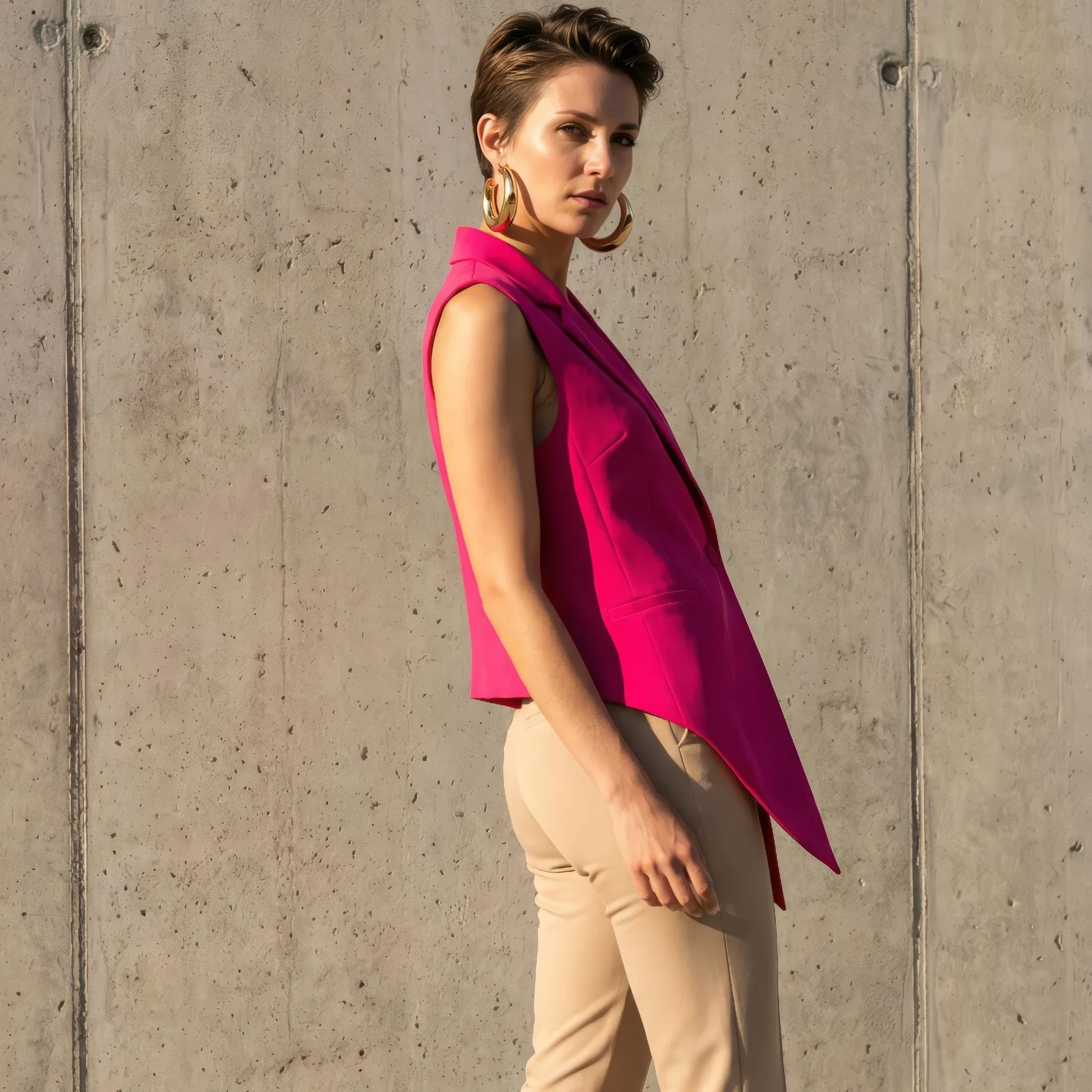
One image becomes a video
The core of it is simple: a single still becomes a short animated video. A fashion model, a product, a styled outfit, each one gains motion and reads as something filmed rather than posed. The AI fashion video generator does the work in minutes.
Motion in seconds
Instead of organizing another shoot, setting lights, and capturing several angles, you get smooth movement out of the image you already have. The time and the budget that would have gone into the second session go somewhere more useful, and the content still holds attention.
Commercial use for brands
The videos can be used in commercial projects, client work, ads, and beyond. For a fashion brand, that covers showing products online, building promotional content, and feeding a social media campaign, all from assets already sitting in the library.
Full usage rights
Every creation comes with full usage rights. The videos are yours, and they can go into marketing, into a client presentation, or onto an e-commerce platform without a licensing question hanging over them.
Where the videos fit
Lookbooks, digital ads, social posts, interactive presentations: the applications are wide enough that a single strong image can carry a whole set of deliverables. That flexibility is where most of the value comes from.
Creativity and storytelling
Movement, camera angle, and visual effect are all things you can experiment with, which opens room for narrative rather than just display. A detail can be emphasised, a silhouette can be revealed gradually, and a still garment becomes a story about how it moves. Our guide to turning an image into a video with AI goes through the mechanics in more detail.
Getting started
Upload a high quality image of a model, a product, or an outfit. The generator returns a short animation ready to export for any project, and with full usage rights it can go straight into a campaign, a presentation, or a social feed. If you need the model first, AI generated models will give you the still to animate.
Animate your first image
Pick the photo you like most in your catalog and give it motion. Open the studio and turn it into a video.