How to Create Realistic AI Models for Sunglasses
29 January 2026
AI has made it possible for eyewear brands and designers to produce realistic model images without booking a photoshoot. AI generated models let you show your designs, try out new styles, and present your products professionally at a fraction of the usual cost. Here is how to create AI models for sunglasses, step by step. And if the frame itself is still an idea, the AI sunglasses generator draws it first.
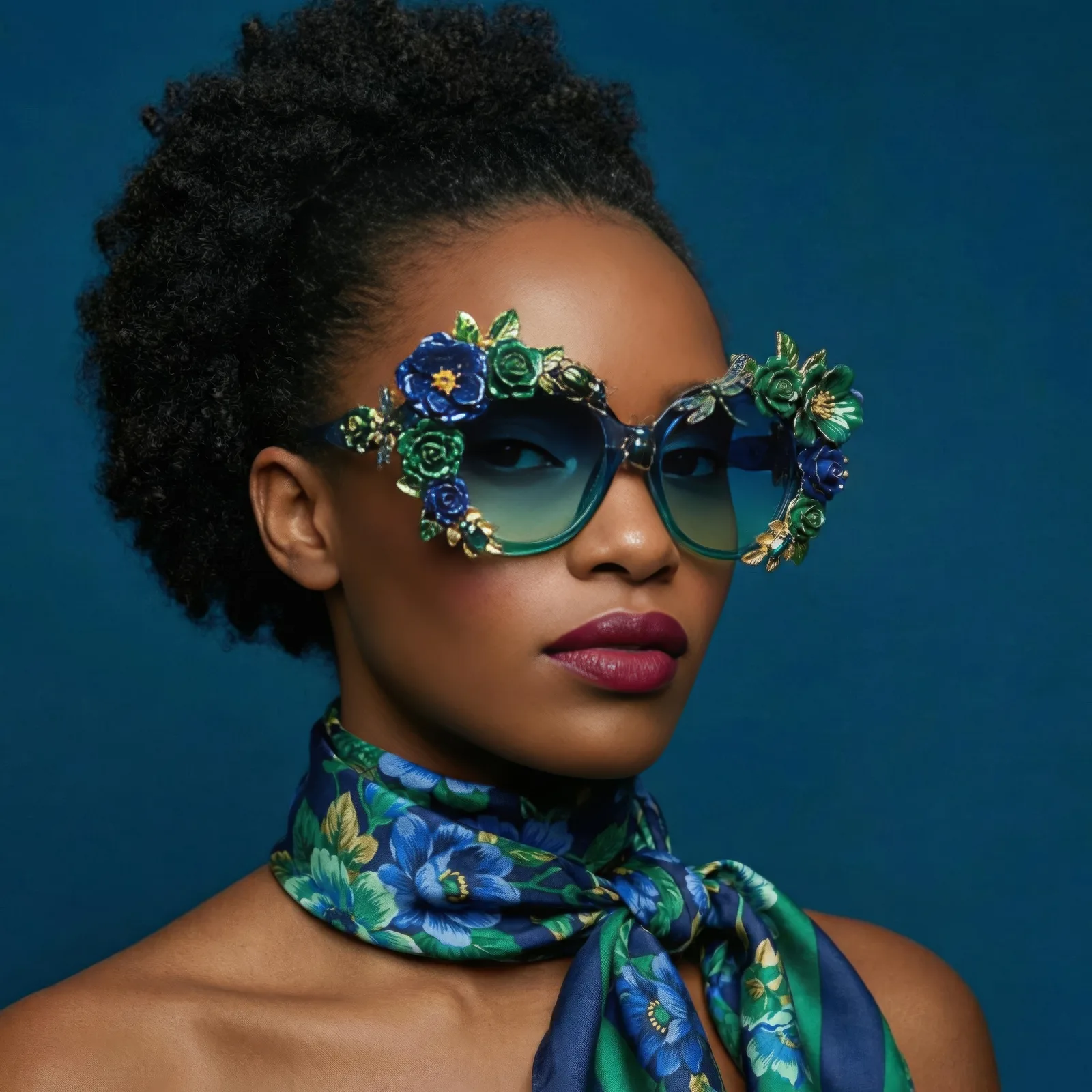
1. Understand what an AI fashion model is
AI models are digital representations of people that can wear your fashion items, sunglasses included. They mimic real appearances, poses, and lighting, which gives you a realistic preview of the product on a face. Because nothing physical has to be scheduled, you can iterate quickly and skip the dependency on photoshoots entirely.
2. Prepare your sunglasses images
The quality of the result starts with the quality of the input. Use clear, high resolution images of the sunglasses, with a transparent background whenever you can produce one. Clean input helps the model map the product onto a digital face accurately, without distortion or unwanted artifacts around the frame and lenses.
3. Choose the right AI tool
AI tools specialize in different product categories. For eyewear, pick a platform that places the frames accurately on the model's face and gives you control over angle, lighting, and proportion. Those three adjustments are what separate a plausible image from an obviously synthetic one. The AI models studio and the dedicated head accessories feature are built for exactly this kind of worn product.
4. Upload a reference model
Start by uploading a reference image of a human model or a face. The AI uses it as the base on which your sunglasses are applied, which is what keeps the alignment, the scale, and the fit correct. A clean, high quality reference is the difference between a professional looking result and one you cannot publish.
5. Customize the model
Most platforms let you adjust skin tone, facial structure, eye shape, and hairstyle. This matters more for eyewear than for most categories, because different face types change how a frame reads. Customizing the model is how you make sure the sunglasses are shown at their best rather than fighting the face they sit on.
6. Generate multiple variations
Once the setup works, variations are cheap. Run the same frame in several colors and shapes, or the same model across your whole eyewear line, and build out visuals for marketing campaigns, social media, and e-commerce listings. Producing a set of options is also the fastest way to learn which designs your audience actually responds to. When the volume grows, bulk generation handles the repetition for you.
7. Review and export
Look carefully at the generated image before you use it. Check the alignment of the frames, the lighting, and the overall realism. Make any adjustments the image needs, then export at high resolution for your catalog, your website, or your digital campaigns. If a shot is right but soft, upscale it in HD before publishing.
Put your eyewear on a model
The quickest way to judge this is to run one frame through it. Open the AI models studio, upload a sunglasses image, and see it worn.