AI Sunglasses Design Generator
Sunglasses are the only accessory judged entirely on a face: the lens shape, the frame line, the way the temples cross the cheekbones. The AI sunglasses generator designs at that level, rendering each concept worn, so you see the fit and the attitude at the same moment. Type your idea or pick from a few options, and the hyper realistic result arrives in seconds.
Updated 16 September 2026
- 1Describe frame and lens
- 2Judge it on the face
- 3Take it further
How it works
Describe frame and lens
The lens shape leads: hexagonal, cat eye, oversized round, shield. Then the frame, a slab of acetate, a thin metal wire, a color that carries the design. Keywords let you set the style, the colors and the gender.
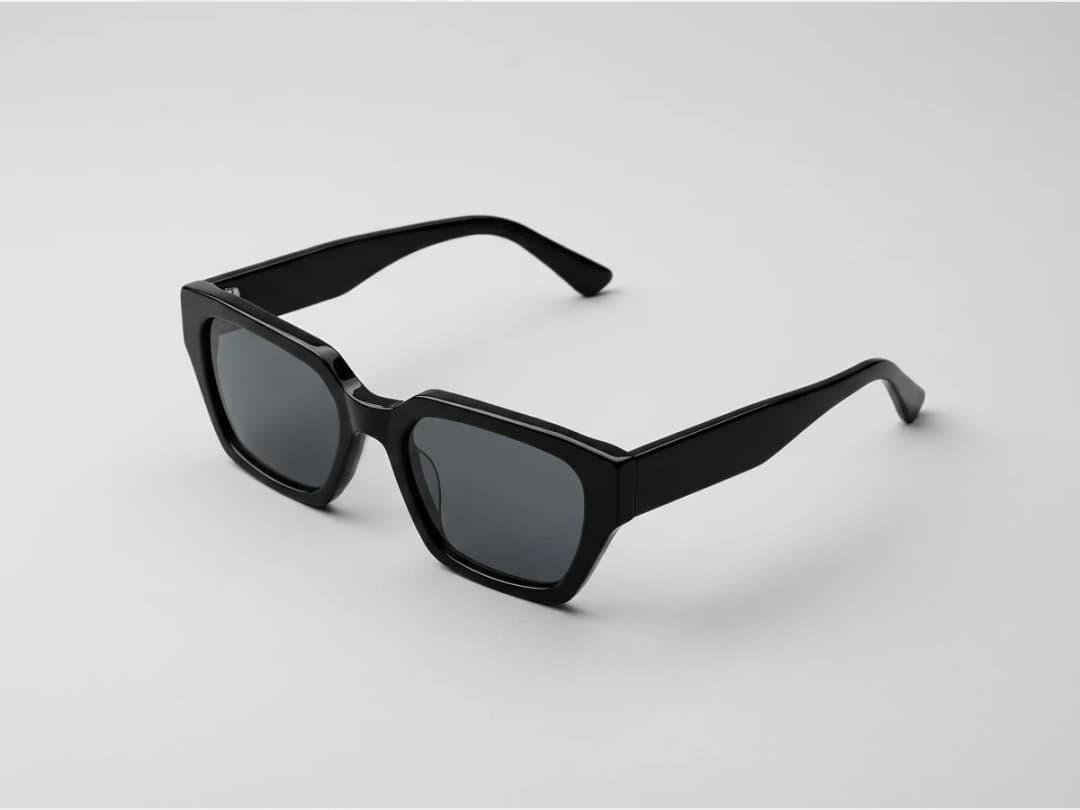
Judge it on the face
Every design comes back worn, which is the only honest way to evaluate eyewear. You see where the frame sits on the nose, how wide it reads, what it does to the face's geometry.
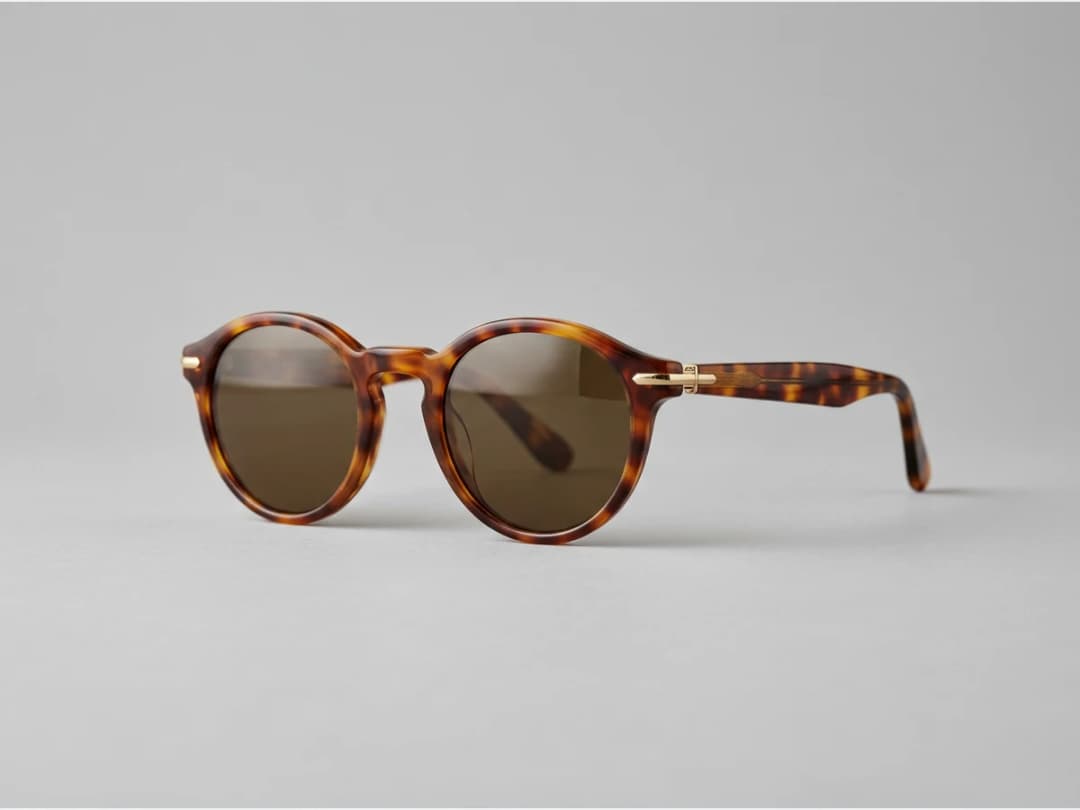
Take it further
Once a shape works, push the construction: layered wire frames, pearls along the rim, luxury inspired detailing, the futuristic end of eyewear. Every design stays customizable and unique.
Frequently asked questions
What styles of sunglasses can I design?+
Anything from commercial acetate frames to sculptural showpieces. You control the lens shape, the frame construction, the colors and the overall style through your description and a few options.
Why are the designs shown on faces?+
Because sunglasses have no meaning off a face. Rendering the concept worn shows the proportions against real features, the reflections in the lenses and the stance the frame gives, the three things a flat drawing hides.
Can I put a design on my own product photos?+
The generator creates new concepts on AI faces. To place eyewear on an existing photo, the AI model for jewelry workflow covers sunglasses along with rings and earrings.
Can I use the designs commercially?+
Yes, on any plan: everything you generate is yours to sell, print and publish. Your creations land in the studio grid, organised in projects, and can be reused in any other workflow, video and HD upscale included.
Try it yourself
Everything on this page was made in the studio. Your first designs are minutes away.
Open the studioRelated features
- AI Fashion Video from Reference ImagesPut your model, your garment and a place into one video: add up to three reference pictures, describe the scene, and get a 5 to 15 second fashion clip in 9:16, 1:1 or 16:9.
- Fashion Reel Templates & AI Motion DesignEighteen Motion Design templates for fashion reels: drop your photos or clips, edit the words, render a 10-second video in 9:16, 4:5, 1:1 or 16:9. One credit, every plan.
- AI Clothes Maker, Design Clothes Online: The New Black AIDesign clothes online with an AI clothes maker: describe the piece, see it worn in seconds, iterate, then send a tech pack to your factory. 1 credit per design.
- AI Image Generator for Fashion: Create or Edit Any ImageWrite what you want and get the image, or upload up to three references and describe the change: the free-prompt tool that creates or edits any fashion visual, in any format.
- Create Similar Outfits with AIUpload an outfit image and get close variations of it: same spirit, same silhouette, new pieces. The fast way to build a capsule around one look that works.
- AI Image Vectorizer for Fashion: Logo, Print and Artwork to SVGTurn a logo, a print or an illustration into a real SVG: colour shapes that scale to any size, ready for screen printing, embroidery, labels and Illustrator. 1 credit.
- Generate AI Fashion in Bulk for Your CatalogGenerate a whole catalog in one run: upload up to 30 product photos, pick a workflow, write one brief for the batch, and get AI models, try-ons or videos for every item at once.
- Create an AI Video of a Fashion Model Turning AroundTurn a front and a back photo into a smooth AI turnaround video with Model 360: the model turns on the spot or the camera orbits, every detail of the outfit kept from every side.
- AI Fashion Design for Kids, Toddlers and BabiesDesign kids fashion with AI: pick the age, from toddler to teenager, describe the outfit and get original children's clothing concepts.
- Extend an Image to a New Ratio with AIChange the aspect ratio of any photo with AI. Pick a new format such as 1:1, 9:16 or 16:9 and the AI extends the scene to fill it, instead of cropping what is already there.