AI Jewelry Design Generator
Jewelry lives in the details: the metal, the setting, the way a stone catches light at close range. The AI jewelry generator turns a description into that level of detail, producing rings, necklaces, bracelets and earrings you can examine like a macro photograph. It is built for jewelers expanding a collection, brands testing a direction, and anyone chasing a piece that does not exist yet.
Updated 11 September 2026
- 1Describe the piece
- 2Study the detail
- 3See it worn
How it works
Describe the piece
Name the type first: a ring, a necklace, a bracelet, a pair of earrings. Then the substance of it, the metal, the stones, the motif. You can steer the fashion style, the colors and the target gender, so a gold cocktail ring and a minimal silver band come out as different as they should be.
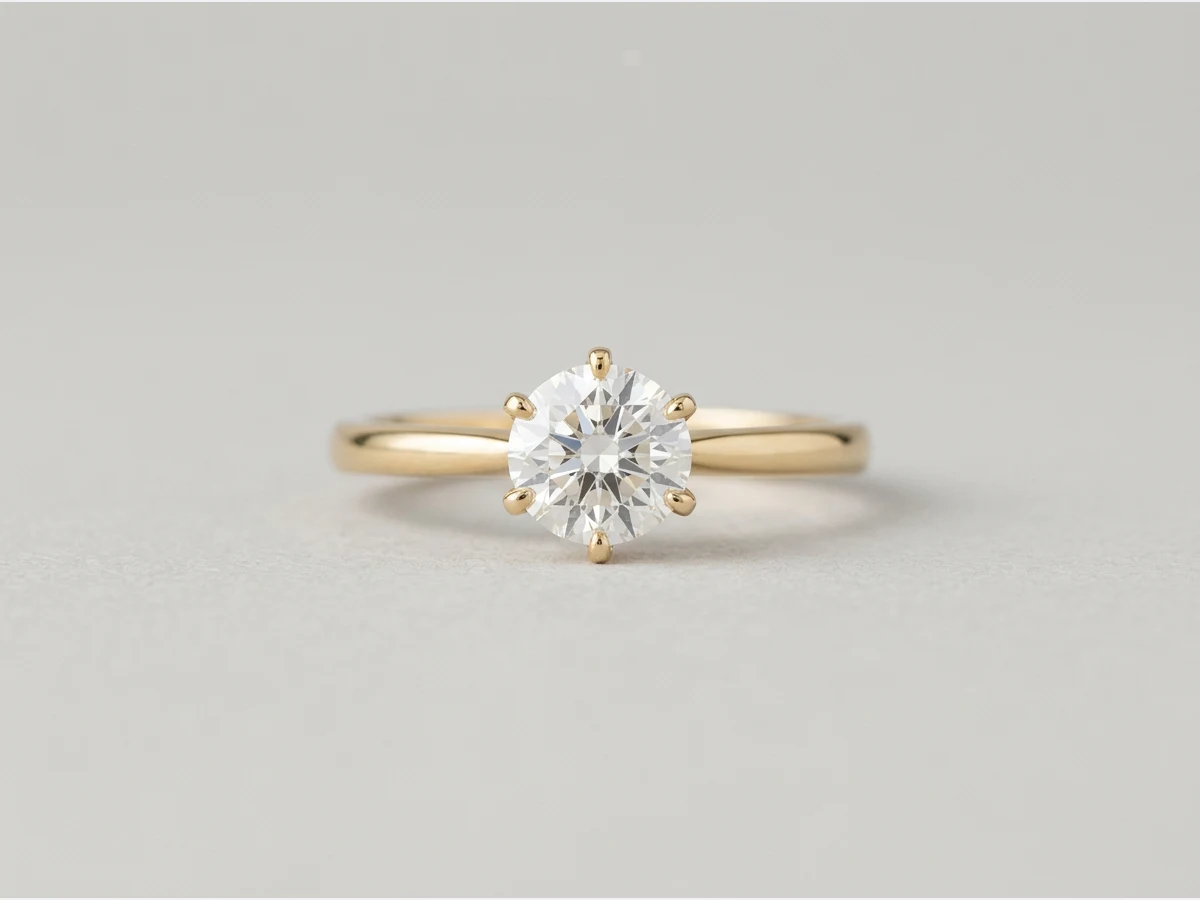
Study the detail
Each concept renders with realistic settings, stones and metalwork, close enough to judge how a pave line runs or how enamel meets gold. If the detail is not right, change the description and generate again.
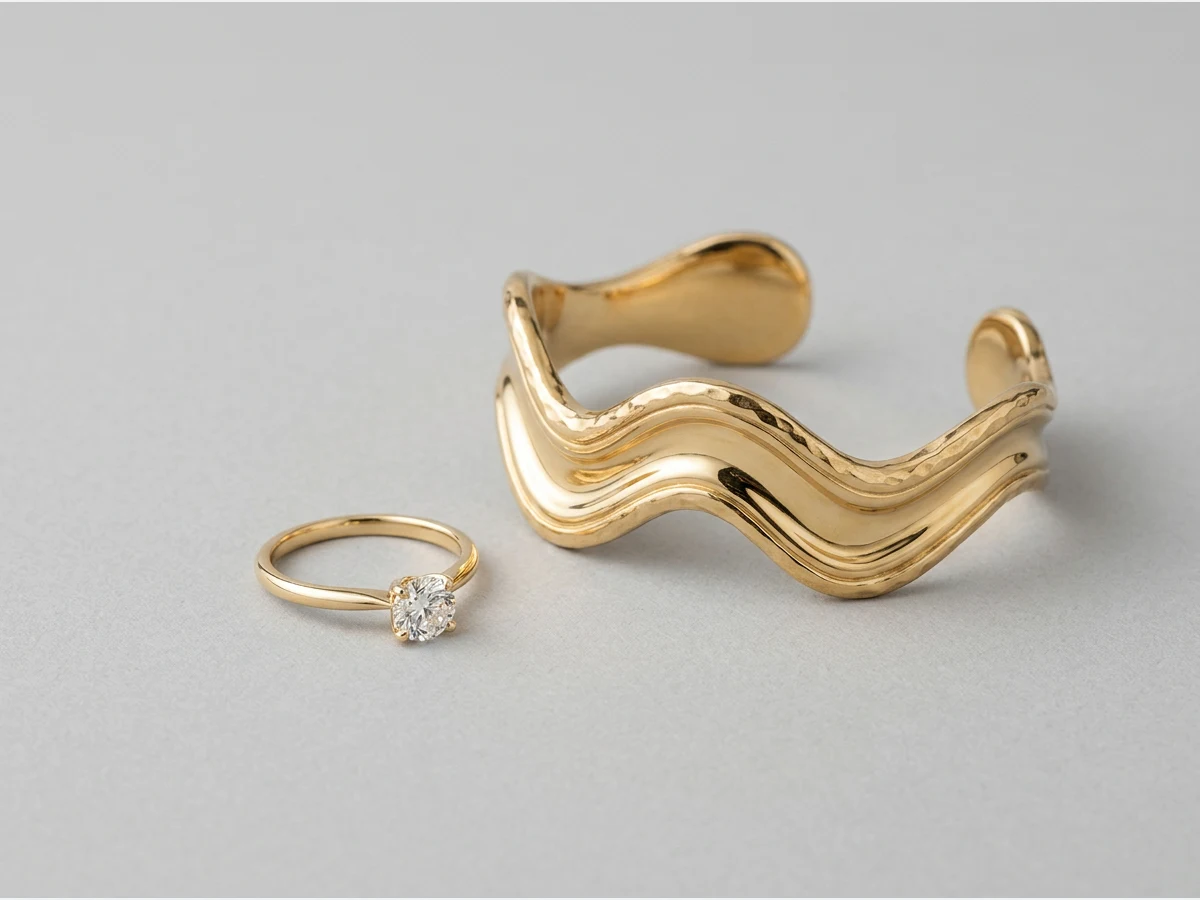
See it worn
A jewel is judged on skin. Send your design to the Models studio and it comes back on an AI model, an earring at the ear, a necklace on a neckline, ready for a campaign or a product page.
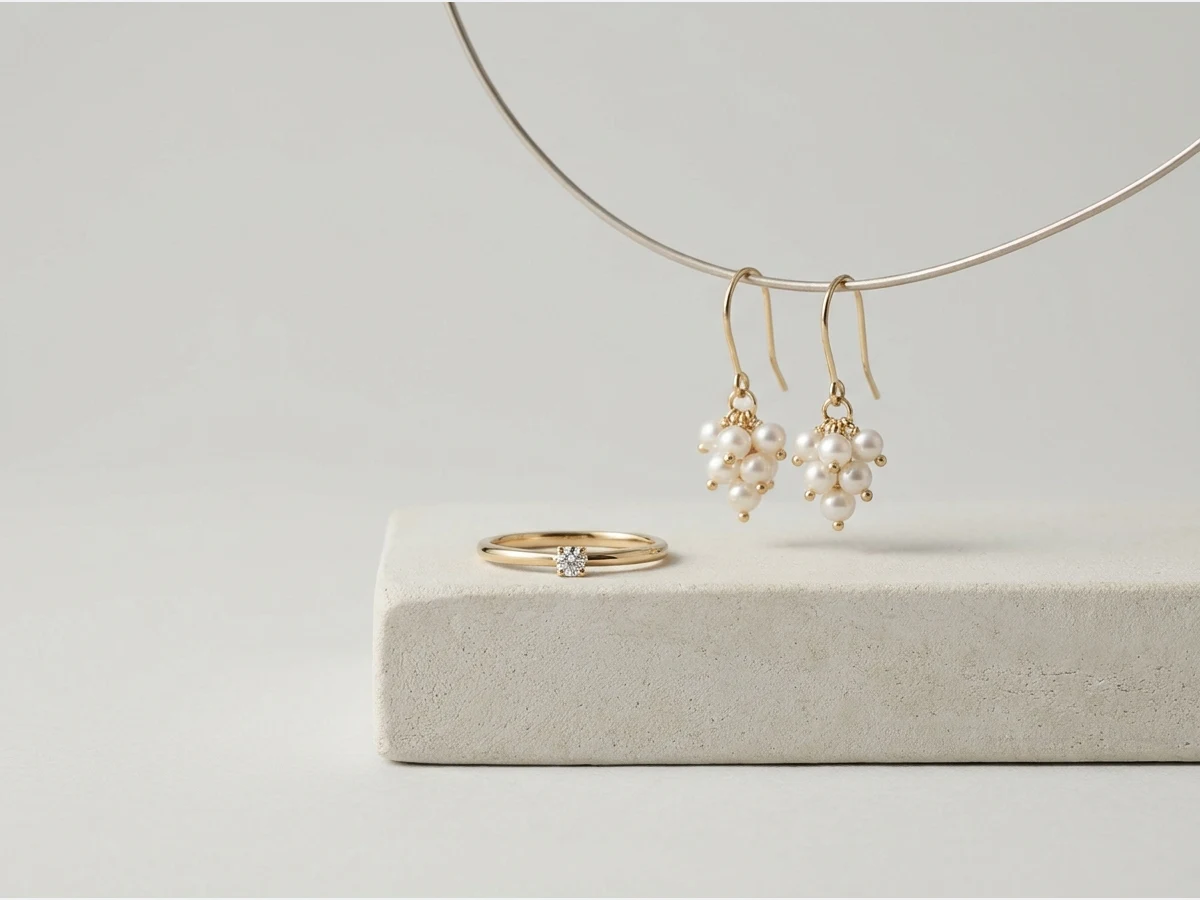
Is there an AI that designs jewellery from a written description?
Yes, and that is exactly what this tool is. You write the piece in plain words: a signet ring in brushed gold, a pearl drop earring, a tennis bracelet. The generator returns it as a finished product image, close enough to read the setting and the metal finish. Jewellery and jewelry are the same tool here: the generator does not care which spelling you use, and neither does the studio it opens in.
What it is not is a CAD program. Nothing comes back as a manufacturable file with stone sizes and metal weights; what comes back is a picture precise enough to decide with, show to a workshop, or put in front of a client before anyone cuts anything. Designers use it at the stage where a sketch would otherwise be, and jewellers use it to see a variation without setting a real stone to find out.
What a piece costs to try
A design costs one credit on Standard and three on Pro, and that is the whole cost of an attempt. There is no per-project fee and nothing is charged for looking at the result. Measured on our own platform in August 2026, an image comes back in about fifteen seconds.
Those two numbers together are the reason this replaces sketching for exploratory work: a jeweller can put twelve variations of the same ring side by side for twelve credits and a few minutes, and choose from things they can see rather than from things they are imagining.
Where the detail holds, and where it does not
Close range is where jewellery is judged, and it is worth knowing what the model is good at before you fight it. Pave lines, brushed and polished metal contrasts, faceted stones catching a light source, enamel meeting gold. These render convincingly and are the reason the page exists.
Three things need care. Symmetry across a pair of earrings is not guaranteed, so generate the pair and check both sides rather than assuming. Hallmarks and engraved text come back as decoration, not as legible characters. And an exact stone count, "seven diamonds, not eight", is a request the model treats as a suggestion; if the count matters, say it and verify it on the image rather than trusting the description.
The way through all three is the same: describe less at once, generate again, and let the cheap attempt do the work that a careful prompt cannot.
From classic to impossible
The generator covers the whole span: pieces that could go straight to a workshop, and futuristic, intricate designs no catalog has seen. Watches have a generator of their own, and finished pieces can be placed on existing photos with jewelry virtual try on.
Frequently asked questions
What kinds of jewelry can I design?+
Rings, necklaces, bracelets and earrings, from classic settings to futuristic concepts. Watches are close cousins but have their own dedicated generator, tuned for dials and straps.
How much control do I have over the design?+
You choose the type of piece and describe the metal, the stones and the motif, and you can set the fashion style, the colors and the target gender. The more precise the description, the closer the first result.
Can I show a design on a person?+
Yes. The Models studio generates an AI model wearing your piece, which matters for jewelry because scale and skin contact are half the design. An earring reads differently at an ear than on a white background.
Can I use the designs commercially?+
Yes, on any plan: everything you generate is yours to sell, print and publish. Your creations land in your studio grid, organised in projects, and can be reused in any other workflow, from video to HD upscale.
Can I start from a photo of an existing piece?+
Yes — add it as a reference image and describe what should change. The generation keeps the character of the piece while moving the metal, the stone or the setting, which is how a bestseller becomes a family rather than a one-off.
How do I keep a whole collection coherent?+
Two habits: reuse the same descriptive vocabulary — the same metal, finish and mood words — across every piece, and set your Visual DNA so the studio holds one visual identity across everything you generate, jewelry included.
Try it yourself
Everything on this page was made in the studio. Your first designs are minutes away.
Open the studioRelated features
- AI Clothes Maker, Design Clothes Online: The New Black AIDesign clothes online with an AI clothes maker: describe the piece, see it worn in seconds, iterate, then send a tech pack to your factory. 1 credit per design.
- AI Dress Design GeneratorDesign a dress from a description with AI: the silhouette, the length, the neckline and the fabric, worn by a model or on its own. Slip, sheath, A-line, gown. 1 credit.
- AI Image Generator for Fashion: Create or Edit Any ImageWrite what you want and get the image, or upload up to three references and describe the change: the free-prompt tool that creates or edits any fashion visual, in any format.
- Create Similar Outfits with AIUpload an outfit image and get close variations of it: same spirit, same silhouette, new pieces. The fast way to build a capsule around one look that works.
- AI Image Vectorizer for Fashion: Logo, Print and Artwork to SVGTurn a logo, a print or an illustration into a real SVG: colour shapes that scale to any size, ready for screen printing, embroidery, labels and Illustrator. 1 credit.
- Generate AI Fashion in Bulk for Your CatalogGenerate a whole catalog in one run: upload up to 30 product photos, pick a workflow, write one brief for the batch, and get AI models, try-ons or videos for every item at once.
- AI Underwear and Lingerie Design GeneratorDesign underwear and lingerie with AI: lace, cuts and fabrics on the model type you choose, with a creative boost slider to push the design.
- Create an AI Video of a Fashion Model Turning AroundTurn a front and a back photo into a smooth AI turnaround video with Model 360: the model turns on the spot or the camera orbits, every detail of the outfit kept from every side.
- AI Fashion Design for Kids, Toddlers and BabiesDesign kids fashion with AI: pick the age, from toddler to teenager, describe the outfit and get original children's clothing concepts.
- Extend an Image to a New Ratio with AIChange the aspect ratio of any photo with AI. Pick a new format such as 1:1, 9:16 or 16:9 and the AI extends the scene to fill it, instead of cropping what is already there.