AI Fashion Model for Jewelry
AI generated models for jewelry turn any product image into a fashion model showcase. A ring, a necklace, a bracelet, a pair of earrings, even sunglasses: the system builds a realistic model wearing the piece, in a context that suits the product. Each image is made to reflect your brand's aesthetic and the audience you are speaking to, so a plain packshot becomes a lifestyle visual you can publish.
Updated 22 September 2026
- 1Upload your jewelry photo
- 2Choose your AI model
- 3Work through your catalog
How it works
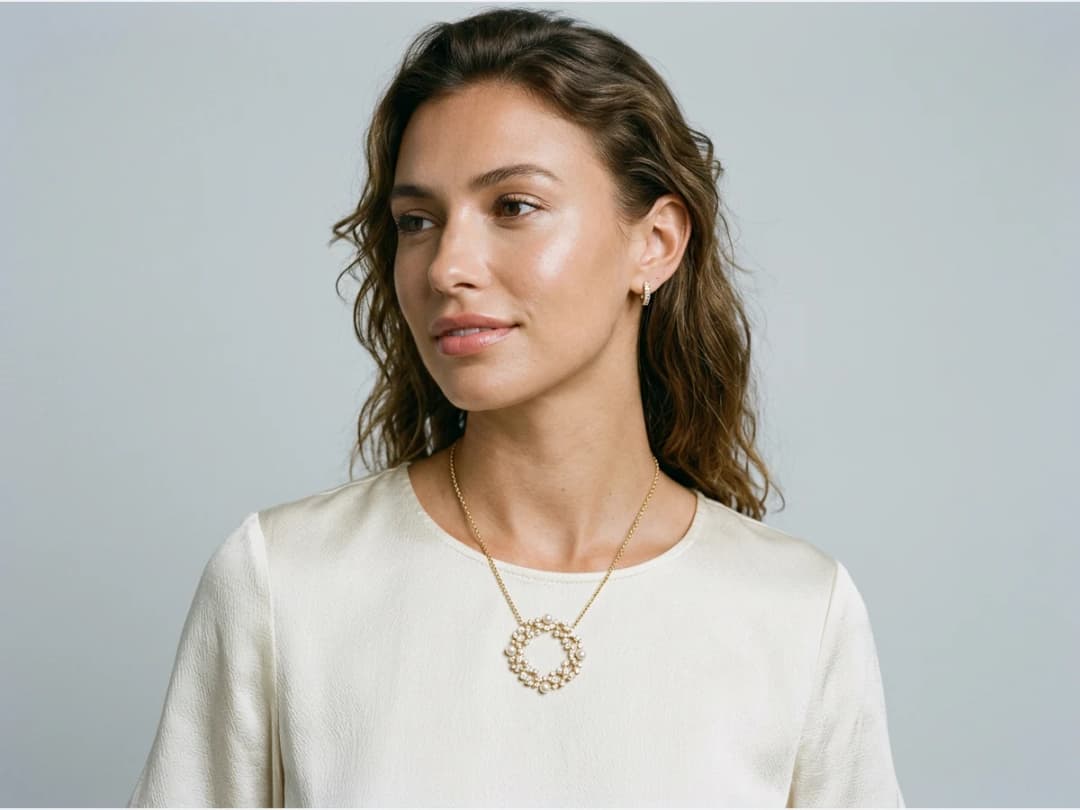
Upload your jewelry photo
Start from the product image you already have. A ring, a bracelet, a necklace, a pair of earrings, all of them work.
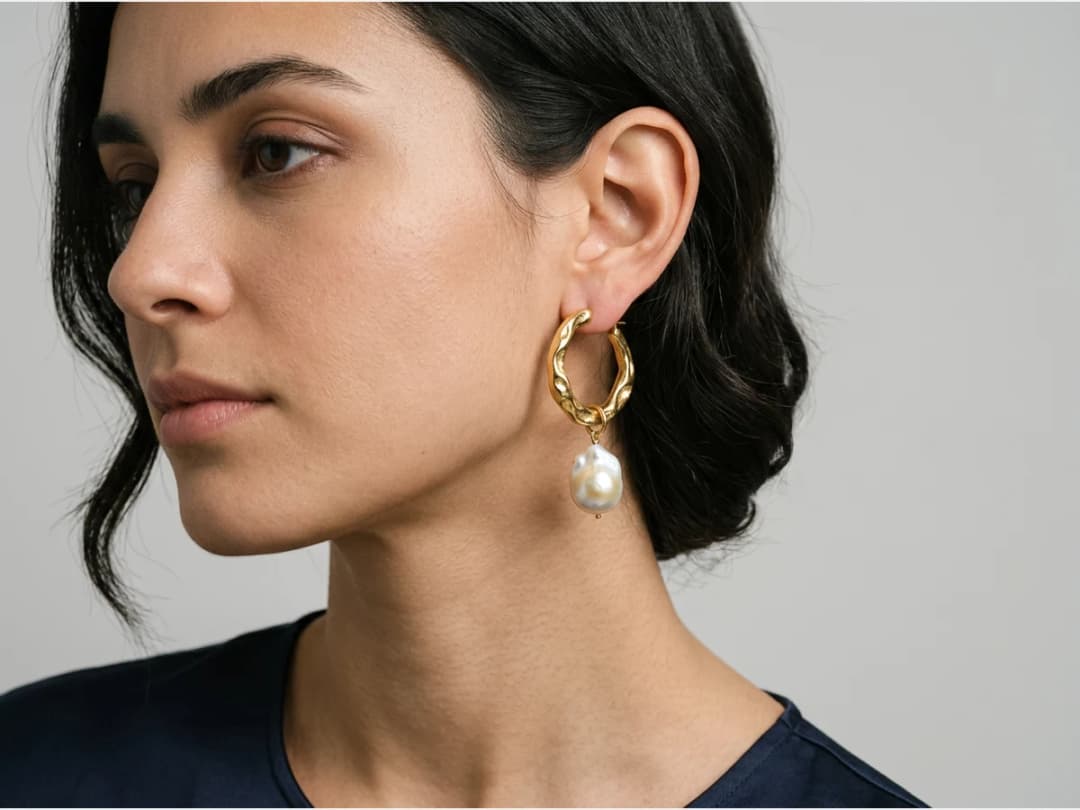
Choose your AI model
Set the model's features, age and country among them, so the person wearing your piece matches the customer you are designing for.
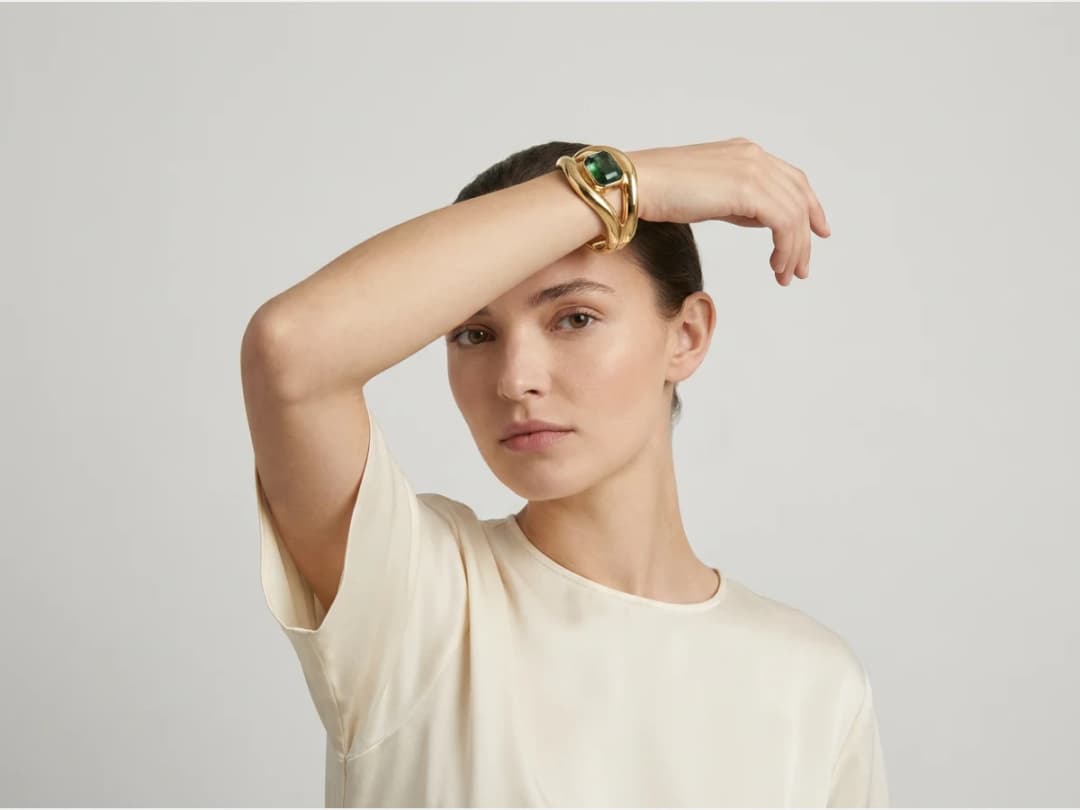
Work through your catalog
Run other pieces from your catalog through the same process and you get a different jewelry model each time. The number of combinations to try is large, so it is worth exploring before you settle on a look. Wrist pieces have their own crop and their own page: AI models for bracelets.
Frequently asked questions
What jewelry can I put on an AI model?+
Rings, necklaces, bracelets, earrings, even sunglasses. Jewelry is the close-up category: the piece sits directly against skin, an ear, a wrist, a neckline, so the system builds the model around the product shot you upload and places it in a context that suits the piece.
Can I choose who wears my pieces?+
Yes. You set the model's features, age and country among them, so the person wearing your jewelry matches the customer you are designing for. Each image is made to reflect your brand's aesthetic and the audience you are speaking to.
What do I need to start?+
Just the product image you already have. One packshot of a ring or a pair of earrings is enough for the system to build a lifestyle visual you can publish, with no shoot and no samples sent anywhere.
How do I handle a whole jewelry catalog?+
Run the pieces through one by one, and you get a different jewelry model each time, or send the whole catalog through at once with bulk generation. The combinations are worth exploring before you settle on a look.
Can I publish these visuals commercially?+
Yes, on any plan: everything you generate is yours to sell, print and publish. Your visuals land in the studio grid, organised in projects and reusable in other workflows like video or HD upscale, and the whole thing runs in the browser with free credits at signup.
Can I use the models, garments and backgrounds provided in the studio commercially?+
Yes. The house templates are free for commercial use: your campaigns, your product pages, your lookbooks, with no separate licence and no attribution.
Are my uploads and my creations private?+
Yes. Everything you upload and everything you generate is private to your account, never shown to other users, never published without an action of yours, and never used to train any model, on any plan. Details on the Security page.
Try it yourself
Everything on this page was made in the studio. Your first designs are minutes away.
Open the studioRelated features
- AI Fashion Reels: Trending Outfit Transition VideosMake trending AI fashion reels from one photo: outfit transitions as people pass, as your model walks, at a finger snap, after a jump, and more. 10-second 9:16 videos for Reels, TikTok and Shorts.
- AI Virtual Try On Necklace (Jewelry)Preview any necklace on a model with AI: upload a model photo and the necklace design, and see it sit on the neckline at the right chain length.
- AI Virtual Try On Bracelet (Jewelry)Preview bracelet designs on a real wrist with AI: upload a wrist photo and your bracelet, and get a lifelike worn shot with accurate scale.
- AI Virtual Try On BagsSee any bag on a model in seconds: upload a photo and a handbag or purse image, and the AI matches lighting, proportions, and perspective.
- Create Kid Fashion Clothing Models with AIUpload a kids clothing photo and get a child AI model wearing it in about 30 seconds: no casting, no studio, visuals ready for your store.
- Virtual Try On Head Accessories with AISee any hat, cap, or beanie worn before buying: AI fits the headwear to the face, the hairstyle, and the perspective of your photo.
- Create an AI Fashion Model for SocksUpload a sock photo, describe the model and the scene, and get visuals framed so the socks stay the point: no shoes, no photoshoot.
- AI Ghost Mannequin Clothes from an ImageTurn any garment photo into a clean ghost mannequin image in seconds: the AI removes the model and rebuilds the hidden parts, ready for e-commerce.
- Reimagine Your Model in New ScenesCreate a back view, a side view or a close up of a fashion photo with AI: upload the original model and describe the angle you want to see.
- AI Virtual Try On ShoesSwap shoes on any photo with AI: upload a model and a new pair, and the original shoes are replaced with realistic proportions and lighting.