Virtual Try On Head Accessories with AI
The head accessory try on puts a hat, a cap, or a beanie on a photo of a real head. That is the hard part of headwear: the piece has to fit the skull, sit right against the hairstyle, and follow the perspective of the face, and the AI handles all three from a single model photo and a single product image. Customers see the fit and the style before buying; brands show every colorway worn without a single shoot.
Updated 22 September 2026
- 1Upload your model
- 2Upload your head accessory
- 3Try the whole rack
How it works
Upload your model
A photo of you, or a photo of a fashion model, with the head clearly visible. The angle of the head is what the AI works from, so a straight portrait gives a straight fit and a three quarter view gives a three quarter fit.
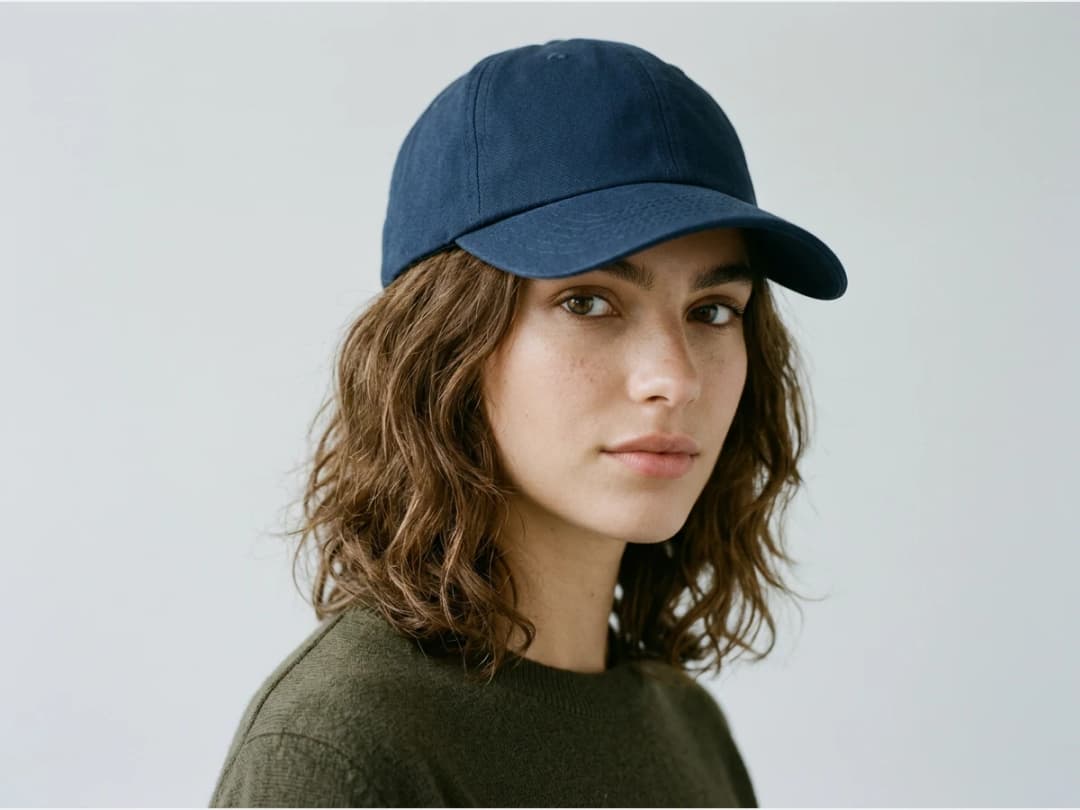
Upload your head accessory
A hat, a beanie, or a cap, in good enough resolution that logos and stitching survive the pass. Embroidered marks on a cap front are usually the whole product; a sharp product photo keeps them legible in the result.
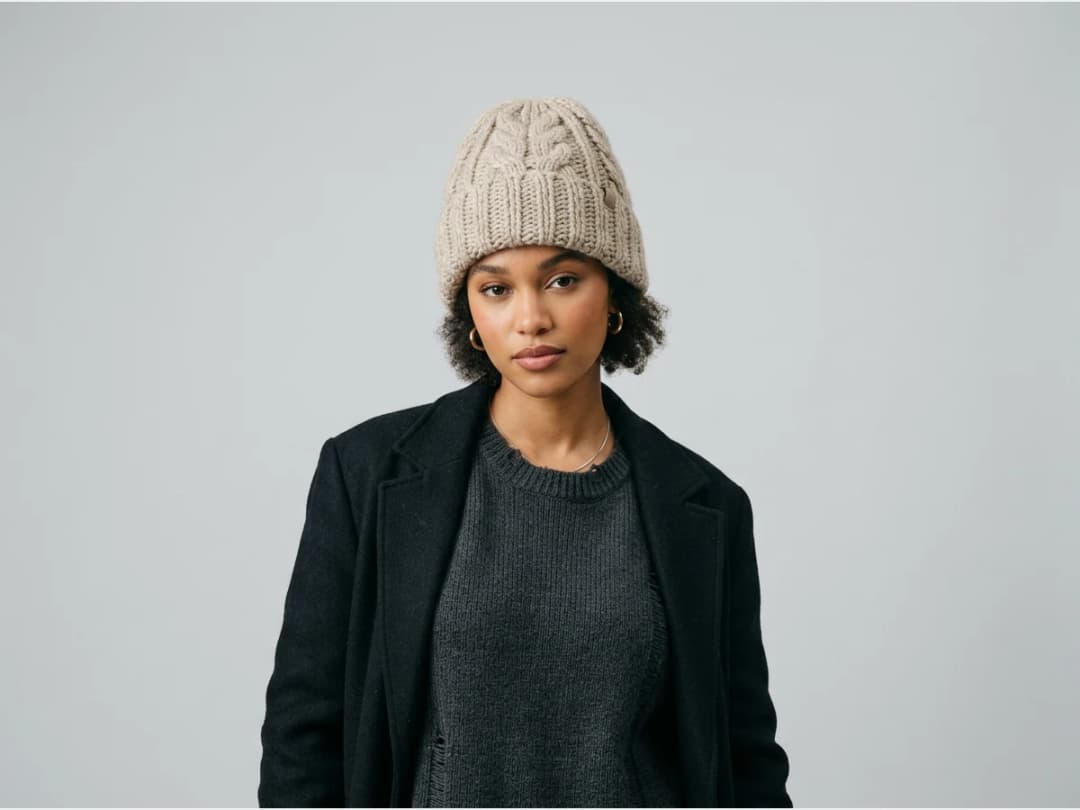
Try the whole rack
If you are a brand, one favorite model photo can wear every accessory you make. The hairstyle adapts to each piece: a beanie compresses the hair, a wide brim shades the face, a cap sits above the ears, and the AI renders each behaviour rather than pasting the product on top.
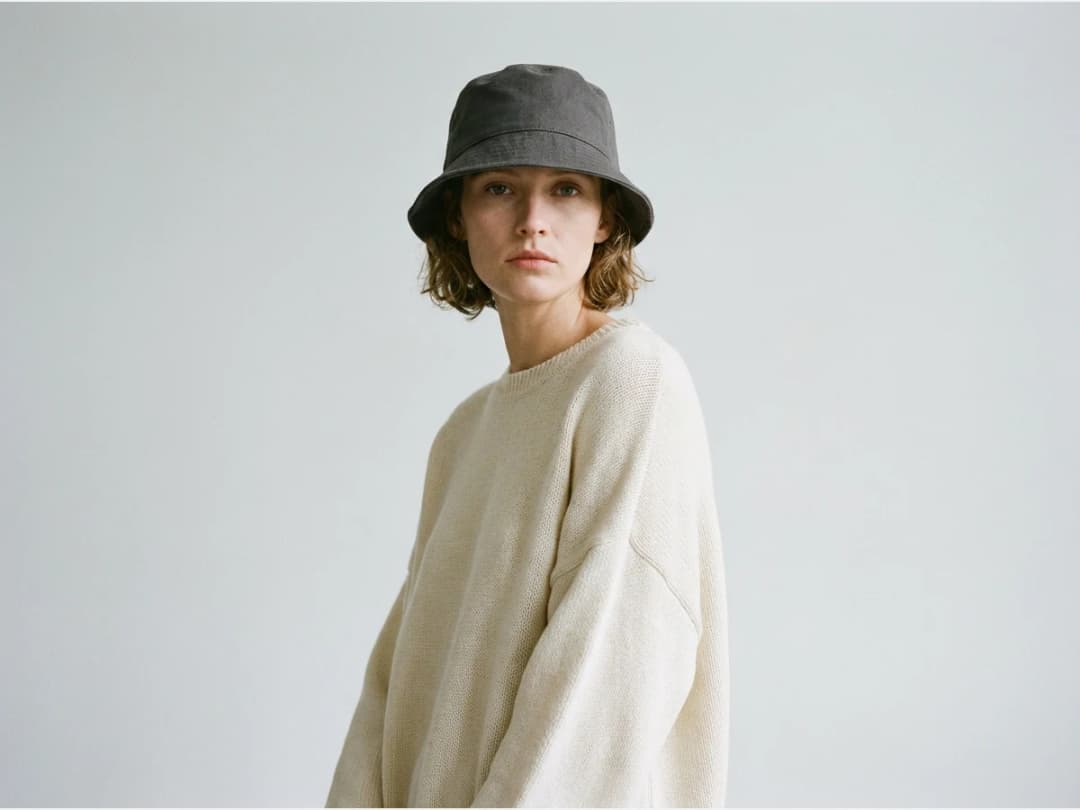
From one photo to a headwear line
The try on lives in the same studio as the clothing passes, so a model can get a full outfit and the matching cap in two runs, and a product line can be shown worn end to end. If you have no model photo, generate one first.
Frequently asked questions
What photo of the head works best?+
Any clear photo where the head is fully visible, hair included. The AI adapts the headwear to the hairstyle and the angle it sees; a photo with the head partly cropped gives it nothing to fit the piece to.
Will the logo on my cap stay readable?+
Yes, if the product image you upload is sharp enough to read it. Resolution in equals resolution out: a crisp front on view of the cap is the best input for logo pieces.
Does it handle hats, beanies, and caps differently?+
Yes. The AI renders how each type actually sits: the crown and brim of a hat, the stretch of a beanie over the hair, the curve of a cap. It is a fit, not a sticker.
Where do I run it and what do the results cost?+
It runs in the browser in the try on studio, with free credits at signup. Results land in your studio grid.
Can I use the models, garments and backgrounds provided in the studio commercially?+
Yes. The house templates are free for commercial use: your campaigns, your product pages, your lookbooks, with no separate licence and no attribution.
Are my uploads and my creations private?+
Yes. Everything you upload and everything you generate is private to your account, never shown to other users, never published without an action of yours, and never used to train any model, on any plan. Details on the Security page.
Try it yourself
Everything on this page was made in the studio. Your first designs are minutes away.
Open the studioRelated features
- AI Fashion Reels: Trending Outfit Transition VideosMake trending AI fashion reels from one photo: outfit transitions as people pass, as your model walks, at a finger snap, after a jump, and more. 10-second 9:16 videos for Reels, TikTok and Shorts.
- AI Virtual Try On Necklace (Jewelry)Preview any necklace on a model with AI: upload a model photo and the necklace design, and see it sit on the neckline at the right chain length.
- AI Virtual Try On Bracelet (Jewelry)Preview bracelet designs on a real wrist with AI: upload a wrist photo and your bracelet, and get a lifelike worn shot with accurate scale.
- AI Virtual Try On BagsSee any bag on a model in seconds: upload a photo and a handbag or purse image, and the AI matches lighting, proportions, and perspective.
- Create Kid Fashion Clothing Models with AIUpload a kids clothing photo and get a child AI model wearing it in about 30 seconds: no casting, no studio, visuals ready for your store.
- Create an AI Fashion Model for SocksUpload a sock photo, describe the model and the scene, and get visuals framed so the socks stay the point: no shoes, no photoshoot.
- AI Ghost Mannequin Clothes from an ImageTurn any garment photo into a clean ghost mannequin image in seconds: the AI removes the model and rebuilds the hidden parts, ready for e-commerce.
- Reimagine Your Model in New ScenesCreate a back view, a side view or a close up of a fashion photo with AI: upload the original model and describe the angle you want to see.
- AI Virtual Try On ShoesSwap shoes on any photo with AI: upload a model and a new pair, and the original shoes are replaced with realistic proportions and lighting.
- AI Virtual Try On JewelryTry jewelry on any photo with AI: upload a model and a ring, bracelet, necklace or earrings, and see the piece worn with realistic scale and light.