Create an AI Fashion Model for Socks
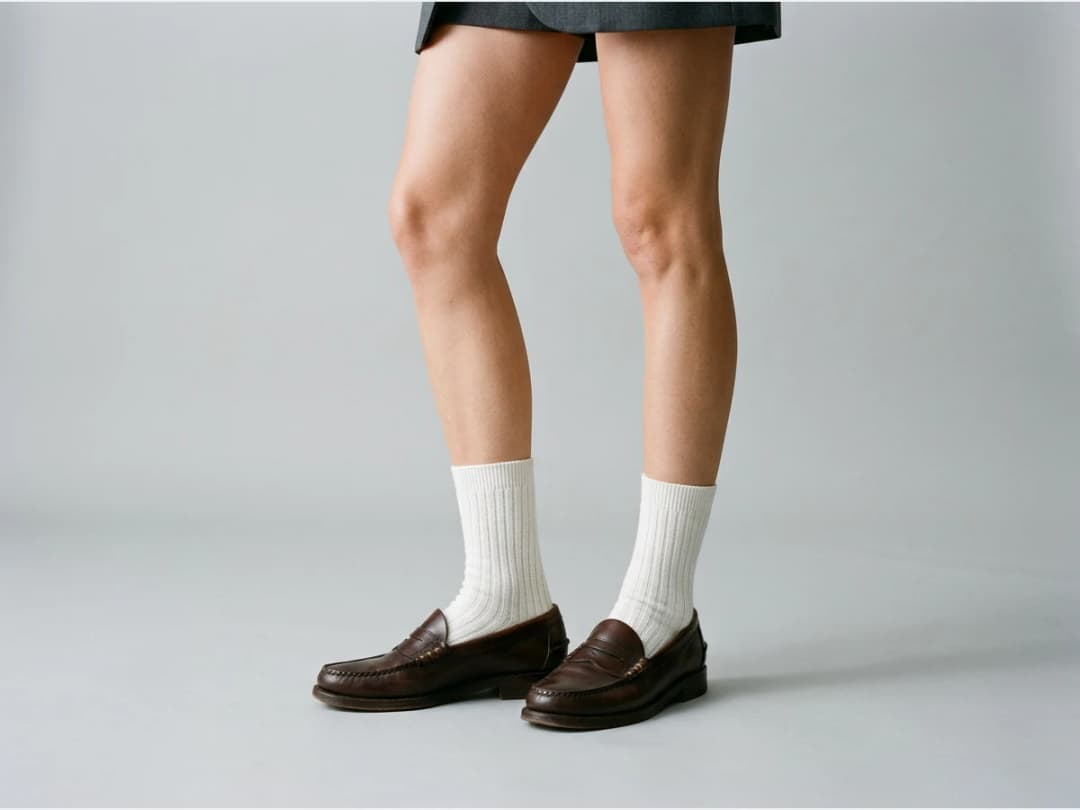
Socks are the smallest garment you will ever put on a model, and the easiest to lose in the frame: on a standard full body shot they disappear behind shoes and hems. This feature generates lifelike AI models wearing your socks with the scene written around them, so the product stays the point of the picture. One sock photo becomes an editorial quality visual for e-commerce, social media, or a lookbook.
Updated 29 September 2026
- 1Upload your sock image
- 2Define your AI model and scene
- 3Generate and reuse the visual
How it works
Upload your sock image
Upload a photo showing only the socks, ideally nothing else in frame. Then describe what type they are, for example mid calf socks, so the AI knows where they should end on the leg.
Define your AI model and scene
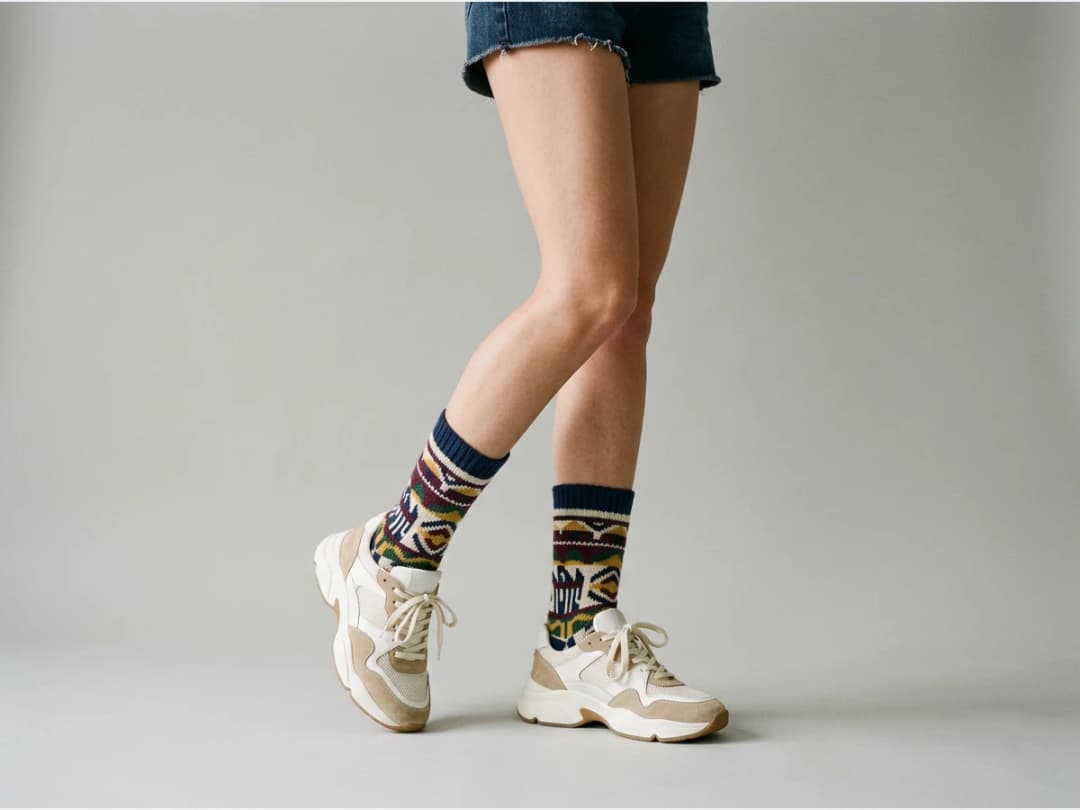
Describe the model and the setting. For example, select man and write casual outfit, no shoes. The no shoes part is the trick of the category: it is what keeps your socks visible instead of buried in sneakers.
Generate and reuse the visual
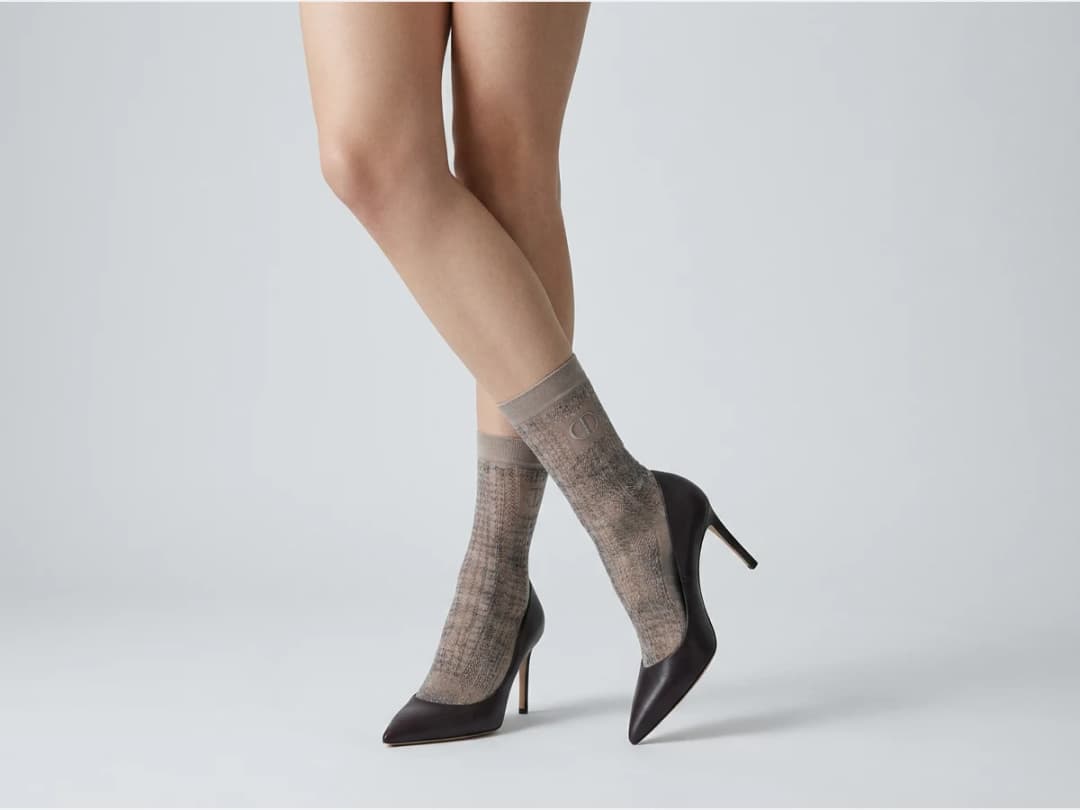
The finished image lands in your studio grid with the rest of your creations. From there it can feed other workflows, or simply repeat the pass across the range: athletic pairs, dress pairs, whatever the catalog holds.
Socks run through the same AI models studio as every other garment; only the brief changes.
Frequently asked questions
Why should the prompt say no shoes?+
Because shoes are the natural enemy of a sock photo. Writing no shoes in the model description keeps the feet visible, so the product you are selling is actually in the picture. Seated poses and cropped framings work for the same reason.
What should the input photo look like?+
Ideally only the socks, without other products or props in the frame. Adding the sock type to the description, mid calf, crew, or otherwise, helps the AI place them at the right height on the leg.
Can I choose who wears them?+
Yes. The model description covers the person as well as the scene: select a man or a woman and describe the outfit around the socks, keeping it simple so the socks stay the focus.
Can the images go on my store?+
Yes. Results land in your studio grid.
Try it yourself
Everything on this page was made in the studio. Your first designs are minutes away.
Open the studioRelated features
- AI Fashion Reels: Trending Outfit Transition VideosMake trending AI fashion reels from one photo: outfit transitions as people pass, as your model walks, at a finger snap, after a jump, and more. 10-second 9:16 videos for Reels, TikTok and Shorts.
- AI Virtual Try On Necklace (Jewelry)Preview any necklace on a model with AI: upload a model photo and the necklace design, and see it sit on the neckline at the right chain length.
- AI Virtual Try On Bracelet (Jewelry)Preview bracelet designs on a real wrist with AI: upload a wrist photo and your bracelet, and get a lifelike worn shot with accurate scale.
- AI Virtual Try On BagsSee any bag on a model in seconds: upload a photo and a handbag or purse image, and the AI matches lighting, proportions, and perspective.
- Create Kid Fashion Clothing Models with AIUpload a kids clothing photo and get a child AI model wearing it in about 30 seconds: no casting, no studio, visuals ready for your store.
- Virtual Try On Head Accessories with AISee any hat, cap, or beanie worn before buying: AI fits the headwear to the face, the hairstyle, and the perspective of your photo.
- AI Ghost Mannequin Clothes from an ImageTurn any garment photo into a clean ghost mannequin image in seconds: the AI removes the model and rebuilds the hidden parts, ready for e-commerce.
- Reimagine Your Model in New ScenesCreate a back view, a side view or a close up of a fashion photo with AI: upload the original model and describe the angle you want to see.
- AI Virtual Try On ShoesSwap shoes on any photo with AI: upload a model and a new pair, and the original shoes are replaced with realistic proportions and lighting.
- AI Virtual Try On JewelryTry jewelry on any photo with AI: upload a model and a ring, bracelet, necklace or earrings, and see the piece worn with realistic scale and light.