AI Fashion Models for Clothing & Accessories
Turn a product photo, flat lay or mannequin shot into on-model images worn by a realistic AI model, in any scene.
Start free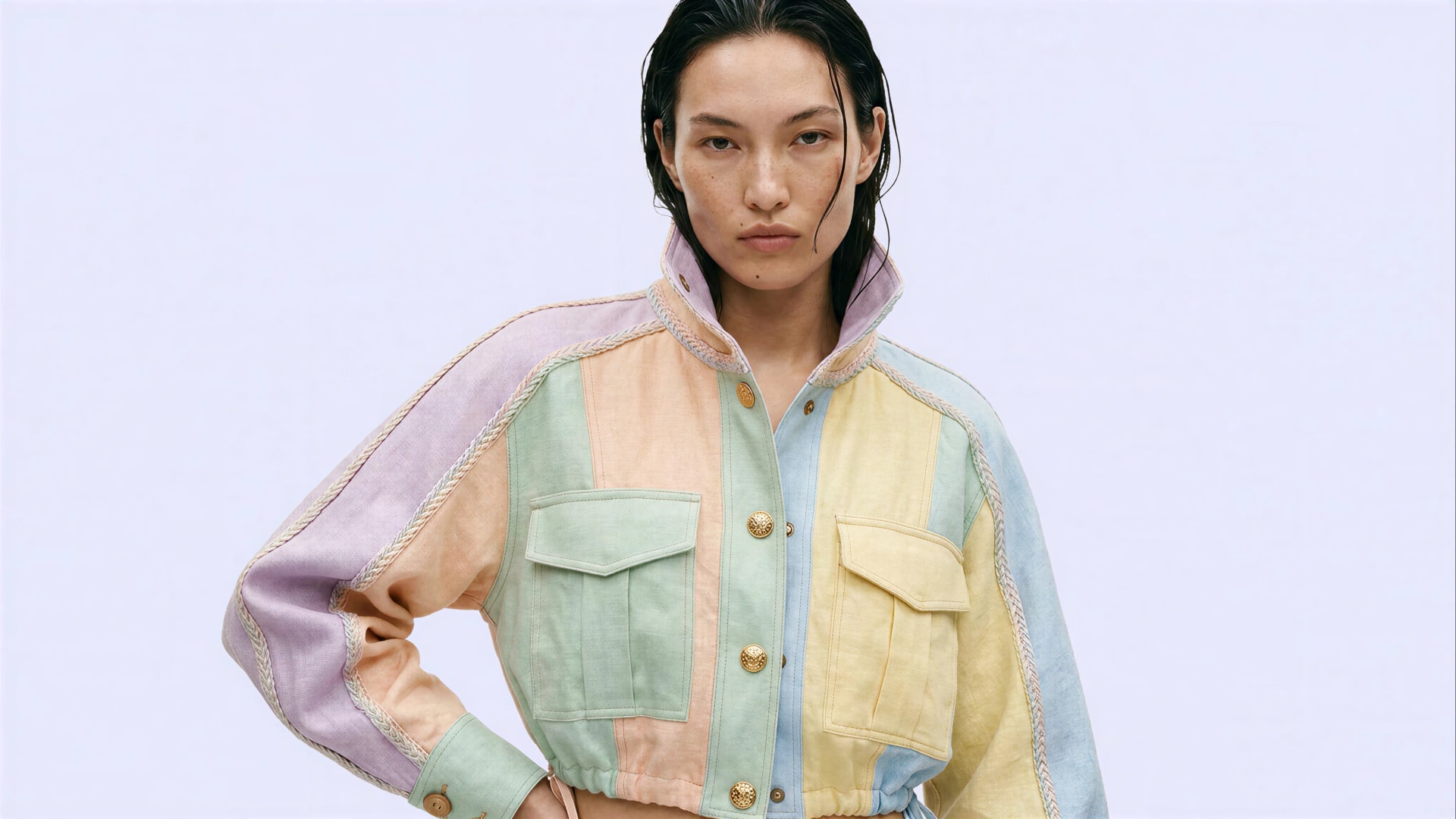
An AI fashion model for clothing, shoes, bags, jewellery or any accessories.
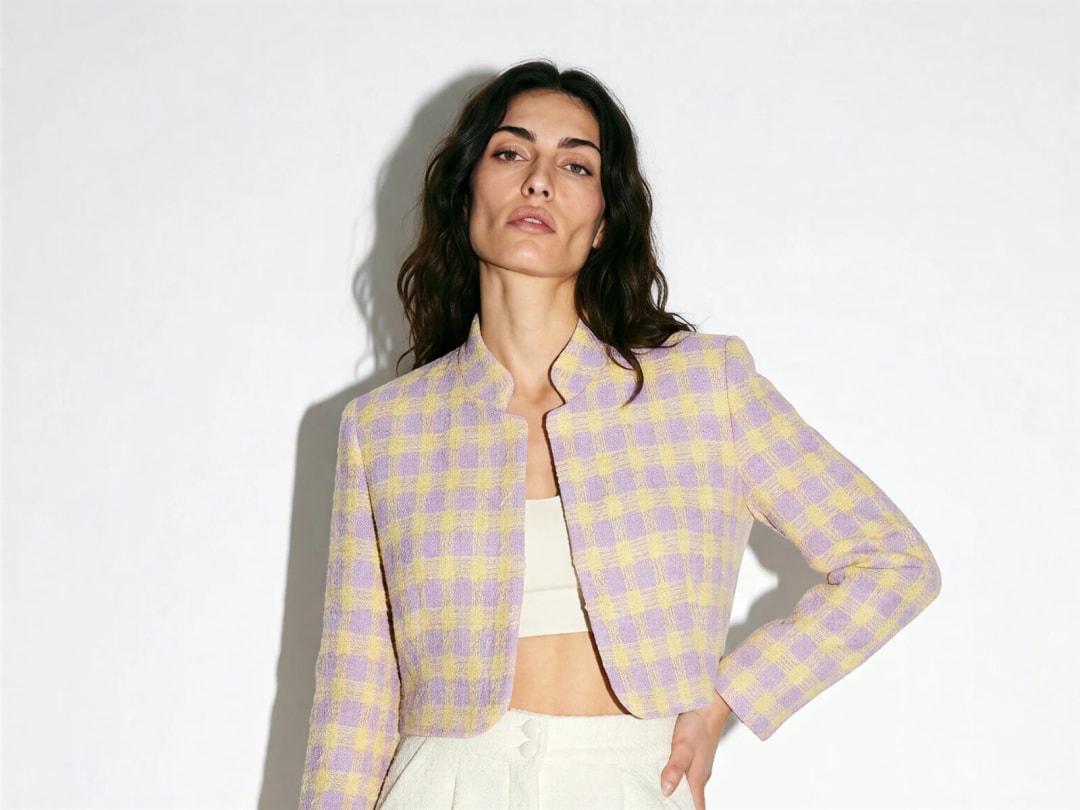
AI models for clothing
One garment photo, flat or on a hanger, becomes a model wearing it.
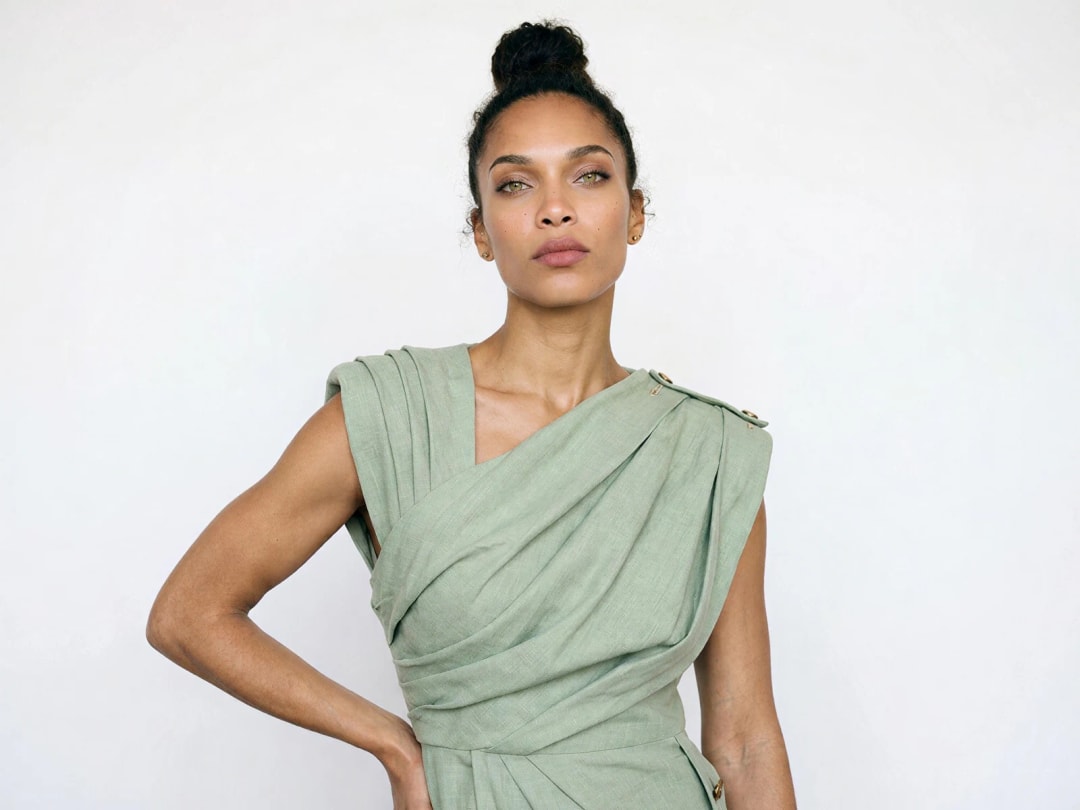
AI models for dresses
One dress photo becomes a model wearing it, with the drape and the hem.
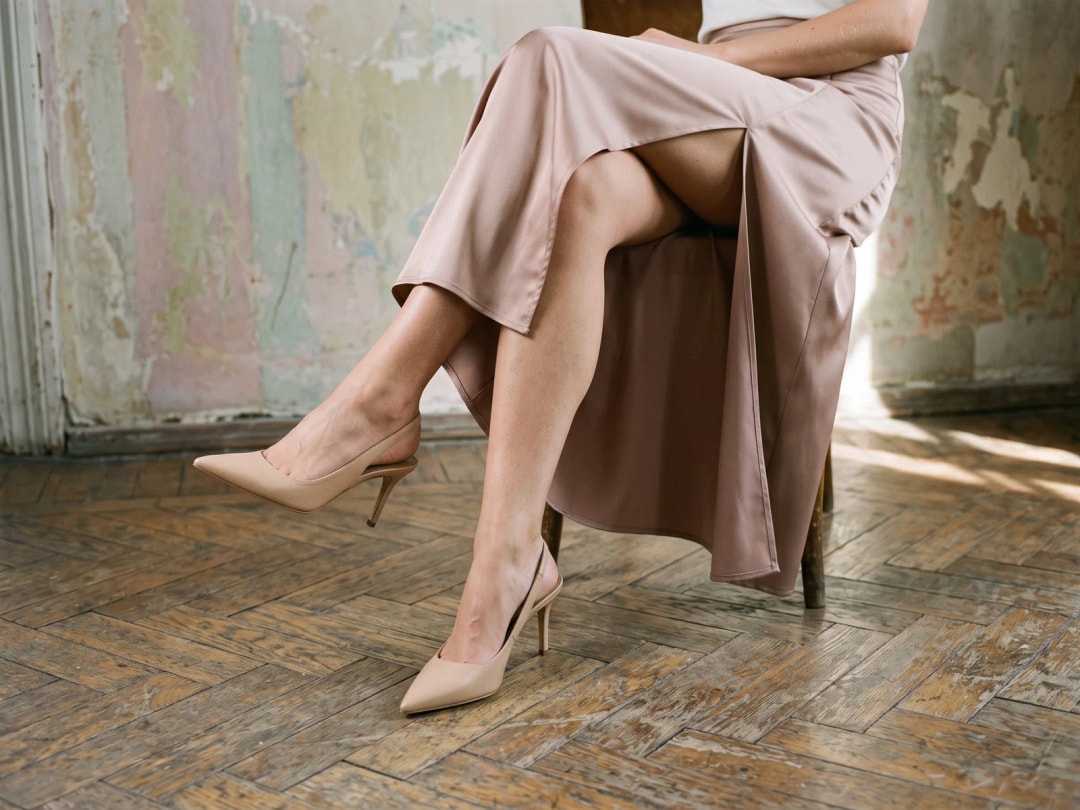
AI models for shoes and sneakers
Sneakers, heels and boots on feet, at the right scale, full-length or close.

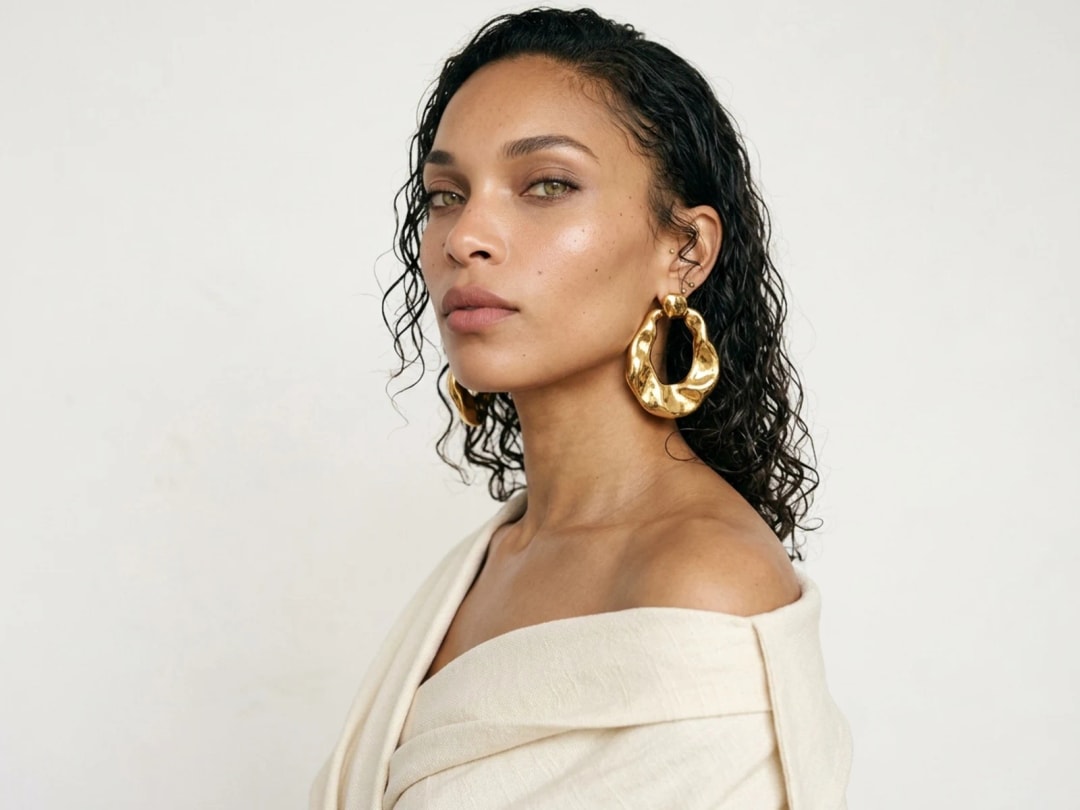
AI models for jewelry
Necklaces, rings, earrings and bracelets, worn close and in proportion.
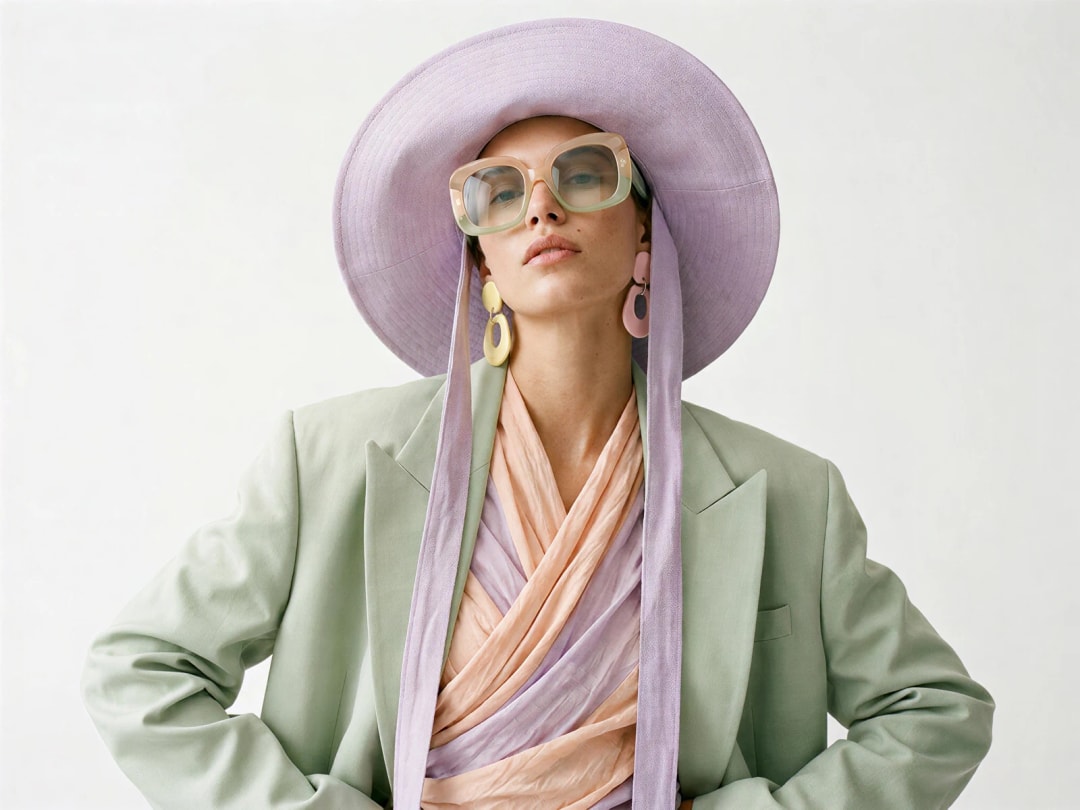
AI models for sunglasses and hats
Eyewear, caps, beanies and hats on a face that suits them.
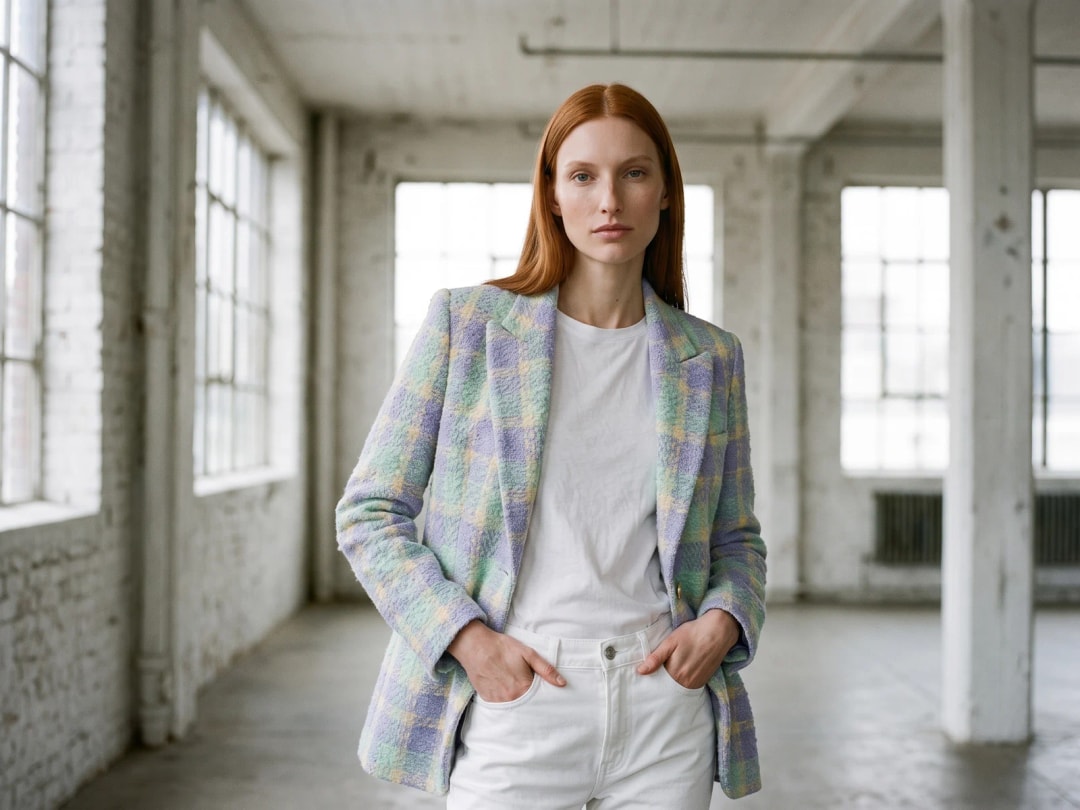
Reimagine your model
The same model in the same outfit, in a new scene, pose or action.

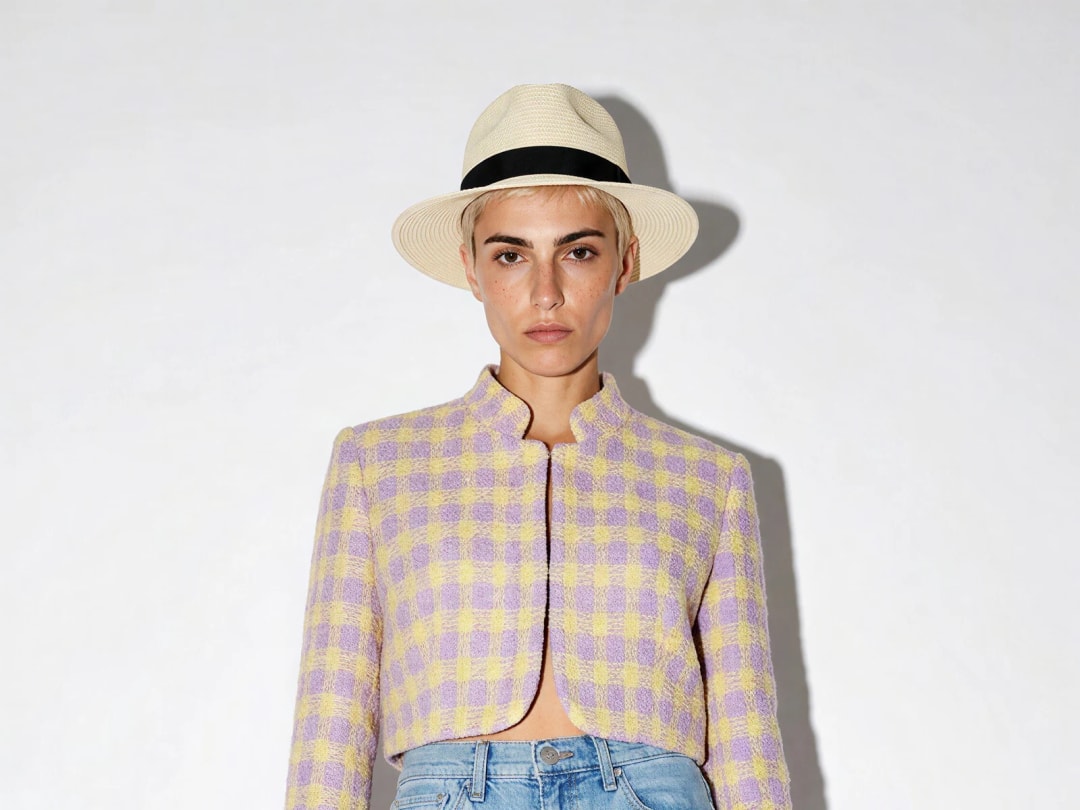
Explore more workflows
Backgrounds, videos, 3D, flat lays, tech packs and more, in the same studio.
AI Fashion StudioAI Virtual Try-OnAI Outfit GeneratorAll AI fashion features
Learn
Clothing product photography with AI
The images a product page needs, how to make each one from a single photo of the garment, and what still needs a camera.
ReadThe best AI fashion model generator
Photorealistic models, a real demographic range, pose control, and the same face across a whole shoot.
ReadA consistent AI model
Train the AI on photos of one person and generate the same face across every shoot.
ReadGenerate your catalog in bulk
Turn a product catalog into AI models, videos or virtual try-ons in one run.
ReadWhat an AI fashion model is, and how one is made
An AI fashion model is a person the studio generates so that your product can be photographed worn. You bring the piece, you say who should wear it, and what comes back is a photograph of that item on a body: the pose, the light, the way the fabric falls and creases around a shoulder.
The starting point is almost always a flat lay. A garment photographed on a table carries everything about how it is built, and nothing about how it looks worn, which is exactly the gap. The studio reads the construction from the flat picture and rebuilds it on a figure, so the collar sits where a collar sits and the hem falls where the cut says it should.
That is the whole of it, and it is worth being clear about what it replaces. Not the design, not the product photograph you already own, and not the decision about what to make. It replaces the booking: the model, the studio, the day, and the wait between the sample arriving and the picture existing.
How do I choose who wears it?
The most common disappointment with generators of this kind is that the person who appears was chosen by the machine. Here they are chosen by you, in fields rather than in prose.
Gender. Age, from twenty to sixty in steps of five. Origin. Body shape. Each is a setting, not a phrase you have to word cleverly, which matters more than it sounds: a prompt that says "a woman in her forties" competes with everything else in the sentence, while a field is simply obeyed.
Practically, this is what makes the studio useful for a range rather than a single image. Change one setting, generate again, and you have the same garment on a different person with nothing else moved. A brand that wants its knitwear shown on a twenty-five year old and on a fifty-five year old is two generations apart, not two shoots.
What photo should I start from?
The product picture decides most of the result, and the rule is one sentence long: the whole piece visible, nothing covering it, in as much resolution as you have.
A flat lay on a plain ground is the reliable case. A garment hung, or on a mannequin, works just as well. What costs you is anything that hides construction: a sleeve folded under itself, a closure buried in a fold, a crop that cuts the hem, a patterned surface underneath that competes with the piece. Every one of those is information the studio then has to invent, and invention is where a result stops looking like your product.
Colour deserves its own line. A garment photographed under a warm indoor bulb comes back warmer than it is, and a white that was actually daylight-white arrives cream. Shoot the piece in even light if you can, because a colour corrected afterwards on the finished image is a colour corrected on skin and background too.
What makes a result look real?
The question people actually ask, in those words, and the honest answer is that realism is mostly decided before you press generate.
Three things carry it. Resolution first, because detail that is not in the product photograph cannot appear on the model. Then the match between the piece and the person: a heavy wool coat on a very slight figure asks the studio to reconcile two things that rarely meet, and the seam of that compromise is what a viewer notices without being able to name it. And finally consistency of light, which is why a product shot taken in flat, even light composes into more scenes than one lit with a hard side lamp.
What gives a result away, when it does, is usually a hand, a piece of fine hardware, or small printed type at full-body scale. If the buckle is the product, photograph the buckle close and show it in its own frame rather than asking a full-length picture to carry it. That is not a workaround, it is what a catalogue does anyway.
Can I keep the same model across a collection?
This is the difference between having pictures and having a campaign, and it is the request that comes second, always, right after the first image works.
A model can be kept as a consistent identity and used again across a range, so twenty products come back worn by one recognisable person rather than by twenty strangers. A collection page then reads the way a shoot reads. Swap Model does the reverse when you need it: keep the outfit exactly as it is and change who is wearing it, which is how one photograph becomes a range of models without regenerating the garment each time.
And once the person exists, they are not stuck in the frame they were born in. Reimagine your Model moves them into another scene entirely, so the same look can go from a plain studio wall to somewhere with weather in it.
What it costs, and how long it takes
One credit on Standard, three on Pro, per attempt. Nothing is charged for uploading and nothing for looking at the result. A new account opens with three free credits, so the first models cost nothing beyond signing up.
An image comes back in about fifteen seconds, measured on our own platform rather than estimated. That pace is what changes the method rather than the budget: when a model costs a credit and a quarter of a minute, you stop choosing between two options in a meeting and simply generate both.
Can I do a whole catalogue at once?
One product at a time is how you explore. A catalogue is a different job, and Product to Model is one of the workflows that runs in bulk.
You give it the products and the model who should wear them, and the batch is generated in one pass rather than one upload at a time. Combined with a consistent model, that is a full season presented by one person, which is the thing a range page needs and the thing separate shoots almost never deliver.
What an AI model is not
Worth stating plainly, because the industry is arguing about it and a brand using this should know where it stands.
The person in the picture does not exist. They are generated for the purpose of showing a garment worn, and they are good at exactly that. What they cannot do is carry a life: a generated face has no experience to speak from, so a synthetic person should present a product and should never be presented as a customer, a testimonial or an endorsement. That line is easy to hold and expensive to cross.
The settings do let you show a genuinely wide range of ages, origins and body shapes, and using them well is better than not. It is also not the same thing as working with the people themselves, and a brand that means the wider representation seriously will do both rather than one instead of the other.
Finally, a real person's likeness is theirs. If you upload a photograph of someone to put your product on them, their consent is yours to obtain, not ours to assume. Rules on disclosing that an image is AI-generated differ by market and by platform, and they are moving; check the ones that apply to you rather than the ones that applied last year.
Edit with smart creative tools
Refine your generated visuals with smart editing tools: crop, trim videos, add clips, text, filters and more.
Publish directly to Shopify and channels
Schedule or publish your images and videos directly to Shopify, Instagram, Pinterest, TikTok, YouTube, X, Threads, and more.
Create directly in Claude chat
Create faster with The New Black AI through our seamless Claude MCP integration.
ConnectInvite your team
Seats come with every plan, unlimited from Business. Work on projects, edit and publish together.