Create an AI Fashion Model for a Dress
A dress is the one garment a flat photo cannot sell: the drape, the fall of the hem, and the line of the waist only read on a body. The AI model generator takes a single dress photo and creates a realistic model wearing it in seconds, ready for your e-commerce pages and social networks, with no photoshoot behind it.
Updated 3 October 2026
- 1Upload a dress photo
- 2Create your AI model
- 3Run it across your collection
How it works
Upload a dress photo
Select a dress from your brand collection, or simply a photo you found online. A flat shot works fine: the AI reads the cut, the fabric, and the print from the picture you give it.
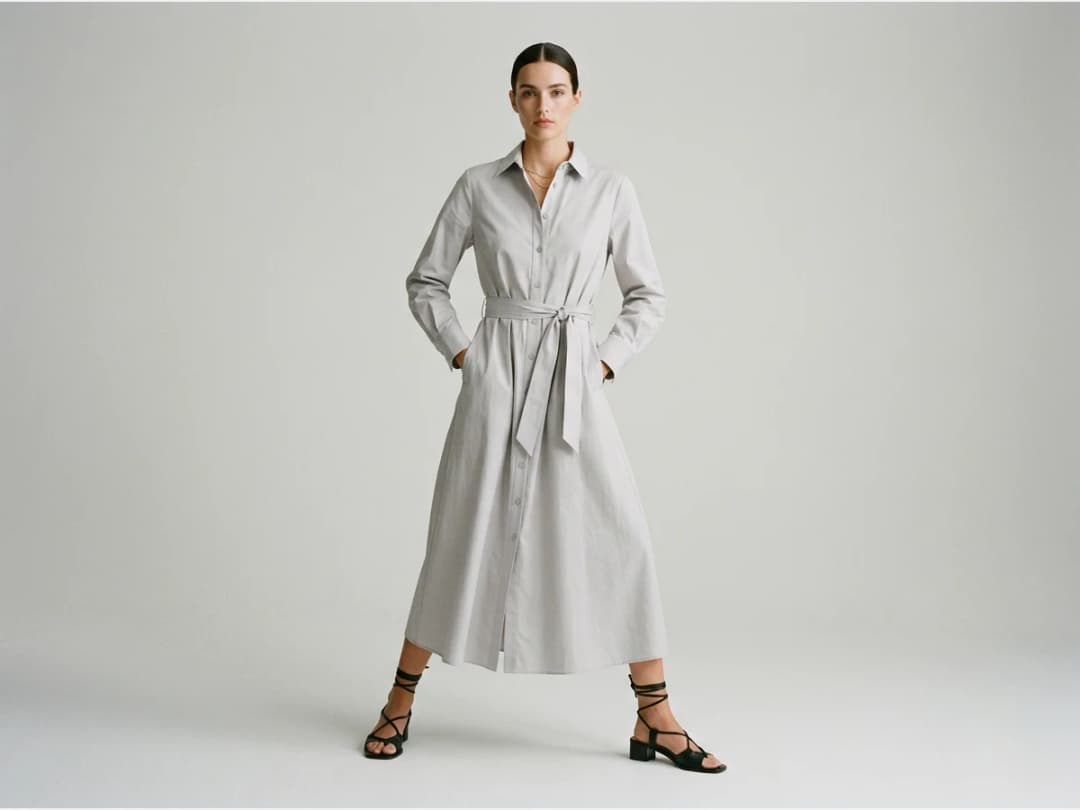
Create your AI model
Choose the framing, then the model: gender, age, body shape (small, mid or plus size, or pregnant) and origin, and describe the scene in a line. Framing is what makes the difference on a dress: Full body lets the skirt fall and shows the true hem length, which is exactly what a flat photo hides. The camera angle helps too: Slightly below lengthens the silhouette for an evening gown.
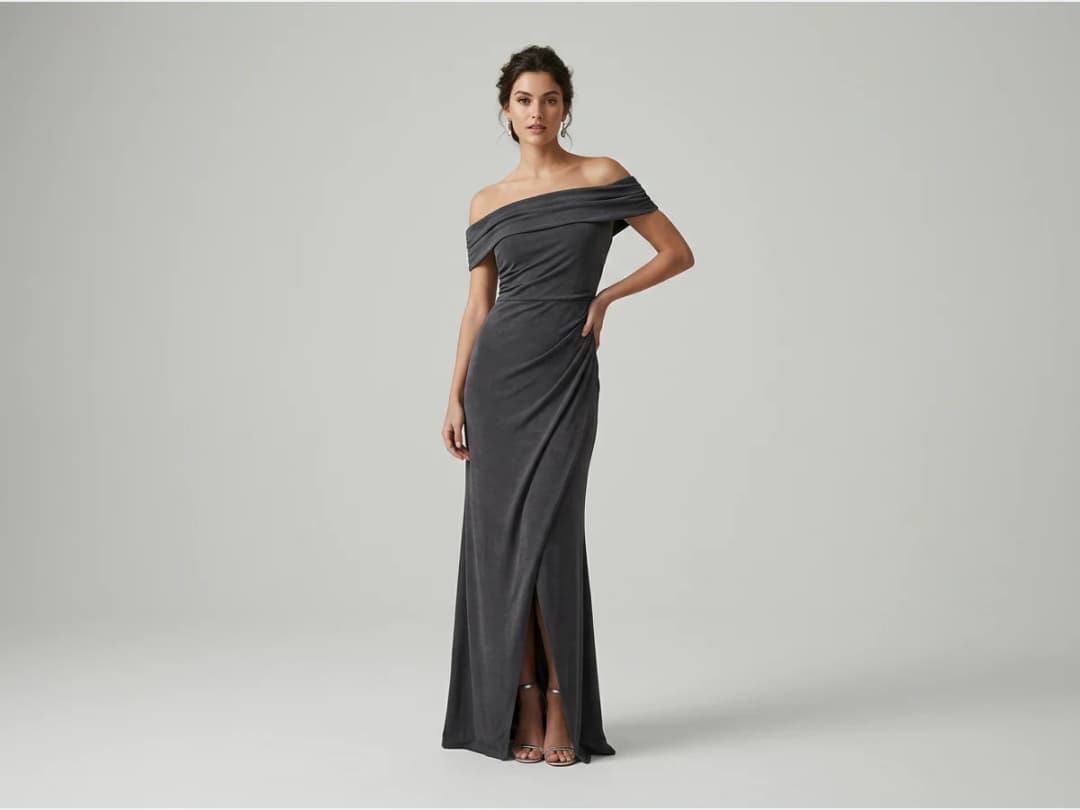
Run it across your collection
AI models are especially useful for e-commerce, where every dress in the catalog needs the same on-body treatment. Run up to 30 dress photos at once with bulk generation and the whole rail comes back on the same kind of model, in the same scene.
Dresses are one of many products the AI models studio handles. If you want to place a dress on a model photo you already have, virtual try on for dresses works from that side.
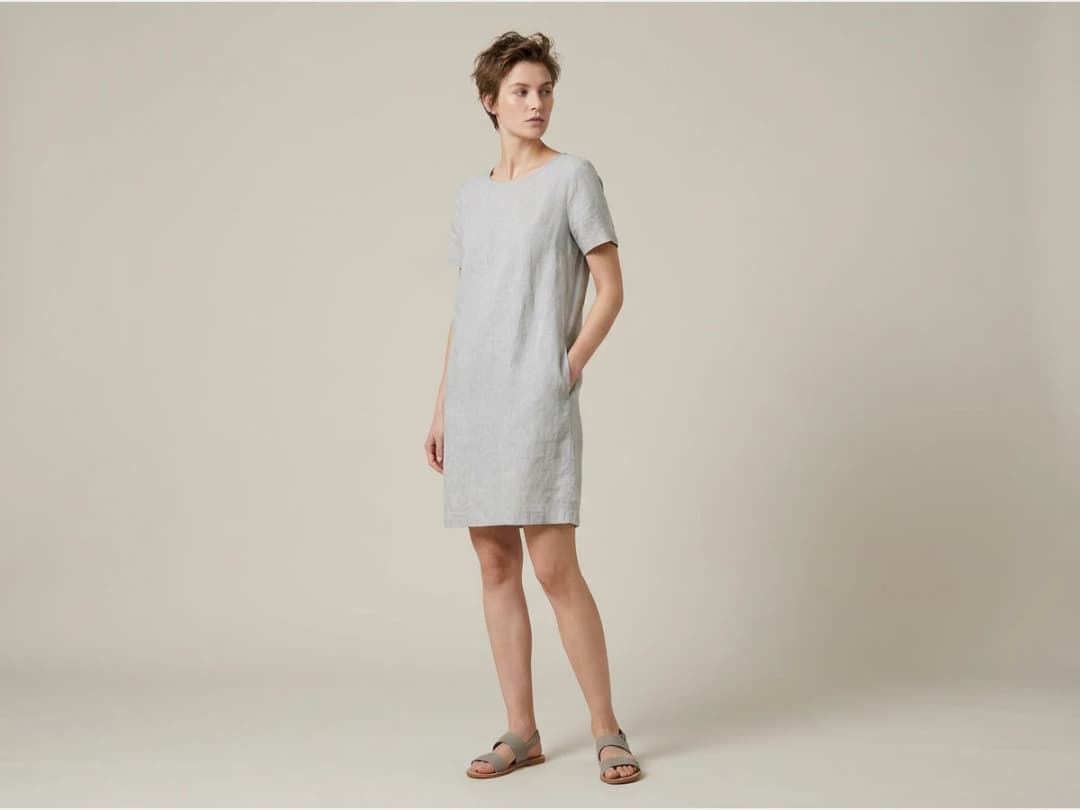
Not only dresses: the AI clothing model generator
The same tool puts any piece of clothing on a model, not only a dress. A shirt, a coat, trousers, a knit, a full outfit of several pieces: upload the product photos, say how many products the model wears, and the generator dresses one model in all of them. Framing follows the product: Full body for dresses, coats and full outfits, Upper body for tops, a close-up on the feet for shoes, on the hand for a watch or a small bag.
| What you sell | Framing to choose | What the model shows |
|---|---|---|
| Dresses, coats, full outfits | Full body | the fall, the length, the whole silhouette |
| Tops, shirts, knitwear | Upper body | the neckline, the shoulders, the fit at the chest |
| Shoes and boots | Close-up, feet | both shoes in frame, weight on one leg |
| Watches, rings, small bags | Close-up, hand | the product sharp and filling the frame |
| Fabrics and finishes | Product detail, worn | the material and the stitching on the body |
Each image costs 1 credit on Standard, 3 on Pro, or 7 on Ultra. The AI clothing model generator page shows models for every product type, from swimwear to jewelry.
Frequently asked questions
What kind of dress photo do I need?+
A photo where the dress is clearly visible: a flat lay, a hanger shot, or a product image from your store. It can come from your own collection or from the internet if you are exploring.
Can I decide how the model wears the dress?+
Yes. You select the pose, the age, and the type of the model, and you mark the area of the pose where the dress should sit. Choosing a standing, full length pose is the usual way to show the drape and the hem.
Where do the generated images end up?+
Every generation lands in your studio grid, organised in projects. From there you can reuse a visual in any other workflow, such as video generation or HD upscale.
Can I use the images commercially?+
Yes, on any plan: everything you generate is yours to sell, print and publish. The visuals can go straight to your product pages and campaigns.
Can I use the models, garments and backgrounds provided in the studio commercially?+
Yes. The house templates are free for commercial use: your campaigns, your product pages, your lookbooks, with no separate licence and no attribution.
Are my uploads and my creations private?+
Yes. Everything you upload and everything you generate is private to your account, never shown to other users, never published without an action of yours, and never used to train any model, on any plan. Details on the Security page.
Does it work for clothes other than dresses?+
Yes. It is a clothing model generator: shirts, trousers, coats, knitwear, shoes, bags and jewelry all go on a model the same way, and several products can be worn together in one image. Choose the framing that fits the product, Full body for an outfit, Upper body for a top.
Try it yourself
Everything on this page was made in the studio. Your first designs are minutes away.
Open the studioRelated features
- AI Fashion Reels: Trending Outfit Transition VideosMake trending AI fashion reels from one photo: outfit transitions as people pass, as your model walks, at a finger snap, after a jump, and more. 10-second 9:16 videos for Reels, TikTok and Shorts.
- AI Virtual Try On Necklace (Jewelry)Preview any necklace on a model with AI: upload a model photo and the necklace design, and see it sit on the neckline at the right chain length.
- AI Virtual Try On Bracelet (Jewelry)Preview bracelet designs on a real wrist with AI: upload a wrist photo and your bracelet, and get a lifelike worn shot with accurate scale.
- AI Virtual Try On BagsSee any bag on a model in seconds: upload a photo and a handbag or purse image, and the AI matches lighting, proportions, and perspective.
- Create Kid Fashion Clothing Models with AIUpload a kids clothing photo and get a child AI model wearing it in about 30 seconds: no casting, no studio, visuals ready for your store.
- Virtual Try On Head Accessories with AISee any hat, cap, or beanie worn before buying: AI fits the headwear to the face, the hairstyle, and the perspective of your photo.
- Create an AI Fashion Model for SocksUpload a sock photo, describe the model and the scene, and get visuals framed so the socks stay the point: no shoes, no photoshoot.
- AI Ghost Mannequin Clothes from an ImageTurn any garment photo into a clean ghost mannequin image in seconds: the AI removes the model and rebuilds the hidden parts, ready for e-commerce.
- Reimagine Your Model in New ScenesCreate a back view, a side view or a close up of a fashion photo with AI: upload the original model and describe the angle you want to see.
- AI Virtual Try On ShoesSwap shoes on any photo with AI: upload a model and a new pair, and the original shoes are replaced with realistic proportions and lighting.