Reimagine Your Model in New Scenes
Create alternate scenes, views, and angles of a fashion model from a single photo. Upload your original model and the AI builds the other views for you: the back of a design, its side, a close up, or one specific angle you had in mind. All it needs is a description of the view you want.
Updated 3 October 2026
- 1Upload your original clothing or fashion photo
- 2Describe your new alternative scene
- 3Get creative in seconds with the alternative views feature
How it works
Upload your original clothing or fashion photo
Start from the fashion or clothing photo you already have. A model walking in the street is a good example of what the AI can work from.
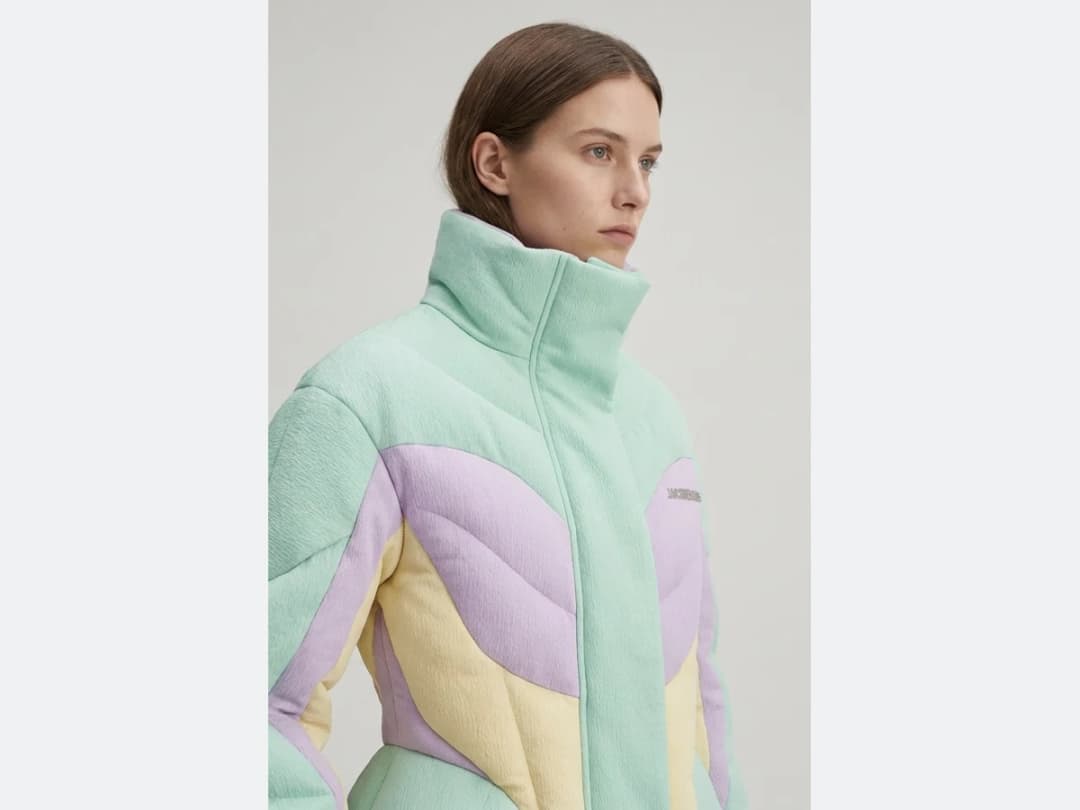
Describe your new alternative scene
Write the view you are after. The best use cases are the simple ones: back view, or side view.
Get creative in seconds with the alternative views feature
Every clothing image you own can produce more angles and more scenes, generated in seconds instead of shot one by one.
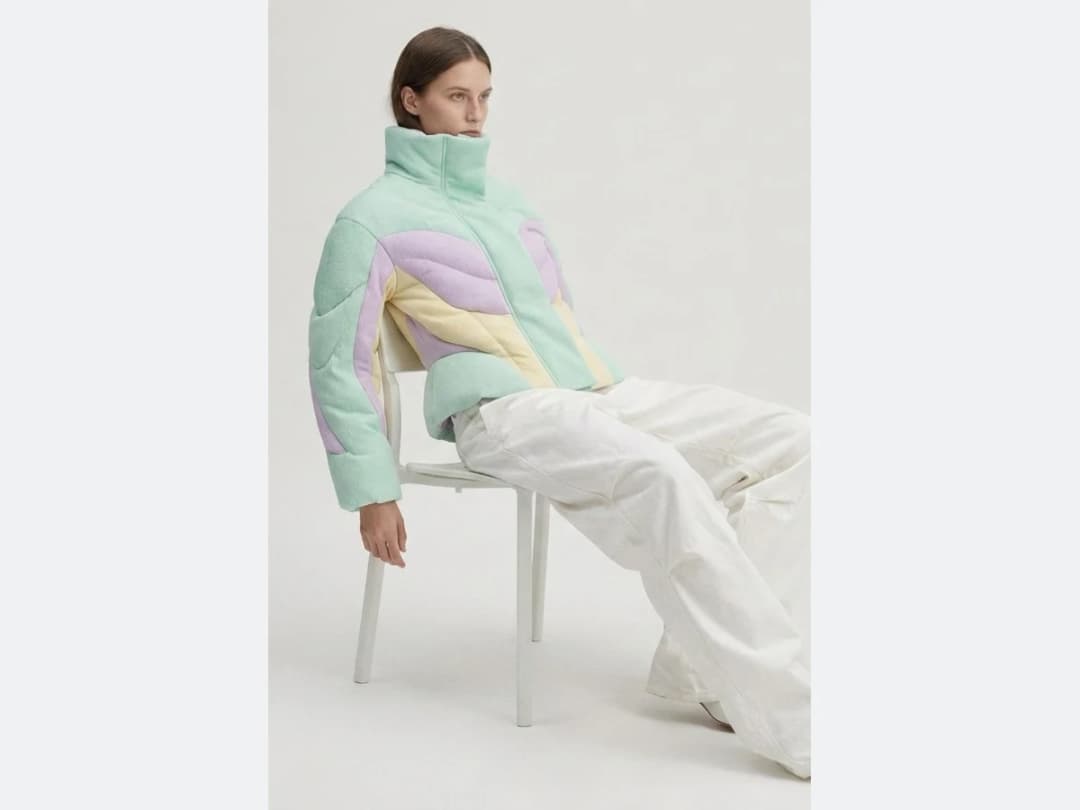
Frequently asked questions
What views can I ask for?+
The back of a design, its side, a close up, or one specific angle you had in mind. The best use cases are the simple ones: back view, or side view. You describe the view in a few words and the AI builds it from your original photo.
What photo do I start from?+
Any fashion or clothing photo you already have, a model walking in the street for instance. One image is enough; the AI keeps the model and the outfit and reimagines the scene from the angle you asked for.
Why generate angles instead of shooting them?+
Because the missing view usually surfaces after the shoot is over. Every clothing image you own can produce more angles and more scenes, generated in seconds instead of shot one by one, which is how a single photo becomes a full product page set.
Can I change other things about the image too?+
Angles are one move among several on the same photo: AI model swap changes who wears the look while keeping the outfit, and the rest of the moves live in the features catalog.
Where do the new views end up?+
In your studio grid, organised in projects with the original, and reusable in other workflows like video or HD upscale. The studio runs in the browser, and free credits at signup cover your first angles.
Can I run Reimagine your Model on many photos at once?+
Yes, with bulk generation on the Pro, Business and Enterprise plans: upload up to 30 photos, choose Reimagine your Model, set the new scene or angle once for the whole batch, and every photo comes back processed. Each photo costs the same credits as a single run.
Try it yourself
Everything on this page was made in the studio. Your first designs are minutes away.
Open the studioRelated features
- AI Fashion Reels: Trending Outfit Transition VideosMake trending AI fashion reels from one photo: outfit transitions as people pass, as your model walks, at a finger snap, after a jump, and more. 10-second 9:16 videos for Reels, TikTok and Shorts.
- AI Virtual Try On Necklace (Jewelry)Preview any necklace on a model with AI: upload a model photo and the necklace design, and see it sit on the neckline at the right chain length.
- AI Virtual Try On Bracelet (Jewelry)Preview bracelet designs on a real wrist with AI: upload a wrist photo and your bracelet, and get a lifelike worn shot with accurate scale.
- AI Virtual Try On BagsSee any bag on a model in seconds: upload a photo and a handbag or purse image, and the AI matches lighting, proportions, and perspective.
- Create Kid Fashion Clothing Models with AIUpload a kids clothing photo and get a child AI model wearing it in about 30 seconds: no casting, no studio, visuals ready for your store.
- Virtual Try On Head Accessories with AISee any hat, cap, or beanie worn before buying: AI fits the headwear to the face, the hairstyle, and the perspective of your photo.
- Create an AI Fashion Model for SocksUpload a sock photo, describe the model and the scene, and get visuals framed so the socks stay the point: no shoes, no photoshoot.
- AI Ghost Mannequin Clothes from an ImageTurn any garment photo into a clean ghost mannequin image in seconds: the AI removes the model and rebuilds the hidden parts, ready for e-commerce.
- AI Virtual Try On ShoesSwap shoes on any photo with AI: upload a model and a new pair, and the original shoes are replaced with realistic proportions and lighting.
- AI Virtual Try On JewelryTry jewelry on any photo with AI: upload a model and a ring, bracelet, necklace or earrings, and see the piece worn with realistic scale and light.