AI Virtual Try On Bags
AI bag try-on shows how a bag looks on a person without anyone lifting it off the shelf. Upload your own photo, or use one of our models, together with the image of the bag, and the AI produces a realistic try-on. It adapts the lighting, the proportions, and the perspective so the result reads as a real photograph, which is what makes it usable for designers, for brands, and for shoppers deciding in seconds.
Updated 15 September 2026
- 1Upload a model image and a bag image
- 2Describe your bag
- 3Skip the photo shoot
How it works
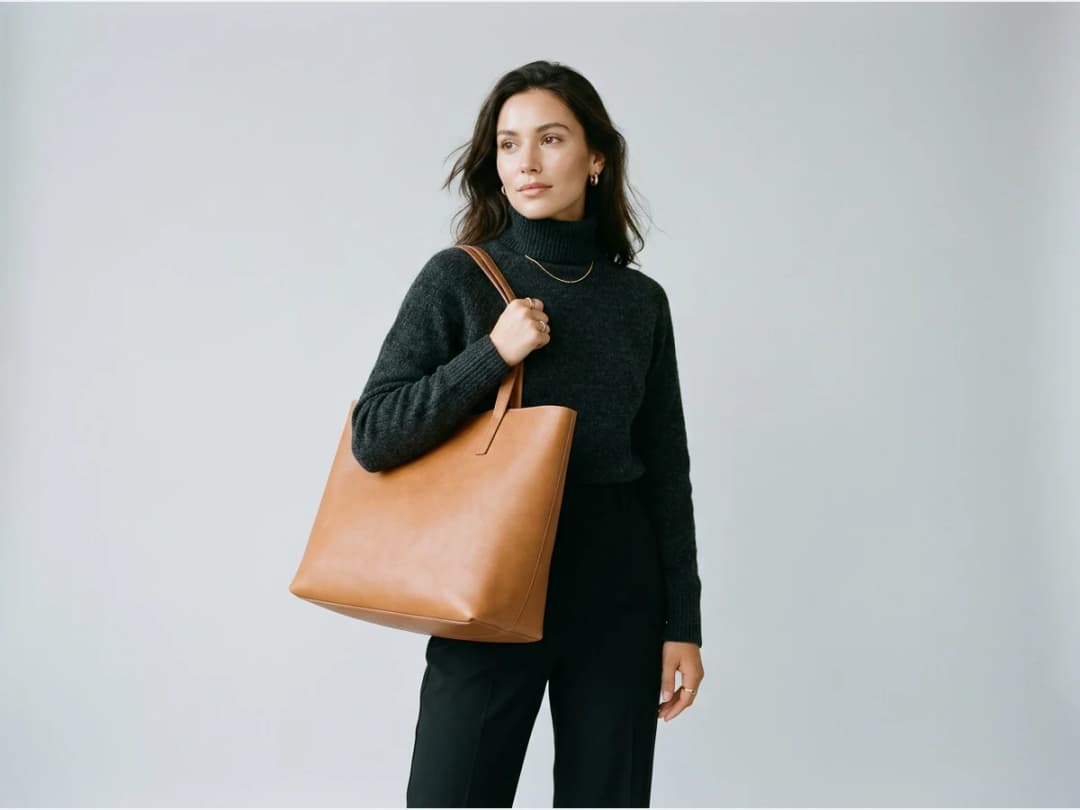
Upload a model image and a bag image
Two inputs: a fashion model image, with or without a bag already in frame, and the bag you want to try on.
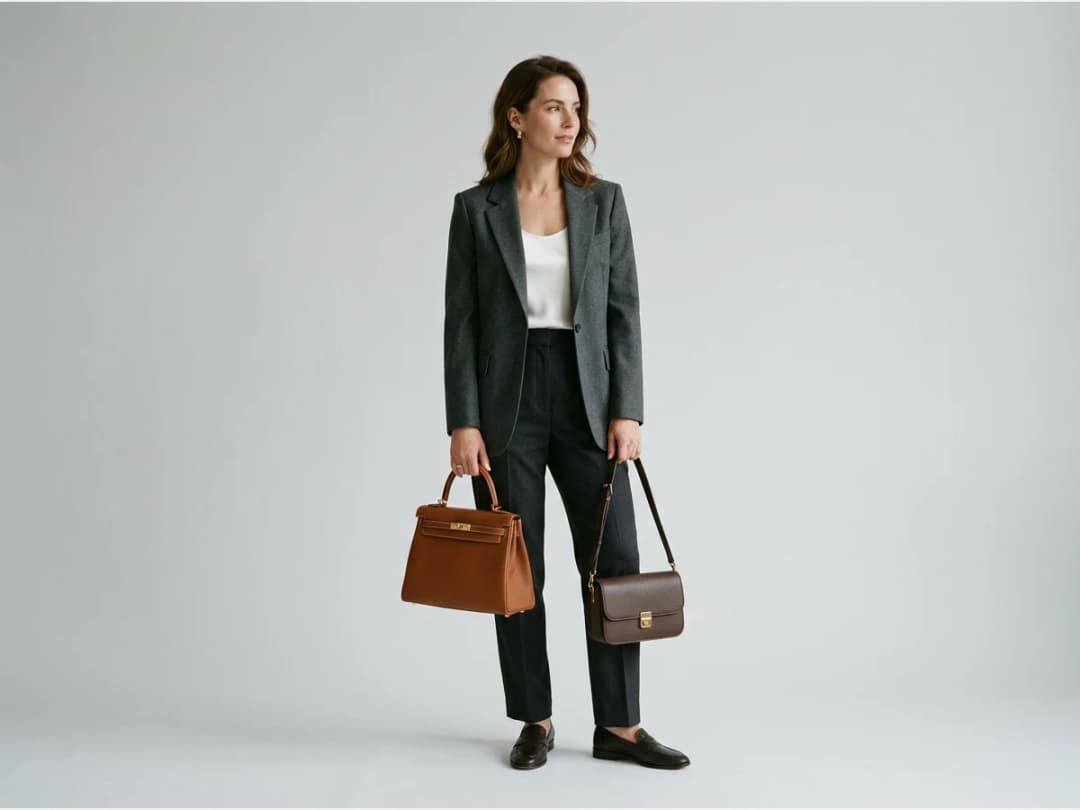
Describe your bag
You can add a description if the photo leaves anything ambiguous: the size, the color, or any detail you want the AI to respect.
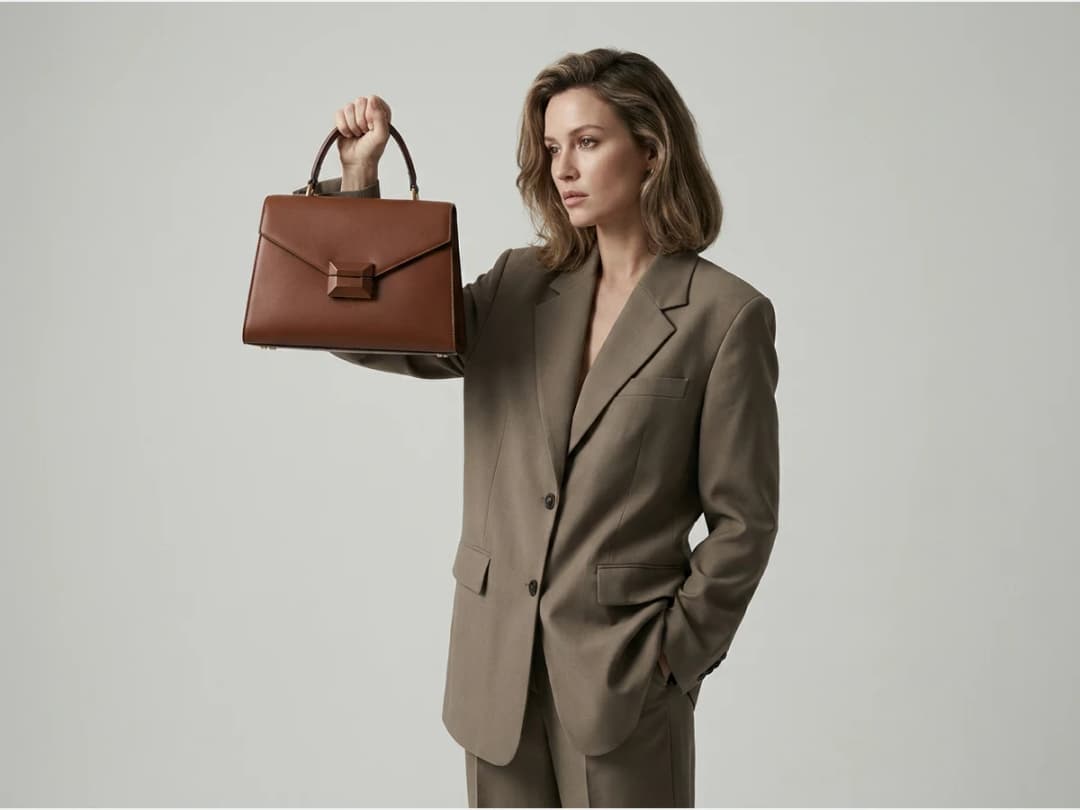
Skip the photo shoot
For a brand putting a bag on a product page, or simply to see your design carried by a model, there is nothing left to book. The pass takes seconds and can be repeated with another bag on the same model.
Frequently asked questions
Does the model photo need a bag in it already?+
No. The starting image works with or without a bag in frame. If one is there, the try-on replaces it; if not, the AI adds yours, matching the lighting, the proportions, and the perspective of the original photo so the result reads as a real photograph.
When should I add a description of the bag?+
When the photo leaves something ambiguous. The size is the classic case for a bag, since the same silhouette can exist as a mini or a weekender; a line about the size, the color, or any detail you want respected settles it.
Whose photo can I use?+
Your own, or one of our models. That is what makes the same tool work for a shopper deciding in seconds, a designer checking a prototype on a body, and a brand filling a product page, with nothing to book and nothing lifted off the shelf.
Can I try several bags on the same model?+
Yes. The pass takes seconds and can be repeated with another bag on the same starting photo, so one model can carry the whole line. You can also start from a model you generated with the AI model generator.
Can I publish the results?+
Every try-on lands in your studio grid, organised in projects and reusable in workflows like video or HD upscale, and the studio runs in the browser with free credits at signup.
Try it yourself
Everything on this page was made in the studio. Your first designs are minutes away.
Open the studioRelated features
- AI Virtual Try On Necklace (Jewelry)Preview any necklace on a model with AI: upload a model photo and the necklace design, and see it sit on the neckline at the right chain length.
- AI Virtual Try On Bracelet (Jewelry)Preview bracelet designs on a real wrist with AI: upload a wrist photo and your bracelet, and get a lifelike worn shot with accurate scale.
- Create Kid Fashion Clothing Models with AIUpload a kids clothing photo and get a child AI model wearing it in about 30 seconds: no casting, no studio, visuals ready for your store.
- Virtual Try On Head Accessories with AISee any hat, cap, or beanie worn before buying: AI fits the headwear to the face, the hairstyle, and the perspective of your photo.
- Create an AI Fashion Model for SocksUpload a sock photo, describe the model and the scene, and get visuals framed so the socks stay the point: no shoes, no photoshoot.
- AI Ghost Mannequin Generator: Invisible Mannequin PhotosCreate the ghost mannequin effect from one garment photo: the AI removes the model or mannequin and rebuilds the inner collar. Free to try, about 15 seconds an image, ready for your store.
- Reimagine Your Model in New ScenesCreate a back view, a side view or a close up of a fashion photo with AI: upload the original model and describe the angle you want to see.
- AI Virtual Try On ShoesSwap shoes on any photo with AI: upload a model and a new pair, and the original shoes are replaced with realistic proportions and lighting.
- AI Virtual Try On JewelryTry jewelry on any photo with AI: upload a model and a ring, bracelet, necklace or earrings, and see the piece worn with realistic scale and light.
- AI Fashion Models for Beauty and Cosmetic ProductsTurn a cosmetic product photo into an AI model visual: editorial beauty images without a photoshoot, with a model whose age and country you choose.