Generate AI Fashion in Bulk for Your Catalog
Bulk generation turns a product catalog into finished assets in one run: upload up to 30 product photos, pick a workflow, write one brief, and every image comes back done. 30 AI models from 30 product photos, 30 virtual try-ons, or 30 videos from 30 images, in a single click, with the same brief applied to all of them.
Updated 3 October 2026
- 1Select your workflow
- 2Upload your images
- 3Write one brief, adjust the settings, generate
How it works
Select your workflow
Start by choosing the workflow you want to run in bulk. 25 workflows are available, from AI models and virtual try-ons to flat lays, color changes, HD upscales and product videos; a search field at the top of the menu finds one by name. Each workflow applies the same AI process to every image you upload.
Upload your images
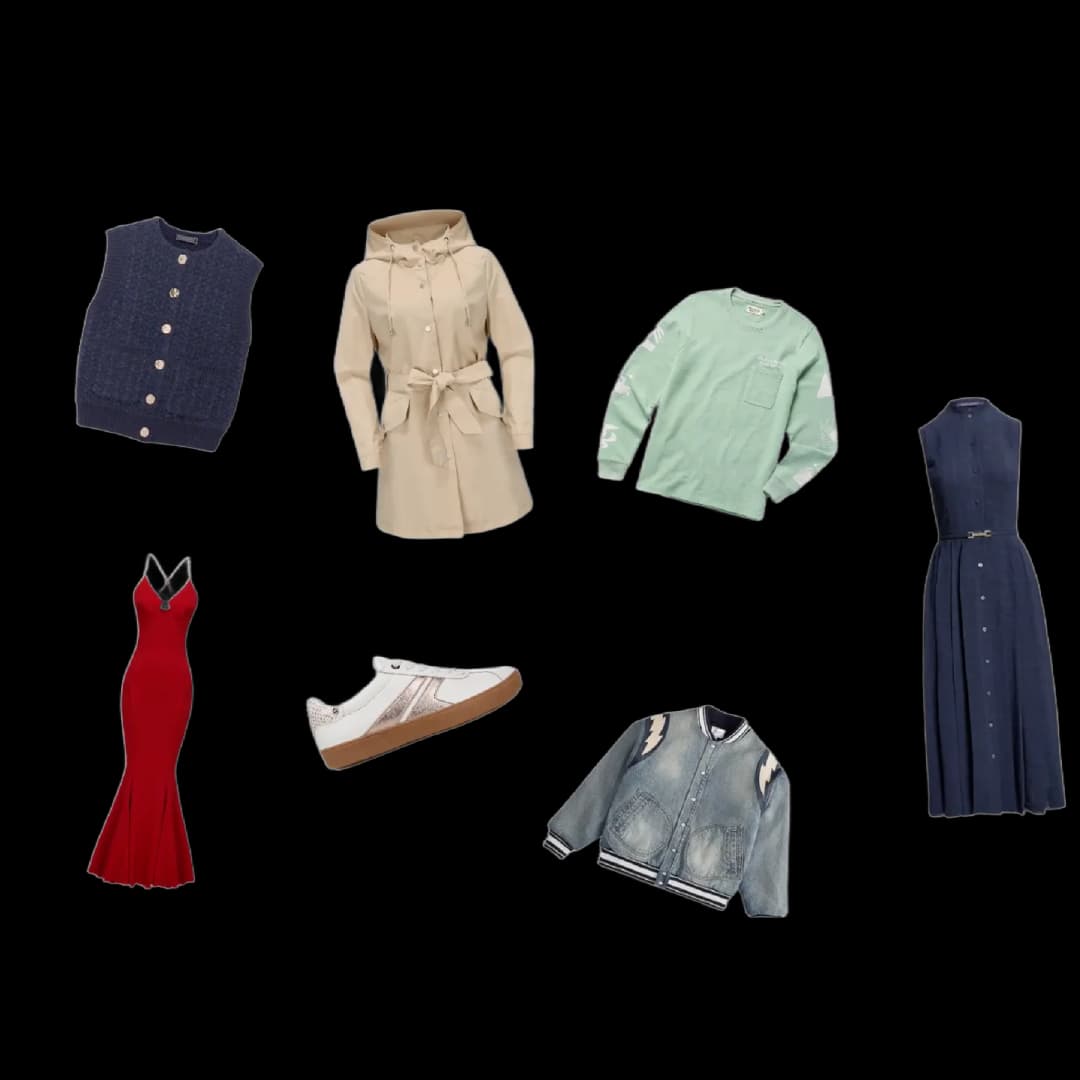
Upload up to 30 images at once to process them in bulk. Simply drag and drop your product photos, and the system automatically prepares them for the selected workflow.
Write one brief, adjust the settings, generate
Describe once what you want for the whole batch, in words: a man wearing this t-shirt and sunglasses, a clean studio background for this product, the same model on every item. The brief applies to every image, so the catalog comes back consistent. Choose the AI options, the format and the settings, then click Create. The batch becomes a project of its own in your studio, and every item lands in it as it finishes.
Which workflows run in bulk
Every workflow that starts from one photo, and whose other settings can be chosen once for the whole batch, runs in bulk. That is 25 workflows, grouped here by what they make.
| What you need | Workflows that run on up to 30 photos |
|---|---|
| Models and try-ons | Product to Model, Virtual Try-On, Swap Model, Reimagine your Model, Create Similar Outfits |
| E-commerce cleanup | Remove Background, Image to Ghost Mannequin, Image to Flat Lay, Enhance Photo to HD (2K/4K), Extend Image, Change a Color, Detail Close-up |
| Design | Create Design Variations, Sketch to Image, Image to Sketch, Image to Fabric, Fabric to Image |
| Ads | Ad Creative, Fashion Ad |
| Video | Product 360, Model Walk, Editorial Lookbook, UGC Video, Create or Edit Videos |
| Anything else | Create or Edit Images, driven by your brief alone |
The brief form is the workflow's own panel: the same fields and the same defaults as in the studio, set once for the batch. Change a Color asks for the target color, Product 360 for the rotation, Create Similar Outfits and Fabric to Image for gender, age and country. A required field left empty keeps the Create button off, so a batch never starts half described. Workflows that need a zone drawn on each image, two photos per item, or a video as input stay one image at a time.
AI agents: bulk generation, one level up
Bulk generation is one workflow, one brief, up to 30 images, and you in front of the screen when you click Create. An AI agent is the level above: an assistant hired inside your account that runs the same workflows for you, in the quantity you ask, on the schedule you set, whether you are there or not.
Three things change when the work goes to an agent.
- The task can be planned. A bulk run happens when you click. An agent's task can be given a date, or made recurring: every Monday at nine, the first of every month, the night before each drop. The generations run while you sleep, and the report waits for you in the conversation, with what was made and what it cost.
- The task can be longer and more complex. A bulk run applies one brief to every image. An agent can read your Shopify catalogue, pick the products that have no visual, generate a model shot for each one, then a try-on, then a video for the ten best sellers, file every result under its product, and stop when the list is done. It can adapt the brief per product, read a supplier's file for the details, and chain workflows that a single bulk run cannot combine.
- The task can be varied. Where a bulk run repeats one process, an agent mixes them: models on Monday, flat lays on Tuesday, a lookbook at the end of the month, a competitor check every week in between. Each one is a sentence in the chat, not a run to set up.
A few briefs that are agent work rather than bulk work: "Every night, check my Shopify products without a visual and make one for each, on the same model." "Before every drop, generate three variations of each new design, on a model, in my Visual DNA, and file them by product." "Every Monday at nine, post my newest product photo on Instagram and Pinterest."
The safeguards are yours to set: the agent asks before any task above a credit threshold you choose, a ceiling stops a single task at 100 credits by default, every generation is signed with its name, and it publishes nothing on its own until you switch a connector to trust it. Every paid plan comes with a first agent, free on trial; a hired agent is $30 a month, and generations cost their usual credits.
Bulk generation stays the right tool when you have thirty photos and ten minutes. When the catalogue moves every week and the work has to happen without you, the agent is the next step.
Try it on your own catalog
Bulk generation lives inside the design studio: pick a workflow, drop your catalog in, and let one run cover it. Open the studio to start.
Frequently asked questions
How many images can I process at once?+
Up to 30 images in a single run. Drag and drop your product photos and the system prepares them automatically for the workflow you selected.
Which workflows can run in bulk?+
25 workflows: AI models and try-ons (Product to Model, Virtual Try-On, Swap Model), e-commerce cleanup (Remove Background, Ghost Mannequin, Flat Lay, HD upscale, Change a Color), design (Sketch to Image, Design Variations, Image to Fabric), ads (Ad Creative, Fashion Ad) and video (Product 360, Model Walk, Editorial Lookbook, UGC Video). Each one applies the same process to every image you upload, so 30 product photos come back as 30 finished assets.
Can I adjust the settings for a bulk run?+
Yes. Before generating you write one brief and choose your AI options, format and settings, and they apply to the whole batch. Then one click on Create covers the entire run.
What does the brief do in a bulk run?+
It is the one sentence that changes every image the same way: the scene, the model, the mood, an accessory. Written once, applied thirty times, it is what keeps a whole catalog consistent instead of thirty separate guesses.
Where do the results go?+
Every creation from a bulk run lands in your studio grid, organised in projects, and stays reusable in the other workflows: send a model shot to video, or upscale a hero image to HD. It all runs in the browser, with nothing to install.
Which plan includes bulk generation?+
Bulk generation is part of the Pro, Business and Enterprise plans. Each image in the batch costs the credits of its workflow, the same price as one generation in the studio, and the total is shown on the button before you click.
Can I use the assets commercially?+
Yes, on any plan: everything you generate is yours to sell, print and publish.
Bulk generation or an AI agent?+
Bulk generation when you are at the screen with a set of photos and one brief: it is the fastest way to cover a catalogue in one run. An AI agent when the work has to repeat, run at night, follow a schedule, or chain several steps and workflows across your products: it does the same generations for you, on its own, and reports back. Every paid plan comes with a first agent, free on trial.
Try it yourself
Everything on this page was made in the studio. Your first designs are minutes away.
Open the studioRelated features
- AI Fashion Video from Reference ImagesPut your model, your garment and a place into one video: add up to three reference pictures, describe the scene, and get a 5 to 15 second fashion clip in 9:16, 1:1 or 16:9.
- Fashion Reel Templates & AI Motion DesignEighteen Motion Design templates for fashion reels: drop your photos or clips, edit the words, render a 10-second video in 9:16, 4:5, 1:1 or 16:9. One credit, every plan.
- AI Image Generator for Fashion: Create or Edit Any ImageWrite what you want and get the image, or upload up to three references and describe the change: the free-prompt tool that creates or edits any fashion visual, in any format.
- Create an AI Video of a Fashion Model Turning AroundTurn a front and a back photo into a smooth AI turnaround video with Model 360: the model turns on the spot or the camera orbits, every detail of the outfit kept from every side.
- Create AI Generated Model VideosTurn a clothing photo into an AI model video: create the model, then bring the still to life with realistic motion, no photoshoot needed.
- Animate a Sketch with AI VideoAnimate a fashion sketch with AI: upload a drawing and get a short video where the illustration itself moves, for presentations and moodboards.
- AI Jewelry Video GeneratorTurn a jewelry photo into a video with AI: sparkle, macro detail and slow rotation from a single image, no product film shoot needed.
- AI Sunglasses VideoTurn a sunglasses photo into a video with AI: face turns, lens reflections and light play from a single image or a text description.
- AI Shoes and Sneakers VideoTurn a shoe or sneaker image into a video with AI: on foot movement, sole flex and turning angles from one photo or a text description.
- AI Bag Video GeneratorTurn a bag photo into a video with AI: carried movement, swaying hardware and true scale from one image, no product film shoot.