AI Jewelry Video Generator
Jewelry sells on light, and light only shows in motion. The AI jewelry video generator turns a single photo of a ring, a necklace, or a pair of earrings into a short clip where the piece catches and releases light the way it does in the hand: facets sparkling, chains swaying, metal turning through a slow macro rotation. It replaces the most delicate product filming there is, the close-up shoot, with an upload.
Updated 26 September 2026
- 1Upload your jewelry image or describe the piece
- 2Choose the length and the format
- 3Generate and use the clip
How it works
Upload your jewelry image or describe the piece
Start from a photo of your jewelry in JPG, PNG, or WebP format. A clean product shot works, and so does the piece worn on a model. If the design only exists in your head, describe it instead and the AI creates the image first.
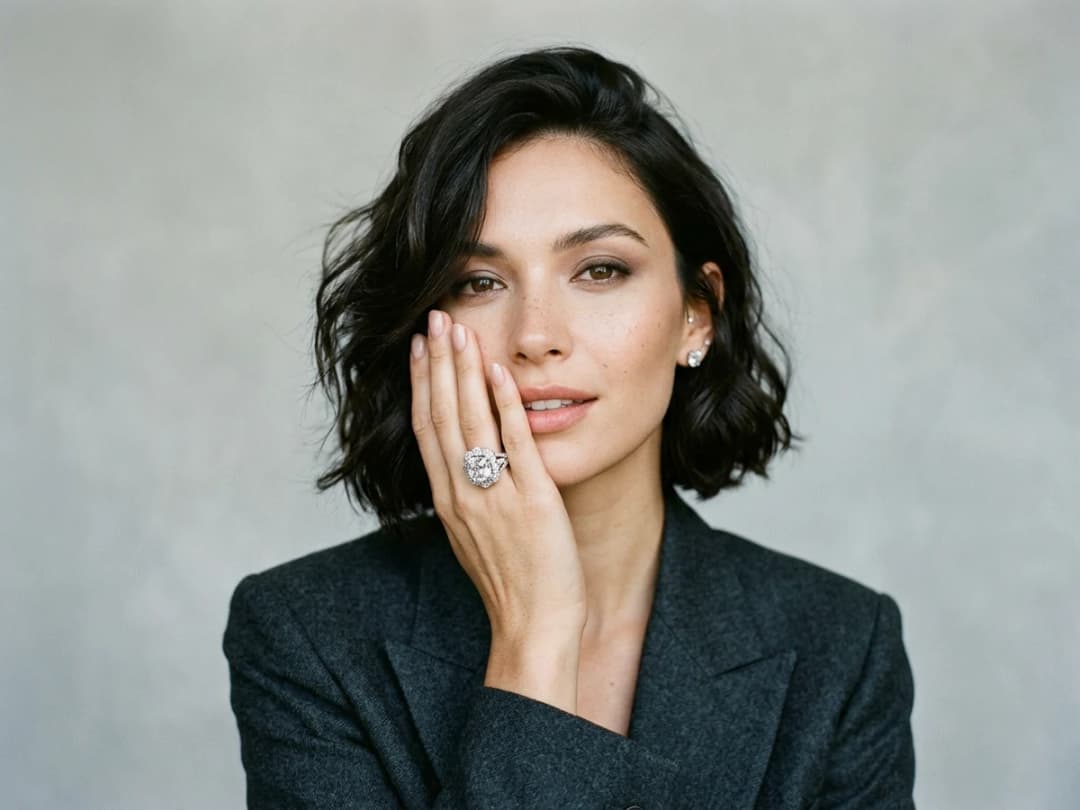
Choose the length and the format
Pick a duration of 5, 10, 15, 20 or 30 seconds and the format that fits where the clip will live. Short is usually right for jewelry: a few seconds of rotation is enough to show every facet.
Generate and use the clip
The video lands in your studio grid next to your other creations. Put it on a product page, in a social post, or use it to bring a prototype to life before the piece is even made.
What should the prompt say for a jewellery video?
Write the camera, not the jewellery. The piece is already in the photograph, so the model does not need to be told there is a ring, and every word you spend describing the object is a word not spent on the movement, which is the only thing the clip adds.
Four motions do almost all the work in this category. A slow rotation on the vertical axis, which shows every facet in turn and is the safest choice for a ring or a pendant. A gentle push in, which ends on the setting and suits a stone worth looking at closely. A light sweep, where the piece stays still and the highlight travels across it, the most convincing motion for polished metal. And a small sway for anything hanging, an earring or a chain, which reads as weight and makes the piece feel real.
Phrasing them plainly works better than describing them cinematically: "slow rotation, camera still, light moving across the metal" gives a steadier clip than a sentence about mood. Jewellery and jewelry are the same tool, and both spellings behave identically in the box.
How long, and what it costs
You choose a duration of 5, 10, 15, 20 or 30 seconds. For jewellery the shortest is usually the better product: a full rotation of a ring takes about four seconds, and every second beyond it is where a clip starts inventing detail nobody asked for.
Videos are the slowest thing on the platform and still quick against the alternative: a clip takes about a minute, measured on our own platform in August 2026. Pricing follows the shape of the work: about one credit for an image, and 2.2 credits per second of video with Standard AI (11 credits for 5 seconds), always shown before you generate. A macro shoot for the same clip is a day with a photographer who owns the right lens.
What macro asks of the source photo
The clip can only move what the photograph already contains, and jewellery is where that bites hardest. A sharp, well-lit still with the stone in focus animates beautifully; a soft phone snapshot animates into a soft video.
Three things to check before uploading. A reflection that already looks wrong, such as a window, a hand or a phone visible in the metal, gets amplified once the surface starts turning. Very fine chains at full-frame scale sit at the limit of what survives motion, so crop in before generating rather than after. And an engraved inscription will not stay legible through a rotation; if the engraving is the selling point, keep it a still image and animate a different shot.
Where jewelry video earns its keep
Macro filming is the expensive part of jewelry marketing: reflections, dust, focus depth, everything fights you. A generated clip skips all of it and still gives the viewer the one thing a still cannot, the play of light across stones and metal. It pairs naturally with AI models for jewelry for worn shots, and with virtual jewelry try-on when you want the piece on a specific person. Open the studio to make your first jewelry video.
Frequently asked questions
Does it work on small pieces like rings and studs?+
Yes. Small pieces are the reason to use it: the AI works from your close-up photo, so a ring or an earring that is hard to film well becomes a macro clip with the detail your image already carries. The sharper the source photo, the better the sparkle reads.
What image do I need to start?+
One photo of the piece in JPG, PNG, or WebP format. It can be a product shot on a plain background or the jewelry worn on a person. You can also describe a piece in words and generate the image first, which is how you animate a design that does not physically exist yet.
How long can the video be?+
You choose 5, 10, 15, 20 or 30 seconds, and you pick the format when you create it. For a product page loop, 5 seconds of rotation is usually all a piece of jewelry needs.
Can I use the videos commercially?+
Yes, on any plan: everything you generate is yours to sell, print and publish. The clips can go on your store, your ads, and your social channels. Everything runs in the browser and your videos stay organised in your studio projects.
How many credits does a jewelry video cost?+
It is priced by the second: 2.2 credits per second with Standard AI (11 credits for 5 seconds), 4.4 with Pro AI.
What prompt should I write for a jewelry video?+
Say the movement and the light, not the piece, which the photo already shows: "slow macro rotation, light catching the facets, dark velvet background, no hands". One movement per clip reads better than several.
Can I make a 360° video of a ring or a necklace?+
Yes. Product 360 turns the piece on a white background, catalogue style, from one photo.
Which format for Instagram Reels or TikTok?+
Pick 9:16. The other formats are 21:9, 16:9, 4:3, 1:1 and 3:4.
Try it yourself
Everything on this page was made in the studio. Your first designs are minutes away.
Open the studioRelated features
- AI Fashion Video from Reference ImagesPut your model, your garment and a place into one video: add up to three reference pictures, describe the scene, and get a 5 to 15 second fashion clip in 9:16, 1:1 or 16:9.
- Fashion Reel Templates & AI Motion DesignEighteen Motion Design templates for fashion reels: drop your photos or clips, edit the words, render a 10-second video in 9:16, 4:5, 1:1 or 16:9. One credit, every plan.
- Create an AI Video of a Fashion Model Turning AroundTurn a front and a back photo into a smooth AI turnaround video with Model 360: the model turns on the spot or the camera orbits, every detail of the outfit kept from every side.
- Create AI Generated Model VideosTurn a clothing photo into an AI model video: create the model, then bring the still to life with realistic motion, no photoshoot needed.
- Animate a Sketch with AI VideoAnimate a fashion sketch with AI: upload a drawing and get a short video where the illustration itself moves, for presentations and moodboards.
- AI Sunglasses VideoTurn a sunglasses photo into a video with AI: face turns, lens reflections and light play from a single image or a text description.
- AI Shoes and Sneakers VideoTurn a shoe or sneaker image into a video with AI: on foot movement, sole flex and turning angles from one photo or a text description.
- AI Bag Video GeneratorTurn a bag photo into a video with AI: carried movement, swaying hardware and true scale from one image, no product film shoot.
- Create Video from Text or Image: AI Fashion VideoTurn a still into a clip, or make the clip from words alone: start image, optional end image, format, 5 to 30 seconds, generated audio, 720p in Standard and 1080p in Pro. From 11 credits.
- AI Clothing Fashion Video GeneratorTurn any fashion image into a video in seconds: upload your visual, pick a duration, and get AI clothing videos for e-commerce and social.