AI Perfume and Fragrance Design Generator
A fragrance sells on its bottle before anyone smells it: the glass, the cap, the label, the color of the juice inside. The AI perfume generator designs those objects from a description, with your brand name on the label, so a fragrance concept becomes a finished looking product visual in seconds. Built for beauty brands and designers shaping the shelf presence of a scent.
Updated 2 October 2026
- 1Put your brand on it
- 2Describe the bottle
- 3Explore directions
How it works
Put your brand on it
Start with your brand name, and it appears on the bottle. That single detail changes the exercise: you are not looking at generic packaging inspiration, you are looking at your own product.
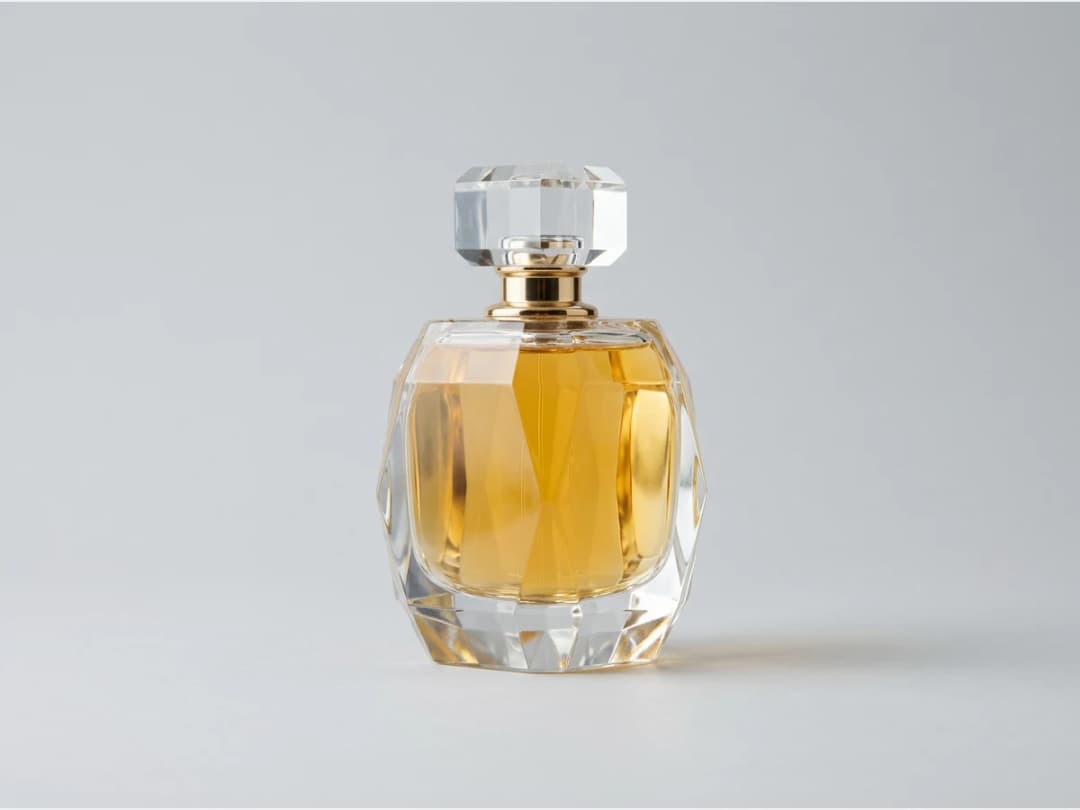
Describe the bottle
The glass does the talking: a black futuristic sleek bottle, a colored flacon with a sculptural cap, a vintage apothecary shape with ornament. Describe the silhouette, the cap and the mood, and the render carries the reflections and weight of real glass.
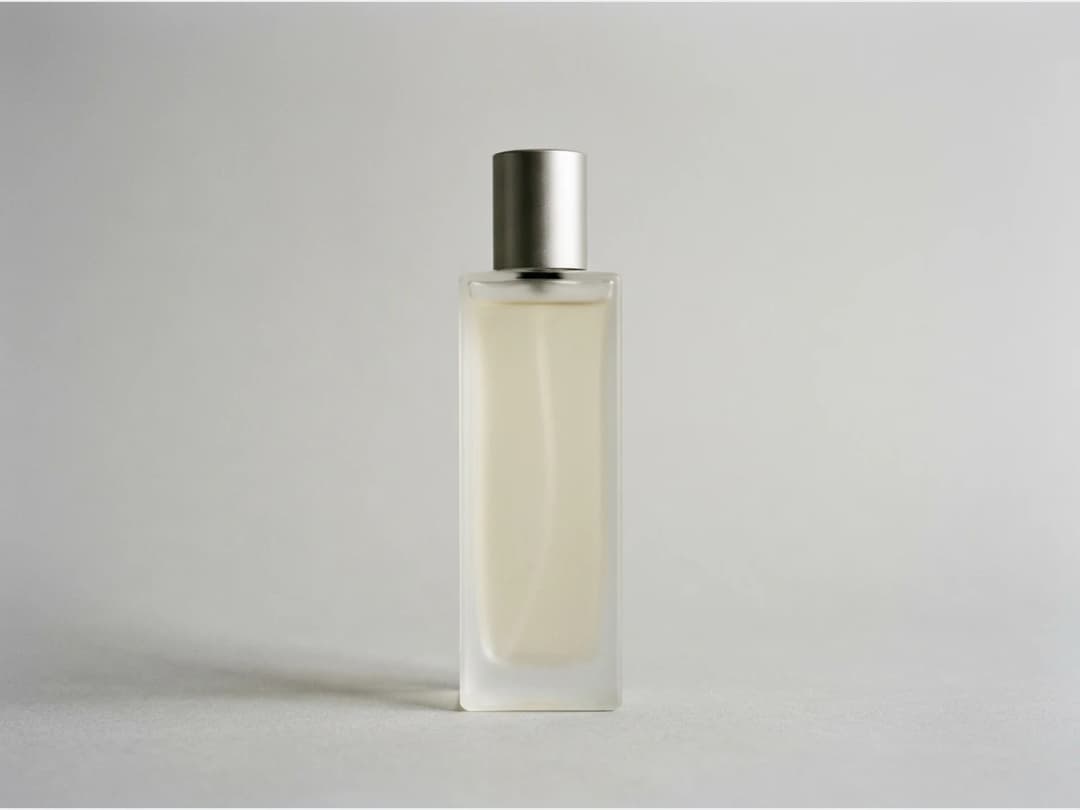
Explore directions
Generate freely across styles before committing: minimal, maximal, classic. A fragrance line often needs a family of bottles, and iterating in seconds is how you find the shape worth producing.
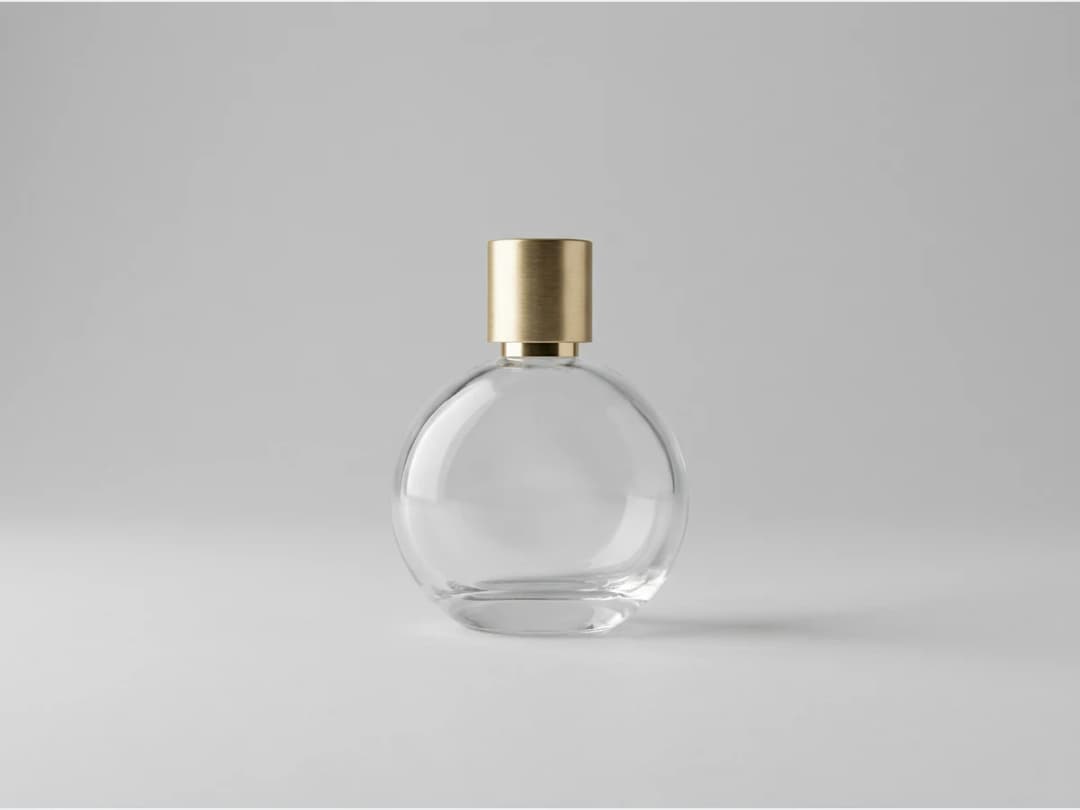
A bottle, not a scent
An AI perfume generator can mean two different tools. Some build a fragrance: notes, accords, a formula. This one designs what the fragrance is sold in and seen in: the bottle, the cap, the label with your brand name, the colour of the juice, and the visuals that put it on a shelf, a model or a campaign. If you are composing the scent itself, a perfumer or a formula tool comes first; when the scent exists and needs a face, this is where it gets one.
Launching a perfume: from bottle to campaign
| Step | What you make | Tool in the studio | Credits |
|---|---|---|---|
| Bottle concepts | Ten silhouettes, caps and glass finishes to choose from | This generator | 1 Standard, 3 PRO |
| The bottle in context | On a marble shelf, in a bathroom, in a gift box | Background changer | 1 Standard, 3 PRO |
| Worn by a model | The bottle held to the neck or the wrist, for the campaign | AI models, framing Close-up on the hand or Portrait | 1 Standard, 3 PRO |
| Motion | The bottle turning, or a slow close-up on the glass | Product 360, Detail close-up | Priced by the second |
| Print and hero | A 4K picture for the launch page or a poster | Ultra AI, from the Pro plan | 7 |
Frequently asked questions
What exactly does the generator design?+
The product object itself: the bottle shape, the glass color, the cap, the label with your brand name, staged like a product photograph. It covers fragrance and sits alongside a dedicated generator for cream and skincare products.
Can my brand name really appear on the bottle?+
Yes, that is part of the input: you provide your brand name and describe your fragrance product, and the label carries it. The result reads as your product, which makes it usable for concept decks and launch discussions.
How do I turn a bottle into a campaign visual?+
Hand it to AI models for beauty products: upload the product image and get an editorial style photo of a model presenting it, without a photoshoot.
Can I use the visuals commercially?+
Yes, on any plan: everything you generate is yours to sell, print and publish. Every creation is saved to your studio grid, organised in projects, and reusable in the other workflows.
Can AI create the perfume scent itself?+
Not here. This generator designs the bottle, the packaging and the visuals of a fragrance, not its formula. The scent comes from a perfumer or a fragrance formula tool; the bottle and the campaign come from the studio.
How much does a perfume bottle design cost?+
1 credit on Standard AI, 3 on PRO AI, 7 on Ultra AI in 4K from the Pro plan. Every new account starts with free credits.
Try it yourself
Everything on this page was made in the studio. Your first designs are minutes away.
Open the studioRelated features
- AI Fashion Video from Reference ImagesPut your model, your garment and a place into one video: add up to three reference pictures, describe the scene, and get a 5 to 15 second fashion clip in 9:16, 1:1 or 16:9.
- Fashion Reel Templates & AI Motion DesignEighteen Motion Design templates for fashion reels: drop your photos or clips, edit the words, render a 10-second video in 9:16, 4:5, 1:1 or 16:9. One credit, every plan.
- AI Clothes Maker, Design Clothes Online: The New Black AIDesign clothes online with an AI clothes maker: describe the piece, see it worn in seconds, iterate, then send a tech pack to your factory. 1 credit per design.
- AI Image Generator for Fashion: Create or Edit Any ImageWrite what you want and get the image, or upload up to three references and describe the change: the free-prompt tool that creates or edits any fashion visual, in any format.
- Create Similar Outfits with AIUpload an outfit image and get close variations of it: same spirit, same silhouette, new pieces. The fast way to build a capsule around one look that works.
- AI Image Vectorizer for Fashion: Logo, Print and Artwork to SVGTurn a logo, a print or an illustration into a real SVG: colour shapes that scale to any size, ready for screen printing, embroidery, labels and Illustrator. 1 credit.
- Generate AI Fashion in Bulk for Your CatalogGenerate a whole catalog in one run: upload up to 30 product photos, pick a workflow, write one brief for the batch, and get AI models, try-ons or videos for every item at once.
- Create an AI Video of a Fashion Model Turning AroundTurn a front and a back photo into a smooth AI turnaround video with Model 360: the model turns on the spot or the camera orbits, every detail of the outfit kept from every side.
- AI Fashion Design for Kids, Toddlers and BabiesDesign kids fashion with AI: pick the age, from toddler to teenager, describe the outfit and get original children's clothing concepts.
- Extend an Image to a New Ratio with AIChange the aspect ratio of any photo with AI. Pick a new format such as 1:1, 9:16 or 16:9 and the AI extends the scene to fill it, instead of cropping what is already there.