AI Beauty Cream Product Generator
Skincare is sold in jars, and a jar is judged twice: closed on the shelf, and open, where the texture of the cream itself becomes the image. The AI cream product generator designs both moments, the packaging and the formula's swirl, peak and sheen, so brands and designers can see a skincare product as customers will meet it.
Updated 16 September 2026
- 1Describe your cream product
- 2Let the texture speak
- 3Build the scene
How it works
Describe your cream product
Give your brand name and describe the product: a black futuristic sleek jar, a white tub with a gold rim, a translucent lid in an unexpected color. The label comes back carrying your name.
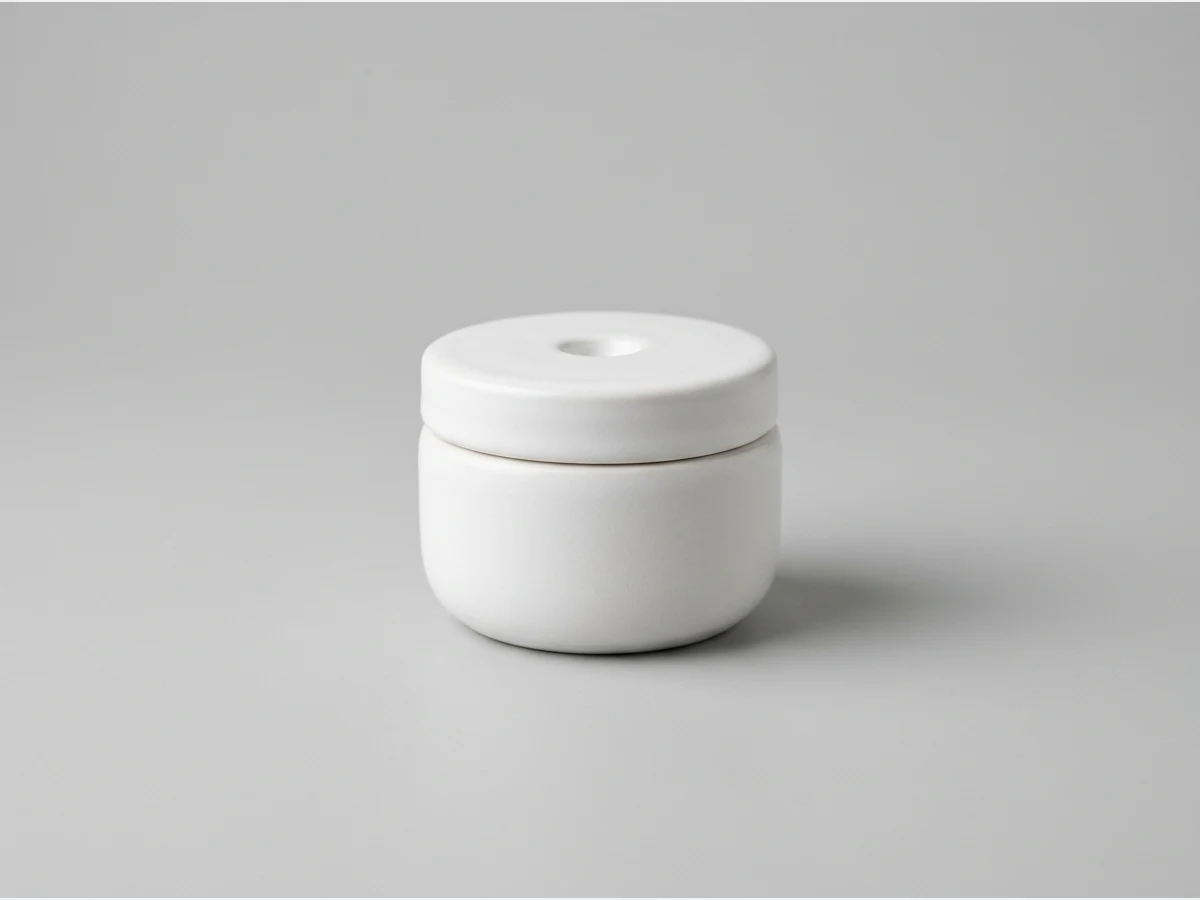
Let the texture speak
Creams are the one product whose contents are the hero shot. The generator renders whipped peaks, soft swirls and glossy surfaces around the jar, the language of every skincare campaign, without a studio or a stylist.
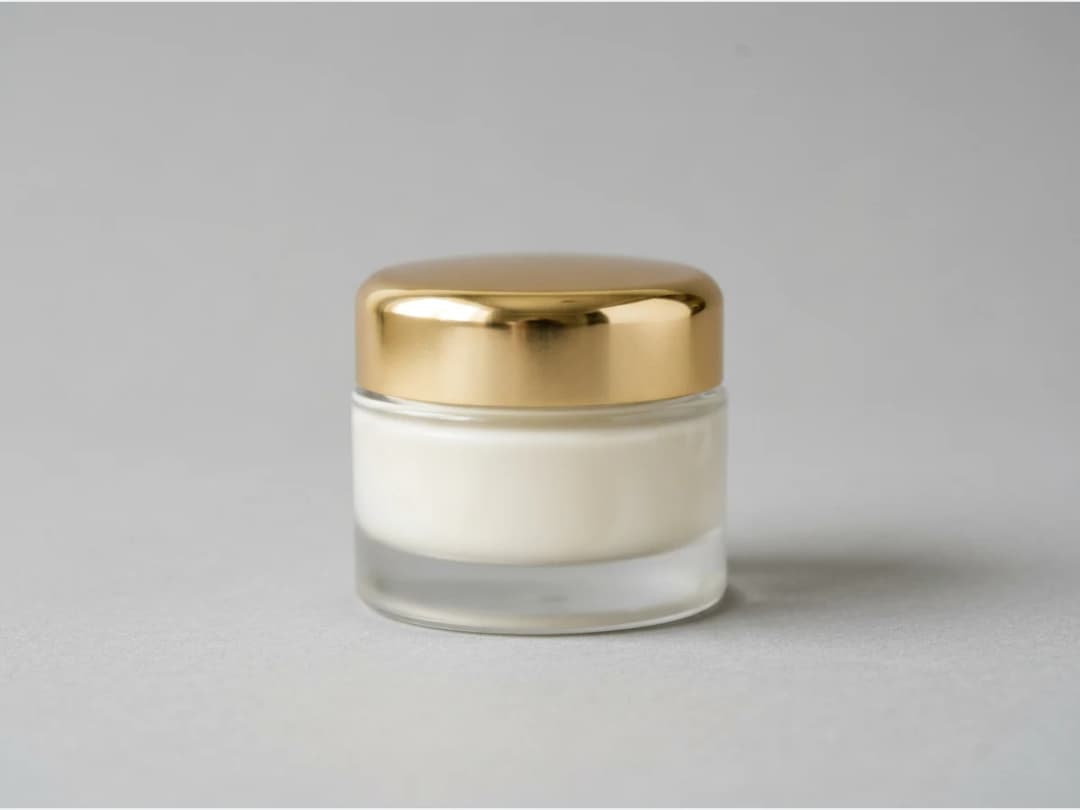
Build the scene
Stage the jar on a pedestal, against a swirl of formula, in a color world that matches the line. Generate in seconds, compare directions, and keep the one that belongs to your brand.
Frequently asked questions
What products does this cover?+
Cream and skincare packaging: jars, tubs and their lids, labels and staging. Fragrance bottles have their own generator, tuned for glass and caps rather than jars and textures.
Can it show the cream itself, not just the packaging?+
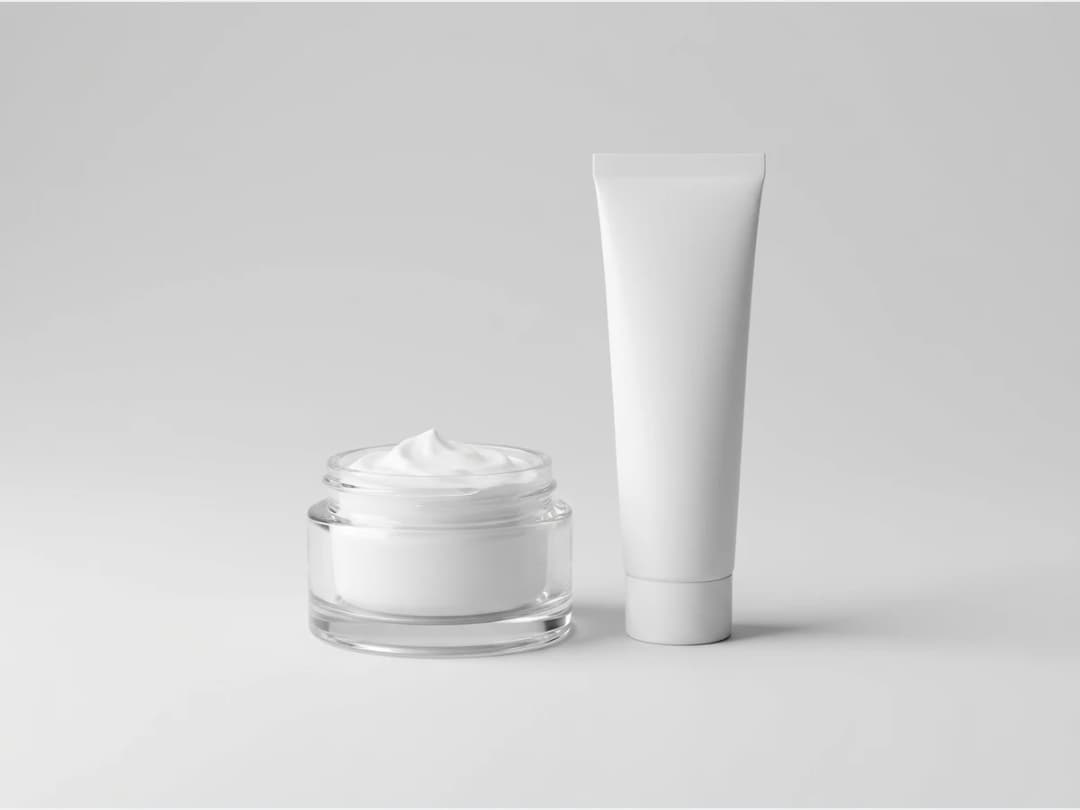
Yes, and that is its particular strength. Open jars with sculpted peaks of formula, swirls of cream as a backdrop, the texture shots that carry skincare visuals, all generated with the product.
Does my brand name appear on the jar?+
Yes. You put your brand name in the description along with the product details, and the render carries it on the label, which turns an idea into something you can put in front of a team or a client.
Can I use the images commercially?+
Yes, on any plan: everything you generate is yours to sell, print and publish. Creations land in your studio grid, organised in projects, and can continue into model visuals or HD upscale.
Try it yourself
Everything on this page was made in the studio. Your first designs are minutes away.
Open the studioRelated features
- AI Fashion Video from Reference ImagesPut your model, your garment and a place into one video: add up to three reference pictures, describe the scene, and get a 5 to 15 second fashion clip in 9:16, 1:1 or 16:9.
- Fashion Reel Templates & AI Motion DesignEighteen Motion Design templates for fashion reels: drop your photos or clips, edit the words, render a 10-second video in 9:16, 4:5, 1:1 or 16:9. One credit, every plan.
- AI Clothes Maker, Design Clothes Online: The New Black AIDesign clothes online with an AI clothes maker: describe the piece, see it worn in seconds, iterate, then send a tech pack to your factory. 1 credit per design.
- AI Image Generator for Fashion: Create or Edit Any ImageWrite what you want and get the image, or upload up to three references and describe the change: the free-prompt tool that creates or edits any fashion visual, in any format.
- Create Similar Outfits with AIUpload an outfit image and get close variations of it: same spirit, same silhouette, new pieces. The fast way to build a capsule around one look that works.
- AI Image Vectorizer for Fashion: Logo, Print and Artwork to SVGTurn a logo, a print or an illustration into a real SVG: colour shapes that scale to any size, ready for screen printing, embroidery, labels and Illustrator. 1 credit.
- Generate AI Fashion in Bulk for Your CatalogGenerate a whole catalog in one run: upload up to 30 product photos, pick a workflow, write one brief for the batch, and get AI models, try-ons or videos for every item at once.
- Create an AI Video of a Fashion Model Turning AroundTurn a front and a back photo into a smooth AI turnaround video with Model 360: the model turns on the spot or the camera orbits, every detail of the outfit kept from every side.
- AI Fashion Design for Kids, Toddlers and BabiesDesign kids fashion with AI: pick the age, from toddler to teenager, describe the outfit and get original children's clothing concepts.
- Extend an Image to a New Ratio with AIChange the aspect ratio of any photo with AI. Pick a new format such as 1:1, 9:16 or 16:9 and the AI extends the scene to fill it, instead of cropping what is already there.