AI Watch Design Generator
A watch is three decisions stacked on a wrist: the case, the dial, the strap. The AI watch design generator lets you make those decisions in words and see them as detailed, realistic timepieces in seconds, from minimalist elegance to bold futuristic designs. For watch brands sketching a next collection and for anyone designing the piece they could never find.
Updated 1 October 2026
- 1Describe the watch
- 2Refine the concept
- 3Put it on a wrist
How it works
Describe the watch
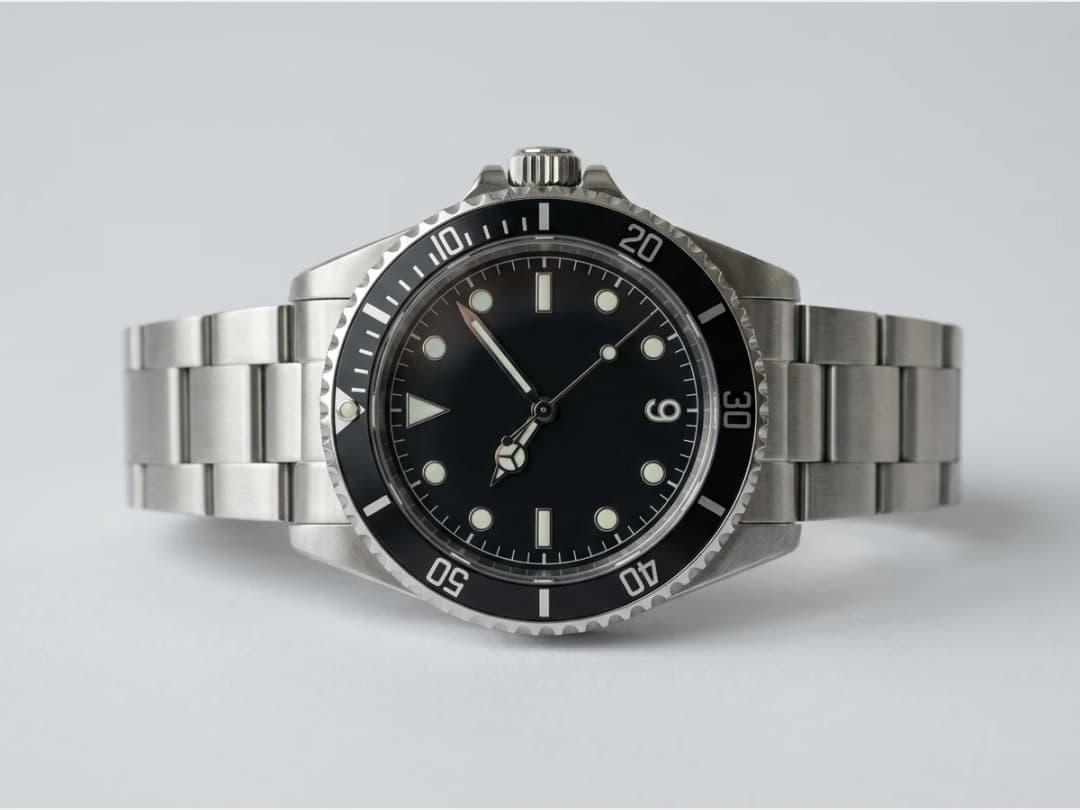
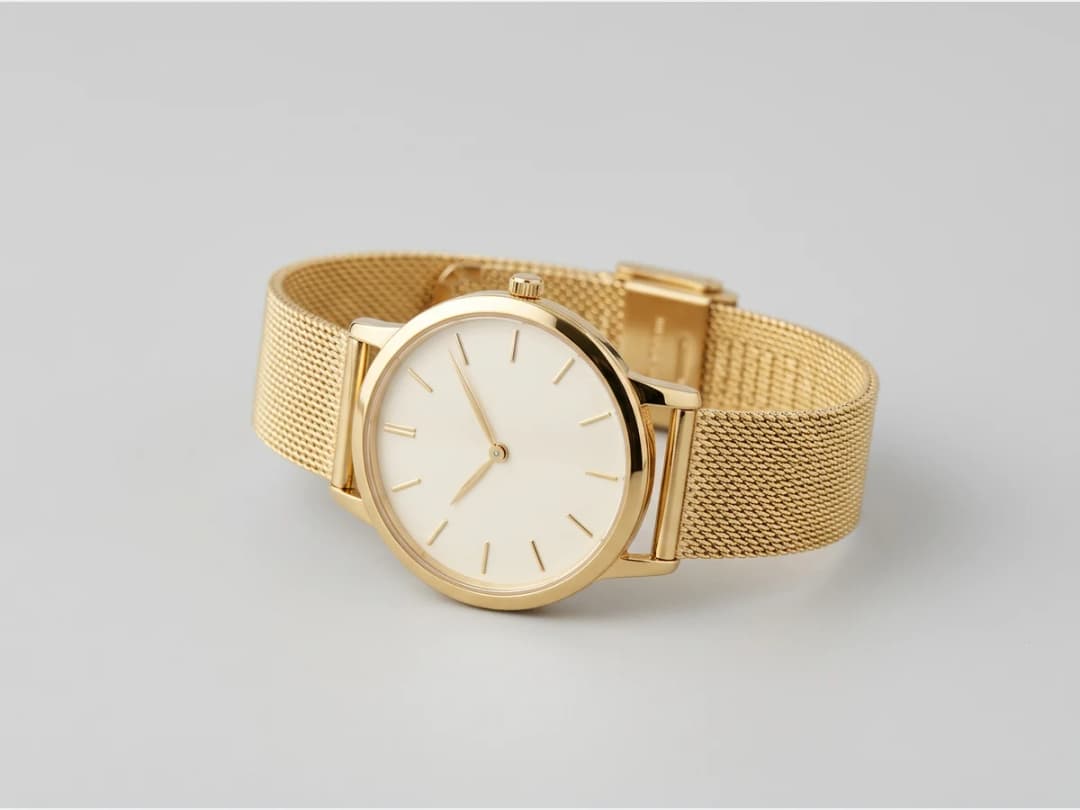
Start from the three parts. The case: round, oval, sculpted, steel or gold. The dial: the face your eye lands on, its color, its pattern, its hands. The strap: mesh, bracelet links, stones. Keywords set the style, the colors and the gender.
Refine the concept
The generator renders crowns, lugs and clasps with enough precision to judge the design like a product photo. Change one element at a time, the same dial on a leaner case, the same case on a metal mesh, until the watch is coherent.
Put it on a wrist
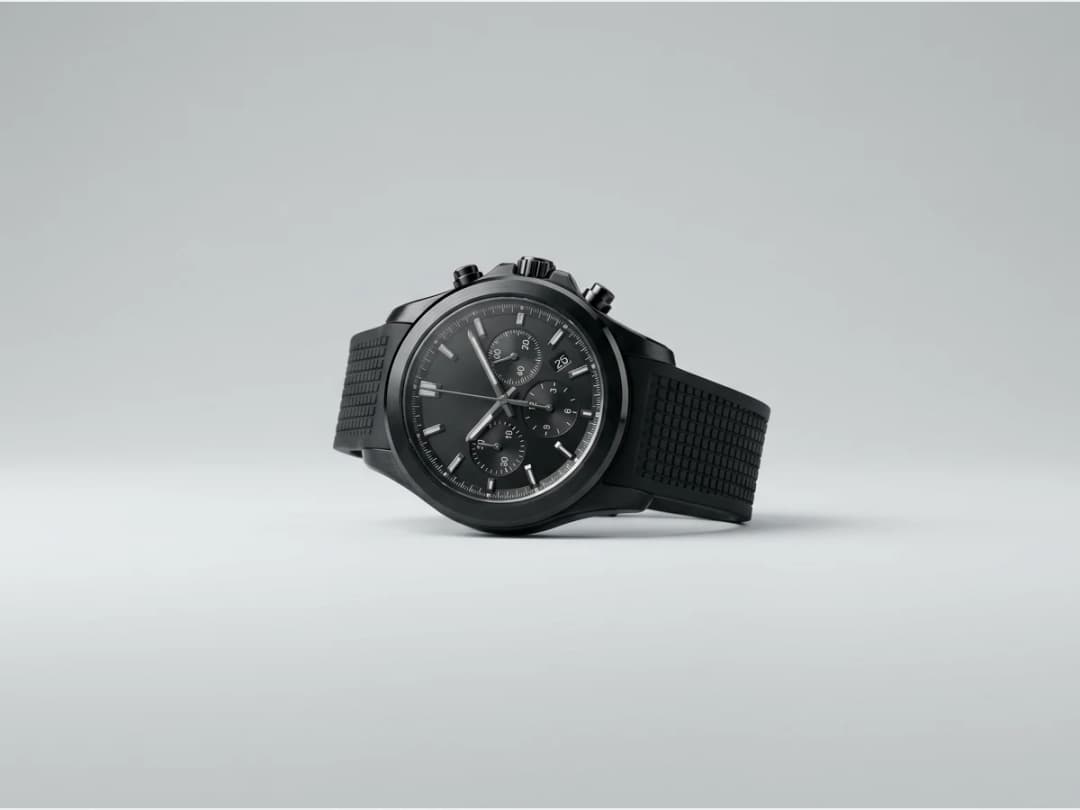
Bring the design to the Models studio to generate an AI model wearing it. On a wrist, the case size and the presence of the watch finally read at real world scale.
Is this watch design software, or something else?
It is not CAD, and saying so plainly saves everyone an afternoon. Watch design software in the engineering sense, meaning Rhino, SolidWorks and the tools a case supplier expects, models solids with dimensions, tolerances and a movement that has to fit inside. Nothing here produces geometry, and no file leaves this page that a case manufacturer can quote from.
What this does is the step before that one, the step most brands still do with a moodboard and a sketchpad. You describe a case, a dial and a strap in words and see the combination as a finished product photograph. That is the stage where a collection is actually decided on proportion, material story and whether the design reads at a glance, and it is the stage where CAD is far too slow to explore in.
The two fit together in one direction: settle the look here across a dozen runs, then take the chosen concept into the software that produces manufacturable geometry. A designer arriving at CAD with the proportions already argued out saves the expensive half of the work.
Designing your own watch without paying first
An account opens with credits, so the first watches cost nothing beyond signing up; after that each attempt is one credit on Standard or three on Pro. There is no per-project fee and no licence, which is the practical difference from design software: exploration is metered by the image rather than by the seat.
The loop is short enough to argue inside. Measured on our own platform in August 2026, an image comes back in about fifteen seconds, so "the same dial on a leaner case" is a question answered while it is still being asked.
Design your own watch online: the parts to choose
A watch configurator offers a fixed menu; a written brief does not. Use the same checklist a configurator would, and write one line for each part:
| Part | What to write | Example |
|---|---|---|
| Case | Shape, diameter, material, finish | 40 mm round case, brushed steel |
| Bezel | Plain, fluted, rotating, numbered | Black ceramic diving bezel |
| Dial | Colour, texture, indices | Sunburst green dial, applied baton indices |
| Hands | Style and colour | Gold dauphine hands |
| Complications | Date, chronograph, moon phase, GMT | Date window at 6 o'clock |
| Strap | Material and colour | Tan suede strap, cream stitching |
Then change one line at a time. Each version costs 1 credit on Standard or 3 on PRO, and the one you keep can go on a wrist with a close-up on the hand.
What renders convincingly, and what does not
Cases, lugs, crowns, bezels, strap materials and clasps all come back at product-photo quality, and the relationship between them, the thing that makes a watch look designed rather than assembled, is exactly what the generator is good at judging.
Three things to expect. Dial text is decoration, not typography: a brand name, a depth rating, the small print around a chapter ring all come back as marks that look like letters at a distance and are not letters up close. Complications are drawn, not calculated: a chronograph's sub-dials will be plausible rather than correctly laid out for a real movement. And the hands will not show a time you specify, so if a catalogue convention matters to you, set it afterwards.
None of that touches what the page is for. A watch is bought on its silhouette and its material, and both are settled here in an afternoon.
Imagine the future of watches
The most useful designs are often the least reasonable ones: complex cases, dials that behave like artwork, straps that ignore convention. The generator is built to follow you there, and the jewelry generator continues the same logic for pieces without a dial.
Frequently asked questions
What parts of the watch can I control?+
Everything you can name: the case shape and material, the dial color and pattern, the strap construction, plus overall style, colors and gender through keywords. The result renders as a realistic product visual.
Are the designs realistic enough to work from?+
The concepts come out with credible details, crowns, clasps, link work, so they function as design references. Complex and futuristic constructions are within range too; that span is the point.
Can I see the watch worn?+
Yes. Generate an AI model wearing your design in the Models studio. Wrist shots settle the questions a flat render leaves open, above all whether the case wears large or small.
Can I use the designs commercially?+
Yes, on any plan: everything you generate is yours to sell, print and publish. Creations are saved to your studio grid, organised in projects, and reusable across the other workflows.
Can I start from a photo of an existing watch?+
Yes, attach it as a reference and describe the departure: the same case on a mesh bracelet, the same dial in green, the complication moved. It is the fastest way to explore a family around a model you already sell, and it keeps the DNA of the original visible in every variant.
How do I explore a full range, sizes, dials, straps?+
Change one term at a time. Hold the case and movement vocabulary still, then walk the dial colors; hold the dial, then walk the straps. Each attempt is a single credit-priced run, so a disciplined walk through the range is an afternoon of decisions with the whole family on screen, and Visual DNA keeps the renders speaking one language.
Try it yourself
Everything on this page was made in the studio. Your first designs are minutes away.
Open the studioRelated features
- AI Fashion Video from Reference ImagesPut your model, your garment and a place into one video: add up to three reference pictures, describe the scene, and get a 5 to 15 second fashion clip in 9:16, 1:1 or 16:9.
- Fashion Reel Templates & AI Motion DesignEighteen Motion Design templates for fashion reels: drop your photos or clips, edit the words, render a 10-second video in 9:16, 4:5, 1:1 or 16:9. One credit, every plan.
- AI Clothes Maker, Design Clothes Online: The New Black AIDesign clothes online with an AI clothes maker: describe the piece, see it worn in seconds, iterate, then send a tech pack to your factory. 1 credit per design.
- AI Image Generator for Fashion: Create or Edit Any ImageWrite what you want and get the image, or upload up to three references and describe the change: the free-prompt tool that creates or edits any fashion visual, in any format.
- Create Similar Outfits with AIUpload an outfit image and get close variations of it: same spirit, same silhouette, new pieces. The fast way to build a capsule around one look that works.
- AI Image Vectorizer for Fashion: Logo, Print and Artwork to SVGTurn a logo, a print or an illustration into a real SVG: colour shapes that scale to any size, ready for screen printing, embroidery, labels and Illustrator. 1 credit.
- Generate AI Fashion in Bulk for Your CatalogGenerate a whole catalog in one run: upload up to 30 product photos, pick a workflow, write one brief for the batch, and get AI models, try-ons or videos for every item at once.
- Create an AI Video of a Fashion Model Turning AroundTurn a front and a back photo into a smooth AI turnaround video with Model 360: the model turns on the spot or the camera orbits, every detail of the outfit kept from every side.
- AI Fashion Design for Kids, Toddlers and BabiesDesign kids fashion with AI: pick the age, from toddler to teenager, describe the outfit and get original children's clothing concepts.
- Extend an Image to a New Ratio with AIChange the aspect ratio of any photo with AI. Pick a new format such as 1:1, 9:16 or 16:9 and the AI extends the scene to fill it, instead of cropping what is already there.