The New Black AI now creates fashion videos from text alone
Published 18 September 2026
Image to Video always needed a picture to start from. The New Black AI now creates a fashion video from text alone: write what you want to see, choose the format and the length, describe the sound, and generate. The workflow is now called Create video from text or image, because both still work.
What it does
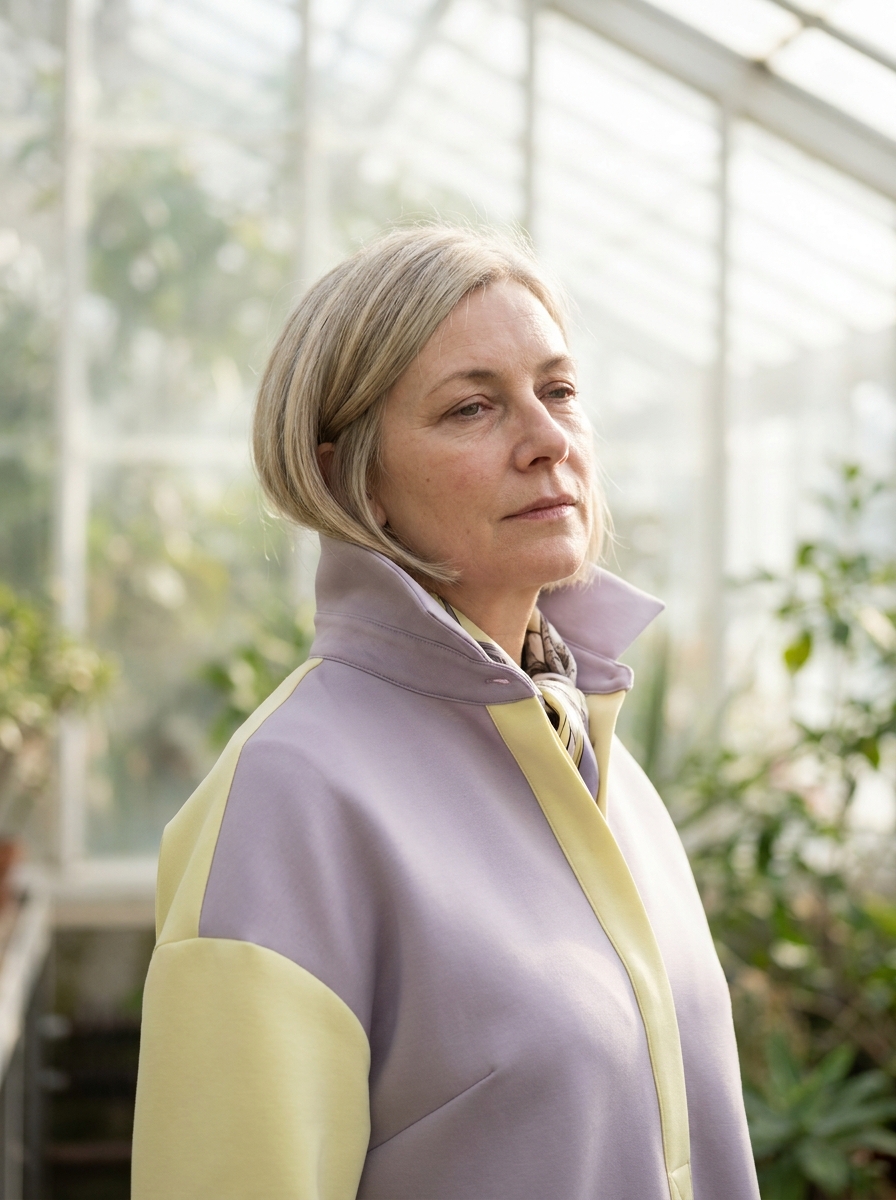
Describe the scene: a model in a red coat crossing a Paris street at night, a close-up of a silk dress moving in the wind: and the clip is generated from the description. Give a start image instead, and the video begins from that frame; add an end image, and the clip travels from one to the other.
Every video workflow in the studio now has an Audio section: describe the voice, the music or the ambience, and the sound is generated with the picture.
How it works
1. Write the scene, or upload a start image and, optionally, an end image. 2. Choose the format and the length. 3. Describe the sound, if you want any. 4. Generate. Standard renders in 720p with generated audio; Pro renders in 1080p.
What it costs
By the second: 2.2 credits per second in Standard, 4.4 in Pro. A 5-second clip is 11 credits in Standard and 22 in Pro.
Why it matters for a brand
A moodboard sentence becomes a moving reference before a single sample exists. A product that is still a sketch can be shown in motion to a buyer, and a campaign idea can be tested as a clip before the shoot is booked.
For a clip built around a real product, the dedicated workflows are more precise: Model Walk, Product 360, UGC Video. Resolution and audio options across all video workflows are described in 720p, 1080p and audio. Details on the feature page.
Frequently asked questions
Do I still need an image?+
No. Text alone is enough; a start image and an end image are optional.
What resolution do I get?+
720p in Standard, 1080p in Pro.
Is the sound generated too?+
Yes, from the description you write in the Audio section.
Related articles
- AI Fashion: The New Black AI now creates advertising visuals with your headline written on themUpload a product photo, write your headline, give an art direction, and get a finished ad visual with the words set into the image. 1 credit in Standard, 3 in Pro.
- The New Black AI Now Creates Virtual Try-On Videos for Fashion BrandsYour garment on the model you supply, in motion: the clip that answers the question a still cannot, whether the piece holds when the person moves.
- The New Black AI Now Creates Fashion Ad Videos from a Product PhotoA short advertising film from your product, in the format your channel wants, and as many variants as a paid campaign needs before the frequency kills it.
- The New Black AI now edits a fashion video from a single sentenceUpload a clip, write what should change: make it night, add snow, put the model on a beach: and get the same video with that one change. Priced by the second.
- AI Fashion: The New Black AI now creates print-ready textile patterns from a descriptionDescribe a pattern, its colours and the fabric it is printed on, and get a seamless repeat ready for a textile printer. Then apply it to a sketch or turn it into a garment.
- The New Black AI Now Creates Outfit Transition Videos for Fashion BrandsOne look becomes another in a single motion: the format that sells a collection rather than a product, and the one that earns watch time in the feed.
- The New Black AI now removes the background of a fashion videoA clip comes back as the subject alone: transparent for your editor, white for a product page, black or green for a composite: with hair, fabric and shadows handled by the model, no green screen.
- AI Fashion: The New Black AI now retouches one zone of an image and leaves the rest untouchedPaint the collar, describe the change, and only the collar changes: the sleeves keep their stripes, their colour and their shape. Only what the brush touches is part of the zone.
- The New Black AI Now Creates Detail Close-up Videos of Fashion ProductsThe camera moves in on the weave, the hardware, the finish: the shot that proves quality instead of claiming it, and the one small brands never budget for.
- The New Black AI Now Creates Editorial Lookbook Videos for Fashion BrandsThe composed, magazine register rather than the product one: the film that opens a collection page, a newsletter or a drop, generated from your own looks.