AI Fashion: The New Black AI now retouches one zone of an image and leaves the rest untouched
Published 18 September 2026
Retouching one detail of a fashion image used to mean risking the rest. The New Black AI now retouches a zone and nothing else: paint the area, describe the change, and everything outside the paint stays exactly as it was.
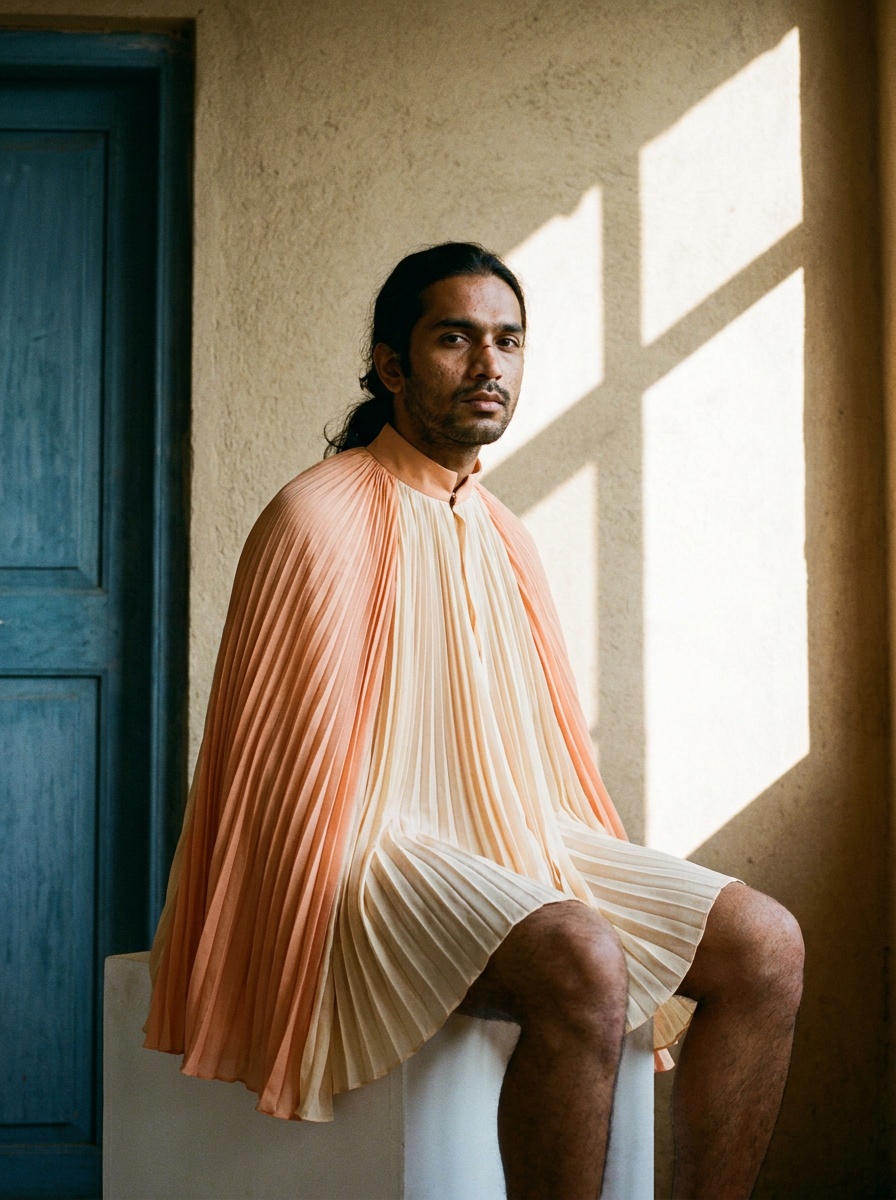
What Retouch a Zone does
Two ways to work. Type what you want in the text box and let the AI find the area; or mask the zone yourself with the brush and describe the change for that zone only. Masking is the answer when a detail sits close to something you would rather not touch.
Since this week, only what the brush touches is part of the zone. Drawing a circle no longer fills its inside: colour the area in, and nothing else is affected. The collar you paint changes; the sleeves you did not paint keep their stripes, their colour and their shape.
How it works
1. Open the image from your library, or upload one. 2. Paint the zone a little wider than the detail you want changed, so the new part blends in. 3. Describe the change: a different collar, a pocket removed, a button in gold: and generate.
What it costs
1 credit in Standard, 3 in Pro.
Why it matters for a brand
A product photo with one wrong detail no longer needs a reshoot or an afternoon in a retouching tool. A design can be iterated one element at a time: the neckline today, the cuff tomorrow: with the rest of the garment held still, which is how a design review actually works.
Details on the Edit Image with AI feature page.
Frequently asked questions
Do I have to draw the zone?+
No. Describe the change and the AI finds the area. Draw the zone yourself when the detail sits close to something you want to keep.
What happens outside the zone?+
Nothing. Everything outside the painted area stays exactly as it was.
How wide should I paint?+
A little wider than the detail, so the new part blends into its surroundings.
Related articles
- The New Black AI now changes the background of a fashion videoKeep the model walking, turning or speaking exactly as filmed, and change the world around them to a Paris street, a white studio or a rooftop at dusk.
- The New Black AI now changes the outfit in a fashion videoMake the jacket red, change the print, replace the top: the clothing in your video changes with a sentence and the person, movement and background stay as filmed.
- The New Black AI now creates fashion videos from text aloneWrite what you want to see: no picture needed: choose the format and the length, describe the sound, and get a clip. A start image and an end image still work as before.
- AI Fashion: The New Black AI now turns an image into a real SVG fileA logo, an illustration or a print becomes a true vector file made of colour shapes: scalable to a shop window, editable in Illustrator, Figma or Inkscape. One credit.
- The New Black AI now edits a fashion video from a single sentenceUpload a clip, write what should change: make it night, add snow, put the model on a beach: and get the same video with that one change. Priced by the second.
- AI Fashion: The New Black AI now creates print-ready textile patterns from a descriptionDescribe a pattern, its colours and the fabric it is printed on, and get a seamless repeat ready for a textile printer. Then apply it to a sketch or turn it into a garment.
- AI Fashion: The New Black AI now creates advertising visuals with your headline written on themUpload a product photo, write your headline, give an art direction, and get a finished ad visual with the words set into the image. 1 credit in Standard, 3 in Pro.
- The New Black AI Now Lets Developers Drive Their AI Fashion Agents from Their Own ScriptsSend a message to your AI agent, read the thread, put requests on its calendar, and read your whole account in one call, from your own app or your own scripts.
- Smart Automatic AI Fashion Image EditingDescribe the change you want and the AI edits the fashion image: faster iteration, consistent brand visuals, no photo editing skills required.
- The New Black AI now swaps the model in a fashion videoGive a clip and a photo of the new model: the video comes back with that person wearing the outfit, same walk, same setting, same camera.