The New Black AI now changes the background of a fashion video
Published 18 September 2026
Change Background does it for a photo. The New Black AI now does it for a clip: the model keeps walking, turning or speaking exactly as filmed, and the place around them becomes what you describe.
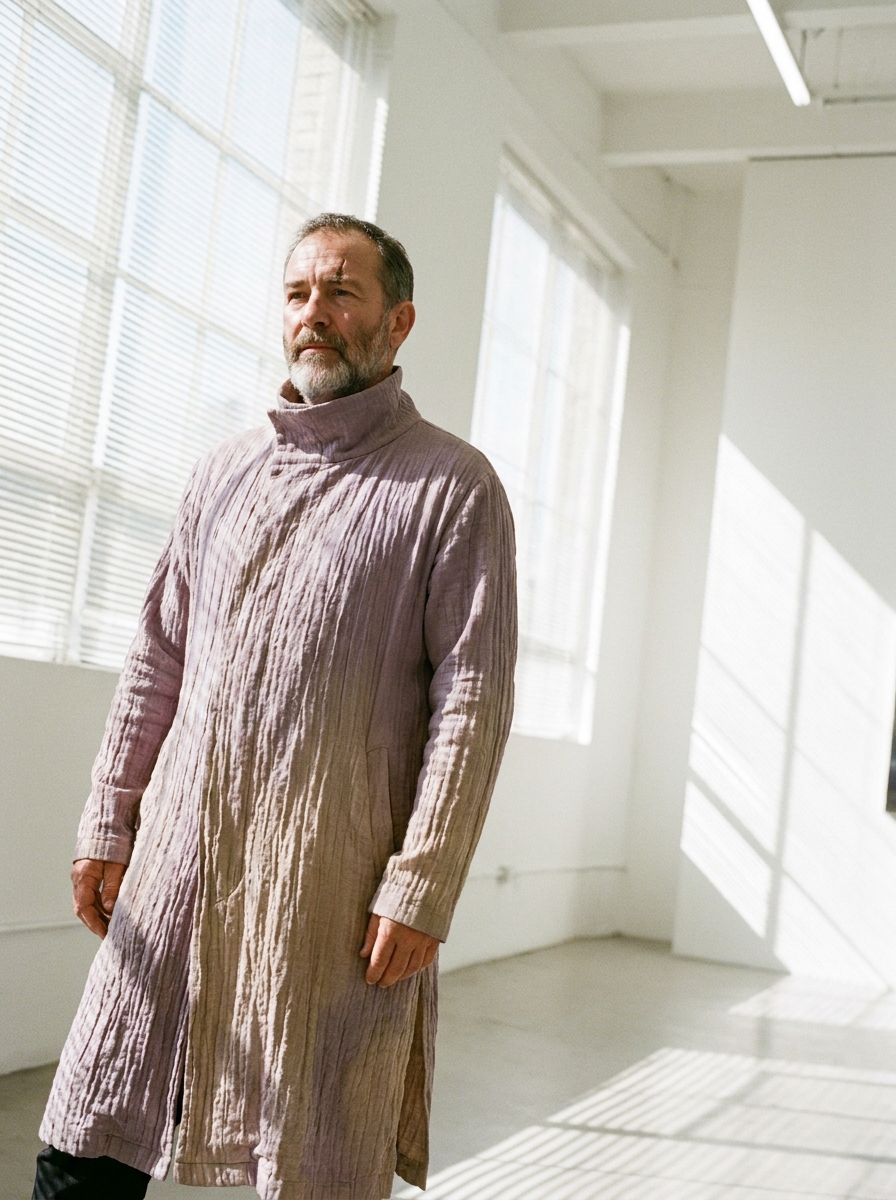
What Change Video Background does
Upload a video and describe a new setting: a quiet Paris street at golden hour, a white studio, a rooftop at dusk. The subject stays; the background changes frame after frame, and the light and the shadows follow the new place. The clip keeps its length, its shape and its sound.
How it works
1. Upload the video: a Model 360, a UGC clip, a runway walk, your own footage. 2. Describe the new background in a sentence. The suggestions cover the usual settings; your own words work as well. 3. Generate. The clip comes back in the new place, in Standard or Pro quality.
What it costs
By the second of the video you upload: 2.8 credits per second in Standard, 3.7 in Pro. A 5-second clip is 14 credits in Standard.
Why it matters for a brand
One shoot in a studio becomes a campaign in five cities. A product filmed against a plain wall can be shown in the setting a collection was designed for, without a location, a permit or a crew.
For a clean cut-out instead of a new place, use Remove Video Background. Details on the Change Video Background feature page.
Frequently asked questions
Does the model change?+
No. The person, the outfit, the movement and the camera stay as filmed; only the setting changes.
Can I use my own footage?+
Yes. Any video file works, as well as clips generated in the studio.
What resolution do I get?+
Standard renders in 720p, Pro in 1080p.
Related articles
- The New Black AI now changes the outfit in a fashion videoMake the jacket red, change the print, replace the top: the clothing in your video changes with a sentence and the person, movement and background stay as filmed.
- The New Black AI now removes the background of a fashion videoA clip comes back as the subject alone: transparent for your editor, white for a product page, black or green for a composite: with hair, fabric and shadows handled by the model, no green screen.
- The New Black AI now edits a fashion video from a single sentenceUpload a clip, write what should change: make it night, add snow, put the model on a beach: and get the same video with that one change. Priced by the second.
- AI Fashion: The New Black AI now retouches one zone of an image and leaves the rest untouchedPaint the collar, describe the change, and only the collar changes: the sleeves keep their stripes, their colour and their shape. Only what the brush touches is part of the zone.
- The New Black AI now swaps the model in a fashion videoGive a clip and a photo of the new model: the video comes back with that person wearing the outfit, same walk, same setting, same camera.
- AI Fashion: The New Black AI Now Creates Shopify Products from the StudioCreate a Shopify product as a draft without leaving the studio, then build its page: visuals, HD, video, title, category, collections, all saved to your store.
- The New Black AI Now Renders Fashion Videos in 720p or 1080p with Generated AudioResolution and Audio sit in the panel of every video workflow: 720p or 1080p, and a voice, a music or an ambience described in words and generated with the clip.
- AI Fashion: The New Black AI now exports 3D garments as FBX for Unreal and UnityOpen a 3D creation, pick a format and convert it: FBX for Unreal, Unity and Blender, USDZ for AR on iPhone, OBJ, STL or 3MF for printing, glTF. Textures included where the format carries them.
- The New Black AI now reframes a fashion video to vertical, square or 4:5 without croppingOne clip, five channels: 9:16 for Reels and TikTok, 1:1 for the feed, 4:5 for the grid, 16:9 for the site. The subject is recentred and the missing edges are generated.
- AI Fashion: The New Black AI now creates advertising visuals with your headline written on themUpload a product photo, write your headline, give an art direction, and get a finished ad visual with the words set into the image. 1 credit in Standard, 3 in Pro.