The New Black AI now removes the background of a fashion video
Published 18 September 2026
Remove Background cuts a photo out. The New Black AI now does the same to a clip, frame by frame, with the hair, the fabric and the shadows handled by the model rather than a green screen.
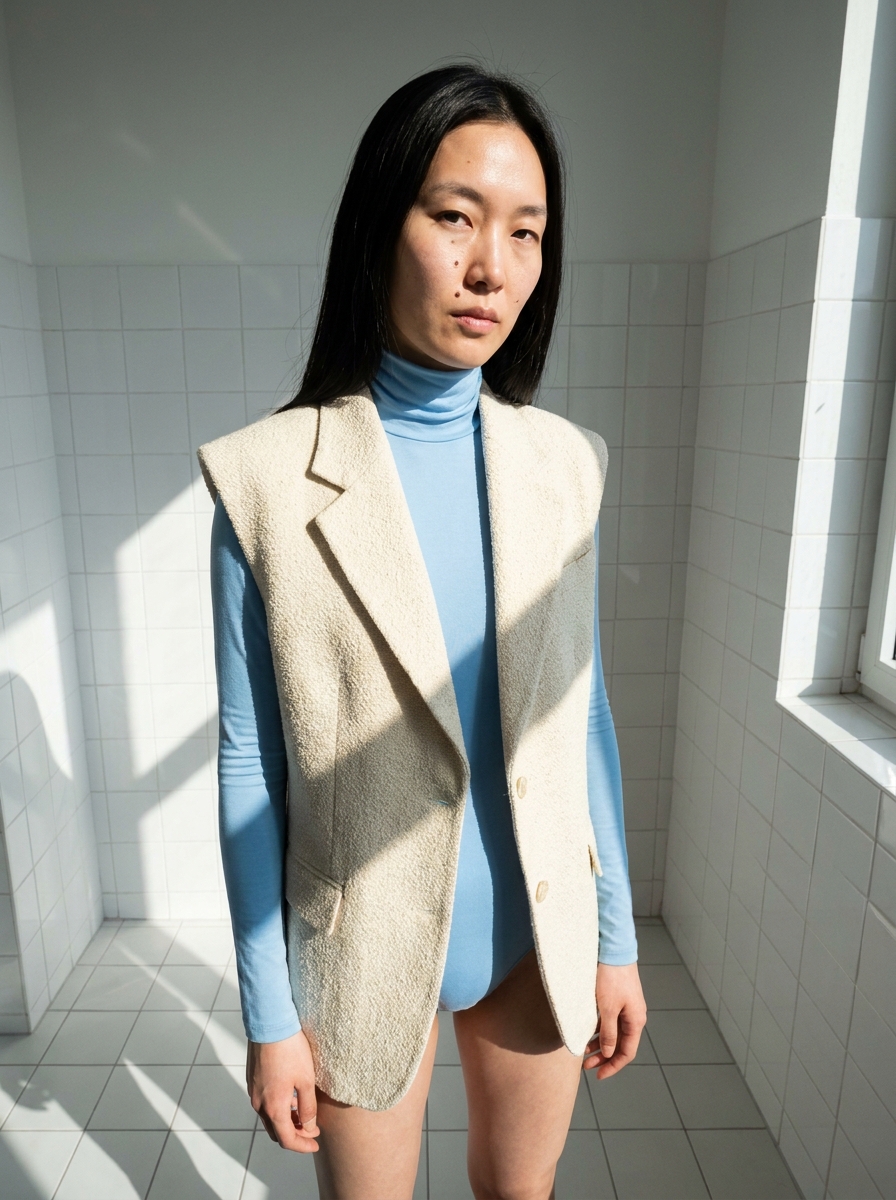
What Remove Video Background does
A Model 360, a UGC clip or your own shoot comes back as the subject alone, on the background you choose: transparent for your editing tool, white for a product page, black or green for a composite. The subject can be a person or a product.
How it works
1. Upload the video: a clip from the studio or your own file. No green screen needed. 2. Choose the background. Transparent gives a .webm file with an alpha channel, the format editing tools and Chrome read. White, Black or Green give an mp4 that plays everywhere, Safari included. 3. Generate. The clip keeps its length, its shape and its sound.
What it costs
By the second of the video you hand in: 0.71 credits per second. A 10-second clip is about 7 credits. The length is read from the file before the job starts, and a clip that cannot be read is refused rather than charged.
Why it matters for a brand
A product page wants the garment on white; a campaign composite wants it on nothing at all. Both used to mean a studio with a cyclorama or an afternoon of rotoscoping. Now the same clip serves both, and the transparent version drops into any editor as a layer.
To replace the setting rather than remove it, use Change Video Background. Details on the Remove Video Background feature page.
Frequently asked questions
Which file do I get?+
A .webm with an alpha channel for Transparent; an mp4 for White, Black or Green.
Does it work on products, not only people?+
Yes. The subject can be a person or a product.
Do I need a green screen?+
No. The model handles hair, fabric and shadows from ordinary footage.
Related articles
- The New Black AI now swaps the model in a fashion videoGive a clip and a photo of the new model: the video comes back with that person wearing the outfit, same walk, same setting, same camera.
- The New Black AI now changes the background of a fashion videoKeep the model walking, turning or speaking exactly as filmed, and change the world around them to a Paris street, a white studio or a rooftop at dusk.
- The New Black AI now edits a fashion video from a single sentenceUpload a clip, write what should change: make it night, add snow, put the model on a beach: and get the same video with that one change. Priced by the second.
- The New Black AI now reframes a fashion video to vertical, square or 4:5 without croppingOne clip, five channels: 9:16 for Reels and TikTok, 1:1 for the feed, 4:5 for the grid, 16:9 for the site. The subject is recentred and the missing edges are generated.
- AI Fashion: The New Black AI Now Creates Shopify Products from the StudioCreate a Shopify product as a draft without leaving the studio, then build its page: visuals, HD, video, title, category, collections, all saved to your store.
- AI Fashion Video From Your Photos: UGC Clips, Model Walks and Product 360 TurntablesThree guided video workflows from your photos: a UGC clip with a presenter and voice, a runway walk from one model image, a turntable from the front and the back. What each needs, costs and is for.
- The New Black AI Now Renders Fashion Videos in 720p or 1080p with Generated AudioResolution and Audio sit in the panel of every video workflow: 720p or 1080p, and a voice, a music or an ambience described in words and generated with the clip.
- The New Black AI now changes the outfit in a fashion videoMake the jacket red, change the print, replace the top: the clothing in your video changes with a sentence and the person, movement and background stay as filmed.
- The New Black AI now creates fashion videos from text aloneWrite what you want to see: no picture needed: choose the format and the length, describe the sound, and get a clip. A start image and an end image still work as before.
- The New Black AI Now Creates UGC Videos for Fashion Brands from a Product Photo and a ScriptA presenter shows your product and speaks your script, smartphone style, from 5 to 30 seconds. One creator video per product, without booking a creator.