Change the Outfit in a Video with AI: The New Black AI
Published 18 September 2026 · Updated 2 November 2026
One clip of a model, and the jacket in five colours. The New Black AI now changes the clothing in a video with a sentence: make the jacket red, replace the top with a black leather biker jacket, change the print to navy pinstripes. Everything else stays as filmed.
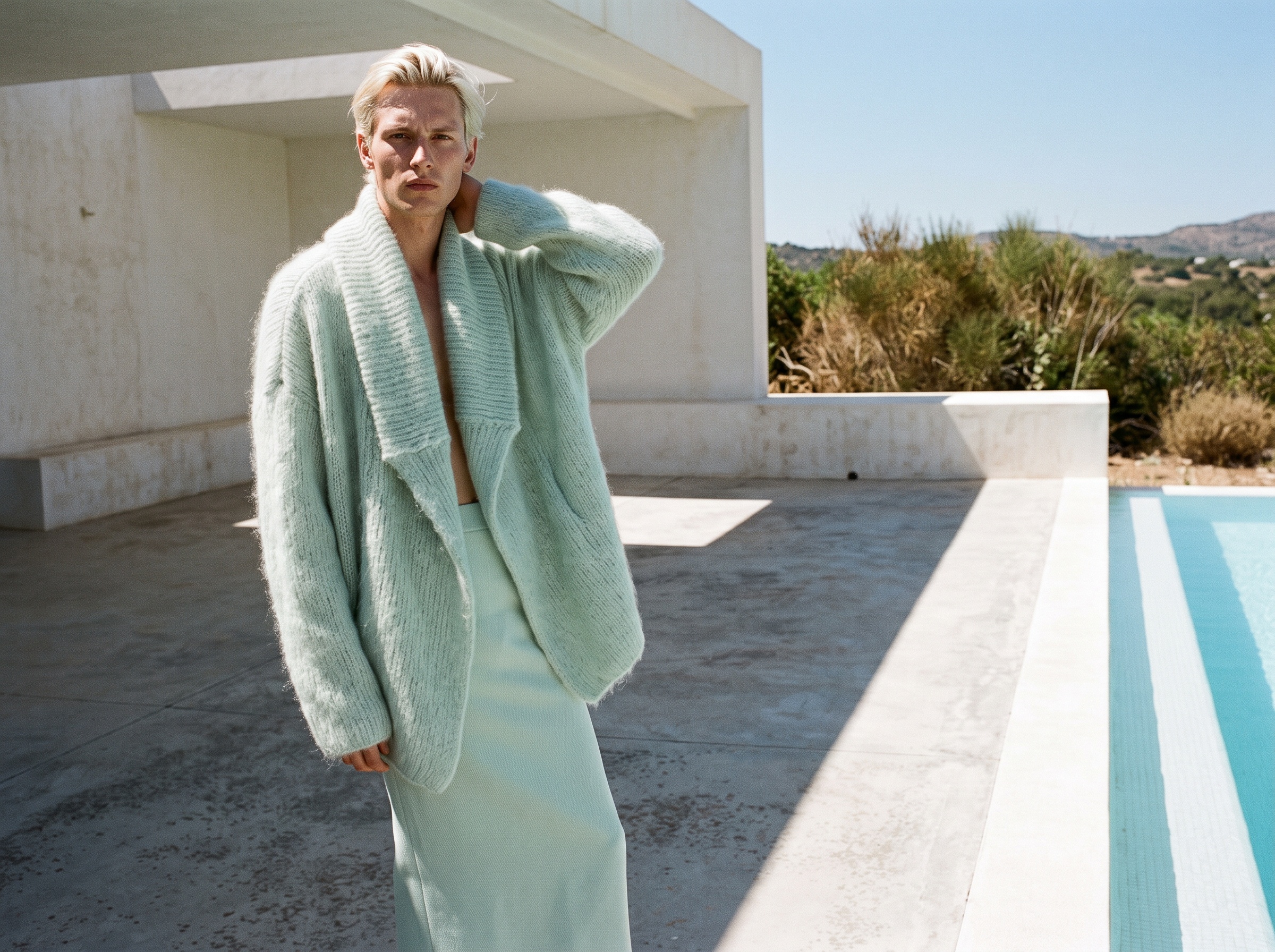
What Edit Outfit in Video does
The person, the face, the movement, the background and the camera are kept. The new garment fits the body and moves with it, frame after frame. The clip keeps its length, its shape and its sound.
How it works
1. Upload the video: a Model 360, a catwalk, a UGC clip, your own footage. 2. Describe the change. "Make the jacket red", "replace the top with a black leather biker jacket". One change per run gives the cleanest result. 3. Generate, in Standard or Pro quality.
What it costs
By the second of the video you upload: 3.3 credits per second in Standard, 4.3 in Pro. A 5 second clip is 16.5 credits in Standard.
Why it matters for a brand
A product exists in colourways, and a product page wants each of them in motion. Filming one walk per colour is a day of shooting; editing the outfit is a sentence per colour. The same goes for a print change or a variant that does not exist yet as a sample.
For the still-image version of the same idea, see Change a Color. Details on the Edit Outfit in Video feature page.
Frequently asked questions
Does the person change?+
No. The face, the body, the movement and the setting stay as filmed; only the clothing changes.
Can I change two garments at once?+
Run it once per change for the cleanest result.
Which videos can I use?+
Any clip generated in the studio, or your own footage.
Related articles
- AI Video Editor from One Sentence: The New Black AIUpload a clip, write what should change: make it night, add snow, put the model on a beach: and get the same video with that one change. Priced by the second.
- Clothing mockup generator with AI: The New Black AIMake clothing mockups with AI: your logo or print set into the fabric, following its folds, then worn by a model, as a ghost mannequin or flat lay. 1 credit a step.
- AI Model Walk Video from One Photo: The New Black AIOne photo of your model, one sentence about the movement, and the look walks. From 5 to 30 seconds, so a whole line can move instead of three pieces.
- Clothing Product Photography with AI: The New Black AIEvery image a clothing product page needs, made from one photo of the garment: packshot, ghost mannequin, on-model, colourways, video; the credits and minutes each costs, what still needs a camera.
- How to Make Fashion Reels for Meta with Image to AI VideoTurn static fashion designs into Instagram reels with image to video AI. Animate clothing, bags and shoes into short video made for Meta.
- Cost to Start a Clothing Brand: The New Black AIWhat it costs to start a clothing brand in 2026: budgets by model, every line from samples to photos, and what the design, tech pack and photo work costs with AI.
- White Label Clothing: The New Black AIWhite label clothing explained: how it works, white label vs private label, where to find suppliers, what it costs to start, and how to photograph your line before the stock arrives.
- AI Product Photos for Shopify: The New Black AIAI product photos for a Shopify fashion store: the five shots a product page needs, how to make each from one photo, and how to publish them to Shopify without re-uploading.
- Tech pack designer vs AI: The New Black AIHire a tech pack designer or make your tech pack with AI? What each delivers, what it costs, how long it takes, and how small fashion brands combine the two.
- Clothing Design Software: The New Black AIClothing design software explained: the five kinds of fashion design software, what each one does, how to choose, and where AI design tools fit from concept to tech pack.