How Designers Can Change Clothes Colors with AI
20 February 2026
Changing a garment's color used to mean a new sample, a new shoot, or an afternoon of manual retouching. AI has made it one of the most practical shortcuts available to a fashion team: color variations tested in seconds, at a fraction of the cost, with the original photo left untouched. An online clothes color changer turns what was a production decision into a creative one.
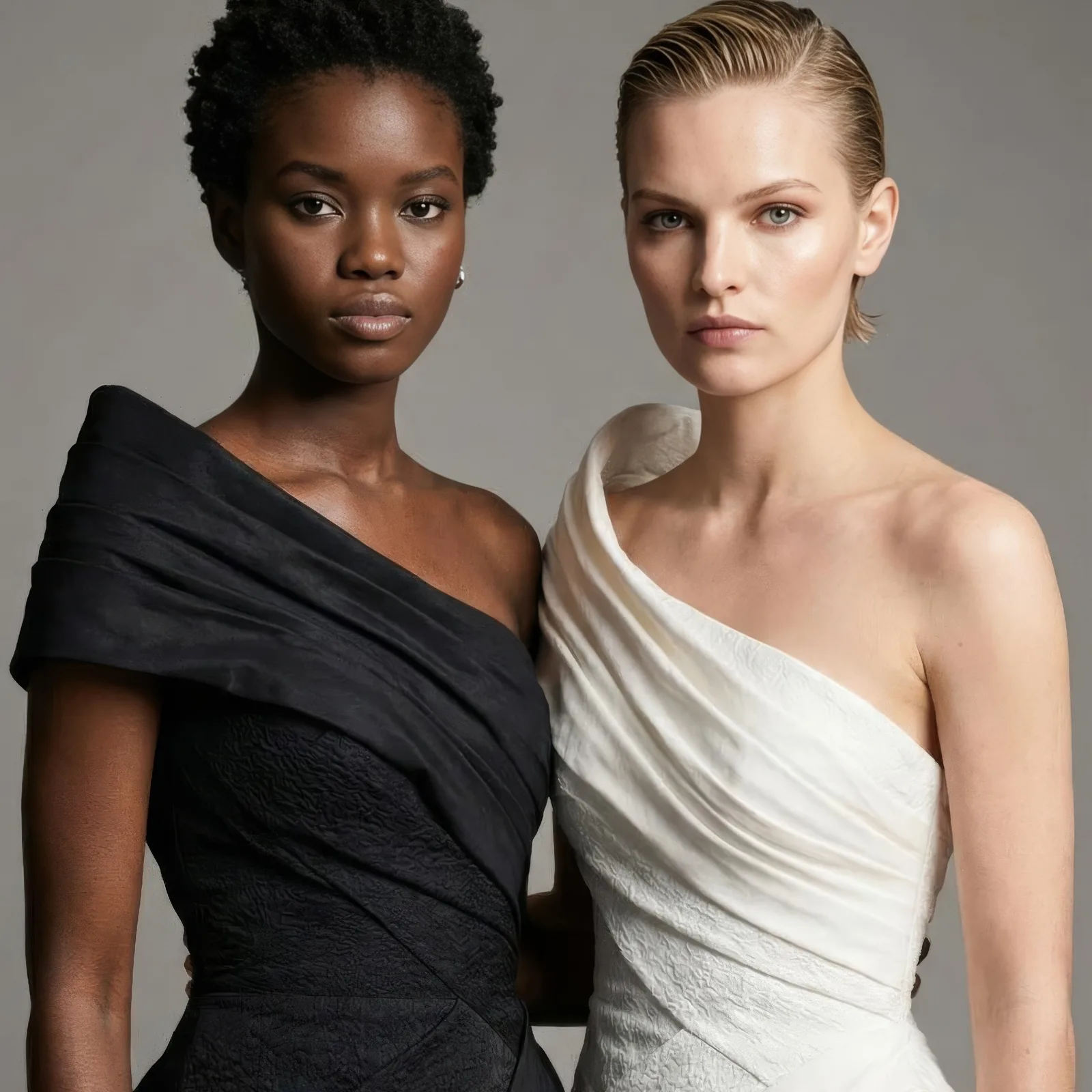
1. Faster color experimentation
Exploring several color options once required sampling, photography, and editing. With AI, a designer tests an idea in seconds, whether that means nudging a tone slightly or trying something deliberately bold. The time saved goes back into design decisions rather than technical work. The AI color changer handles the recoloring; you handle the taste.
2. Recolor multiple outfits at once
Recoloring one image is useful. Recoloring a whole set is what changes the workflow. For collections, lookbooks, and e-commerce catalogs, where consistency across images is the point, updating everything together saves hours of repetitive editing. Bulk generation applies the same logic across a full batch.
3. Realistic, professional results
The advantage of AI based recoloring over a manual color fill is realism. Fabric texture, lighting, shadows, and garment detail survive the change, so the result reads as a photograph of a different colorway rather than an image someone painted over. That flat, artificial look most people associate with quick edits does not appear.
4. Works with any clothing type
Recoloring is built to handle different materials and garment categories: structured jackets and dresses, soft knitwear, complex patterns. The same tool holds up across high fashion pieces and commercial apparel, which matters when a catalog contains both. Changing the fabric or texture instead of the color follows the same principle.
5. Better e-commerce and marketing visuals
Color variety drives purchase decisions. Generating several product variations without a new photoshoot improves online merchandising, supports targeted campaigns, and lets a brand react to a seasonal trend the week it appears rather than the season after.
6. A more sustainable workflow
Digital color changes reduce the need for physical samples, repeated production runs, and extra photography. Less material waste, fewer resources consumed. For brands trying to be both efficient and responsible, that is a real argument, not a marketing line.
7. More creative room
Beyond the efficiency, recoloring opens directions a designer would not otherwise test. Unconventional palettes, quick previews, iterations that cost nothing to abandon. The tool stops being an editor and starts being part of the exploration.
Try it on one photo
Take a product image you already have and generate three colorways from it. Open the design studio to start, or read how the color analysis tool helps pick the palette before you commit.