Free AI Color Analysis: Find Your Personal Color Palette
Upload one selfie taken in natural light and the color AI reads your undertones, your contrast, and your brightness to reveal your seasonal color palette. It is free. Trained on thousands of professional drapings, the algorithm finds the hues that make your skin glow and your eyes stand out, then returns a personal palette and styling tips in seconds. No appointment, no guesswork. From there you can generate AI outfits that stay inside your palette.
Updated 7 September 2026
- 1Upload a photo of your face in natural light
- 2Read your two palettes
- 3Create AI outfits in your own colors
How it works
Upload a photo of your face in natural light
Go to the Stylist, scroll down to the color palette, and click "Find Mine". Upload a photo of your face taken in natural light. The AI works from your eye color, your skin tone, and your hair color.
Read your two palettes
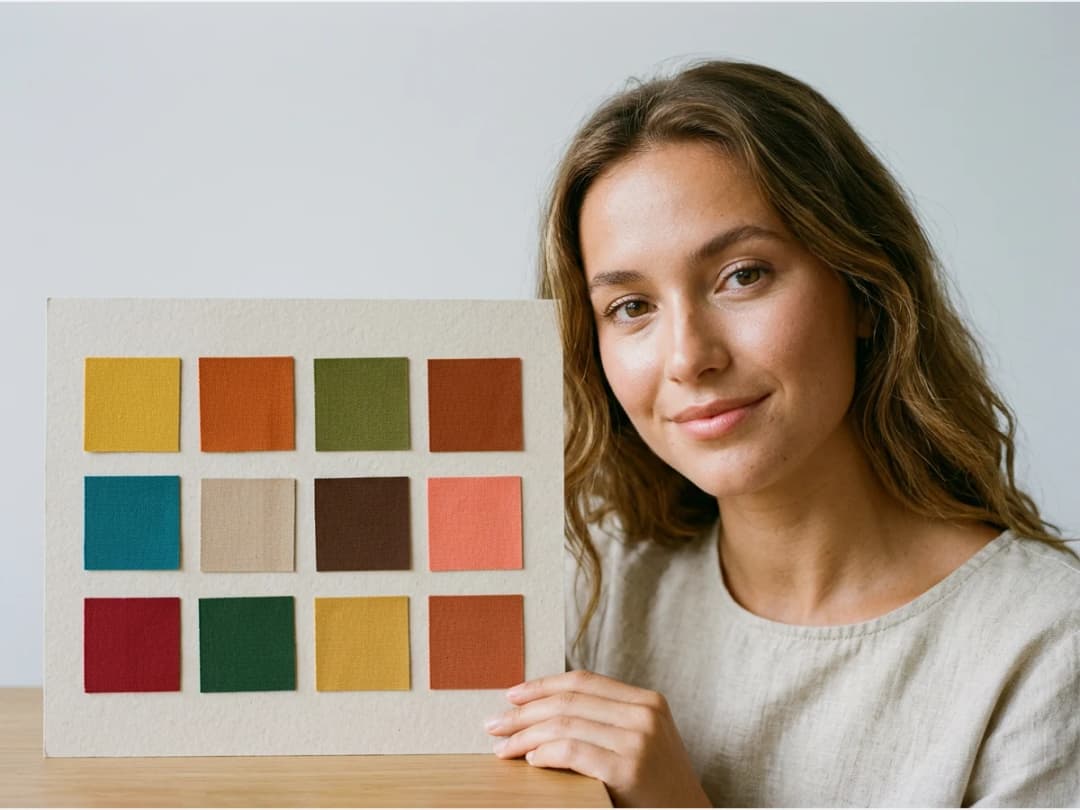
The AI processes your photo and returns two color palettes. Each one comes with its meaning, so you can see what the season stands for and which hues belong to it.
Create AI outfits in your own colors
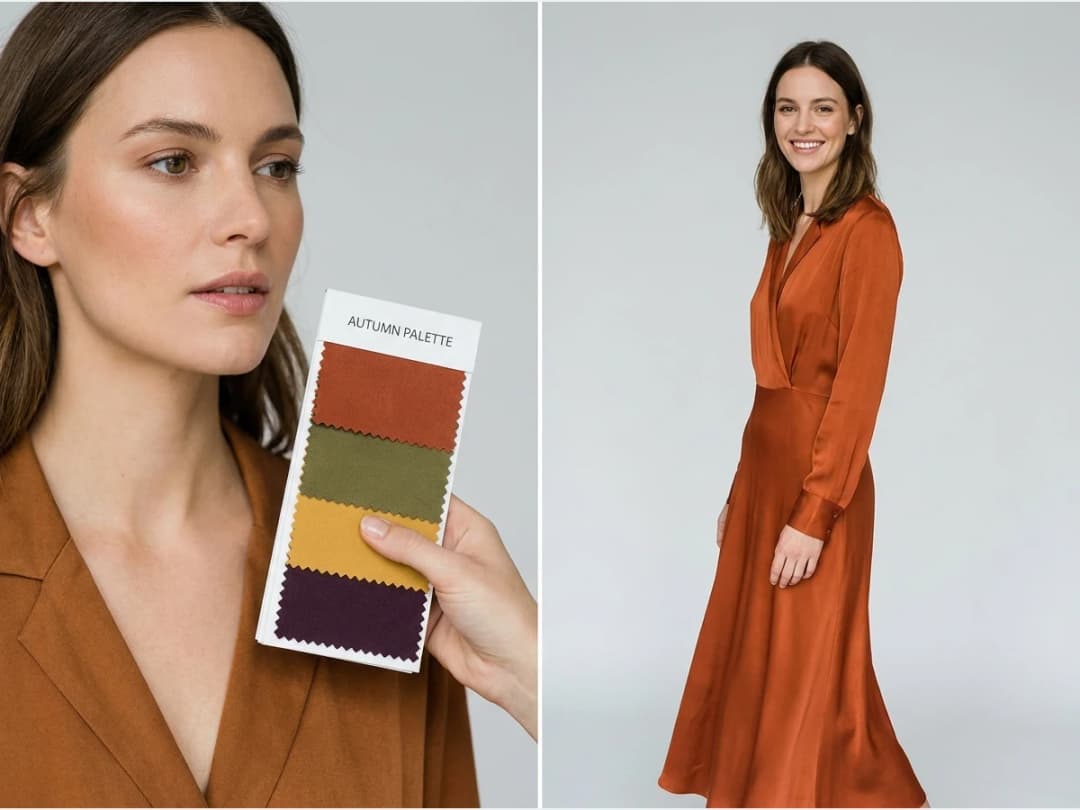
Once you know your palette, generate outfits inside it. Build looks for any occasion and keep the colors working for you every time you get dressed.
Can you get a color analysis by uploading one photo, for free?
Yes, and that is the whole shape of this tool: one photo of your face in natural light, uploaded once, and two palettes come back. There is no appointment, no consultation fee and no trial that expires. The analysis itself is not metered at all. What costs credits is what you do afterwards, when you start generating outfits inside the palette, and an account arrives with credits to try that too.
The reason a photo is enough is that a color analysis reads three things and only three: the undertone of your skin, the depth of your hair, and the color of your eyes. A trained stylist reads them by holding fabric under your chin. Software reads them from pixels, which is why the photo has to be honest, and why the result is a reading rather than a draping.
What the light does to the answer
Natural light is not a polite suggestion, it is the input. Indoor bulbs push warm, screens push blue, and a filter that "just smooths the skin" moves the undertone by more than the difference between two neighbouring seasons. A photo taken by a window on an overcast day is the single best thing you can bring.
Three habits improve the result more than any prompt would: face the light rather than standing with your back to it, take the photo without makeup if the palette is meant to guide your makeup, and let your natural hair color be visible if it is not the one currently dyed on top. None of this is fussiness. It is the same reason a stylist opens the curtains before starting.
What to do with a palette once you have it
A palette is only useful when it meets clothes. Generating an outfit inside yours costs one credit on Standard and three on Pro, and it comes back quickly: measured on our own platform in August 2026, an image comes back in about fifteen seconds.
That speed is what turns a palette from a piece of information into a way of shopping. Instead of holding a swatch card in a shop and guessing, you generate the coat you are considering in three of your season's shades and look at them side by side, on a person, before spending anything.
A reading, not a verdict
Two palettes come back rather than one, and that is deliberate. Seasonal analysis puts everyone on a border: skin that reads warm in one light reads neutral in another, and the honest answer to "which season am I" is usually "these two, and the truth is between them". A tool that returned a single confident label would be easier to market and less useful to dress by.
So use the palettes as a direction rather than a rule. Most people find that the shades at the centre of both palettes are the ones that work everywhere, and that the disagreements at the edges are where their own taste decides. Nothing here forbids a colour. It tells you which ones will do the work for you without being asked.
The other honest limit: this reads a face, not a wardrobe or a life. It has no opinion on what you already own, what your job expects, or what you simply like wearing. That part stays yours.
Frequently asked questions
What kind of photo should I upload?+
A photo of your face taken in natural light. The AI reads your eye color, your skin tone, and your hair color, so those need to be visible as they really are; artificial light or heavy filters shift exactly the signals the analysis depends on.
Is the color analysis really free?+
Yes. The analysis itself costs nothing: one photo in, your palettes back in seconds, no appointment. You also get free credits at signup for the rest of the studio, which runs in the browser with nothing to install.
What exactly do I get back?+
Two color palettes, each with its meaning, so you can see what the season stands for and which hues belong to it. The algorithm behind them is trained on thousands of professional drapings and looks for the hues that make your skin glow and your eyes stand out.
What can I do with my palette afterwards?+
Generate AI outfits that stay inside it, straight from the Stylist. Build looks for any occasion and keep the colors working for you every time you get dressed; the creations land in your studio grid, organised in projects, ready to reuse in the other workflows.
Try it yourself
Everything on this page was made in the studio. Your first designs are minutes away.
Open the studioRelated features
- AI Fashion Video from Reference ImagesPut your model, your garment and a place into one video: add up to three reference pictures, describe the scene, and get a 5 to 15 second fashion clip in 9:16, 1:1 or 16:9.
- Fashion Reel Templates & AI Motion DesignEighteen Motion Design templates for fashion reels: drop your photos or clips, edit the words, render a 10-second video in 9:16, 4:5, 1:1 or 16:9. One credit, every plan.
- AI Clothes Maker, Design Clothes Online: The New Black AIDesign clothes online with an AI clothes maker: describe the piece, see it worn in seconds, iterate, then send a tech pack to your factory. 1 credit per design.
- AI Image Generator for Fashion: Create or Edit Any ImageWrite what you want and get the image, or upload up to three references and describe the change: the free-prompt tool that creates or edits any fashion visual, in any format.
- Create Similar Outfits with AIUpload an outfit image and get close variations of it: same spirit, same silhouette, new pieces. The fast way to build a capsule around one look that works.
- AI Image Vectorizer for Fashion: Logo, Print and Artwork to SVGTurn a logo, a print or an illustration into a real SVG: colour shapes that scale to any size, ready for screen printing, embroidery, labels and Illustrator. 1 credit.
- Generate AI Fashion in Bulk for Your CatalogGenerate a whole catalog in one run: upload up to 30 product photos, pick a workflow, write one brief for the batch, and get AI models, try-ons or videos for every item at once.
- Create an AI Video of a Fashion Model Turning AroundTurn a front and a back photo into a smooth AI turnaround video with Model 360: the model turns on the spot or the camera orbits, every detail of the outfit kept from every side.
- AI Fashion Design for Kids, Toddlers and BabiesDesign kids fashion with AI: pick the age, from toddler to teenager, describe the outfit and get original children's clothing concepts.
- Extend an Image to a New Ratio with AIChange the aspect ratio of any photo with AI. Pick a new format such as 1:1, 9:16 or 16:9 and the AI extends the scene to fill it, instead of cropping what is already there.