Add a Logo on Clothing with AI: The New Black AI
Published 20 September 2026
A logo pasted flat on a garment photo looks pasted. The New Black AI now sets your logo into the fabric: upload the garment and the logo, choose the size, say where it goes, and the mark follows the folds, the weave and the light of the piece.
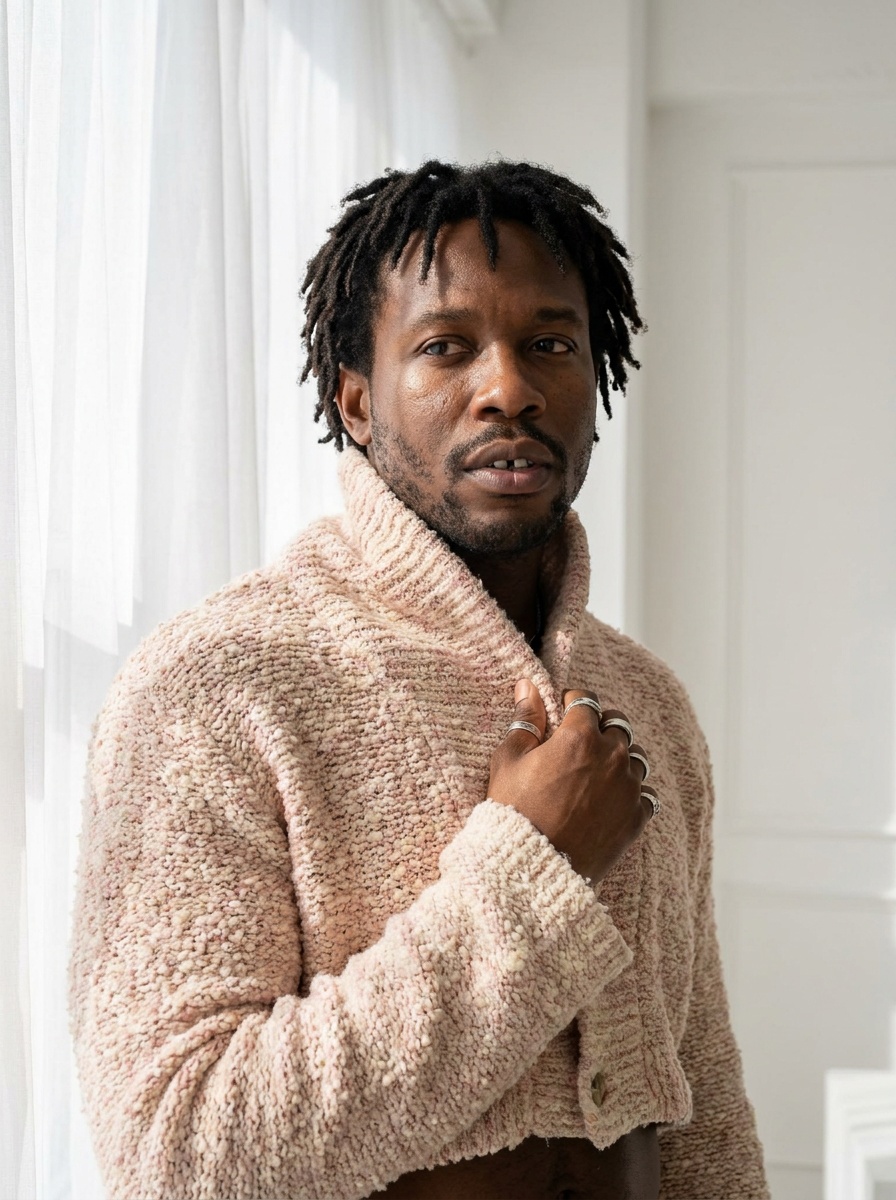
What Add a Logo does
Two inputs: a garment image, generated in the studio or photographed, and your logo as a PNG. Choose the size, small at the chest or large across the back, and say where it goes in a few words. The AI places it as if it had been printed or embroidered there.
How it works
1. Upload the garment, or pick a creation from your grid. 2. Upload the logo as a PNG with a transparent background. 3. Choose the size and the placement, and generate. 1 credit in Standard, 3 in Pro.
Why it matters for a brand
Merch, private label, a capsule for a client: the question is always "what does our mark look like on this piece", and the answer used to need a sample. Now it needs a photo and a PNG. For a real logo file at any size, Vectorize Image turns a raster mark into an SVG first.
Details on the Add a Logo on Clothing feature page.
Frequently asked questions
What file does the logo need to be?+
A PNG, ideally with a transparent background.
Can I choose where it goes?+
Yes: the size, and the placement in a few words.
Does it work on a photo of a real garment?+
Yes, on a generated garment or on a photograph.
Related articles
- Bulk AI Generation for Fashion Catalogues: The New Black AISelect the images, pick the workflow, choose Standard or Pro, and every image goes through it: a catalogue of packshots onto models, backgrounds removed across a range, or a video per product.
- AI Ad Creative with Your Headline: The New Black AIUpload a product photo, write your headline, give an art direction, and get a finished ad visual with the words set into the image. 1 credit in Standard, 3 in Pro.
- AI Textile Pattern Generator, Print-Ready: The New Black AIDescribe a pattern, its colours and the fabric it is printed on, and get a seamless repeat ready for a textile printer. Then apply it to a sketch or turn it into a garment.
- Publish AI Visuals to Shopify Product Pages: The New Black AIConnect your Shopify store, open a creation, choose the product, and the image or video lands on its product page. Unpublish from the same place. Also available from the API.
- Visual DNA: Train the AI on Your References: The New Black AIUpload reference images or give a web page, choose a focus (brand vibe, collection direction or product type), and every new design follows that creative direction instead of a generic one.
- Schedule Your Own Photos and Videos: The New Black AIIn Newsletter & social, the post composer has an Upload tile: pick a JPG, PNG, WebP, MP4, MOV or WebM from your computer and it is selected for the post, on every network you connected.
- Upload Your Own Photos and Videos: The New Black AIUpload your photos and videos straight from the main grid, a project or the Shopify view: they land where you sent them, next to your creations, ready for any workflow.
- AI Image Upscaler to 2K and 4K: The New Black AIEnhance to HD now has a size choice: 2K for everyone, 4K from the Pro plan, 4096 pixels on the long side, with a new engine that adds no glare to fabrics and stones.
- AI Video Editor from One Sentence: The New Black AIUpload a clip, write what should change: make it night, add snow, put the model on a beach: and get the same video with that one change. Priced by the second.
- 360 Product Video from Two Photos: The New Black AIYour product turns on a clean background, catalogue style. Two photos are required on purpose: the back of a garment is where the construction shows.