AI Image Upscaler to 2K and 4K: The New Black AI
Published 18 September 2026 · Updated 24 October 2026
Every creation in the studio has an HD button. The New Black AI now lets you choose what HD means: 2K for everyone, 4K from the Pro plan: 4096 pixels on the long side, ready for print or a product page.
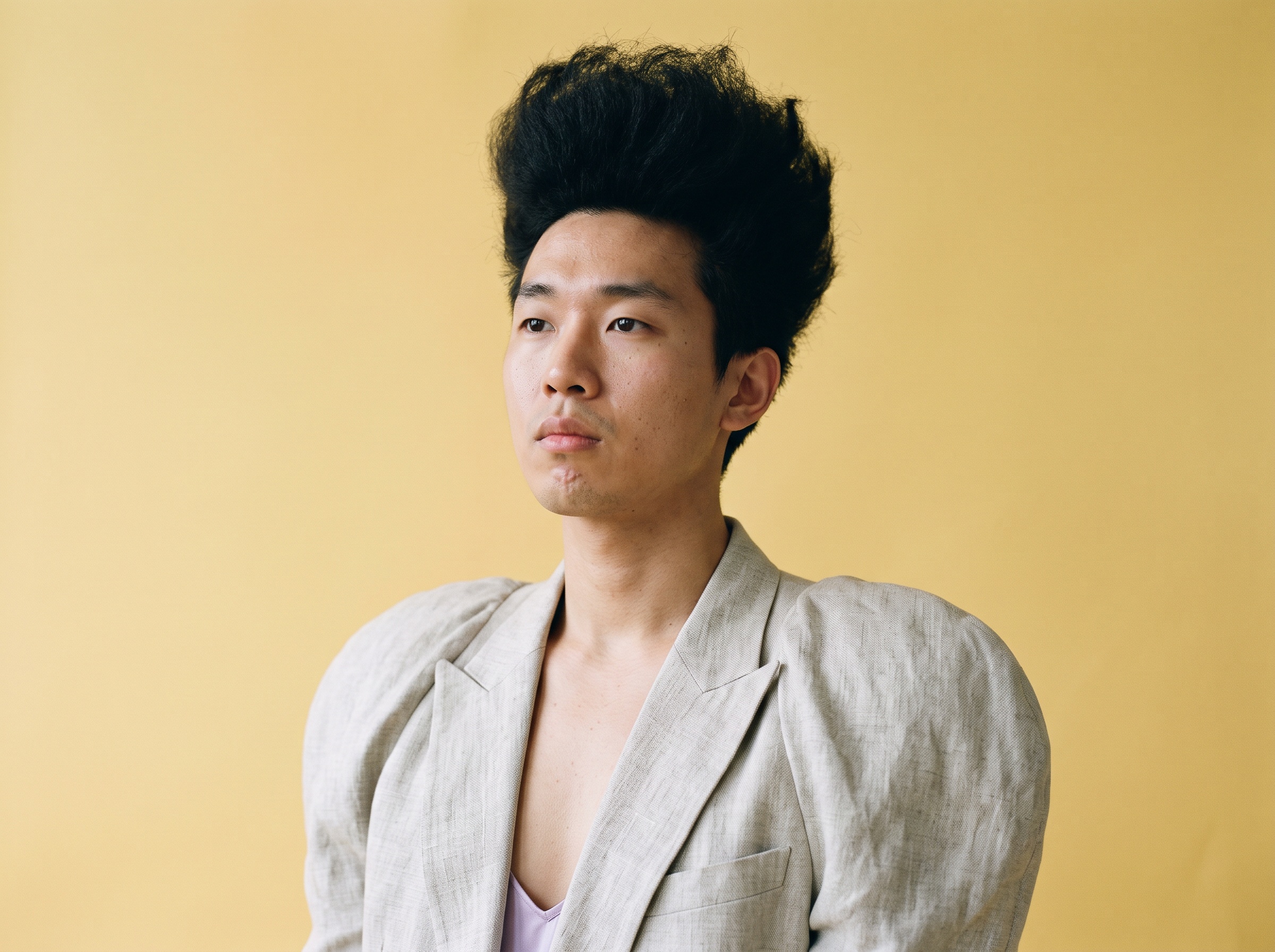
What Enhance to HD does
The upscaler raises the resolution and sharpens the details while keeping the image exactly as it is: the same textures, the same colours, the same light. A new engine drives it, and it no longer adds glare to fabrics and stones: the failure that made earlier upscalers unusable on satin, sequins and jewelry.
How it works
1. Open a creation, or upload an image of your own. 2. Press HD and choose the size: 2K, or 4K on the Pro plan. 3. Download. The HD version lands next to the original in your grid.
What it costs
1 credit in Standard, 3 in Pro.
Why it matters for a brand
A generated image is made at screen size; a product page, a lookbook and a print ad want more. Upscaling to 4K makes a studio creation usable where a photograph would be, and a sharper source also helps the workflows that read the image afterwards, like the 3D conversion.
Details on the Enhance Photo to HD feature page. Plans and what each includes are on the pricing page.
Frequently asked questions
What does 4K mean here?+
4096 pixels on the long side of the image.
Who can use 4K?+
2K is available to everyone; 4K from the Pro plan.
Does the image change?+
No. The result keeps the image exactly as it is, only sharper, without added glare on fabrics and stones.
Related articles
- Camera Angle for AI Model and Try-On Shots: The New Black AIAn Angle row under Framing in Product to Model and Virtual Try-On: eye level, slightly above, slightly below, or low from the ground. With a scene image, the scene is re-rendered from that angle.
- AI Ad Creative with Your Headline: The New Black AIUpload a product photo, write your headline, give an art direction, and get a finished ad visual with the words set into the image. 1 credit in Standard, 3 in Pro.
- Fashion Templates for Commercial Use: The New Black AIThe models, garments, fabrics and backgrounds provided in the studio are cleared for commercial use: your campaigns, your product pages, your lookbooks. And what you generate is yours on every plan.
- Post to Social Networks from an API: The New Black AIA program that generates a fashion visual can now put it online: publish your creations to five networks from the API, through the connections in your account.
- Google Search Console for Fashion Stores: The New Black AIThe New Black AI now reads your Google Search Console inside your Store: the queries and pages that bring traffic, next to the product visuals you generate.
- Garment Spec Sheet vs Tech Pack: The New Black AIWhat a garment spec sheet is, how it differs from a tech pack and a size chart, what a good one contains, the mistakes that cost a sample, and how to export one as a PDF for free.
- Best AI Fashion Design Software 2026: The New Black AI24 AI fashion tools compared, updated 25 September 2026: free tiers and first plans side by side, prices read that day, what each is built for, which fits a brand, a designer or a Shopify store.
- Fashion Supply Chain: The New Black AIThe fashion supply chain stage by stage for a small brand: what happens, which document travels, where time and money are lost, and what now happens on screen first.
- Tech pack designer vs AI: The New Black AIHire a tech pack designer or make your tech pack with AI? What each delivers, what it costs, how long it takes, and how small fashion brands combine the two.
- 4K AI fashion images and 1080p video: The New Black AIUltra AI makes fashion pictures in 4K for 7 credits and videos in 1080p for 15 credits a second, next to Standard and Pro, in 30 studio workflows, the API and your AI agents.