Visual Style (ex Visual DNA): The New Black AI
Published 20 September 2026 · Updated 24 October 2026
A generic model produces generic fashion photos. The New Black AI learns the look you want instead: give it three to six images that share a photographic style, and every picture you generate afterwards carries that light, that palette and that mood. The feature is called Visual style; until October 2026 it was called Visual DNA, and before that Brand DNA.
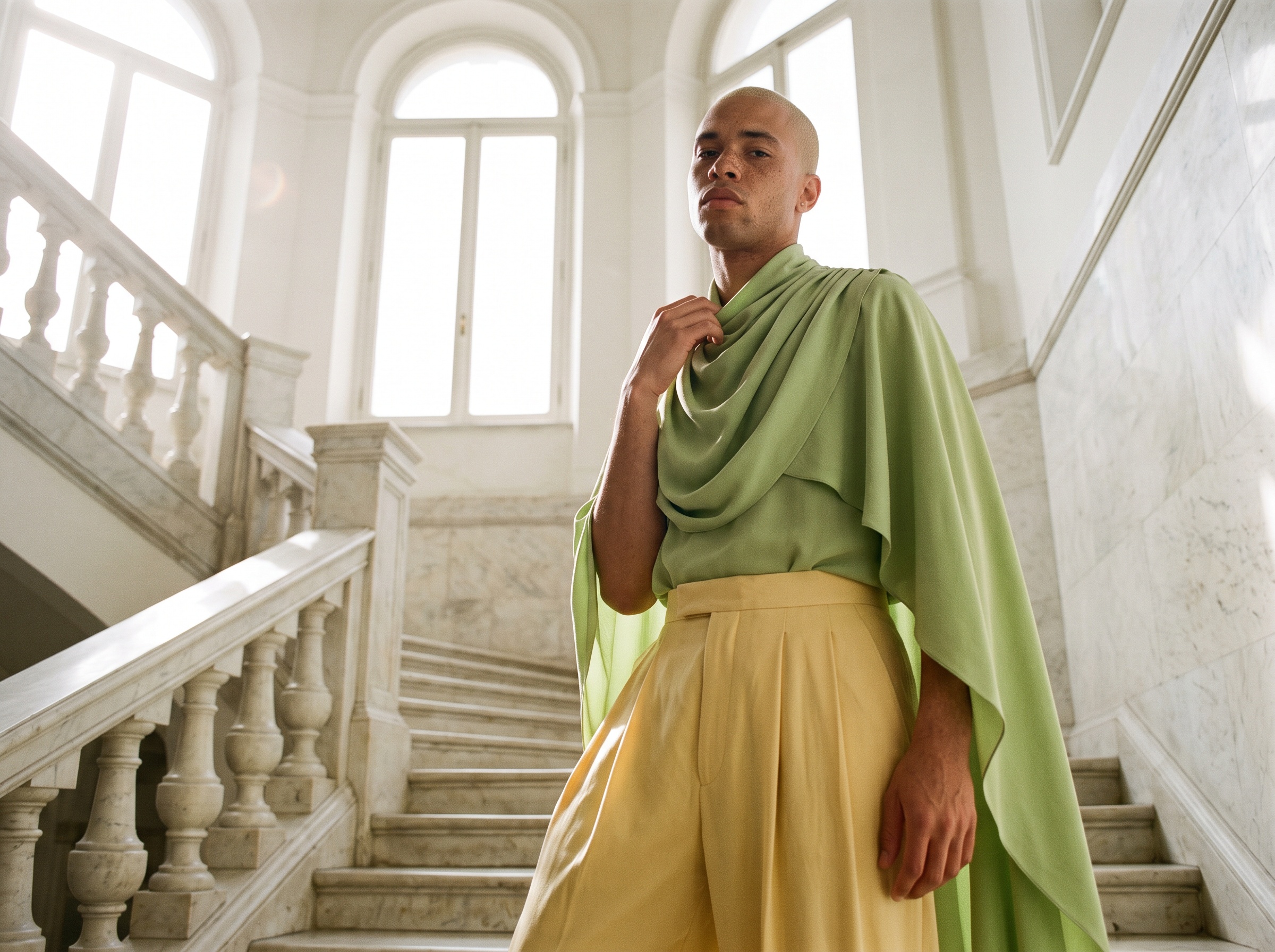
What Visual style does
It reads the photographic style of your references: the light, the colours, the grain, the framing, the setting and the mood. Nothing else. The garments in the reference images are not copied into what you generate, so you can build a style from a campaign of another season, or from photos that have nothing to do with your product, and apply it to a new collection.
Once it exists, the style sits in the studio, under Visual style › My styles, and the workflows that offer it apply it to what you generate: Product to Model, Virtual Try-On, Change Background, Create a Product, Create Design Variations, Ad Creative and Motion Design among them.
How it works
- 1.Open Visual style in the studio, in a workflow that offers it, then My styles, and press Create a style.
- 2.Add three to six images that share a look: files you upload, or creations from your Library. A consistent set works best; a scattered one gives the AI too many directions and the style comes back vaguer.
- 3.Press Create style. It reads the images straight away, names the style for you, and selects it, so your next generation already follows it.
No references at hand? Nine ready-made photo styles come with it: Theatrical light, Flash editorial, Warm contrast film, Muted cool film, BW film, Disposable camera, Y2K studio, Fisheye and Motion blur.
Why it matters for a brand
Consistency is what makes a range look like a collection and a feed look like a house. A style built from last season's best campaign makes this season's product photos look like the same brand. A style per channel, one for the e-commerce pages and one for social, keeps each of them coherent without a reshoot.
Details and examples on the Visual style feature page.
Frequently asked questions
What can I give as references?+
Three to six images: files you upload or creations from your Library. Visual style reads their photographic style only, not the garments.
Can I have several styles?+
Yes: one per campaign, season or channel, and you switch between them in My styles.
Is Visual style the same thing as Visual DNA?+
Yes. Visual DNA was renamed Visual style in October 2026; it works exactly as before, and the styles you had are kept.
Can my AI agent create a style for me?+
Yes. Give Mila three to six images and ask her to make a Visual style from them: she creates it the same way, and it appears in My styles.
Related articles
- Consistent AI Model Across Photoshoots: The New Black AIHow to keep the same AI model on every product of a collection: a profile reused, a reference photo, a Visual style, the framings that hold the identity, what still drifts, and the workflow in order.
- Google Images and Discover for Shopify: The New Black AISee your Shopify store's clicks from Google Images and Discover, the share of search traffic that did not know your brand, and your domain authority, beside your queries.
- Shopify Variant Images per Color: The New Black AIThe New Black AI adds a Variants tab to the Shopify product window: every variant with its price, SKU and picture, set from your creations, a file, or a creation's tile with Use for a variant.
- AI Lookbook Generator, Images and Videos: The New Black AIHow to make a lookbook with AI from the product images of a collection: one model, one setting, one light on every piece, the editorial register in images and ten-second videos, and the cost.
- Shopify blog SEO title and meta with AI: The New Black AIThe New Black AI writes the SEO title, meta description and excerpt of every Shopify blog article it drafts, places your studio images with alt text and saves it all to Shopify.
- Ghost Mannequin Photography Guide: The New Black AIGhost mannequin photography three ways: the studio and its equipment, the retouching and its cost, and the AI that makes the hollow shot from one photo in fifteen seconds, with a comparison table.
- AI Ad Creative with Your Headline: The New Black AIUpload a product photo, write your headline, give an art direction, and get a finished ad visual with the words set into the image. 1 credit in Standard, 3 in Pro.
- Fashion Templates for Commercial Use: The New Black AIThe models, garments, fabrics and backgrounds provided in the studio are cleared for commercial use: your campaigns, your product pages, your lookbooks. And what you generate is yours on every plan.
- AI Outfit Transition Videos: The New Black AIOne look becomes another in a single motion: the format that sells a collection rather than a product, and the one that earns watch time in the feed.
- AI Model Walk Video from One Photo: The New Black AIOne photo of your model, one sentence about the movement, and the look walks. From 5 to 30 seconds, so a whole line can move instead of three pieces.