Ghost Mannequin Photography Guide: The New Black AI
Published 25 September 2026
A ghost mannequin photo is a product shot where the garment keeps its worn, three-dimensional shape but the mannequin or the person wearing it has been removed, so the shopper sees the piece alone, collar open, sleeves filled, on white. This guide covers the three ways to get one in 2026: the studio, the retouching, and the AI that makes it from a single photo, with what each costs in money and time.
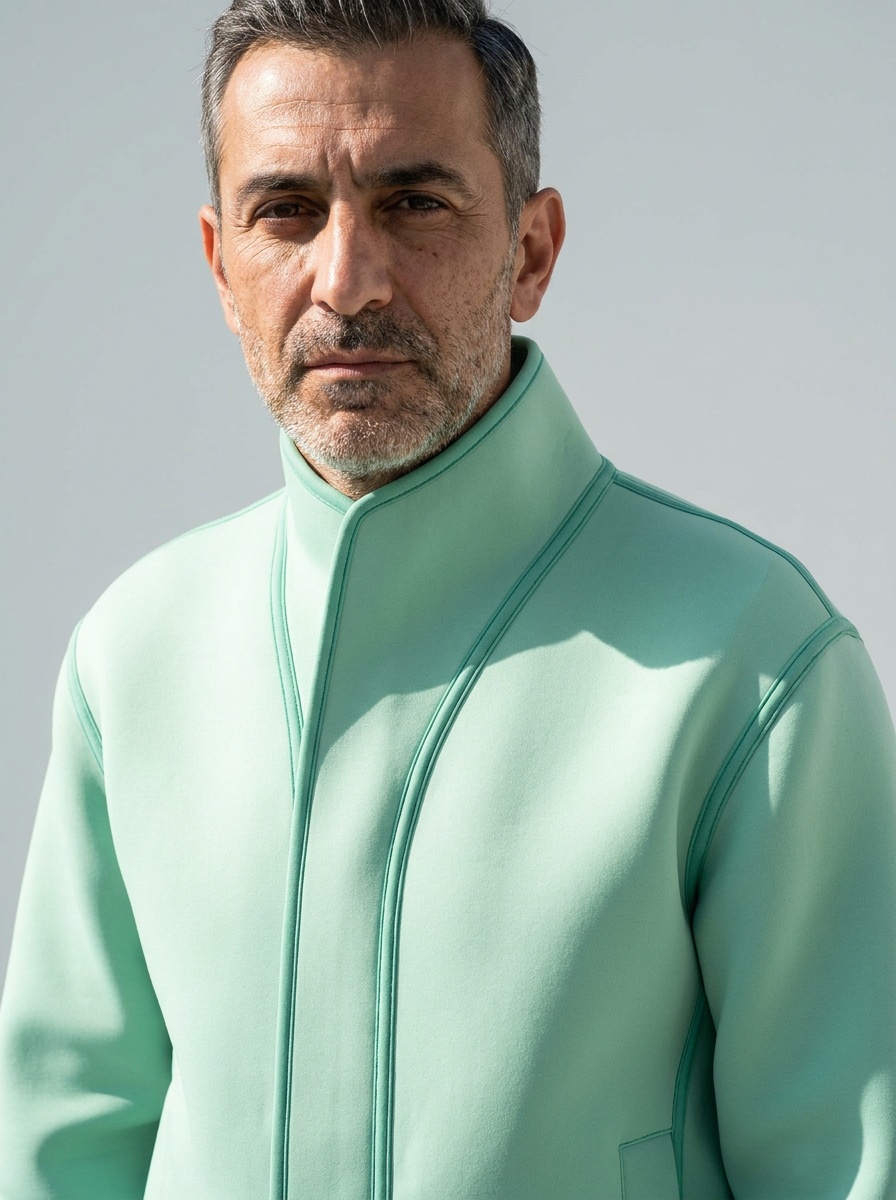
Why stores use ghost mannequin photos
Marketplaces ask for it (Amazon and Zalando style guides expect a clean white background and no model on the main image), it shows the inside of the garment (the neck label, the lining), it is the same on every product so the catalogue reads as one, and it is cheaper than a model shoot once you have the setup. It is also the least emotional image a brand can make, which is why most stores pair it with an on-model shot.
The studio way
Equipment
A ghost mannequin (a mannequin with removable parts so the camera can see the inside of the collar), a camera with a 50 to 85 mm lens, a tripod, two soft lights, white foam boards, a white seamless background, a steamer, and pins, clips and tissue paper to shape the garment. Read on the vendors' sites in September 2026, the setup runs between about $800 and $2,000 before the camera.
The shoot, step by step
1. Steam the garment; every crease is an hour of retouching. 2. Dress the mannequin; pin the back so the front sits flat; fill the sleeves with tissue. 3. Lock the camera and the lights; every product of the day is shot from the same spot. 4. Shoot front and back. 5. Take off the garment, turn it inside out on the mannequin's neck piece and shoot the inside of the collar: this is the "inner" shot the ghost effect needs. 6. Detail shots if the page uses them.
The retouching
The retoucher cuts the garment out of the front shot, cuts the inside of the collar out of the inner shot, places the second inside the first, and rebuilds the shadow so the piece looks hollow rather than flat. Ten to thirty minutes per image for a professional, two to three times that for a beginner. Outsourced, between one and twelve dollars an image depending on the country and the volume; a full-service studio charges more like $40 to $75 per image with a week of turnaround.
The AI way: one photo instead of a studio
An AI ghost mannequin generator takes one photo of the garment, worn by a person, on a hanger or on a plain mannequin, and returns it hollow, on white, shaped as if worn. On The New Black AI this is Image to Ghost Mannequin: one credit on Standard AI, three on Pro, about fifteen seconds per image, and the result lands next to the other visuals of the same product, ready to publish to the Shopify product page from the same window. A hundred products is a morning of uploads.
What it does well: shirts, knitwear, jackets, dresses and trousers from a decent worn or hanger photo; consistent white background and shadow across the catalogue; the inside of the collar reconstructed. What to check: fine text on labels, very sheer fabrics, and a garment that fills the input photo edge to edge.
Studio, retouching or AI: the honest comparison
| Studio + retouching | Outsourced retouching only | AI from one photo | |
|---|---|---|---|
| What you need | mannequin, lights, camera, a person who shoots, a retoucher | your own shots of the mannequin, front and inner | one photo of the garment |
| Cost to start | about $800 to $2,000 of equipment | nothing | 3 free credits, then $15 a month for 200 |
| Cost per image | the shoot day, plus $1 to $12 retouching or $40 to $75 full service | $1 to $12 | 1 credit on Standard AI, 3 on Pro |
| Time per image | 10 to 30 minutes of retouching after the shoot | a day to a week of turnaround | about 15 seconds |
| Consistency | as good as your setup discipline | as good as your shots | the same background and shadow every time |
| Where it fails | nothing, if you have the garment and the day | crumpled or badly lit inputs | tiny text, sheer fabrics, edge-to-edge inputs |
Which method should you use?
A brand with a studio, a photographer and a hundred products a season keeps the studio and sends the retouching out. A brand with a phone, a hanger and forty products this week uses the AI and checks each result against the garment. Most brands end up with both: the AI for the catalogue, the studio for the pieces that need it.
Frequently asked questions
What is ghost mannequin photography?+
A product photo where the garment keeps its worn shape but the mannequin is invisible: the front shot and a shot of the inside of the collar are combined so the piece looks hollow, on a white background.
Why is it called invisible mannequin or hollow man?+
Same technique, three names. The mannequin is removed in post-production, so the garment appears to float, hollow, as if worn by an invisible person.
How much does ghost mannequin photography cost?+
In a studio, $800 to $2,000 of equipment before the camera, then the shoot day and $1 to $12 of retouching per image, or $40 to $75 per image at a full-service studio. With AI, one credit per image on The New Black AI, from 3 free credits and $15 a month for 200.
Can AI make a ghost mannequin from a photo of someone wearing the garment?+
Yes. Image to Ghost Mannequin takes a worn photo, a hanger photo or a mannequin photo and returns the garment hollow on white; the person disappears, the shape stays.
Do I need the inner collar shot for the AI?+
No. The AI reconstructs the inside of the collar from one photo. In the studio, the inner shot is what the retoucher needs.
Is ghost mannequin better than on-model photos?+
Neither. Marketplaces want the ghost shot on white as the main image; shoppers convert on the model shot. Make both from the same photo: ghost mannequin for the listing, Product to Model for the page and the ads.
Which garments work best?+
Shirts, blouses, knitwear, jackets, coats, dresses and trousers. Sheer fabrics, very small text and accessories need a check; bags and shoes are shot differently.
Can I publish the result straight to my store?+
On The New Black AI, yes: to the Shopify product page, as the product image or as a variant's picture, from the creation window.
Related articles
- Clothing Product Photography with AI: The New Black AIEvery image a clothing product page needs, made from one photo of the garment: packshot, ghost mannequin, on-model, colourways, video; the credits and minutes each costs, what still needs a camera.
- AI Model Walk Video from One Photo: The New Black AIOne photo of your model, one sentence about the movement, and the look walks. From 5 to 30 seconds, so a whole line can move instead of three pieces.
- Consistent AI Model Across Photoshoots: The New Black AIHow to keep the same AI model on every product of a collection: a profile reused, a reference photo, a Visual DNA, the framings that hold the identity, what still drifts, and the workflow in order.
- AI Lingerie Generator for E-commerce: The New Black AIHow a lingerie brand designs a piece, puts the real set on a model of any body shape, makes the listing on white and the colourways from one photo, and what the generator will not do.
- Change Clothes Colour in a Photo with AI: The New Black AIHow to change the colour of clothes in a photo with AI: HEX code or a name, one garment and not the rest, the colourway workflow for a product page and its Shopify variants, and what to check.
- AI Fashion Design Prompts, 30 Examples: The New Black AINine rules for AI fashion design prompts, thirty prompts that work for outerwear, dresses, knitwear, shoes, bags, textiles and edits, and a table of the words that change the result most.
- AI Music for Fashion Videos, Composed: The New Black AIHow to compose original AI music for a fashion video: a prompt that works, three uses (product page, reel, UGC clip), what it costs, and how to publish it without a licence.
- Swap the Model in a Video with AI: The New Black AIGive a clip and a photo of the new model: the video comes back with that person wearing the outfit, same walk, same setting, same camera.
- AI Product Detail Close-up Videos: The New Black AIThe camera moves in on the weave, the hardware, the finish: the shot that proves quality instead of claiming it, and the one small brands never budget for.
- Create Shopify Products with AI: The New Black AICreate a Shopify product as a draft without leaving the studio, then build its page: visuals, HD, video, title, category, collections, all saved to your store.