Visual DNA: Train the AI on Your Reference Images
Visual DNA trains the AI on a specific brand vibe, a collection direction, or a product type, using your own reference images or a web page. Once the DNA exists, every new design you generate follows that creative direction instead of a generic one. The one minute tutorial below walks through the whole thing.
Updated 20 September 2026
- 1Let the AI analyze your references
- 2Give it references that agree with each other
- 3Pick the focus: vibe, collection, or product
- 4Create as many DNAs as you need
How it works
Let the AI analyze your references
Upload reference images, or give the AI a web page to read. It studies what you gave it and works out the DNA you are trying to capture: the silhouettes, the palette, the materials, the way the pieces are styled.
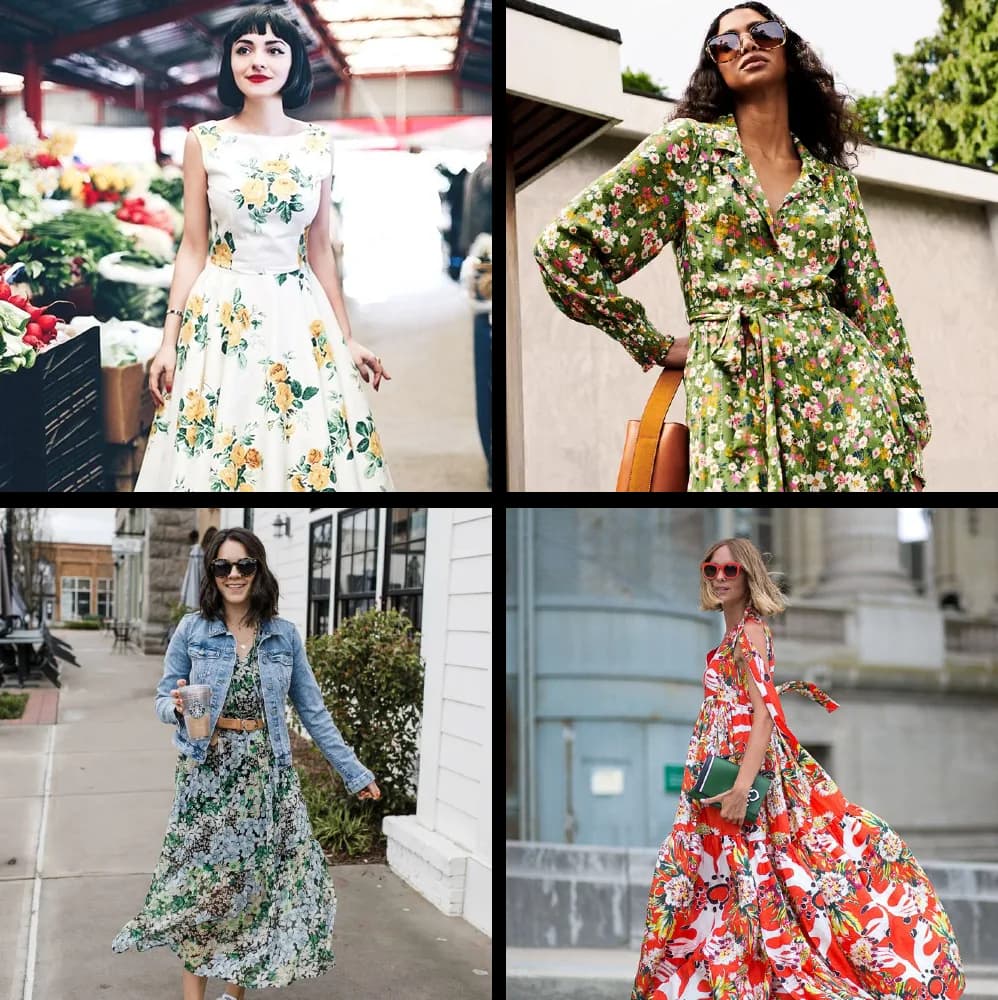
Give it references that agree with each other
Results are sharpest when the images you upload share a style, or when the website you point at has a clear visual direction. A consistent set lets the AI pin down the look, the mood, and the design language. A scattered one gives it too many directions to choose from.
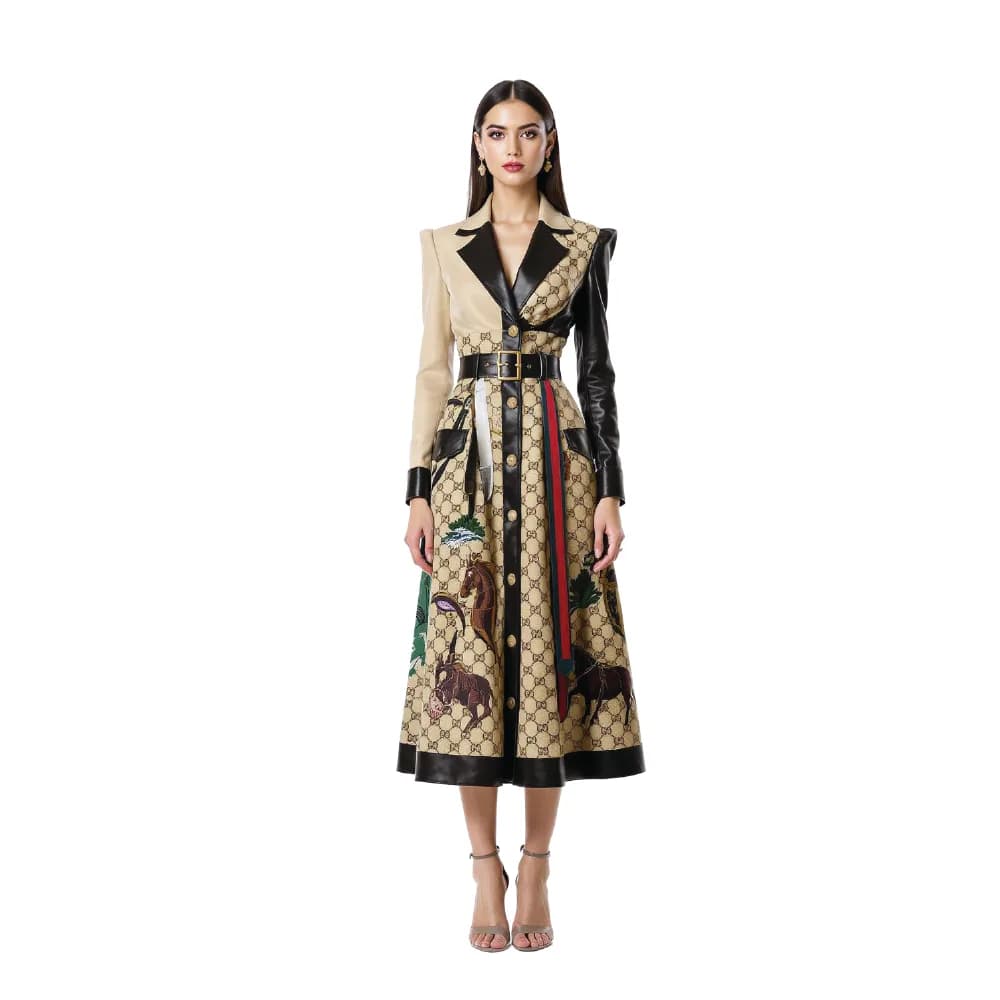
Pick the focus: vibe, collection, or product
A DNA is built around one of three fashion focuses. Brand vibe captures an identity as a whole. Collection direction captures the intent of a single season or drop. Product type narrows the AI onto one category. Choose the one that matches what you are working on, then generate against it.
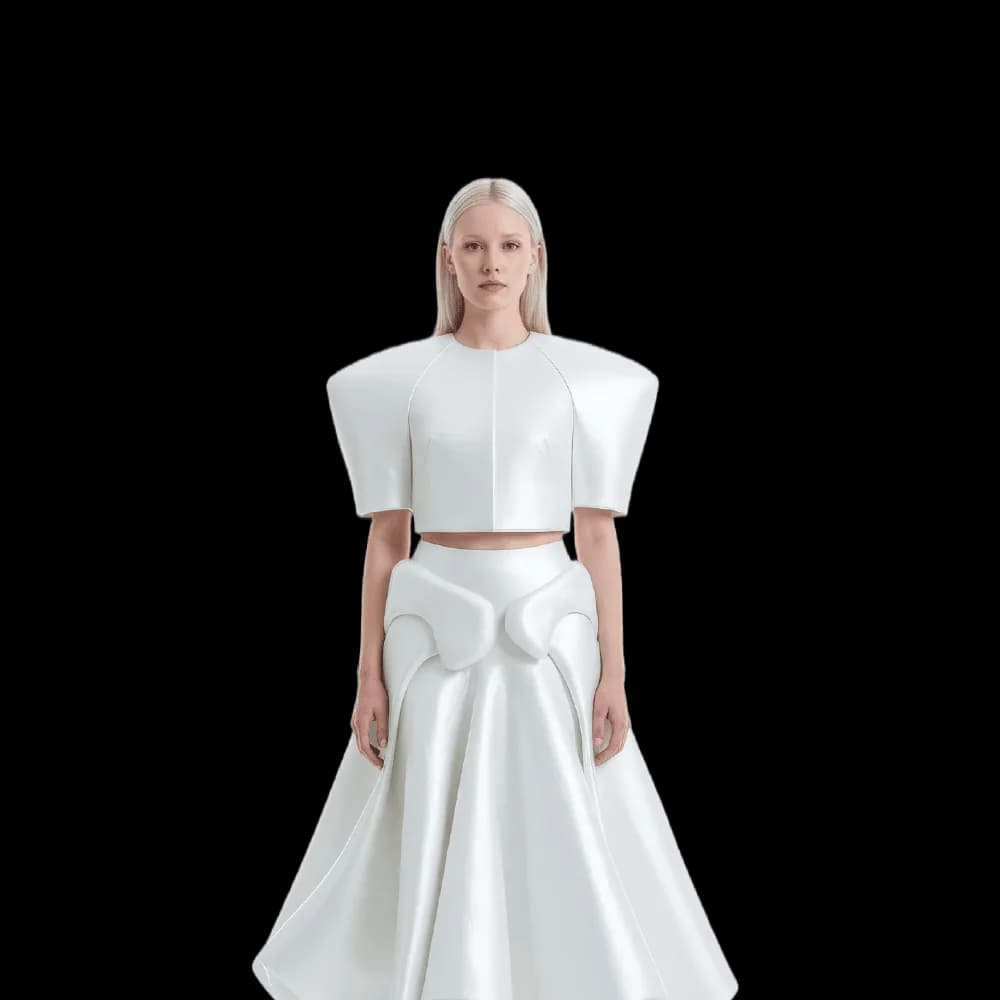
Create as many DNAs as you need
You are not limited to one. Build a DNA per brand, per season, per product line, and switch between them as the project changes.
Frequently asked questions
What can I train a Visual DNA on?+
Two kinds of sources: your own reference images, or a web page the AI reads for you. From either one it works out the silhouettes, the palette, the materials, and the styling that define the direction, then builds the DNA around one of three focuses: a brand vibe, a collection direction, or a product type.
What makes a good reference set?+
Consistency. The AI pins down a look fastest when the images share a style, or when the site you point at has one clear visual direction. A scattered set gives it too many directions to choose from, and the DNA comes back vaguer for it.
Can I build more than one DNA?+
Yes. You can create a DNA per brand, per season, or per product line, and switch between them as the project changes. Nothing forces you to overwrite one to try another.
Where do the designs I generate from a DNA end up?+
Every generation lands in your studio grid, organised in projects, and stays reusable in the other workflows: put a design on a model with try-on, animate it as a video, or push it to print quality with the HD upscale. The rest of the tools are in the features catalog.
Can I use the designs commercially?+
Yes, on any plan: everything you generate is yours to sell, print and publish. The studio runs in the browser with nothing to install, and you get free credits at signup to train a first DNA and see what it produces.
Are my uploads and my creations private?+
Yes. Everything you upload and everything you generate is private to your account, never shown to other users, never published without an action of yours, and never used to train any model, on any plan. Details on the Security page.
Try it yourself
Everything on this page was made in the studio. Your first designs are minutes away.
Open the studioRelated features
- AI Fashion Video from Reference ImagesPut your model, your garment and a place into one video: add up to three reference pictures, describe the scene, and get a 5 to 15 second fashion clip in 9:16, 1:1 or 16:9.
- Fashion Reel Templates & AI Motion DesignEighteen Motion Design templates for fashion reels: drop your photos or clips, edit the words, render a 10-second video in 9:16, 4:5, 1:1 or 16:9. One credit, every plan.
- AI Image Generator for Fashion: Create or Edit Any ImageWrite what you want and get the image, or upload up to three references and describe the change: the free-prompt tool that creates or edits any fashion visual, in any format.
- Generate AI Fashion in Bulk for Your CatalogGenerate a whole catalog in one run: upload up to 30 product photos, pick a workflow, write one brief for the batch, and get AI models, try-ons or videos for every item at once.
- Create an AI Video of a Fashion Model Turning AroundTurn a front and a back photo into a smooth AI turnaround video with Model 360: the model turns on the spot or the camera orbits, every detail of the outfit kept from every side.
- Create AI Generated Model VideosTurn a clothing photo into an AI model video: create the model, then bring the still to life with realistic motion, no photoshoot needed.
- Animate a Sketch with AI VideoAnimate a fashion sketch with AI: upload a drawing and get a short video where the illustration itself moves, for presentations and moodboards.
- AI Jewelry Video GeneratorTurn a jewelry photo into a video with AI: sparkle, macro detail and slow rotation from a single image, no product film shoot needed.
- AI Sunglasses VideoTurn a sunglasses photo into a video with AI: face turns, lens reflections and light play from a single image or a text description.
- AI Shoes and Sneakers VideoTurn a shoe or sneaker image into a video with AI: on foot movement, sole flex and turning angles from one photo or a text description.