Schedule Your Own Photos and Videos: The New Black AI
Published 19 September 2026 · Updated 24 October 2026
The week agenda in your Store publishes creations from the studio to Instagram, Facebook, Threads, Pinterest, X, YouTube and TikTok. The New Black AI now publishes your own files the same way: a photo from a shoot, a clip from a phone, the video your agency sent.
What the composer does
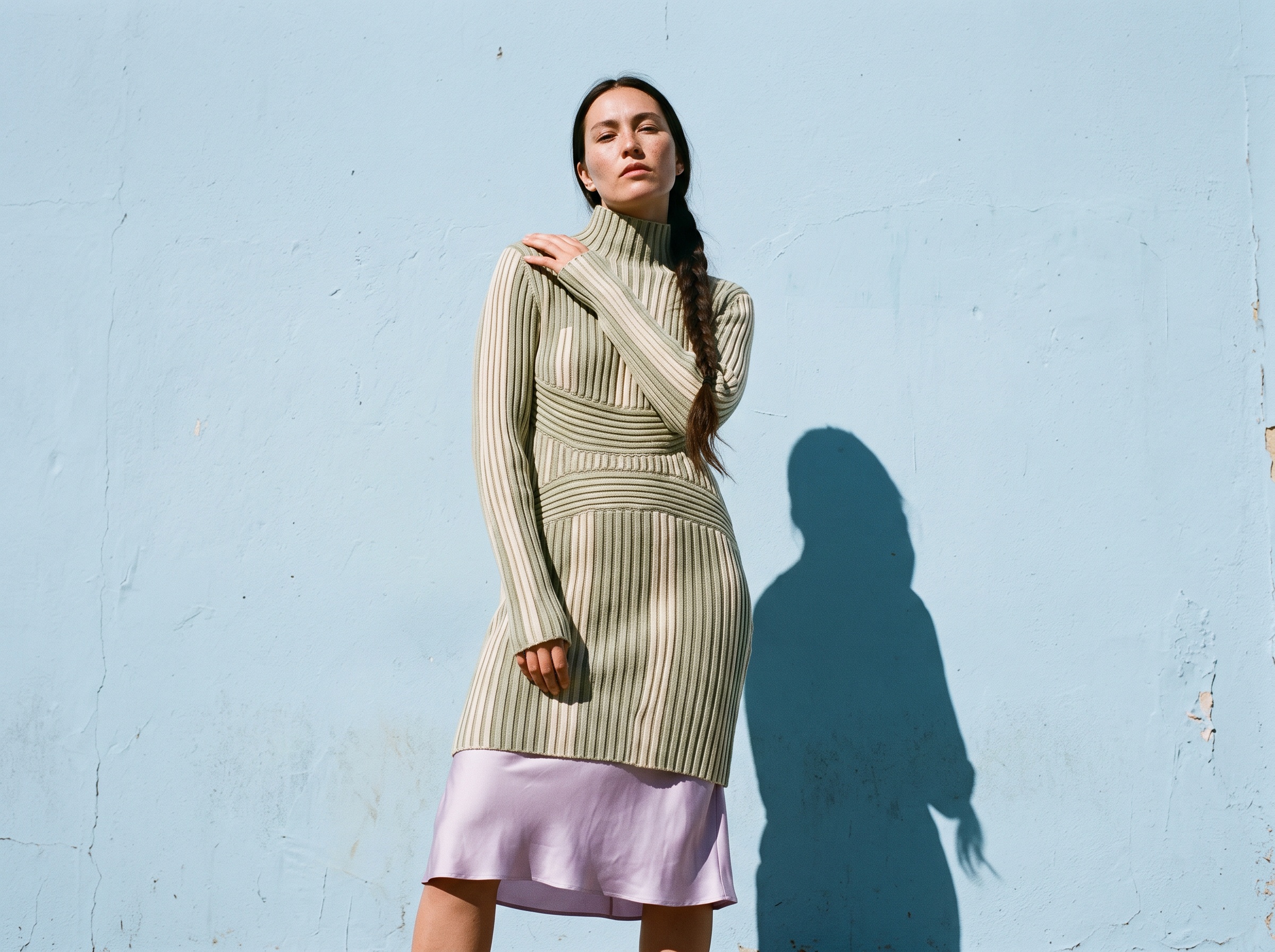
In Newsletter & social, the + Post composer has an Upload tile at the start of your library. Pick a JPG, PNG, WebP, MP4, MOV or WebM from your computer: it joins your library and is selected for the post right away. Clips get a poster from their first second.
How it works
1. Open the Store page, Newsletter & social, and press + Post on the day you want. 2. Upload the file, or pick a creation from the library. 3. Write the caption per network and schedule. The agenda shows the post on its day, on each network, and marks it once it is out.
Why it matters for a brand
A brand's feed is made of what the studio generates and of what the brand already has, and a scheduler that only takes one of the two sends you back to the native apps for the other. One agenda, both sources, every network.
The agenda itself is described in Weekly social media agenda for fashion brands; it works without a Shopify store.
Frequently asked questions
Which networks?+
Instagram, Facebook, Threads, Pinterest, X, YouTube and TikTok, once connected in Connectors.
Which file formats?+
JPG, PNG, WebP, MP4, MOV, WebM.
Does a video need a cover?+
It gets one from its first second; you can keep it.
Related articles
- Klaviyo and Social Analytics in One Place: The New Black AIThe Store page of The New Black AI has an Analytics view per channel: Klaviyo, Instagram, Facebook, YouTube and TikTok, each on the window you chose against the period before, post by post.
- Instagram and Facebook Posts in One Agenda: The New Black AIThe Store's week agenda lists every network you can publish to, and shows the posts already on your connected Instagram and Facebook accounts, including those posted from your phone.
- Cost to Start a Clothing Brand: The New Black AIWhat it costs to start a clothing brand in 2026: budgets by model, every line from samples to photos, and what the design, tech pack and photo work costs with AI.
- AI reel generator for fashion brands: The New Black AIMake fashion reels with AI: describe the animation or pick one of eighteen Motion Design templates, add your photos or clips, export in 9:16. From 1 credit.
- Shopify Variant Images per Color: The New Black AIThe New Black AI adds a Variants tab to the Shopify product window: every variant with its price, SKU and picture, set from your creations, a file, or a creation's tile with Use for a variant.
- Reply to X Replies from Your Store: The New Black AIOpen one of your X posts in the Store's Newsletter & social tab: the replies are listed, the answered ones marked, and you reply as your account without leaving the page.
- AI Lookbook Generator, Images and Videos: The New Black AIHow to make a lookbook with AI from the product images of a collection: one model, one setting, one light on every piece, the editorial register in images and ten-second videos, and the cost.
- Post to Social Networks from an API: The New Black AIA program that generates a fashion visual can now put it online: publish your creations to five networks from the API, through the connections in your account.
- AI Fashion CLI for Claude Code: The New Black AInpx @thenewblack/cli gives every fashion workflow to your terminal and to AI coding agents: one command per workflow, local photos uploaded, renders saved next to them.
- How to Change Outfits in Your Photos with an AI Clothes ChangerChange clothes on your own photos with an AI clothes changer: upload an image, set your style preferences, and try new outfits in a few steps.