Create a Team and Design Collections Together
A team is the simplest way to design collections with other people. It gives a large fashion organization one shared way in instead of a pile of separate logins, and it keeps the cost down for a group who would otherwise each pay for an individual account. Add your members and design together.
Updated 26 October 2026
- 1Add people to your team
- 2Share a project
- 3Work on the same collection
- 4Leave notes on a picture, and let Mila apply them
How it works
Add people to your team
In your account, invite a teammate by email: they get a seat on your plan and sign in with their own login. Starter comes with 3 seats, Pro with 5, Business and Enterprise with as many as you need.
Share a project
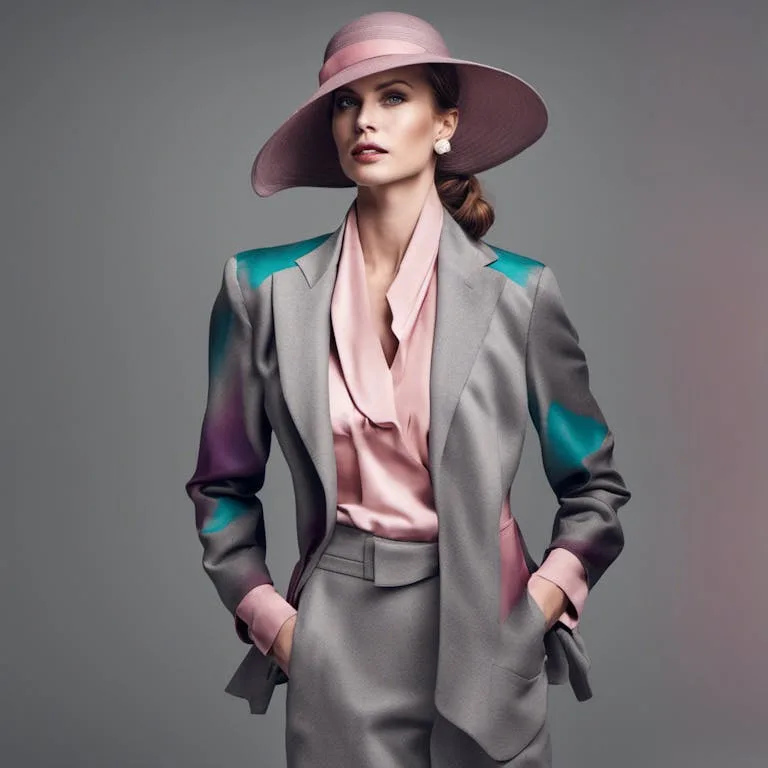
In the studio, every project has a Share with your team option. Pick who joins it, and from then on you design in the same place: everyone sees the same creations, the same references, the same brief. A project can be shared with one person or the whole team, which is the usual shape of a capsule or a guest project: two designers, one project, nothing else shared.
Work on the same collection
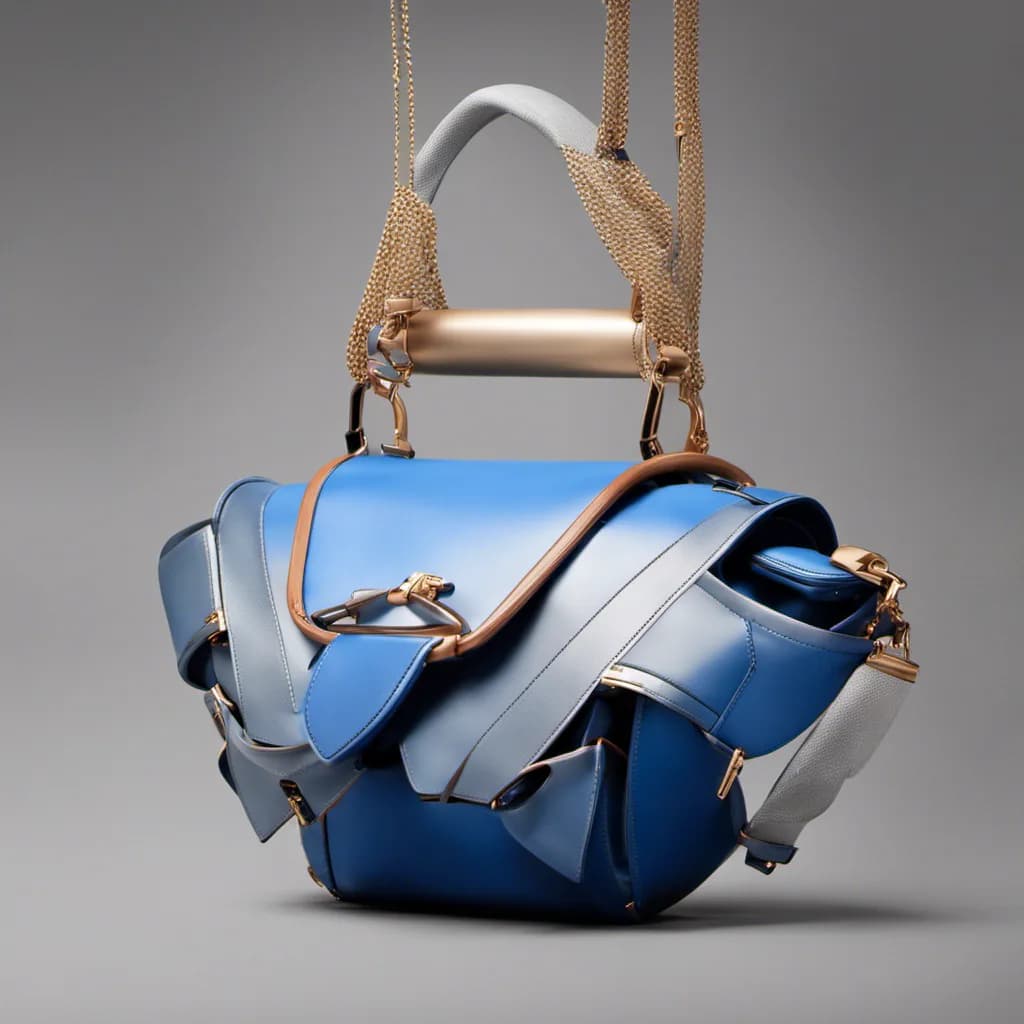
Each creation in a shared project shows who made it, portrait and name, so a team keeps its history. Teammates reuse each other's work in any workflow: put a colleague's design on a model, run it through virtual try-on, or build the tech pack from it.
Leave notes on a picture, and let Mila apply them
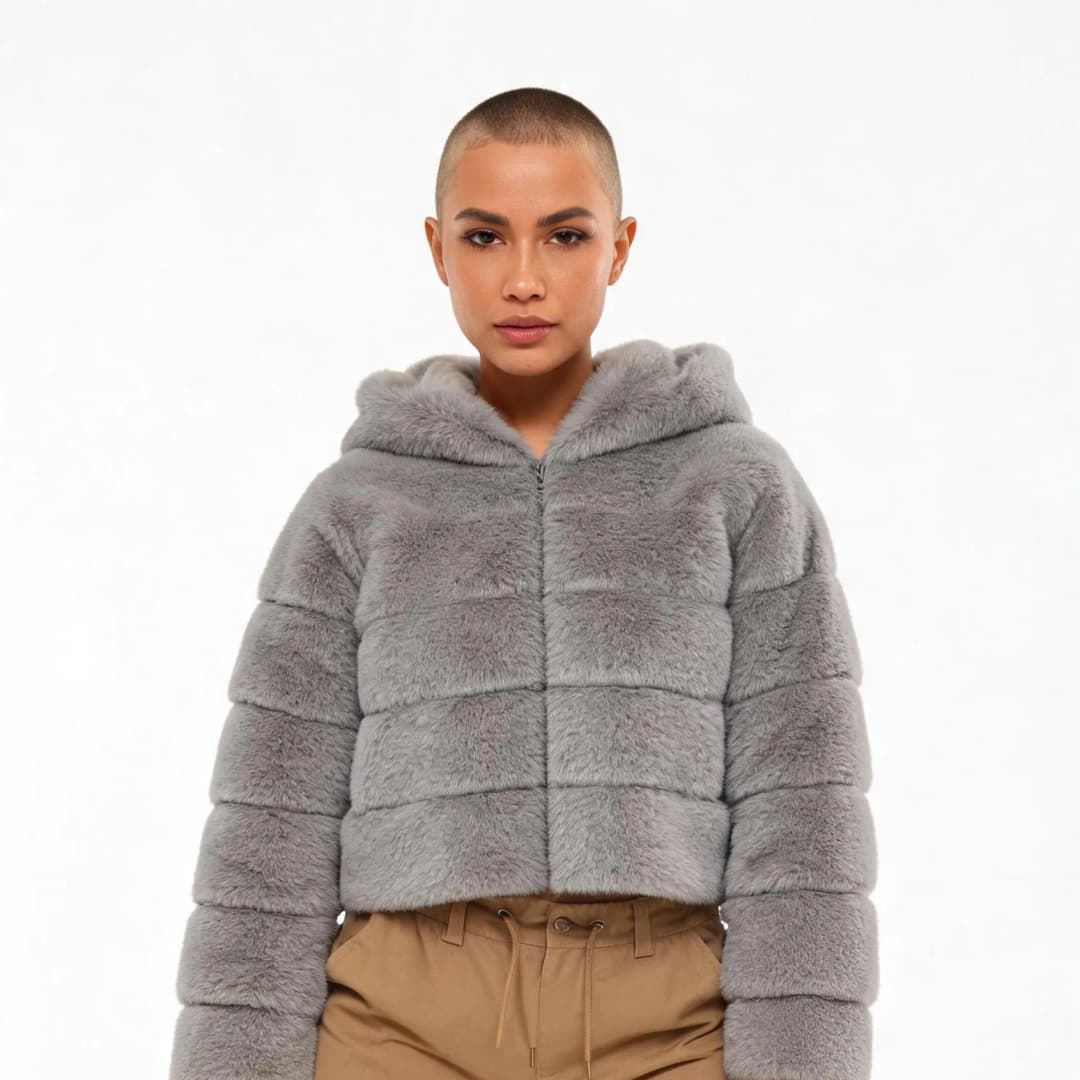
Open any picture or video of the shared project and write in its Notes section: each note is signed with your @name, and before sending you can place it right on the picture, a numbered pin where the hem should be raised, or on a moment of a video. Hover a note to find its pin. When a note is handled, tick it: it greys out, says who did it, and its pin leaves the picture. With open notes on a picture, one button, Apply with Mila, hands them to your AI agent: she makes the new version from the notes, in the same lineage, and ticks each note she answered.
In a note, type @ to tag a teammate of the project and ask them something about the picture, and point to another creation of the project: its thumbnail lands in the note, and anyone can click it to open that creation.
See every shared project in one place
In Profile › Team, switch to Shared projects to see every project two or more teammates share: who made it, who is in it, what it holds and when it last moved. Open the ones you are in, and ask to join the others: the creator gets a notification and accepts or declines.
Each project can carry a short description of what it is for, a capsule, a client, a season. Its creator writes it by clicking it in the project's window, and everyone in the team reads it there and on the Shared projects cards, so a new member knows what each project is before opening it.
Start a team
Collections are where the work lives, so a team is really a way of opening them to other people. Open the design studio and add your first member, or see what else the studio does in the features catalog.
Frequently asked questions
Can we comment on a design together?+
Yes. Every picture and video has a Notes section: notes signed with each member's @name, pinned on the picture or on a moment of the video, ticked when they are done. Apply with Mila turns the open notes into a new version.
How do we see all the projects the team shares?+
In Profile › Team, the Shared projects view lists every project shared by two or more teammates, with its members, its content, its description and its last activity. You can open the ones you are in and ask to join the others.
How do I add someone to a project?+
First invite them to your team from your account, then open the project in the studio, choose Share with your team, and add them. From then on everyone works in the same place and sees the same creations.
Is there a limit on the number of members?+
Seats come with the plan: 1 on a free account, 3 on Starter, 5 on Pro, unlimited on Business and Enterprise. Shared projects are available from Starter.
Can I collaborate on just one project?+
Yes. Sharing is per project: open one project to a guest designer and nothing else, which is the usual shape of a capsule or a guest project. The rest of your account stays yours.
Can team members reuse each other's creations?+
Creations land in the shared project and in the studio, where they can feed the other workflows: put a teammate's design on a model, run a virtual try on, or upscale it to HD. Everything runs in the browser, so a new member only needs a way in, not an install.
Can the team use the designs commercially?+
Yes, on any plan: everything you generate is yours to sell, print and publish.
Try it yourself
Everything on this page was made in the studio. Your first designs are minutes away.
Open the studioRelated features
- AI Fashion Video from Reference ImagesPut your model, your garment and a place into one video: add up to three reference pictures, describe the scene, and get a 5 to 15 second fashion clip in 9:16, 1:1 or 16:9.
- Fashion Reel Templates & AI Motion DesignEighteen Motion Design templates for fashion reels: drop your photos or clips, edit the words, render a 10-second video in 9:16, 4:5, 1:1 or 16:9. One credit, every plan.
- AI Image Generator for Fashion: Create or Edit Any ImageWrite what you want and get the image, or upload up to three references and describe the change: the free-prompt tool that creates or edits any fashion visual, in any format.
- Generate AI Fashion in Bulk for Your CatalogGenerate a whole catalog in one run: upload up to 30 product photos, pick a workflow, write one brief for the batch, and get AI models, try-ons or videos for every item at once.
- Create an AI Video of a Fashion Model Turning AroundTurn a front and a back photo into a smooth AI turnaround video with Model 360: the model turns on the spot or the camera orbits, every detail of the outfit kept from every side.
- Create AI Generated Model VideosTurn a clothing photo into an AI model video: create the model, then bring the still to life with realistic motion, no photoshoot needed.
- Animate a Sketch with AI VideoAnimate a fashion sketch with AI: upload a drawing and get a short video where the illustration itself moves, for presentations and moodboards.
- AI Jewelry Video GeneratorTurn a jewelry photo into a video with AI: sparkle, macro detail and slow rotation from a single image, no product film shoot needed.
- AI Sunglasses VideoTurn a sunglasses photo into a video with AI: face turns, lens reflections and light play from a single image or a text description.
- AI Shoes and Sneakers VideoTurn a shoe or sneaker image into a video with AI: on foot movement, sole flex and turning angles from one photo or a text description.