Zapier AI Product Photos: Automate Model Shots
The New Black AI on Zapier runs fashion workflows from your other apps, with no code: a new product in your Shopify store, a new row in a Google Sheet or a new file in a Drive folder can start a Product to Model, a Virtual Try-On, a Ghost Mannequin, a Free Prompt Image or a Free Prompt Video, and the next step of the Zap receives the finished image or video URL. The app is in Beta: you add it to your Zapier account from the Connectors tab, then connect it with an API key of your account. Credits are the same as in the Studio.
Updated 22 November 2026
- 1Add the app and connect your account
- 2Pick the trigger in your other app
- 3Choose the workflow and its settings
- 4Use the result in the next step
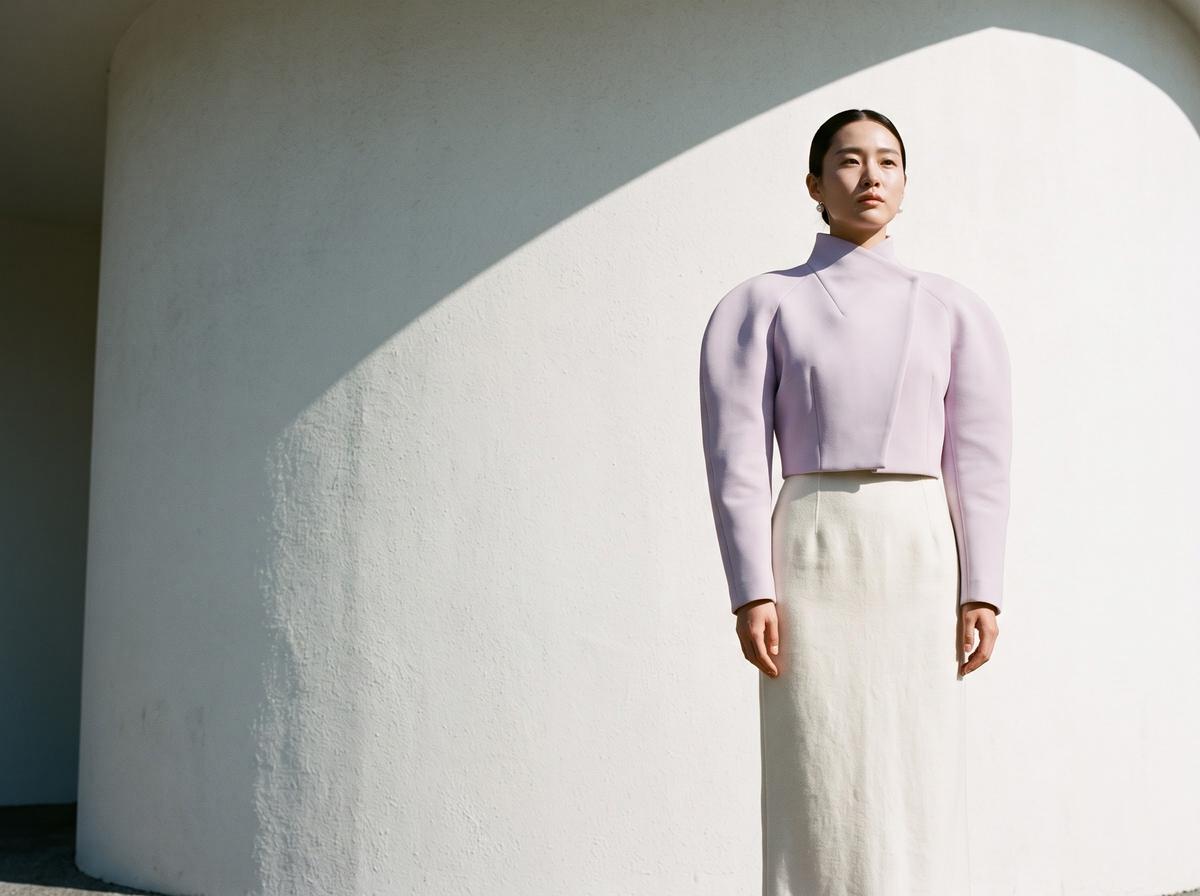
How it works
Add the app and connect your account
In The New Black AI, open your profile, then Connectors, and choose the Automation filter. The Zapier card opens the invite link that adds The New Black AI to your Zapier account. Back in your profile, create an API key in the API tab, then paste it in Zapier when it asks you to connect The New Black AI. Each person on a team connects with a key of their own account.
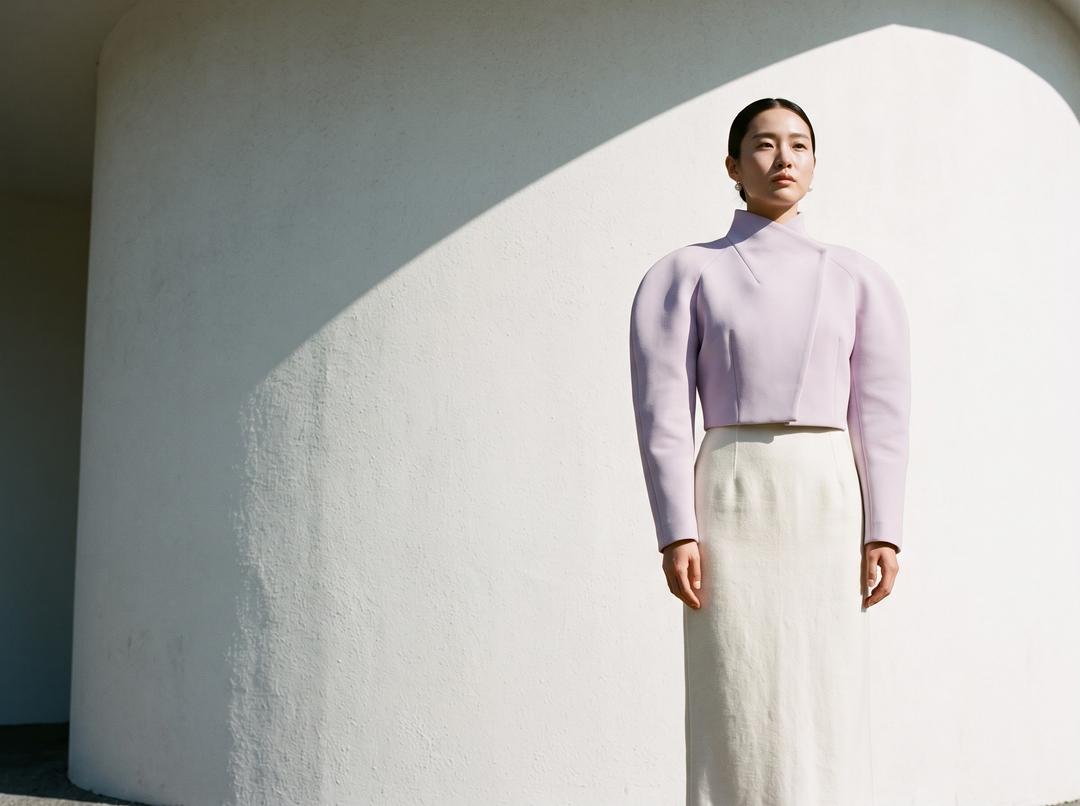
Pick the trigger in your other app
The Zap starts wherever your product images already arrive: a new product or a new product image in your store, a new row in a sheet that holds the product photo URL, a new file in a cloud folder, a form answer. Map the image URL of that step into the action of The New Black AI.
Choose the workflow and its settings
Each workflow is one action, with the same choices as in the Studio:
| Action | What it does | Main settings |
|---|---|---|
| Product to Model | Puts your product photos on an AI model | Gender, age, body shape, origin, framing, camera angle, styling details, scene, ratio, quality tier |
| Virtual Try-On | Puts your products on a model photo you supply | Model photo, product photos, ratio, quality tier |
| Ghost Mannequin | Turns a product photo into a ghost mannequin visual | The product to recreate, ratio, quality tier |
| Free Prompt Image | Creates or edits an image from a prompt | Prompt, up to 3 reference images, ratio, quality tier |
| Free Prompt Video | Creates a video from a prompt, a start frame or reference images | Prompt, duration 5, 10 or 15 seconds, sound, speed, quality tier |
Use the result in the next step
The action waits for the generation and returns its result URL, its thumbnail and its type. The next step of the Zap can add the image to a product, write the URL in a sheet, post it in a team channel or send it by email. Every creation also lands in your Studio grid, like one made by hand.
Triggers and searches
- New Creation starts a Zap when a new image or video is made on your account, by hand in the Studio or by another automation. Filter on images only or videos only.
- Find Generation reads a generation by its ID: its status and its result URL.
Credits
| Action | Standard | Pro | Ultra |
|---|---|---|---|
| Product to Model, Virtual Try-On, Ghost Mannequin, prompt image | 1 credit | 3 credits | 7 credits |
Free Prompt Video is billed per second of video, at the Studio rates. The Zapier app itself is free. Credits come from your account, exactly as in the Studio, and free credits at signup are enough for a first Zap. Zapier's own plan limits apply to the number of tasks a Zap runs.
n8n
The same workflows are coming to n8n as a community node, with product to model, virtual try-on, ghost mannequin, free prompt image and video, and reading a generation. The Connectors card reads « Coming soon » until n8n has verified the node. To build your own integration today, the AI fashion API describes every route.
Frequently asked questions
Do I need to code to use The New Black AI with Zapier?+
No. You choose a trigger, pick a workflow action and map the fields in Zapier's editor. The API key is the only thing you copy.
Why is the app in Beta?+
Zapier lists an app publicly once it has enough users with live Zaps. Until then it is added through the invite link in the Connectors tab, and it works the same way.
Which plan do I need?+
None in particular. API keys are open to every account, and each run spends credits like the same workflow in the Studio. 4K output follows the same plan rules as in the Studio.
Can a new Shopify product get a model photo automatically?+
Yes. Use the store's new product trigger in Zapier, send its image to Product to Model, then add the returned image to the product in a next step.
Where do the automated creations go?+
Into your Studio grid, next to everything else you make, so you can edit, upscale or animate them later.
Is my API key safe in Zapier?+
The key only opens your own account. You can delete the key from the API tab at any time, which stops every Zap that uses it.
Related features
- AI Fashion Drawing Board: From Sketch to Real GarmentSketch a garment over a mannequin or your own photo and turn it into a realistic visual in about twenty seconds, with every version kept in a creation tree.
- AI Size Chart Generator for Clothing Tech PacksWrite a graded size chart for your tech pack with AI: points of measure, tolerances, your sizes in cm or inches, your own grading sheet. 1 credit a chart.
- Chrome Extension to Save Images to Your AI Fashion StudioFree Chrome extension: tick the images on any web page and import them into your AI fashion studio, a project or a Shopify product.
- Prefill AI Fashion Photo Settings from InspirationPick a photo that inspires you and it fills the workflow for you: model, pose, styling, scene, framing, angle. You shoot your own product.
- Import Instagram and Pinterest Posts into an AI Fashion StudioImport your Instagram, Facebook, X, Pinterest and YouTube posts into The New Black AI in a few clicks, and turn them into new product photos and videos.
- AI Photoshoot for Fashion BrandsReplace a fashion photoshoot with AI: your product on an AI model or your own, any setting and angle, ghost mannequin, flat lay, 4K and video.
- Multi-Brand Workspaces for Agencies and GroupsManage several fashion brands from one account: each brand gets its own Shopify store, brand kit and creations, on the same plan. Enterprise plan.
- AI Fashion Reels: Trending Outfit Transition VideosMake trending AI fashion reels from one photo: outfit transitions at a finger snap, on a walk, after a jump. 10-second 9:16 videos for Reels and TikTok.