Turn a Shoe Image into a 3D Model with AI
A photo shows one angle of a shoe; a 3D model shows all of them. Upload a picture of your footwear and the AI reconstructs its shape, materials, and design into a fully interactive 3D model in about 2 minutes: turn it, tilt it, present it from any side, like a turntable shot without the turntable. The asset is ready for previews, marketing, or production work.
- 1Upload a shoe image
- 2Click Convert to 3D
- 3Explore your 3D shoe from every angle
This demo was recorded in our previous interface — an updated video of the new studio is on its way.
How it works
Upload a shoe image
Any shoe photo can go in, from sneakers to boots. You get better results when the image shows only one shoe, so the AI reconstructs a single clean silhouette.
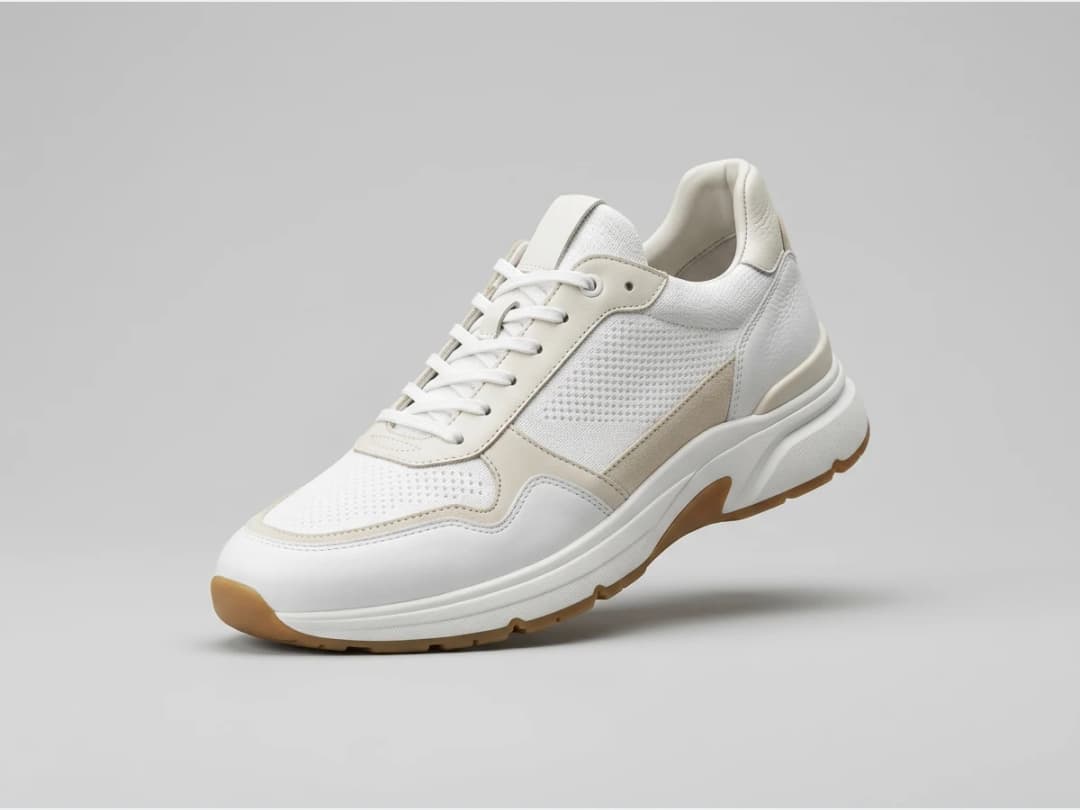
Click Convert to 3D
One click starts the conversion. The AI rebuilds the shoe's geometry and materials from the photo; the process takes approximately 2 minutes.
Explore your 3D shoe from every angle
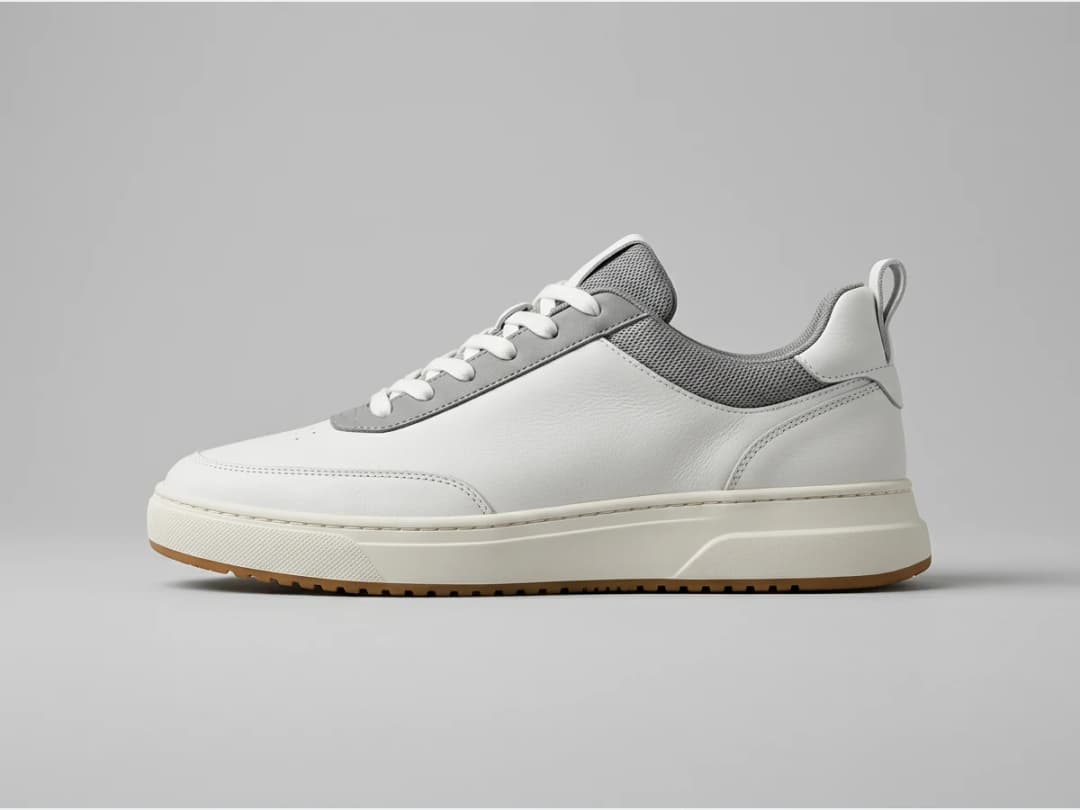
The result is an interactive 3D model you can inspect from any viewpoint, the view a flat product page never gives. Try different images across your range, and use the Models section to visualize your footwear on AI generated fashion models as well.
The conversion runs in the design studio; the same treatment for garments is on image to 3D fashion, and on-model footwear shots live in AI models for shoes and sneakers.
Frequently asked questions
What input photo works best?+
A photo with only one shoe in the frame. The AI reads the shape, the materials, and the design from that single image, so a clean product shot of one shoe gives the strongest reconstruction.
How long does the conversion take?+
Approximately 2 minutes from clicking Convert to 3D to an interactive model.
What exactly do I get?+
A fully interactive 3D model of your shoe that you can view from every angle, usable for product previews, marketing content, or as a reference in production.
Can I also show the shoe on a model?+
Yes. Through the Models section you can visualize your footwear on professional AI generated fashion models, which pairs the 3D asset with on-body visuals for the same product.
Can I use the results commercially?+
Yes, on any plan: everything you generate is yours to sell, print and publish. Your generations stay in the studio, organised in projects.
Try it yourself
Everything on this page was made in the studio. Your first designs are minutes away.
Open the studioRelated features
- AI Fashion Reels: Trending Outfit Transition VideosMake trending AI fashion reels from one photo: outfit transitions as people pass, as your model walks, at a finger snap, after a jump, and more. 10-second 9:16 videos for Reels, TikTok and Shorts.
- AI Fashion Video from Reference ImagesPut your model, your garment and a place into one video: add up to three reference pictures, describe the scene, and get a 5 to 15 second fashion clip in 9:16, 1:1 or 16:9.
- Fashion Reel Templates & AI Motion DesignEighteen Motion Design templates for fashion reels: drop your photos or clips, edit the words, render a 10-second video in 9:16, 4:5, 1:1 or 16:9. One credit, every plan.
- Edit a Video with AIChange a video with a sentence, in your own words: the light, the setting, the mood, a garment. The instruction goes to the model as written; the clip keeps its length and its sound.
- AI Background Remover for Fashion and Product PhotosCut the subject out of any fashion or product photo and keep it on a transparent background: a model, a garment, a bag, a shoe, in one click, ready for your shop or your layouts.
- AI Image Generator for Fashion: Create or Edit Any ImageWrite what you want and get the image, or upload up to three references and describe the change: the free-prompt tool that creates or edits any fashion visual, in any format.
- Change the Background of a Video with AIPut the model of a video somewhere else, a street, a studio, a beach, with a sentence. The person, the outfit and the movement stay; the setting, the light and the shadows change.
- Edit the Outfit in a Video with AIChange the clothing in a video with a sentence: a new colour, another print, a different garment. The person, the movement and the setting stay as filmed.
- Model 360: a full turn from a front and a back photoTwo photos of your model, front and back, become a full-turn video: the model turns on the spot, or the camera circles around them. Every detail of the outfit kept, from every side.
- Reframe a Video to Any Format with AITurn a landscape clip into a vertical one, or a vertical into a square, without cropping: the subject is recentred and the missing edges are generated. One clip, every channel.