Blend 2 Images with AI Style Transfer
The blend tool takes exactly two images and returns one. The first image is the structure: the garment, bag, or object being transformed. The second is the style: a fabric pattern, a color palette, or simply a photo whose mood you want transferred. The AI merges them into a single realistic result, the first image rebuilt in the language of the second.
Updated 29 September 2026
- 1Choose the original image
- 2Choose the style image
- 3Mix without limits
How it works
Choose the original image
This is the base of the blend: the piece whose shape and composition survive the transformation. A dress on a model, a handbag on white, a full look.
Choose the style image
The second photo supplies what changes. It can be a fabric swatch, a color palette, or just an inspiration image; the AI reads its texture, colors, and character and applies them to the original.
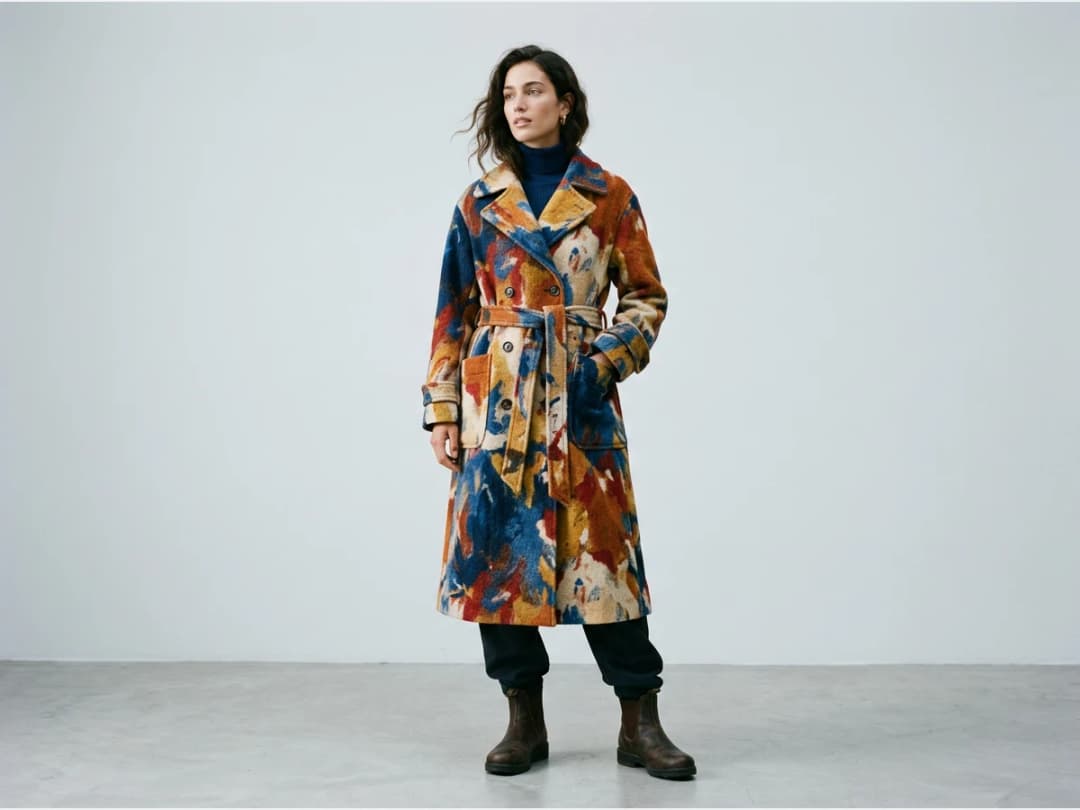
Mix without limits
Every pairing is a new experiment: the same dress against five fabrics, the same fabric against five silhouettes. Blending images this way is a fast route to styles that neither source image contained on its own.
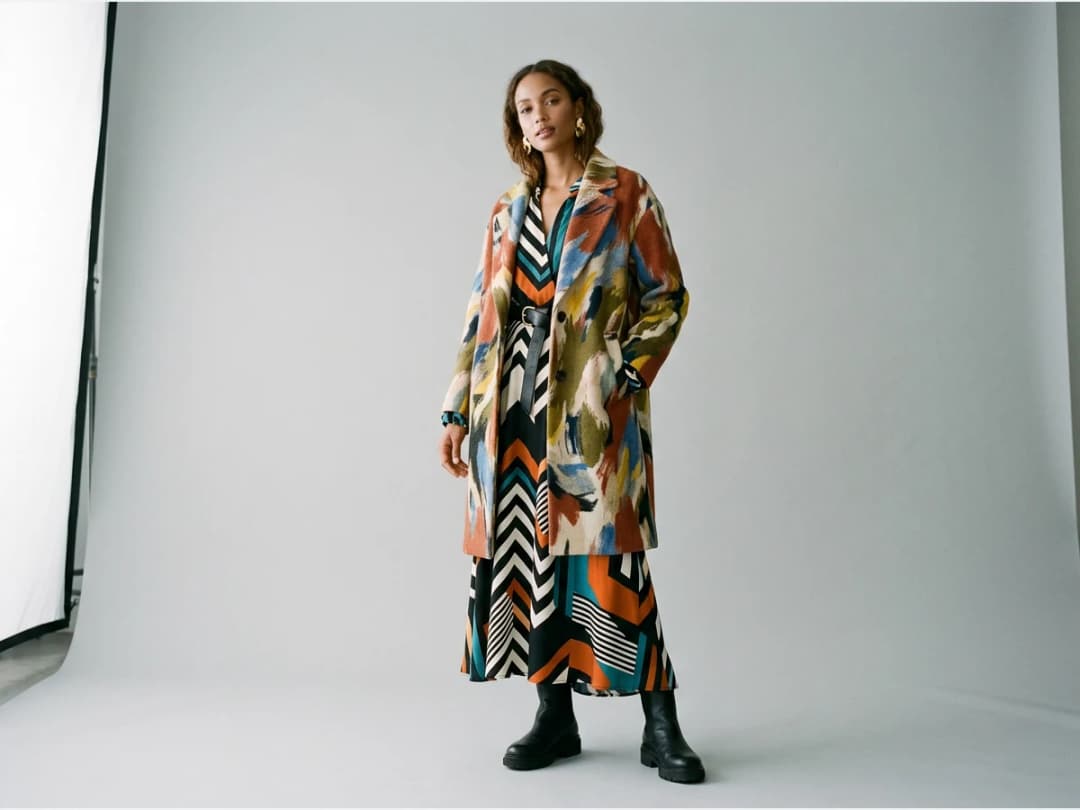
Choosing the right tool for the mix
Blending is for when the style already exists as an image. If your reference is a fabric you want applied literally, the fabric to clothing tool swaps the textile itself; if you want to keep a composition but describe the new design in words, use keep image structure. All three live in the design studio.
Frequently asked questions
Which image controls what?+
The first image fixes the structure, the object of the transformation. The second contributes only its style: pattern, palette, mood. Swapping the two gives a very different result.
What can I use as a style image?+
Anything: a fabric pattern, a color palette, or an inspiration photo with no garment in it at all. The AI extracts the style, not the objects.
Is the result a collage of the two images?+
No. The output is one new image, the original piece regenerated with the transferred style, realistic enough to present as a design in its own right.
Where do blended creations go?+
Into your studio grid, like everything else, ready to be reused: put the blended design on a model, animate it, or upscale it for presentation.
Try it yourself
Everything on this page was made in the studio. Your first designs are minutes away.
Open the studioRelated features
- AI Fashion Video from Reference ImagesPut your model, your garment and a place into one video: add up to three reference pictures, describe the scene, and get a 5 to 15 second fashion clip in 9:16, 1:1 or 16:9.
- Fashion Reel Templates & AI Motion DesignEighteen Motion Design templates for fashion reels: drop your photos or clips, edit the words, render a 10-second video in 9:16, 4:5, 1:1 or 16:9. One credit, every plan.
- AI Image Generator for Fashion: Create or Edit Any ImageWrite what you want and get the image, or upload up to three references and describe the change: the free-prompt tool that creates or edits any fashion visual, in any format.
- Generate AI Fashion in Bulk for Your CatalogGenerate a whole catalog in one run: upload up to 30 product photos, pick a workflow, write one brief for the batch, and get AI models, try-ons or videos for every item at once.
- Create an AI Video of a Fashion Model Turning AroundTurn a front and a back photo into a smooth AI turnaround video with Model 360: the model turns on the spot or the camera orbits, every detail of the outfit kept from every side.
- Create AI Generated Model VideosTurn a clothing photo into an AI model video: create the model, then bring the still to life with realistic motion, no photoshoot needed.
- Animate a Sketch with AI VideoAnimate a fashion sketch with AI: upload a drawing and get a short video where the illustration itself moves, for presentations and moodboards.
- AI Jewelry Video GeneratorTurn a jewelry photo into a video with AI: sparkle, macro detail and slow rotation from a single image, no product film shoot needed.
- AI Sunglasses VideoTurn a sunglasses photo into a video with AI: face turns, lens reflections and light play from a single image or a text description.
- AI Shoes and Sneakers VideoTurn a shoe or sneaker image into a video with AI: on foot movement, sole flex and turning angles from one photo or a text description.