Textile Designer AI: Fabric Print and Pattern Generator
The AI textile generator creates original fabric print designs from a description: florals, damasks, geometrics, anything you can name in words becomes a pattern built to repeat across cloth. Every design it produces is unique and yours, which makes it a working tool for textile designers and a fast way in for anyone with a print idea and no drawing hand.
Updated 31 October 2026
- 1Describe the pattern you want
- 2Generate and iterate
- 3Refine or start from your own designs
What is textile AI?
Textile AI is the use of generative AI to design fabric: a print described in words becomes an original pattern built to repeat across cloth, in the colours, scale and mood you name, in seconds rather than days. On The New Black AI it is one studio among several, which is the difference from a standalone pattern tool: the same print is then applied to a clothing sketch, cut into a full garment design, worn by an AI model, upscaled to HD for print, and filed with the product it belongs to. An AI fabric design is the print; textile AI is the print carried to the product.
How it works
Describe the pattern you want
Work with keywords: the style, the fabric, the colors, the type, the gender of the line it belongs to. Or give the AI nothing but a direction and let it propose ideas you would not have typed.
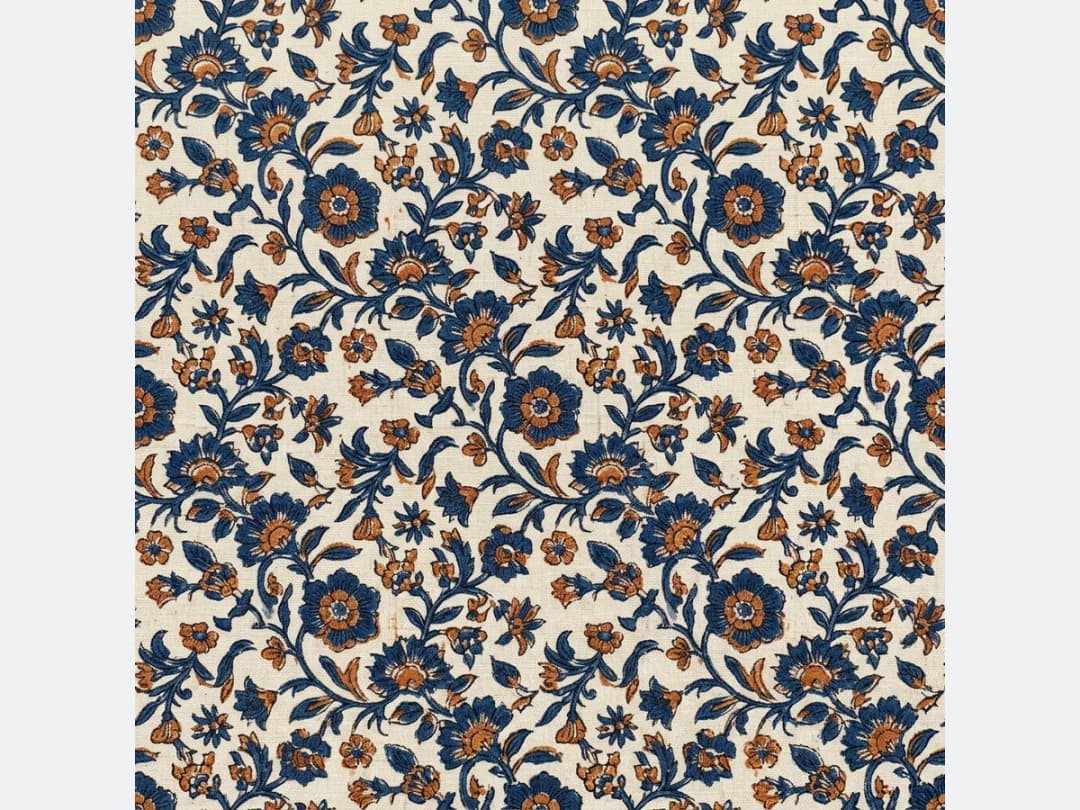
Generate and iterate
Each run gives you an original textile design. Change one keyword, a color, a scale, a mood, and generate again: pattern work is iteration, and the cost of an iteration here is seconds.
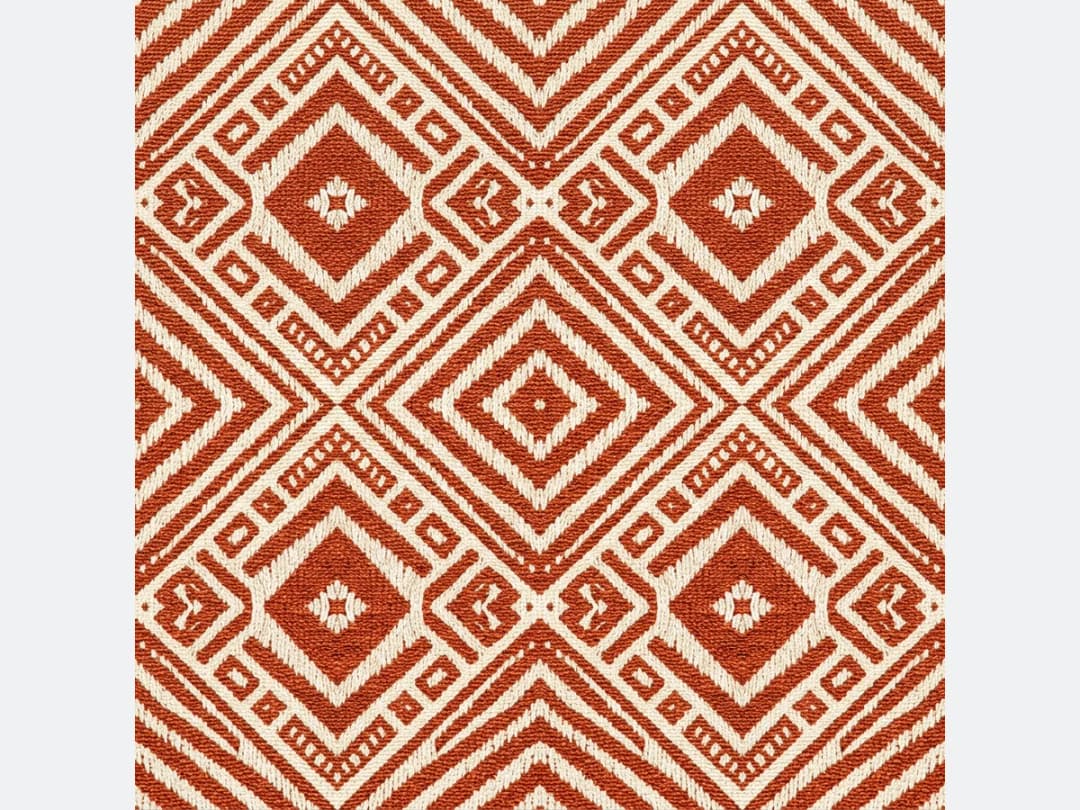
Refine or start from your own designs
You can also upload an existing textile design and work on it with four functions: retouch it, modify it, build it from a sketch, or upscale it to HD.
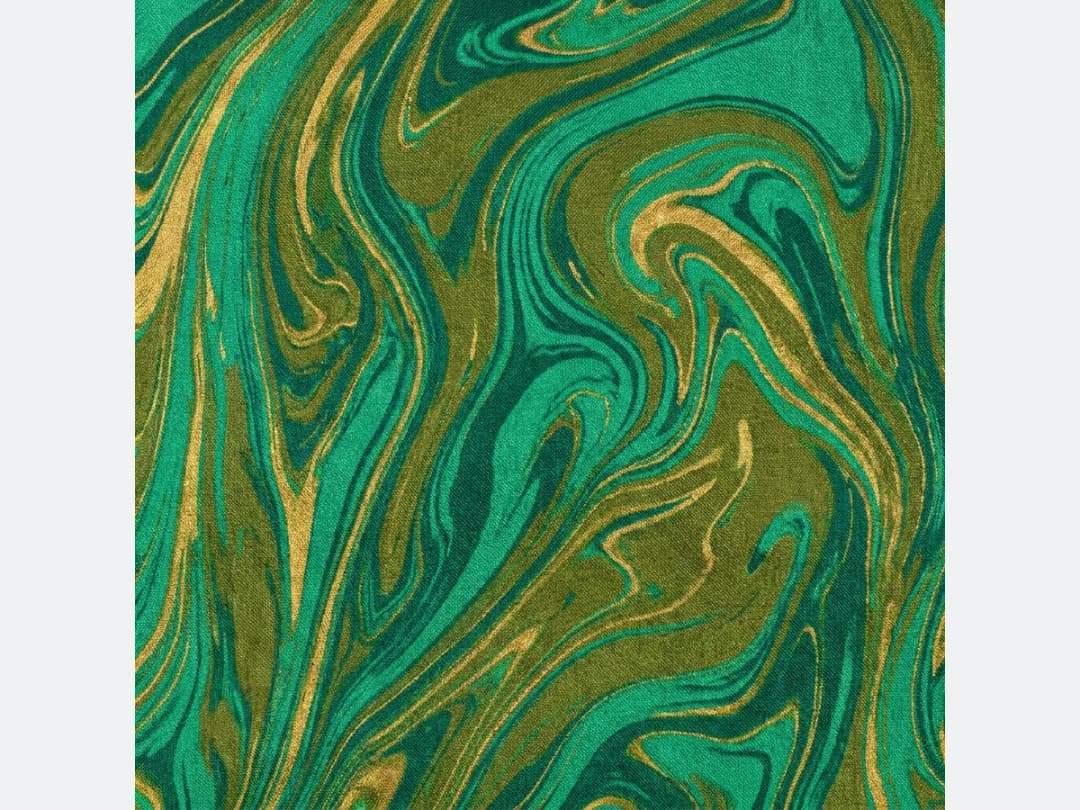
Textile designer AI: what it does for a designer
A textile designer AI is a working tool, not a gallery. In the Text to Textile workflow you write two things: the motif, its colours and its mood ("hand-painted watercolour peonies on ivory"), and the fabric and scale it is printed on ("printed cotton poplin, medium-scale repeat", the default). The result is a seamless repeat built to tile across cloth, in square format by default or in any of ten formats from 21:9 to 9:16.
- Seamless repeats: each pattern is generated to tile, so it can run the length of a bolt without a visible seam.
- Colourways in minutes: keep the motif, change the colours in the description, and generate the next colourway.
- Scale control: say "small ditsy repeat" or "large-scale placement print" in the fabric and scale field.
- Print resolution: enlarge the finished tile with Enhance to HD, 2K for everyone and 4K from the Pro plan.
| Quality | Credits per pattern | Best for |
|---|---|---|
| Standard AI | 1 | Exploring directions and colourways |
| PRO AI | 3 | Final prints with finer detail |
| Ultra AI (4K, from the Pro plan) | 7 | Large-format and hero prints |
From print to product
A pattern is rarely the end of the job, and the studio closes the loop: apply the print to a clothing sketch, turn the fabric into a full clothing design, or go the other way and extract a repeat from a garment photo. Open the studio to generate your first print.
From the tile to a print-ready file
A print house does not print a PNG. Three steps take a generated pattern to the file a printer or a mill asks for, without leaving the studio.
1. Enlarge it. Enhance to HD brings the tile to 2K for every account, or 4K from the Pro plan, which is what digital printing on cloth needs. 2. Vectorize it, with a set number of colours. Vectorize Prints & Logos turns the print into an SVG of colour shapes, and you choose how many colours it keeps: 4, 8, 12, 16, 32 or the full picture. For screen or rotary printing, pick the number of screens before you vectorize, and each colour comes back as its own shapes, ready to separate in Illustrator. 1 credit per image. 3. See it on the garment before it is printed. Swap Fabrics puts the new print on a garment in a photo you already have, keeping the cut, the model and the light, so a buyer or a client judges the print worn rather than flat.
Is there a free textile design AI?
Yes, to start. A new account opens with free credits, and a print on Standard AI costs one of them, so the first patterns cost nothing and need no card. Free tools in this space usually stop at a single tile at screen resolution, with a watermark or no rights on commercial use. What decides whether a free start is worth anything is the file you keep: here every print is seamless, belongs to you, can be upscaled to HD for printing, and stays in your library next to the sketches and garments it ends up on. When you need more than the free credits, the same print costs 3 credits on PRO AI and 7 on Ultra AI in 4K, from the Pro plan.
Frequently asked questions
Are the patterns really original?+
Yes. Every textile design the AI creates is generated fresh from your description rather than pulled from a library, and once created it is yours.
How much control do I have over the result?+
You steer with keywords: style, fabric, colors, garment type, gender. Tight descriptions give predictable patterns; loose ones give the AI room to surprise you. Both are legitimate ways to work, and regenerating with a small change is the fastest way to explore a direction.
Can I work on a pattern I already have?+
Yes. Upload your own textile design and use the four editing functions on it: retouch, modify, generate from a sketch, or upscale to HD for production quality.
What do I do with a finished pattern?+
Download it, or keep it moving inside the studio: apply it to a clothing sketch, turn it into a garment design, or place it on a product. Your patterns stay organised in your studio projects with the rest of your creations.
Which AI is best for textile design?+
It depends on what happens after the print. A standalone pattern tool is built for the tile itself: seamless repeats, colourway variants, print-ready files. The New Black AI generates the pattern and then takes it further, onto a sketch, into a garment, onto a model and into a tech pack, which is what a clothing brand needs. If you only sell prints, test both; if you make garments, the print that lives beside the product wins.
What is fabric AI used for?+
Three jobs. Creating original prints from a description, for a collection or a client. Exploring directions fast, ten variations of a colour or a scale in a minute, before a single sample is printed. And moving a print to the product: applying it to a sketch, turning a fabric into a garment design, or extracting a repeat from a photograph of a garment you already have.
Is the pattern seamless?+
Yes. Text to Textile builds every design as a repeat meant to tile across fabric, so the edges meet. Say the scale you want in the fabric and scale field, from a small ditsy repeat to a large placement print.
What resolution can I print a textile design at?+
Generate it, then run Enhance to HD on the tile: 2K is open to every account and 4K from the Pro plan. Ultra AI can also generate the pattern in 4K from the start, for 7 credits.
How much does an AI textile design cost?+
1 credit on Standard AI, 3 on PRO AI and 7 on Ultra AI. Every new account gets free credits to try it.
Try it yourself
Everything on this page was made in the studio. Your first designs are minutes away.
Open the studioRelated features
- AI Fashion Video from Reference ImagesPut your model, your garment and a place into one video: add up to three reference pictures, describe the scene, and get a 5 to 15 second fashion clip in 9:16, 1:1 or 16:9.
- Fashion Reel Templates & AI Motion DesignEighteen Motion Design templates for fashion reels: drop your photos or clips, edit the words, render a 10-second video in 9:16, 4:5, 1:1 or 16:9. One credit, every plan.
- AI Clothes Maker, Design Clothes Online: The New Black AIDesign clothes online with an AI clothes maker: describe the piece, see it worn in seconds, iterate, then send a tech pack to your factory. 1 credit per design.
- AI Image Generator for Fashion: Create or Edit Any ImageWrite what you want and get the image, or upload up to three references and describe the change: the free-prompt tool that creates or edits any fashion visual, in any format.
- Create Similar Outfits with AIUpload an outfit image and get close variations of it: same spirit, same silhouette, new pieces. The fast way to build a capsule around one look that works.
- Generate AI Fashion in Bulk for Your CatalogGenerate a whole catalog in one run: upload up to 30 product photos, pick a workflow, write one brief for the batch, and get AI models, try-ons or videos for every item at once.
- Create an AI Video of a Fashion Model Turning AroundTurn a front and a back photo into a smooth AI turnaround video with Model 360: the model turns on the spot or the camera orbits, every detail of the outfit kept from every side.
- AI Fashion Design for Kids, Toddlers and BabiesDesign kids fashion with AI: pick the age, from toddler to teenager, describe the outfit and get original children's clothing concepts.
- Expand an Image with AI: Zoom Out or Change FormatExpand a fashion photo with AI: zoom out or change its format, your picture kept pixel for pixel and only the space around it painted, with an optional description of what goes around.
- Free AI Color Analysis: Find Your Personal Color PaletteUpload a natural light selfie and the AI reads your undertones, contrast and brightness to give you your seasonal color palette, free.