AI Lingerie Generator for E-commerce: The New Black AI
Published 25 September 2026
An AI lingerie generator makes the product images a lingerie brand needs, the piece designed, the piece on a model, the piece on white, from a description or from a photo of the garment, without the studio day that makes lingerie the most expensive category to shoot. This guide is for brands and stores: what the generator does, what it does not, and how to produce a lingerie catalogue with it.
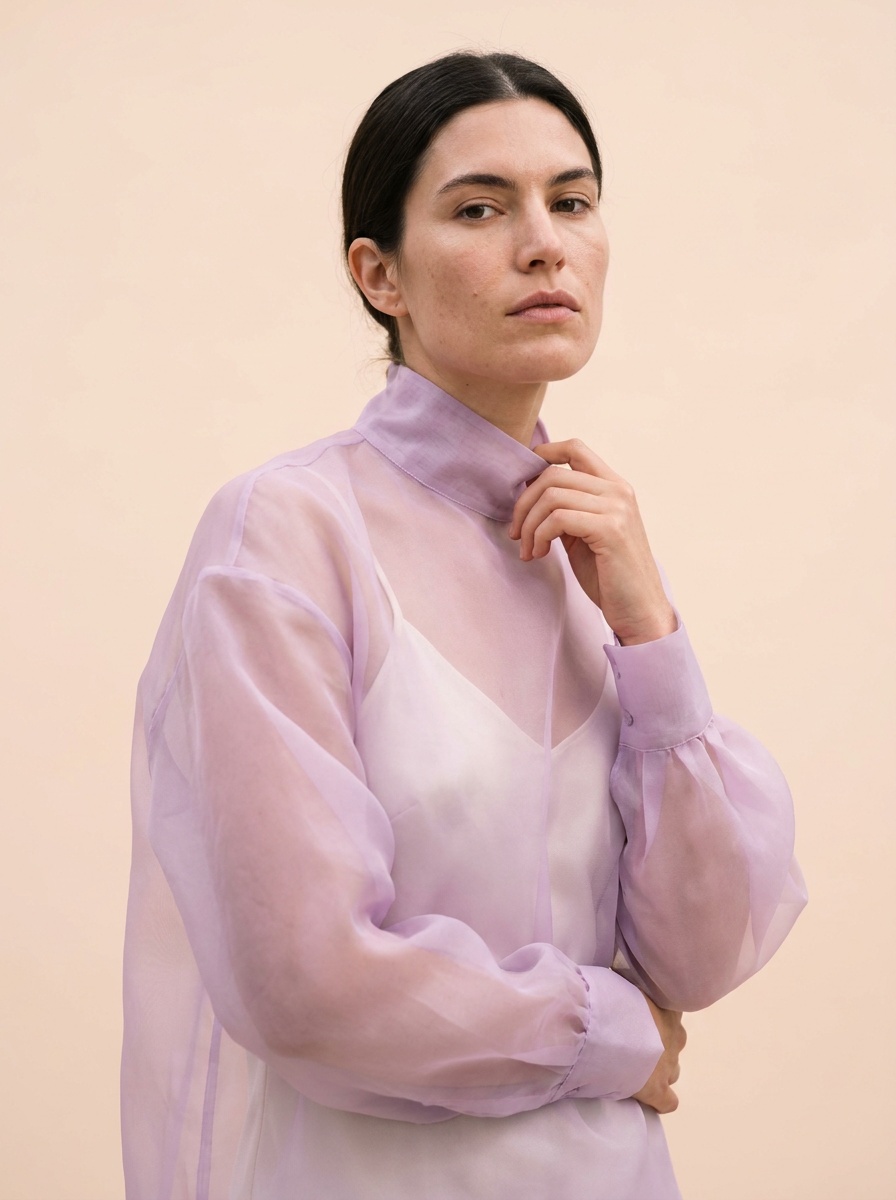
Why lingerie is the hardest category to photograph
Three reasons, all about cost. Lace, mesh and sheer fabrics need close, careful light and a retoucher who keeps the pattern where it is. Sizing: a brand that sells from XS to 3XL has to show the piece on more than one body, which multiplies models and days. And the channels: a marketplace listing on white, a product page on a model, a lifestyle shot for social, all for the same reference. Return rates in swimwear and lingerie are among the highest in fashion, so the picture has to be exact.
What an AI lingerie generator does
Design a piece from a description
In Create a Product, lingerie is a product type: a bralette in stretch lace, a triangle bra and high-waist brief in ribbed cotton, a slip in silk charmeuse, front and back, product only or on a model. One credit on Standard AI. The lingerie design generator has its own tutorial.
Put the real piece on a model
With Product to Model, a photo of the actual bra or set, flat or on a mannequin, becomes a model wearing it, with the framing, the age, the body shape and the origin you choose, and the same model kept across the whole range. This is how a brand shows one reference on three bodies without three model days.
The listing image on white
Image to Ghost Mannequin and Remove Background make the marketplace version from the same photo.
Colourways and fabrics
One set previewed in blush, black and sage with Change a Color; a lace swapped for a mesh with Swap Fabrics; a print extracted from any image and applied.
Video
A ten-second clip of the model from the image, for the product page or a post, 22 credits on Standard AI.
How to produce a lingerie catalogue with AI, in four steps
1. One clean photo per reference: flat on white or on a mannequin, the piece filling about half the frame, not edge to edge. 2. One model profile per body you sell to, kept for the whole range, so the catalogue reads as one shoot. 3. Generate on-model, on white, and one lifestyle setting per reference; check lace and straps against the real piece. 4. Publish to the Shopify product page and the variant pictures from the creation window; the marketplace version goes to the listing.
What it will not do
Generate anyone's likeness without their photo; produce anything outside product imagery for a brand; replace the check of a real person on a real body for fit. The generator is a catalogue tool: it shows the product, at its real proportion, on a model you define.
Frequently asked questions
What is an AI lingerie generator?+
Software that designs lingerie from a description and photographs a real piece on an AI model, on white or in a setting, from one photo of the garment.
Can AI render lace, mesh and sheer fabrics accurately?+
Well enough for a product page when the input photo is sharp and the piece does not fill the frame. Check the pattern of the lace and the position of the straps on every result; sheer fabrics are the ones to look at twice.
What input photo works best?+
A flat lay on white or a mannequin shot, evenly lit, the piece at about half the frame. A worn photo works too for the model workflows.
Can I show the same set on several body types?+
Yes: the model profile has a body shape, and the same profile is kept across the range so the catalogue stays consistent.
Can I use the images commercially?+
On The New Black AI, everything you generate is yours to sell, print and publish, on any plan.
Is there a free way to try it?+
Three credits at signup, one credit per image on Standard AI; plans from $15 a month for 200 credits.
Does it work for swimwear too?+
The same workflows: swimwear is a product type in Create a Product and Product to Model, and the swimwear design generator has its own page.
Can shoppers try lingerie on themselves?+
The New Black AI is built for the brand's catalogue, not for a shopper widget; for that, see the comparison of virtual try-on tools.
Related articles
- AI Fashion Models, How They Are Made: The New Black AIAI fashion models explained: how a product photo becomes an on-model image, what one image costs in credits, and when a brand should use them instead of a shoot.
- AI Lookbook Generator, Images and Videos: The New Black AIHow to make a lookbook with AI from the product images of a collection: one model, one setting, one light on every piece, the editorial register in images and ten-second videos, and the cost.
- Clothing Product Photography with AI: The New Black AIEvery image a clothing product page needs, made from one photo of the garment: packshot, ghost mannequin, on-model, colourways, video; the credits and minutes each costs, what still needs a camera.
- How to Create an AI Fashion Model for a DressCreate an AI fashion model for a dress step by step: prepare the garment image, set body type and pose, generate, and refine for e-commerce or social.
- Consistent AI Model Across Photoshoots: The New Black AIHow to keep the same AI model on every product of a collection: a profile reused, a reference photo, a Visual DNA, the framings that hold the identity, what still drifts, and the workflow in order.
- Ghost Mannequin Photography Guide: The New Black AIGhost mannequin photography three ways: the studio and its equipment, the retouching and its cost, and the AI that makes the hollow shot from one photo in fifteen seconds, with a comparison table.
- Change Clothes Colour in a Photo with AI: The New Black AIHow to change the colour of clothes in a photo with AI: HEX code or a name, one garment and not the rest, the colourway workflow for a product page and its Shopify variants, and what to check.
- How to Design a Dress with AI: The New Black AIDesign a dress with AI step by step: the order of the description, three prompts for three dresses, then colourways, fabrics, a model, a video and the tech pack from the same design, with the credits.
- Best AI Fashion Model Generator in 2026: The New Black AIThe best AI fashion model generators in 2026 compared: The New Black AI, FASHN, Botika and Modelia, with prices per image, video credits, consistency and what happens after the image.
- Swap the Model in a Video with AI: The New Black AIGive a clip and a photo of the new model: the video comes back with that person wearing the outfit, same walk, same setting, same camera.