AI Runway Fashion Model Generator
A runway image is more than a garment: it needs the walk, the catwalk lighting, and the audience in the dark to feel real. The AI runway fashion model generator creates that whole scene from a text description, so a design you have only imagined can be presented as if it had already walked a show. Describe the model and the outfit, and the visuals arrive in seconds.
Updated 25 September 2026
- 1Describe your runway model
- 2Describe the outfit
- 3Iterate without limits
How it works
Describe your runway model
Start with who walks: describe the age and the type of your model. Unlike the photo-based model tools, this one works entirely from text, so the brief is yours to write.
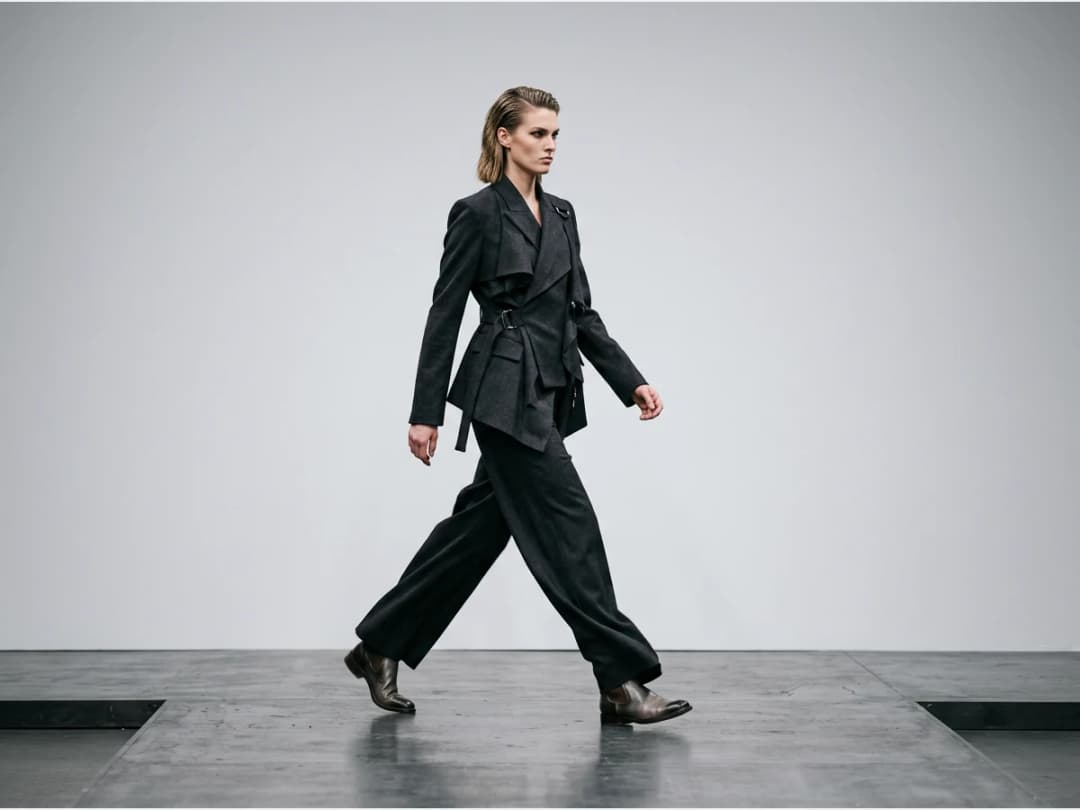
Describe the outfit
Then describe what they wear. Keywords drive the design: you can choose a fashion style, name the shapes you want, and specify colors. The same prompt structure carries you from a restrained gray suit to something no sample room would attempt.
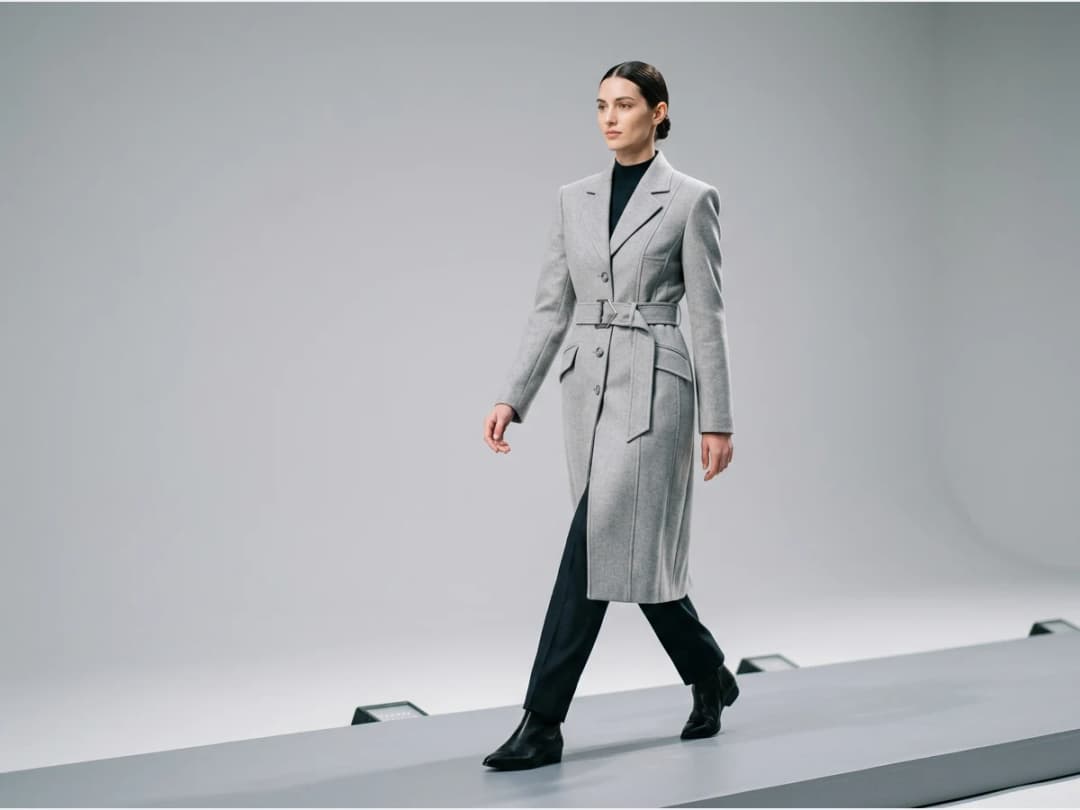
Iterate without limits
Every generation is a new look on the catwalk. Change one keyword, swap the palette, push the silhouette further: runway creativity has no sample budget here, so the only cost of another idea is another run.
Runway looks are generated in the design studio, where the rest of the text driven design tools live, including plain AI clothing design without the show setting.
Frequently asked questions
Do I need a photo to start?+
No. The runway generator works from a description alone: you write the model's age and type and the outfit you want, and the AI creates the design and the scene together. If you want a model wearing a garment you already have in a photo, that is the job of the AI models studio instead.
How much control do I have over the design?+
The description is the control. Keywords set the design direction, and you can choose the fashion style and specify colors. Small changes to the prompt produce meaningfully different looks, which makes the tool useful for exploring a collection's direction quickly.
What does the generated scene look like?+
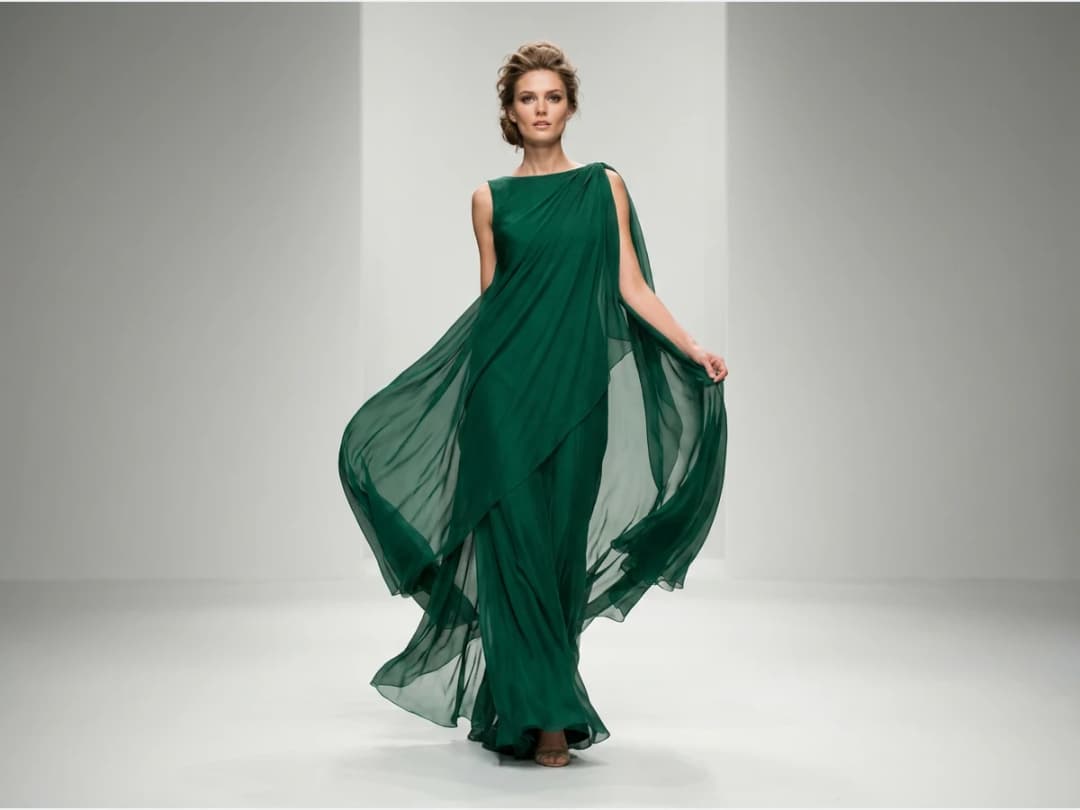
The visuals come staged as a show: the model walks a runway under catwalk lighting. That context is the point of this generator compared to a plain studio render, because a look reads differently in motion on a catwalk than on a white background.
Can I use the runway images commercially?+
Yes, on any plan: everything you generate is yours to sell, print and publish. The images land in your studio grid, where they can also feed other workflows such as video or HD upscale.
Try it yourself
Everything on this page was made in the studio. Your first designs are minutes away.
Open the studioRelated features
- AI Fashion Reels: Trending Outfit Transition VideosMake trending AI fashion reels from one photo: outfit transitions as people pass, as your model walks, at a finger snap, after a jump, and more. 10-second 9:16 videos for Reels, TikTok and Shorts.
- AI Virtual Try On Necklace (Jewelry)Preview any necklace on a model with AI: upload a model photo and the necklace design, and see it sit on the neckline at the right chain length.
- AI Virtual Try On Bracelet (Jewelry)Preview bracelet designs on a real wrist with AI: upload a wrist photo and your bracelet, and get a lifelike worn shot with accurate scale.
- AI Virtual Try On BagsSee any bag on a model in seconds: upload a photo and a handbag or purse image, and the AI matches lighting, proportions, and perspective.
- Create Kid Fashion Clothing Models with AIUpload a kids clothing photo and get a child AI model wearing it in about 30 seconds: no casting, no studio, visuals ready for your store.
- Virtual Try On Head Accessories with AISee any hat, cap, or beanie worn before buying: AI fits the headwear to the face, the hairstyle, and the perspective of your photo.
- Create an AI Fashion Model for SocksUpload a sock photo, describe the model and the scene, and get visuals framed so the socks stay the point: no shoes, no photoshoot.
- AI Ghost Mannequin Clothes from an ImageTurn any garment photo into a clean ghost mannequin image in seconds: the AI removes the model and rebuilds the hidden parts, ready for e-commerce.
- Reimagine Your Model in New ScenesCreate a back view, a side view or a close up of a fashion photo with AI: upload the original model and describe the angle you want to see.
- AI Virtual Try On ShoesSwap shoes on any photo with AI: upload a model and a new pair, and the original shoes are replaced with realistic proportions and lighting.