AI Clothing Brand Logo Generator
The brand logo generator turns two written descriptions into logo images: one describing your clothing brand, one describing the logo itself. There is nothing to upload and nothing to draw. It is built for the moment before a brand has a face, whether you are launching a label or refreshing one that has outgrown its mark.
Updated 29 September 2026
- 1Describe your clothing brand concept
- 2Describe the logo you want
- 3Combine and iterate
How it works
Describe your clothing brand concept
Start with the brand, not the logo. Tell the AI what your label is about, so it understands the personality the mark has to carry: streetwear or tailoring, loud or restrained, who it is for.
Describe the logo you want
Then specify the mark itself. You can be as concrete as a single instruction, "a red K letter" for example, or describe a style, a shape, a typographic direction.
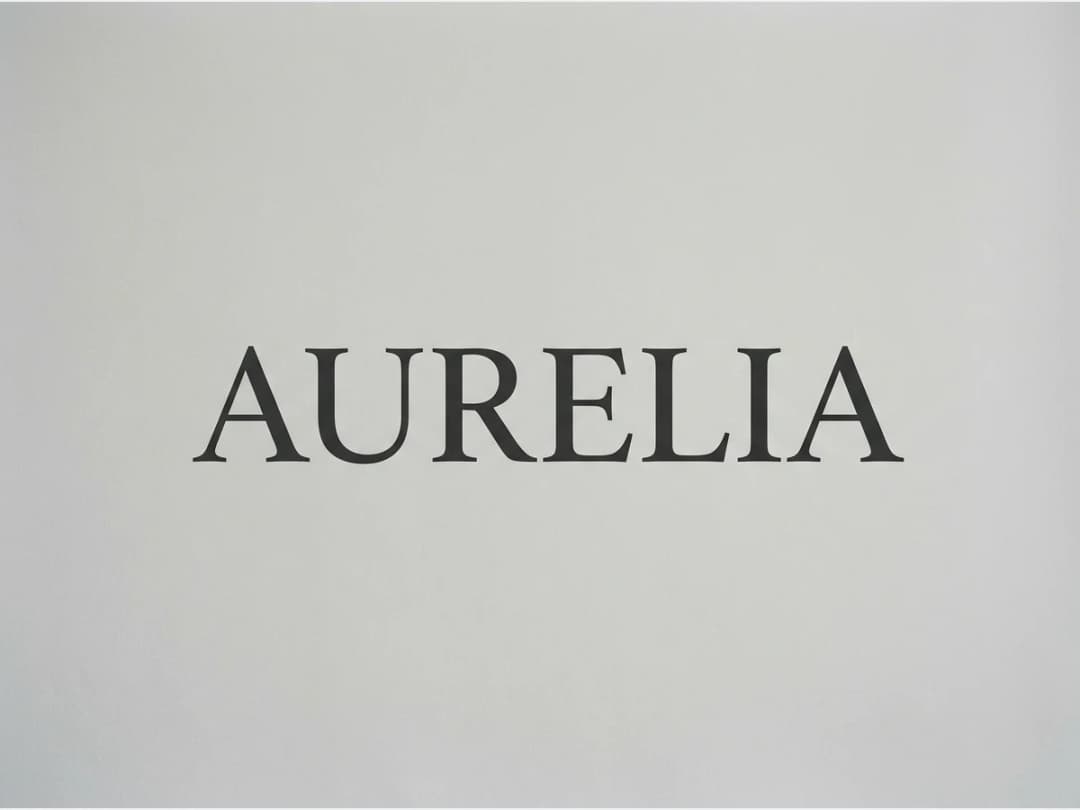
Combine and iterate
The brand concept and the logo specification work together: keep the concept fixed and vary the description, or push the same description through different brand framings. Each run returns new options, and every creation lands in your studio grid.
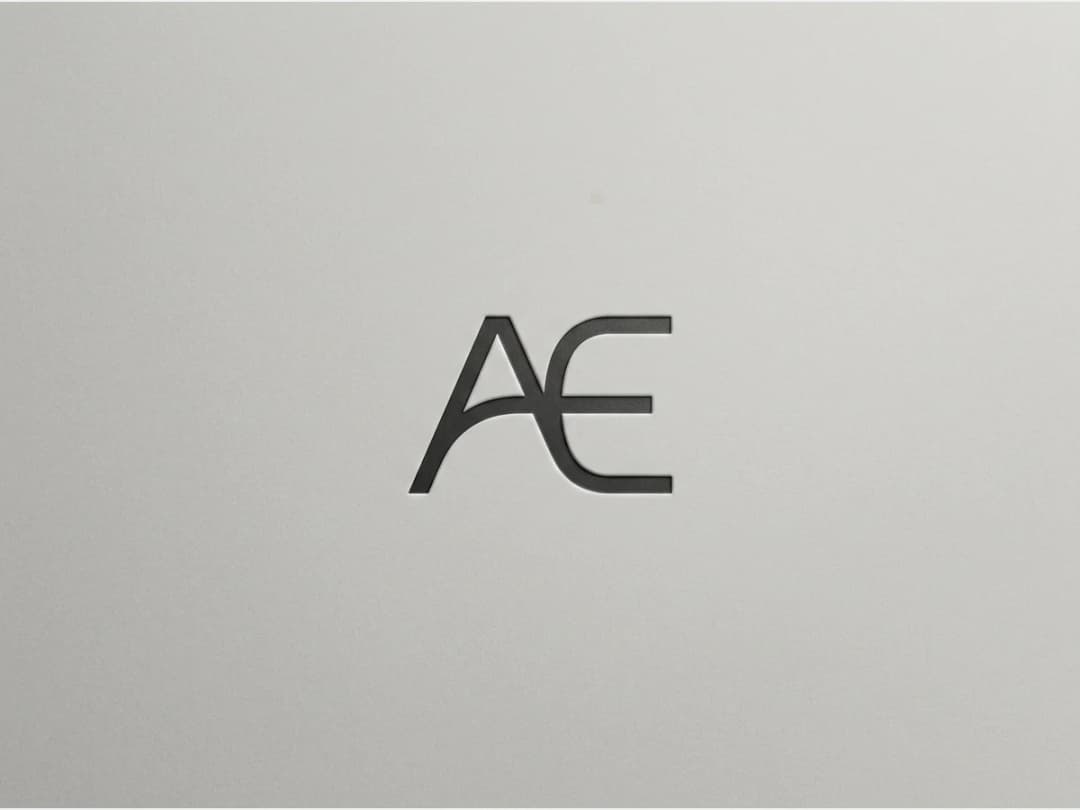
The logo is the start, not the end
A logo generated here can go straight into the rest of the brand work. Explore AI variations of it once you have a favorite, place it on garments with the add a logo on clothing tool, or build the visual world around it with the AI moodboard generator. It all starts in the logo and moodboard studio.
Frequently asked questions
What do I need to provide?+
Only text: a description of your brand concept and a description of the logo you want. The generator works from those two inputs, no sketch or reference image required.
How specific should the logo description be?+
As specific as your idea is. A short concrete instruction like a colored letter works, and so does a looser stylistic brief. Vague descriptions return more varied options, precise ones return closer matches.
I got a logo I like. How do I explore versions of it?+
Take it to the logo variations generator, which uploads an existing mark and produces controlled variations of it. That tool is the second half of this one.
Can I use the generated logo for my real brand?+
Yes. The logo can go on your labels, your site, and your clothing.
Try it yourself
Everything on this page was made with the moodboard generator.
Open the moodboard generatorRelated features
- AI Fashion Reels: Trending Outfit Transition VideosMake trending AI fashion reels from one photo: outfit transitions as people pass, as your model walks, at a finger snap, after a jump, and more. 10-second 9:16 videos for Reels, TikTok and Shorts.
- AI Fashion Video from Reference ImagesPut your model, your garment and a place into one video: add up to three reference pictures, describe the scene, and get a 5 to 15 second fashion clip in 9:16, 1:1 or 16:9.
- Publish Fashion Posts to Threads from the StudioConnect Threads in Connectors, then post or schedule your fashion images and videos to Threads from the Brand Manager's social agenda, next to Instagram and TikTok.
- AI Voice Over for Fashion VideosAI voice-over for fashion videos: write a text, choose one of 14 voices and get an MP3 to put under a product video or an ad. About half a credit for a 30-second script.
- Remove or Extract the Sound of a VideoRemove the sound of a video, extract it as an MP3 or replace it with your own music, in one Audio button. Remove and extract are instant and free with a plan or a credit pack.
- Fashion Reel Templates & AI Motion DesignEighteen Motion Design templates for fashion reels: drop your photos or clips, edit the words, render a 10-second video in 9:16, 4:5, 1:1 or 16:9. One credit, every plan.
- Google Shopping Free Listings: Impressions, Clicks, Approved ProductsThe Store's Google Shopping view reads a Shopify brand's free listings from Merchant Center: impressions, clicks, click-through rate, approved listings and a product-by-product table.
- Google Shopping: Fix Missing Color, Age Group, Gender on ShopifyA Fix button on the Store's Google Shopping view: a missing color, age group, gender or other Google attribute is proposed, confirmed, and written on the Shopify product for Google to re-read.