Upload Your Own Photos and Videos into the Studio
The studio generates; a brand also has a hard drive. The New Black AI takes your own photos and videos into the studio from the place you work, the main grid, a project or the Shopify view, and they land where you sent them, ready for any workflow.
Updated 2 October 2026
- 1Press Upload where you are
- 2Choose the file
- 3Use it like a creation
How it works
Press Upload where you are
Grid, project or product view; the file is filed there.
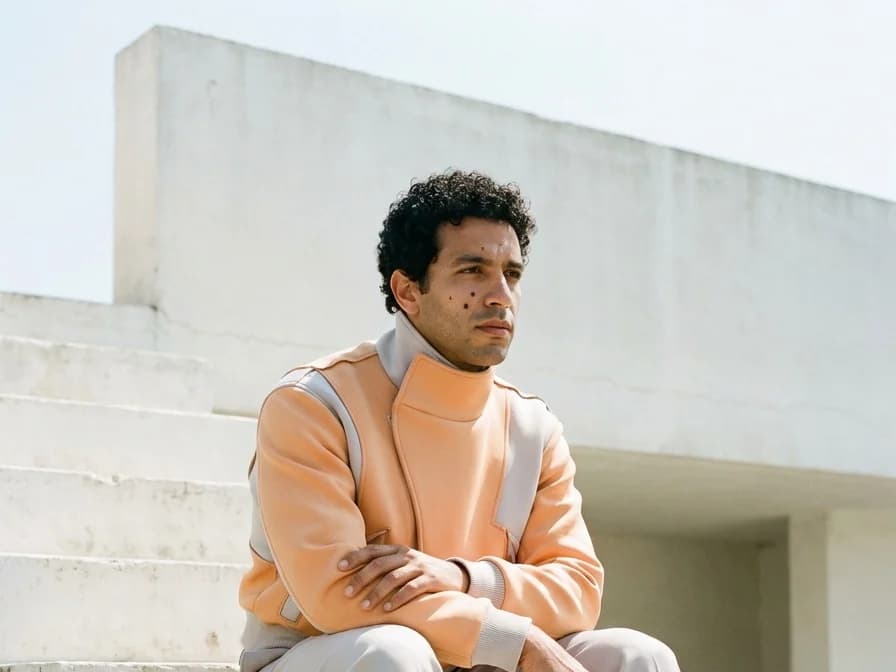
Choose the file
JPG, PNG, WebP for images; MP4, MOV, WebM for videos.
Use it like a creation
As the product for Product to Model, the person for Virtual Try-On, the clip for Edit Video, or the file to publish.
Why it matters
Most of what a brand needs to work on already exists: last season's shoot, the factory packshots, a clip from a phone. Bringing them in at the point of use means every workflow starts from the real product.
Upload lives in the design studio and every other studio.
Frequently asked questions
Which formats?+
JPG, PNG, WebP, MP4, MOV, WebM.
Are my uploads private?+
Yes. Everything you upload and generate is private to your account, never shown to other users and never used to train any model.
Can I run video workflows on an uploaded clip?+
Yes, every video workflow accepts your own footage.
Where does the file go?+
Where you uploaded it from: the grid, the project or the product view.
Try it yourself
Everything on this page was made in the studio. Your first designs are minutes away.
Open the studioRelated features
- Multi-Brand Workspaces for Agencies and GroupsManage several fashion brands from one account: each brand gets its own Shopify store, brand kit and creations, on the same plan and credits. Switch in a click. Enterprise plan.
- AI Fashion Reels: Trending Outfit Transition VideosMake trending AI fashion reels from one photo: outfit transitions as people pass, as your model walks, at a finger snap, after a jump, and more. 10-second 9:16 videos for Reels, TikTok and Shorts.
- AI Fashion Video from Reference ImagesPut your model, your garment and a place into one video: add up to three reference pictures, describe the scene, and get a 5 to 15 second fashion clip in 9:16, 1:1 or 16:9.
- Publish Fashion Posts to Threads from the StudioConnect Threads in Connectors, then post or schedule your fashion images and videos to Threads from the Brand Manager's social agenda, next to Instagram and TikTok.
- AI Voice Over for Fashion VideosAI voice-over for fashion videos: write a text, choose one of 14 voices and get an MP3 to put under a product video or an ad. About half a credit for a 30-second script.
- Remove or Extract the Sound of a VideoRemove the sound of a video, extract it as an MP3 or replace it with your own music, in one Audio button. Remove and extract are instant and free with a plan or a credit pack.
- Fashion Reel Templates & AI Motion DesignEighteen Motion Design templates for fashion reels: drop your photos or clips, edit the words, render a 10-second video in 9:16, 4:5, 1:1 or 16:9. One credit, every plan.
- Google Shopping Free Listings: Impressions, Clicks, Approved ProductsThe Store's Google Shopping view reads a Shopify brand's free listings from Merchant Center: impressions, clicks, click-through rate, approved listings and a product-by-product table.