AI Voice Over for Fashion Videos
Create a voice-over for your fashion videos from a written text: choose one of 14 voices, and the text comes back read aloud as an MP3, ready to put under a product video, an ad or a social clip. The voice is made in the same studio as your images and videos, priced by the character, so a 30-second script costs about half a credit.
Updated 2 October 2026
- 1Open Audio and choose Voice
- 2Write the text and pick a voice
- 3Generate and use the MP3
How it works
Open Audio and choose Voice
In the studio, open the Audio tab and switch from Soundtrack to Voice.
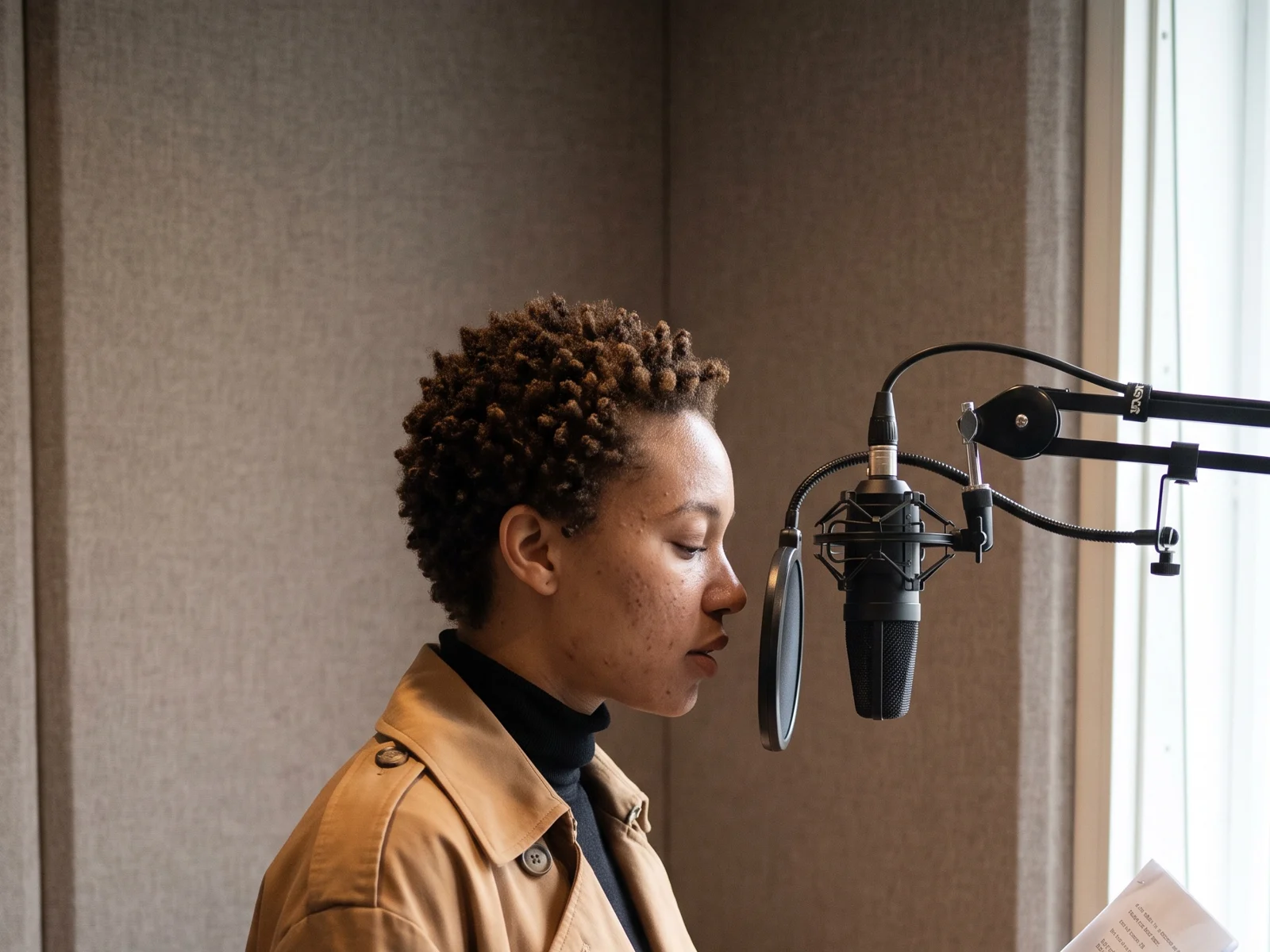
Write the text and pick a voice
Write what should be said, up to 2,000 characters: a product description, the hook of an ad, the story of a collection. Then choose who reads it among 14 voices, women and men, American, British and Australian, from warm and professional to energetic voices made for social media.
Generate and use the MP3
The voice-over comes back as an MP3 in your gallery. Download it for your editor, or put it under one of your clips: download the MP3, open the video, press Audio, choose Upload, pick the file, and replace the clip's sound or mix the voice over it.
The 14 voices
| Voice | Who | Style |
|---|---|---|
| Ava | Female, American | Warm and professional |
| Claire | Female, American | Confident and reassuring |
| Nora | Female, American | Upbeat and knowledgeable |
| Zoe | Female, American | Playful and bright |
| Mia | Female, American | Lively, made for social media |
| Eleanor | Female, British | Clear and engaging |
| Sienna | Female, British | Velvety |
| Henry | Male, British | A warm storyteller |
| Oliver | Male, British | A steady broadcaster |
| Marcus | Male, American | Deep and resonant |
| Lucas | Male, American | Smooth and trustworthy |
| Jake | Male, American | Energetic, made for social media |
| Noah | Male, Australian | Deep and confident |
| Sam | Neutral, American | Calm and informative |
What it costs
A voice-over is priced by the length of the text, per 1,000 characters:
| Quality | Credits per 1,000 characters | A 30-second script (about 500 characters) |
|---|---|---|
| Standard AI | 1.06 | about 0.5 credit |
| PRO AI | 2.12 | about 1 credit |
| Ultra AI | 2.12 | about 1 credit |
Standard is open to every account; PRO and Ultra come with any plan.
What brands use it for
- Product videos that explain: a UGC video or a product 360 with the fabric, the fit and the price said out loud.
- Ads in several voices: the same script read by three voices, to test which one holds attention.
- A collection film: a short text over an editorial lookbook video, with music composed for it underneath.
- Accessibility: an audio version of a product description for the pages and posts that need one.
Frequently asked questions
How do I add a voice-over to a video?+
Create the voice in Audio, Voice, and download the MP3. Then open the video, press Audio, choose Upload and pick the file: replace the clip's sound with it, or mix it over the clip's own sound.
How long can the text be?+
Up to 2,000 characters per voice-over, about two to three minutes of speech. For a longer script, split it into parts.
Can I choose a male or a female voice?+
Yes. There are 14 voices: nine female, four male and one neutral, with American, British and Australian accents.
What format is the voice-over?+
An MP3, saved in your gallery like your other creations.
Is the AI voice-over free?+
Standard is open to every account, including the free credits a new account starts with. A 30-second script costs about half a credit.
Can my AI agent make voice-overs?+
Yes. An AI agent hired on your account can write the script and generate the voice-over with your credits.
Try it yourself
Everything on this page was made in the studio. Your first designs are minutes away.
Open the studioRelated features
- Remove or Extract the Sound of a VideoRemove the sound of a video, extract it as an MP3 or replace it with your own music, in one Audio button. Remove and extract are instant and free with a plan or a credit pack.
- Fashion Reel Templates & AI Motion DesignEighteen Motion Design templates for fashion reels: drop your photos or clips, edit the words, render a 10-second video in 9:16, 4:5, 1:1 or 16:9. One credit, every plan.
- Google Shopping Free Listings: Impressions, Clicks, Approved ProductsThe Store's Google Shopping view reads a Shopify brand's free listings from Merchant Center: impressions, clicks, click-through rate, approved listings and a product-by-product table.
- Google Shopping: Fix Missing Color, Age Group, Gender on ShopifyA Fix button on the Store's Google Shopping view: a missing color, age group, gender or other Google attribute is proposed, confirmed, and written on the Shopify product for Google to re-read.
- Shopify Profit & Loss: Net Sales, Cost of Goods, Ads, Your CostsA Profit & loss on the Store page of a Shopify fashion brand: this month and the one before, net sales, cost of goods, ad spend, shipping, fees and your own costs, down to profit and margin.
- Shopify Inventory: Stock, Days of Stock, Cost per ItemThe Inventory view of the Store page: per Shopify product and variant, the stock left, the days it lasts, the units sold, and the stock and cost per item, typed here and written to Shopify.
- Newsletter & Social Analytics: Klaviyo, Instagram, Facebook, YouTube, TikTokAn Analytics view per channel in the Store's Newsletter & social tab: Klaviyo, Instagram, Facebook, YouTube and TikTok on the window you chose, against the period before, with every post's figures.
- Shopify Variants: One Picture per Variant, from Your CreationsThe Variants tab of the Shopify product window: every variant with its price, SKU and picture, set from your creations, from a file, or from a creation's tile with Use for a variant.