AI Fashion Models for Sunglasses
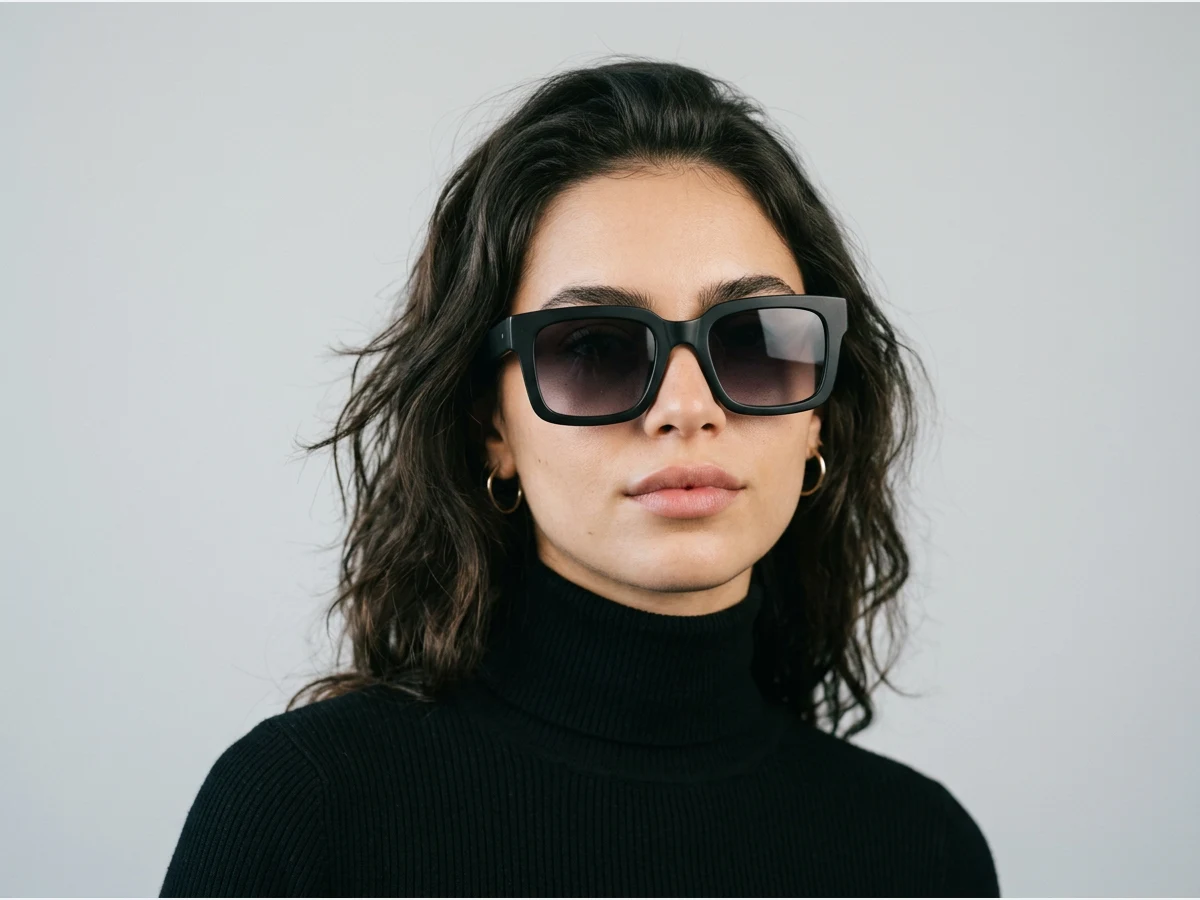
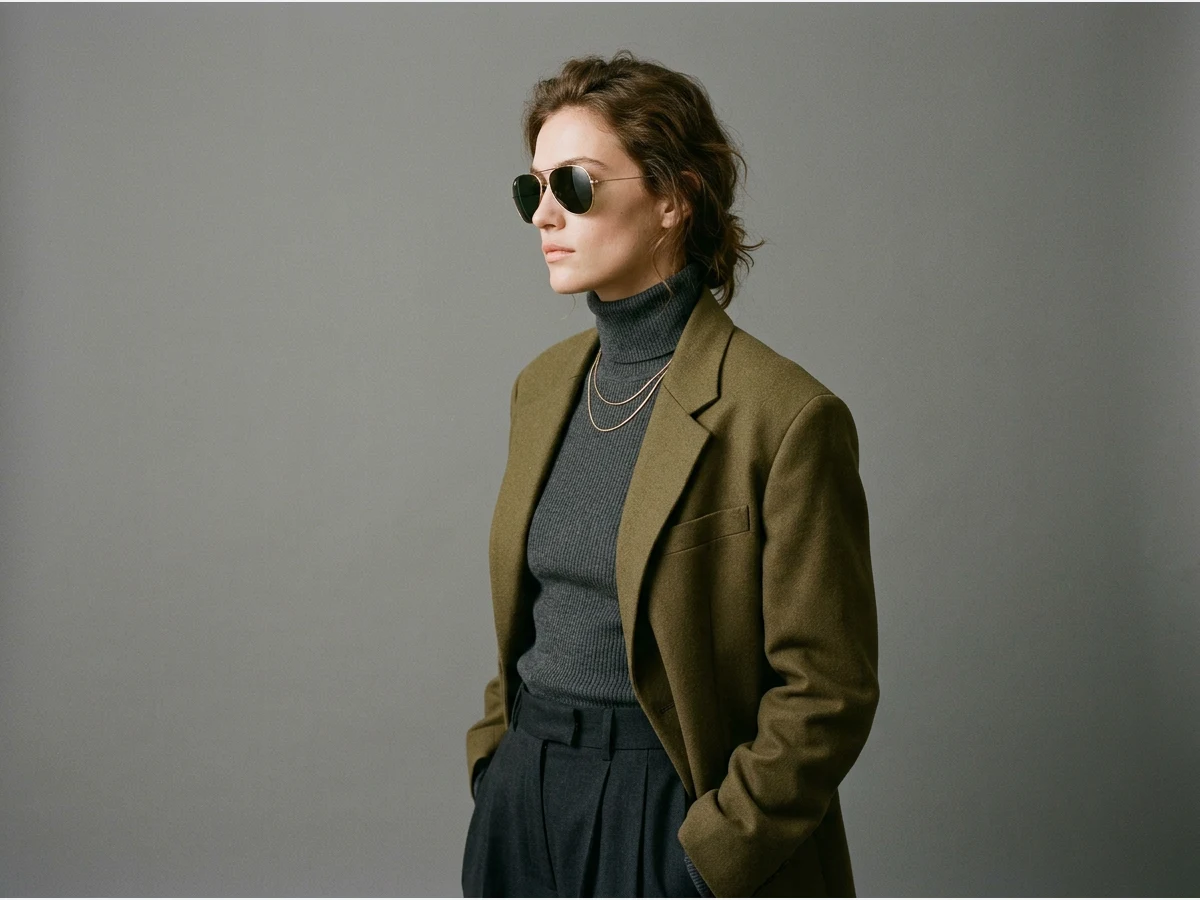
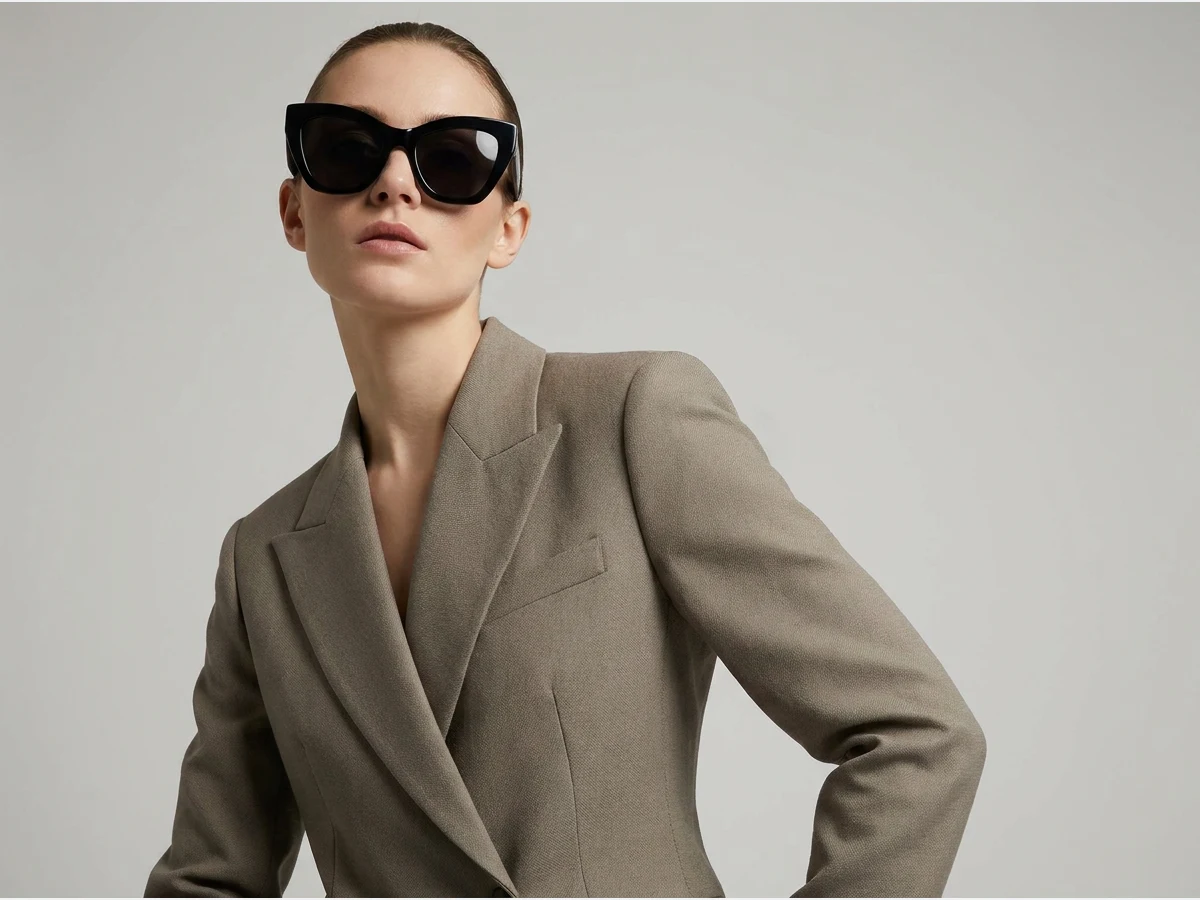
Sunglasses are a face fit product: what sells a frame is how wide it sits, where it lands on the cheekbone, and how the lens tint reads against skin. This feature turns any sunglasses image into a realistic AI fashion model wearing them, so the fit question gets an answer without a photoshoot. Upload one photo and your eyewear appears on a stylish, lifelike face in seconds.
- 1Upload your sunglasses photo
- 2Choose your AI model features
- 3Explore your eyewear catalog
This demo was recorded in our previous interface — an updated video of the new studio is on its way.
How it works
Upload your sunglasses photo
Upload a product shot of the pair. Choose a good resolution image so the details that define the frame, the temples, the studs, the lens gradient, carry into the output.
Choose your AI model features
Set the age and the country of the model. The face is half of an eyewear photo: choosing who wears the pair decides how the frame width and the tint read, and whether the shot looks like your brand.
Explore your eyewear catalog
Run other pairs from the catalog through the same pass. Different frames suit different faces, and trying several product and model combinations is the fastest way to find the shot that carries each pair.
Sunglasses run in the try-on studio, alongside the jewelry and accessory tools such as AI models for earrings.
Frequently asked questions
What does the input photo need to show?+
The pair itself, in good resolution. A straight-on product shot gives the AI the frame shape, the material, and the lens color it needs to place the sunglasses convincingly on a face.
Can I see the same pair on different faces?+
Yes. Change the model's age and country between runs and the same sunglasses appear on different faces and skin tones, which is exactly the comparison a physical eyewear shoot makes expensive.
Do the generated shots show the frame from different angles?+
The examples above show both frontal portraits and profile shots. Each generation is one image, so running the same pair more than once is how you build a set of angles for a product page.
Can I use the visuals commercially?+
Yes, on any plan: everything you generate is yours to sell, print and publish. Results land in your studio grid, organised in projects, ready to publish.
Try it yourself
Everything on this page was made in the studio. Your first designs are minutes away.
Open the studioRelated features
- Edit a Video with AIChange a video with a sentence, in your own words: the light, the setting, the mood, a garment. The instruction goes to the model as written; the clip keeps its length and its sound.
- AI Background Remover for Fashion and Product PhotosCut the subject out of any fashion or product photo and keep it on a transparent background: a model, a garment, a bag, a shoe, in one click, ready for your shop or your layouts.
- AI Image Generator for Fashion: Create or Edit Any ImageWrite what you want and get the image, or upload up to three references and describe the change: the free-prompt tool that creates or edits any fashion visual, in any format.
- Change the Background of a Video with AIPut the model of a video somewhere else — a street, a studio, a beach — with a sentence. The person, the outfit and the movement stay; the setting, the light and the shadows change.
- Edit the Outfit in a Video with AIChange the clothing in a video with a sentence: a new colour, another print, a different garment. The person, the movement and the setting stay as filmed.
- Model 360: a full turn from a front and a back photoTwo photos of your model, front and back, become a full-turn video: the model turns on the spot, or the camera circles around them. Every detail of the outfit kept, from every side.
- Reframe a Video to Any Format with AITurn a landscape clip into a vertical one, or a vertical into a square, without cropping: the subject is recentred and the missing edges are generated. One clip, every channel.
- Remove the Background of a Video with AICut a model or a product out of any video and keep it on a transparent, white, black or green background — no green screen. The clip keeps its length and its shape.
- Swap the Model in a Video with AIAnother person in the same video: give a photo of the new model, and the outfit, the movement and the setting stay exactly as filmed. One shoot, several faces.
- UGC Video: your product presented to cameraTurn a product photo into a short UGC-style clip: a presenter shows the piece and speaks to camera, smartphone feel, with voice.