9 Best Free AI Virtual Try-On Tools in 2026 (Compared)
Published 3 November 2026
The best free AI virtual try-on tool in 2026 for a fashion brand is The New Black AI: a new account opens with free credits at signup, one try-on costs a single credit on the Standard AI, the image carries no watermark, and the same account can then film the look, publish it to a Shopify product page and keep going on a $15 plan. For shoppers who only want to see a garment on themselves, Google's try-on in Shopping is free with no account at all. For developers, fashn.ai gives a small free allowance to test its API.
"Free" means very different things from one tool to the next: a few credits at signup, a monthly allowance that refills, a free plan with a watermark, a trial of a few days, or a try-on that is free because it lives on someone else's marketplace. This list ranks nine tools, updated November 2026, on what you really get without paying and what the first paid step costs.
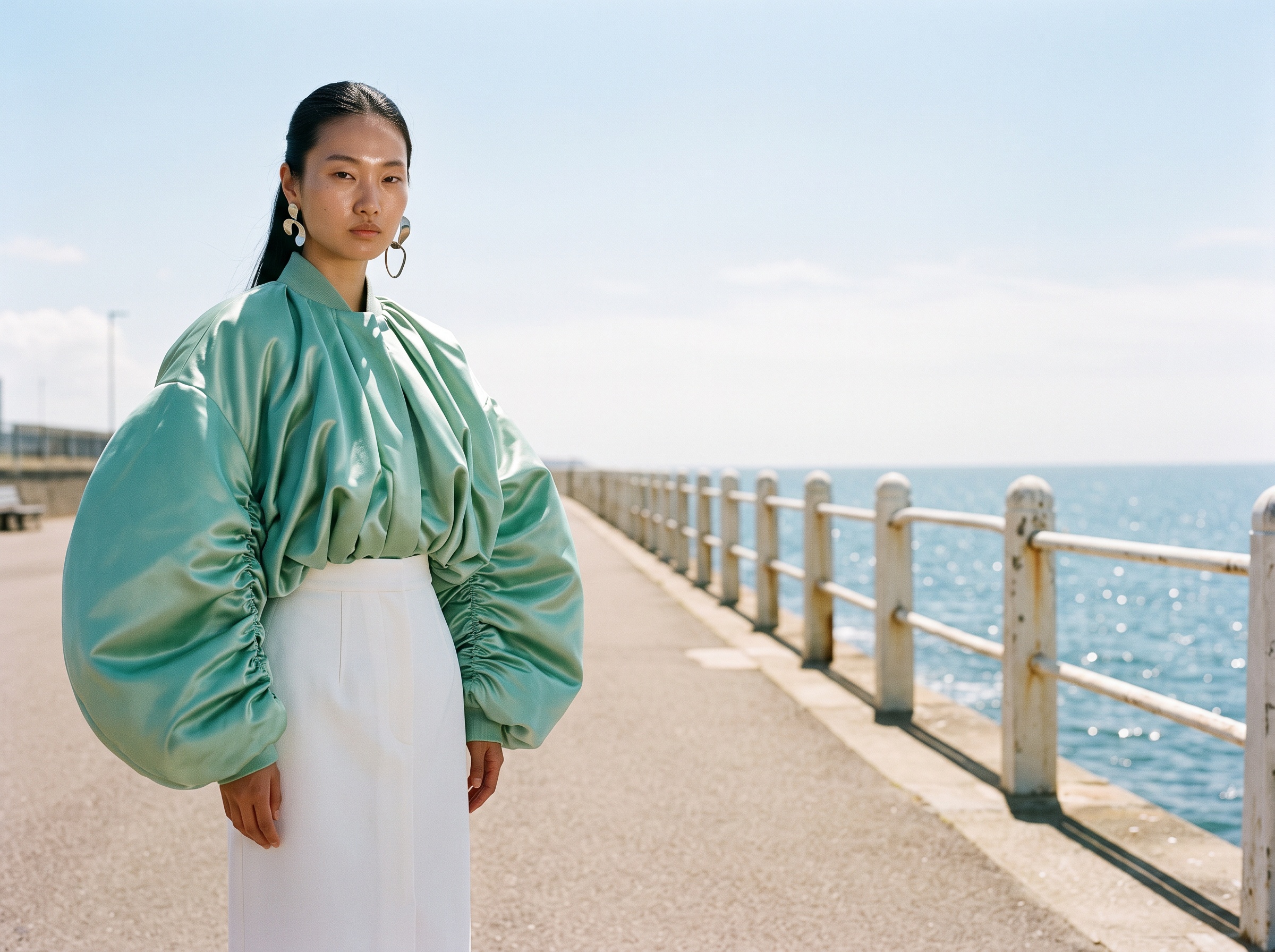
Quick comparison
| # | Tool | Best for | Free option | First paid step |
|---|---|---|---|---|
| 1 | The New Black AI | Brands: try-on, video and Shopify in one account | Free credits at signup, no watermark | $15 a month |
| 2 | Google virtual try-on | Shoppers browsing apparel in Google Shopping | Free, no account | None, not for brands |
| 3 | fashn.ai | Developers testing try-on through an API | A small allowance of credits | $19 a month (read 25 Sept 2026) |
| 4 | Fitroom | A try-on widget for shoppers on your own store | A monthly allowance that refills | About $16 a month (read 25 Sept 2026) |
| 5 | Trayve | Personal use, model photos in lifestyle scenes | Free plan with a watermark | $29 a month (read 3 Nov 2026) |
| 6 | StyTrix | Designers trying on inside a design canvas | 3-day trial with daily credits | $19 a month (read 25 Sept 2026) |
| 7 | Uwear | Judging results on your own products first | Free photoshoot of two products | Pay as you go, about $0.10 a credit |
| 8 | HuHu | Flat lay and ghost mannequin shots to model | Limited free use | About $20 a month (read 25 Sept 2026) |
| 9 | Botika | Shopify brands who want one button | Free trial | About $40 a month billed yearly (read 25 Sept 2026) |
How we compared
We read each tool's own site and pricing page, on 25 September 2026 for most of them and on 3 November 2026 for Trayve, and looked only at what is published there. Five questions: what can you do without paying, does the free result carry a watermark, does the free option refill or run out, can a brand use the result commercially, and what does the first paid step cost. The New Black AI is our own product; its first place and its limits are stated as plainly as everyone else's. For the full comparison of try-on quality, video and Shopify, see our ranking of AI virtual try-on tools.
1. The New Black AI
Best for: fashion brands that want to try their garments on models for free, then keep everything they need in one account.
Virtual Try-On takes a photo of your garment and a model, either an AI model you describe by age, body shape and origin or a photo of a real person you supply, and returns the garment worn with its print, cut and colour kept. One try-on costs 1 credit on the Standard AI, 3 on Pro and 7 on Ultra, so the free credits at signup cover your first Standard try-ons on your own pieces, without a card. The image has no watermark. Every workflow is open on the free account, so the same credits also work on AI fashion models from a product photo or the AI clothes changer.
When you need more, the Starter plan is $15 a month for 200 credits, which is about 200 Standard try-ons; Pro is $35 for 500 credits and opens 4K. From the same account the image can become a try-on video or be published to a Shopify product page.
Limits: the free credits are a one-time start, not a monthly allowance, and it is a full studio to learn rather than a single button.
2. Google virtual try-on
Best for: shoppers who want to see apparel on a range of models while browsing Google Shopping.
Google shows a try-on on selected apparel listings, on a set of models with different body types. It costs nothing and needs no account.
Limits: it belongs to Google, not to you. You cannot run it on your own catalogue or your own store, and you cannot download the result for a product page.
3. fashn.ai
Best for: developers who want to test try-on quality through an API before integrating it.
fashn.ai is a specialist of try-on, through a web app and an API, with model swap and packshots alongside. New accounts get a small allowance of free credits to judge the result, then the Basic plan is $19 a month for 200 credits (read on 25 September 2026). Its strength is the API.
Limits: the free allowance runs out quickly, and there is no Shopify app, so images are downloaded and uploaded by hand.
4. Fitroom
Best for: stores that want shoppers to try garments on their own photo.
Fitroom is a widget: a shopper uploads a photo on your store and sees the garment on themselves. It gives a free allowance of credits every month, and brand plans start at about $16 a month, with plugins for Shopify, WooCommerce and Magento (read on 25 September 2026).
Limits: it sells the try-on to your customer; it does not make your product photography.
5. Trayve
Best for: individuals who want model photos in ready-made lifestyle scenes at no cost.
Trayve puts a garment photo on AI models with many poses and places the result in scenes such as a beach or a city street, up to 4K on paid plans. There is a free plan with a watermark, meant for personal use; the Creator plan is $29 a month (read on 3 November 2026).
Limits: the watermark and the personal use terms rule the free plan out for a brand's product pages, and its site does not mention video.
6. StyTrix
Best for: designers who want to see a design worn inside the canvas where they draw it.
StyTrix puts try-on next to its design tools. A 3-day trial comes with daily credits, then plans start at $19 a month for 250 credits, with short clips (read on 25 September 2026).
Limits: the trial ends after three days, and there is no Shopify publishing.
7. Uwear
Best for: brands that want to judge the result on their own products before spending anything.
Uwear makes on-model photos, try-on and video from clothing photos. Its free offer is a photoshoot of two products from your store link. After that there is no monthly plan: credits cost about $0.10 each, a photo costs from 2 credits, and credits never expire (read in November 2026).
Limits: the free photoshoot is a one-off sample, not an allowance you can use on your own schedule.
8. HuHu
Best for: turning flat lay, hanger and ghost mannequin shots into on-model images.
HuHu works from the garment shots a brand already has and gives strong control over the model's attributes. Free use is limited, and plans start at about $20 a month (read on 25 September 2026).
Limits: garments only, little video, no Shopify app.
9. Botika
Best for: Shopify brands that want the simplest path from a flat lay to a product page.
Botika takes a flat lay, a model from its library and a background, and sends the image to the store through its Shopify app. It offers a free trial; plans are billed yearly, from about $40 a month (read on 25 September 2026).
Limits: there is no lasting free option once the trial ends, and the models come from its own pool rather than your photos.
Which one for which need
- You are a brand and want free try-ons on your own garments, without a watermark: The New Black AI, then fashn.ai.
- You want your customers to try on for free on your store: Fitroom.
- You are a shopper: Google's try-on in Shopping.
- You want to see results on your own products before committing: Uwear's free photoshoot, or The New Black AI's free credits at signup.
- You draw your designs and want to see them worn: StyTrix during its trial, or design a garment and try it on in The New Black AI.
Free options are a way to judge quality on your own pieces. Once you run a catalogue, every tool here is paid, from about $15 to $40 a month for the first plan. Our pricing page lists the credits each plan holds.
Frequently asked questions
Which is the best free AI virtual try-on tool in 2026?+
For a fashion brand, The New Black AI: free credits at signup, one credit per Standard try-on, no watermark, and the same account films and publishes the result. For shoppers, Google's try-on in Shopping is free with no account.
Is there a completely free AI virtual try-on?+
For shoppers, yes: Google's try-on is free on its own listings. For brands, every tool gives a free start (credits, a trial or a sample shoot) and then becomes paid once you produce images at volume.
Do free AI try-on tools add a watermark?+
Some do. Trayve's free plan carries a watermark and is meant for personal use. The New Black AI's free credits produce images without a watermark.
Can I use a free try-on image on my product page?+
Only if the tool's terms allow commercial use and the image carries no watermark. With The New Black AI, an image made with your free credits can go on your product page, and you can publish it to Shopify from the same account.
How much does one AI try-on cost after the free credits?+
On The New Black AI, 1 credit on Standard, 3 on Pro and 7 on Ultra; the $15 Starter plan holds 200 credits a month. On Uwear about $0.10 a credit, with a photo from 2 credits. fashn.ai's Basic plan is $19 a month for 200 credits.
Can I try clothes on my own photo for free?+
Yes. On The New Black AI you can upload a photo of a real person as the model and use your free credits on it. Fitroom does the same for shoppers on the stores that install it.
Related articles
- 8 Best fashn.ai Alternatives in 2026 (Compared)8 best fashn.ai alternatives compared, updated November 2026: virtual try-on with an API, Shopify without code, video, starting price and free option of each.
- 10 Best AI Tools for Clothing Brands in 2026 (Compared)10 best AI tools for clothing brands compared, updated November 2026: what each is best for, first price, free tier, Shopify, tech packs, plus the other AI fashion design software worth knowing.
- 10 Best AI Fashion Studios for Brands in 2026 (Compared)10 AI fashion studios for brands compared, updated November 2026: what each makes, Shopify, video, tech packs, first plan prices and which one fits which brand.
- 7 Best AI Ghost Mannequin Tools in 2026 (Compared)7 best AI ghost mannequin tools compared, updated November 2026: what each starts from, cost per image, free options, catalogue volume and what happens to the image after.
- 8 Best CLO3D Alternatives in 2026 (Compared)8 best CLO3D alternatives, updated November 2026: AI sketch to image and tech pack, 3D tools, free open source pattern software, with starting price and free option for each.
- 7 Best Photoroom Alternatives in 2026 (Compared)7 best Photoroom alternatives for fashion brands, updated November 2026: what each is best for, starting price, free option, on-model photos, try-on, video and Shopify.
- 8 Best Tech Pack Software in 2026 (Compared)Tech pack software compared, updated November 2026: 8 tools numbered with what each is best for, what the AI drafts, what is really free and the starting price of each.
- 10 Best AI Fashion Design Software in 2026 (Compared)The 10 best AI fashion and clothing design software compared, updated November 2026: what each is best for, from sketch and fabric to 3D, patterns and tech packs, starting price and free option.
- 10 Best AI Tools for Fashion Ecommerce in 2026 (Compared)The 10 best AI tools for fashion ecommerce compared, updated November 2026: on-model photos, ghost mannequin, backgrounds, video, Shopify publishing, starting price and free option.
- 9 Best AI Fashion Photoshoot Generators in 2026 (Compared)9 AI fashion photoshoot generators compared, updated November 2026: model, setting, poses, the same model across a series, video, starting price and free option for each.